Electronics Toolbox PC
Peter Ho
گیم لوپ ایمولیٹر کے ساتھ PC پر Electronics Toolbox ڈاؤن لوڈ کریں۔
پی سی پر Electronics Toolbox
Electronics Toolbox، جو ڈویلپر Peter Ho سے آرہا ہے، ماضی میں اینڈرائیڈ سسٹم پر چل رہا ہے۔
اب، آپ پی سی پر Electronics Toolbox آسانی سے GameLoop کے ساتھ چلا سکتے ہیں۔
اسے GameLoop لائبریری یا تلاش کے نتائج میں ڈاؤن لوڈ کریں۔ مزید غلط وقت پر بیٹری یا مایوس کن کالوں پر نظر نہیں ڈالی جائے گی۔
بس بڑی سکرین پر Electronics Toolbox PC کا مفت میں لطف اٹھائیں!
Electronics Toolbox تعارف
Electronics Toolbox – All-in-One Electronic Calculator & Reference
The ultimate mobile toolkit for electronics engineers, hobbyists, students, and professionals!
Packed with more advanced calculators, references, and resources than standard apps, it covers everything from basic circuit design to complex systems analysis—all in one offline, easy-to-use app.
Math Tools: Solve systems of simultaneous equations, matrix operations instantly – perfect for circuit analysis and design calculations.
SMD Marking Search: Quickly look up component part numbers from SMD markings to identify unknown surface-mount devices on PCBs.
Programming Language References: Get fast overviews and syntax highlights for popular languages like Python, C/C++, Rust,etc
TTL & CMOS Quick Search: Instantly access pinouts, characteristics, and specifications for classic TTL (74xx series) and CMOS (40xx series) integrated circuits.
Formula Quick Search: Find and apply essential circuit formulas in seconds – including 555 timer (astable/multistable), op-amp configurations, oscillators, filters, star-delta transformation, and many more.
Nodal Analysis Calculator: Automatically compute node voltages and branch currents for complex
Equivalent Circuit Calculator: Simplify circuits with Thevenin and Norton equivalent calculations
Basic tools
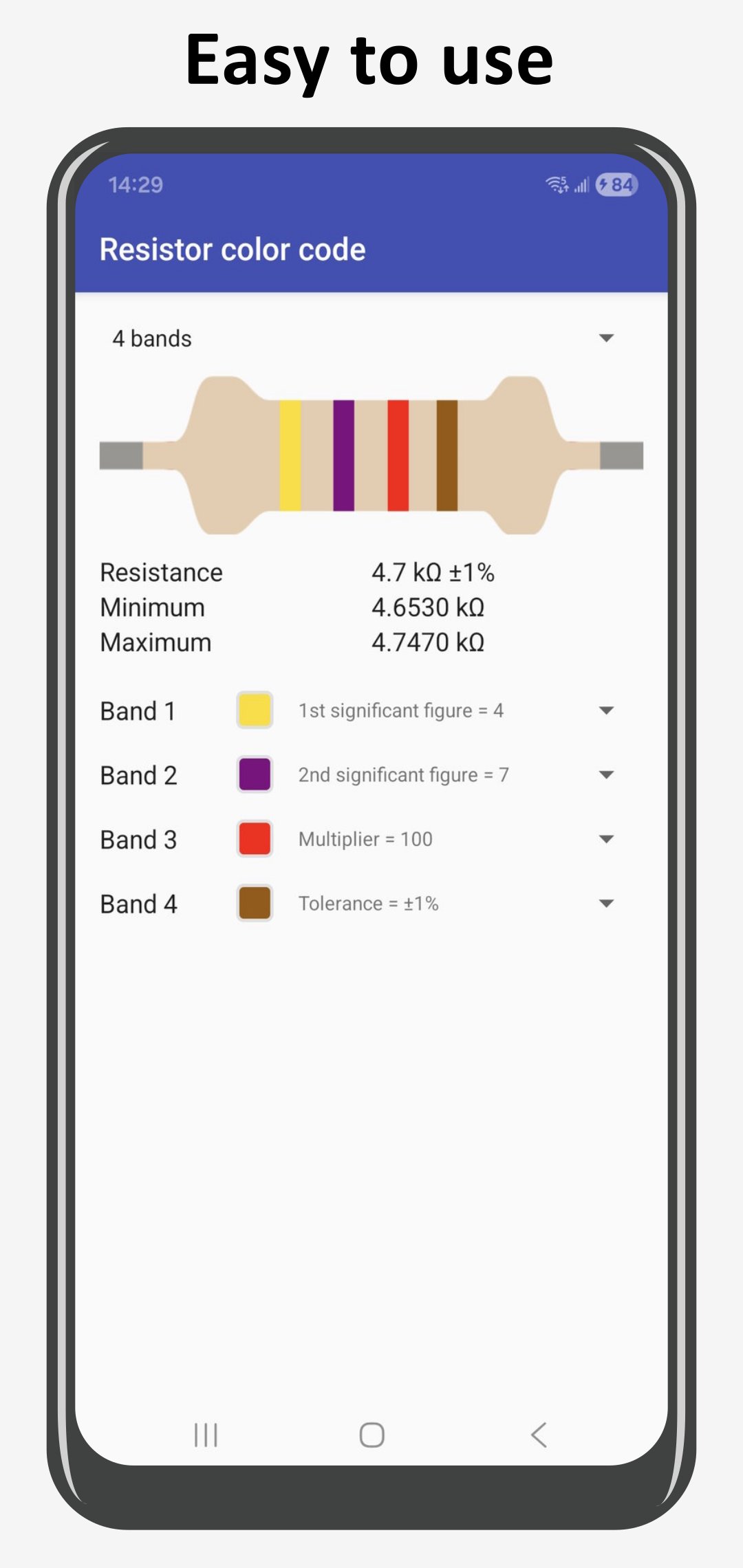
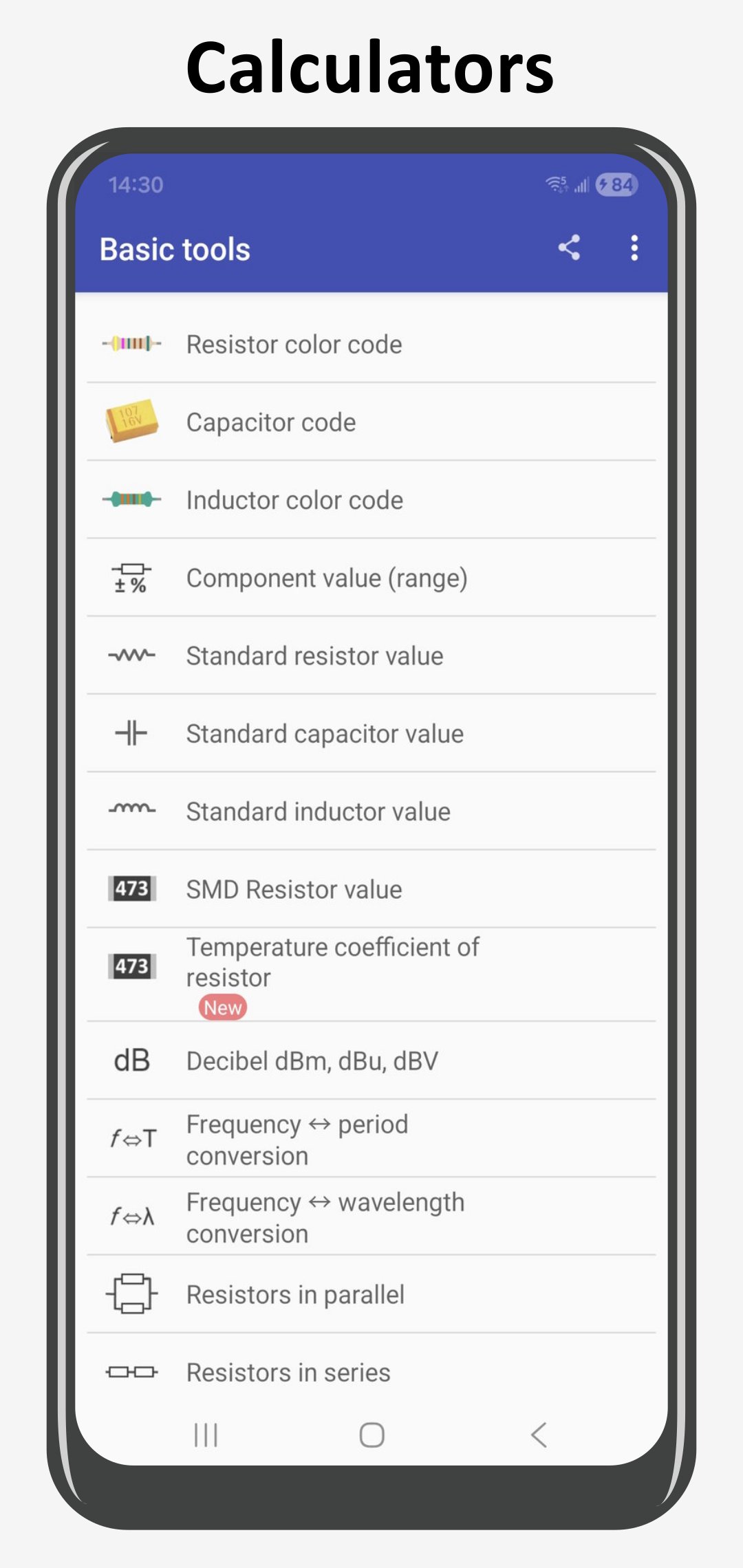
• Resistor color code
• Inductor color code
• Resistor SMD marking & EIA-96
• dBm, dbW, dBuV converter
• Resistors in series
• Resistors in parallel
• Two resistors in ratio
• Voltage divider
• Ohm's law
• Y-Δ converter
• L, C reactance
• Complex number operation
• RC charging time constant
• RC filter
• RL filter
• LC circuit
• 555 monostable
• 555 astable
• Wheatstone bridge
• Trace width calculator
• Battery capacity
• Operational amplifier
• LED calculator
• RMS calculator
• Range calculator
• Temperature conversion
• BJT bias voltage
• Voltage regulator
• Shunt regulator
• Length converter
• Limit 10 combinations of component values
Digital Tools
• Number converter
• Logic gates
• DAC R-2R
• Analog-to-digital
• 7-segment display
• Minimization of boolean function
• Half adder & full adder
• Synchronous counter up to 6 states
• Cyclic redundancy check CRC-8, CRC-16, CRC-32
• Hamming code
Electronics resources
• SI unit prefix
• Physical quantities
• Circuit symbol
• ASCII table
• 74xx series
• CMOS 40xx series
• Pinouts
• C programming language
• Python language
• Common linux command for Raspberry Pi
• Resistivity table
• Permeability table
• Permittivity table
• Ampacity table
• AWG table
• Standard wire guage (SWG) table
• World plug
• EDA software
• Flip-flop
• SMD marking
• Formulas
PRO Version Unlocks (one-time purchase)
• No limitation of component values
• Selectable 1%,5%,10%,20% of values
• Complex matrix
• Pi-pad attenuator
• T-pad attenuator
• Coil inductance
• Poles & zeros calculator
• More resources
Perfect for:
• Electronics students & teachers
• Hardware makers & Arduino/Raspberry Pi enthusiasts
• Professional engineers in the field
• Hobbyists building robots, amps, and drones
• Works 100% offline – no internet needed!
• Lightweight, super-fast, regularly updated with new tools.
Need a feature? Just email us – we listen to every suggestion.
Download now and supercharge your electronics workflow!
All trade names mentioned in this app or the other documentation provided by this app are trademarks or registered trademarks of their respective holder. This app is not related or affiliated in any way these companies.
پیش نظارہ
ٹیگز
تعلیممعلومات
ڈویلپر
Peter Ho
تازہ ترین ورژن
6.00.40
آخری تازہ کاری
2026-03-23
قسم
تعلیم
پر دستیاب ہے۔
Google Play
مزید دکھائیں
پی سی پر گیم لوپ کے ساتھ Electronics Toolbox کیسے کھیلا جائے۔
1. آفیشل ویب سائٹ سے گیم لوپ ڈاؤن لوڈ کریں، پھر گیم لوپ انسٹال کرنے کے لیے exe فائل چلائیں۔
2. گیم لوپ کھولیں اور "Electronics Toolbox" تلاش کریں، تلاش کے نتائج میں Electronics Toolbox تلاش کریں اور "انسٹال کریں" پر کلک کریں۔
3. گیم لوپ پر Electronics Toolbox کھیلنے کا لطف اٹھائیں۔
Minimum requirements
OS
Windows 8.1 64-bit or Windows 10 64-bit
GPU
GTX 1050
CPU
i3-8300
Memory
8GB RAM
Storage
1GB available space
Recommended requirements
OS
Windows 8.1 64-bit or Windows 10 64-bit
GPU
GTX 1050
CPU
i3-9320
Memory
16GB RAM
Storage
1GB available space