Trigonometry Calculator PC
Equations Company DK
گیم لوپ ایمولیٹر کے ساتھ PC پر Trigonometry Calculator ڈاؤن لوڈ کریں۔
پی سی پر Trigonometry Calculator
Trigonometry Calculator، جو ڈویلپر Equations Company DK سے آرہا ہے، ماضی میں اینڈرائیڈ سسٹم پر چل رہا ہے۔
اب، آپ پی سی پر Trigonometry Calculator آسانی سے GameLoop کے ساتھ چلا سکتے ہیں۔
اسے GameLoop لائبریری یا تلاش کے نتائج میں ڈاؤن لوڈ کریں۔ مزید غلط وقت پر بیٹری یا مایوس کن کالوں پر نظر نہیں ڈالی جائے گی۔
بس بڑی سکرین پر Trigonometry Calculator PC کا مفت میں لطف اٹھائیں!
Trigonometry Calculator تعارف
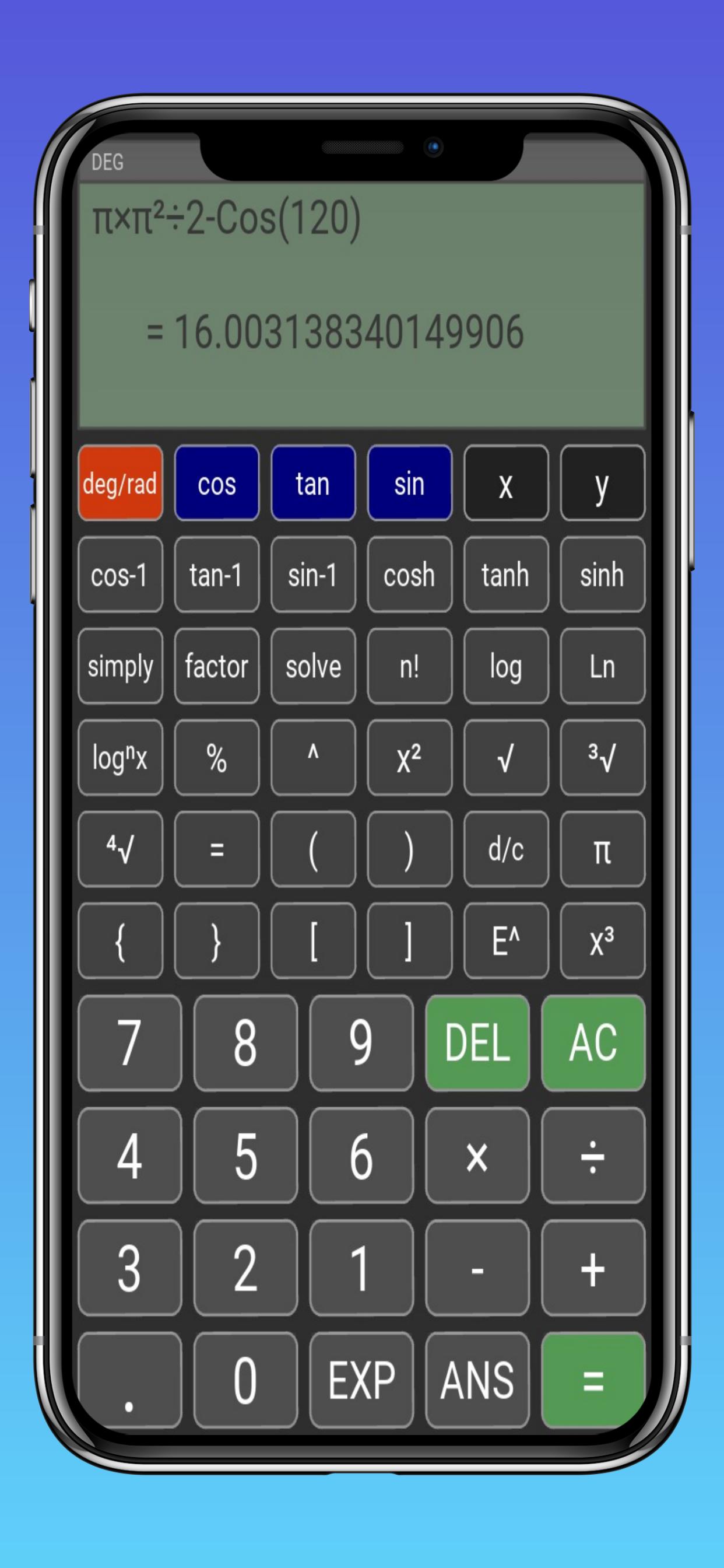
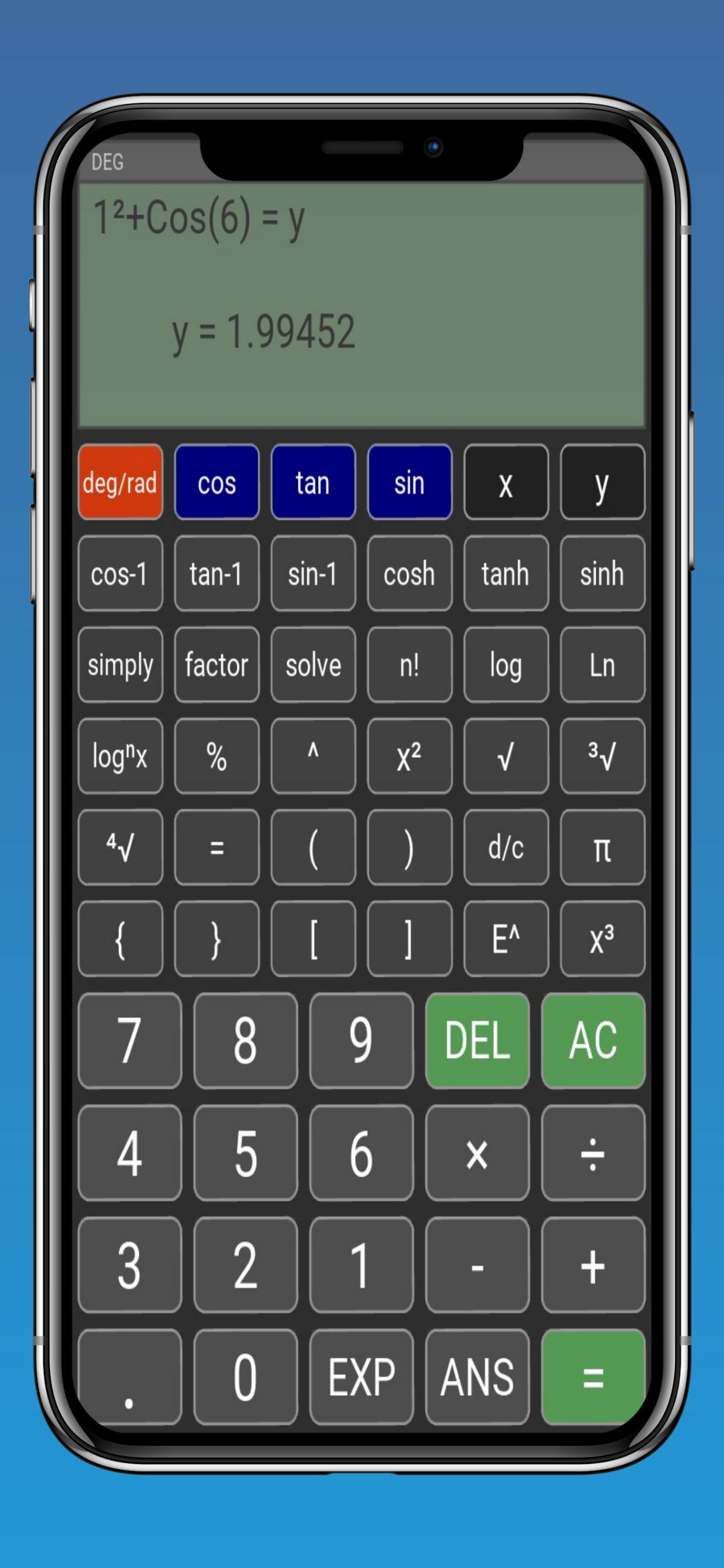
The "Trigonometry Calculator" application is a tool for trigonometric calculations, capable of performing from the simplest trigonometric calculations such as the trigonometric functions sine, cosine and tangent, to more complex mathematical sentences such as trigonometric equations.
Main functions of the trigonometric calculator:
Basic trigonometric functions
In the calculator we have the main basic trigonometric functions like sine, cosine and tangent.
Possibility to change degrees to radians
In trigonometry we can use two different measures, to express angles, the angle can be either in the form of degrees or in the form of radians, the trigonometry calculator supports both measures.
Inverse trigonometric functions
This application in addition to being able to calculate the simplest trigonometric functions, it also goes beyond being able to calculate inverse trigonometric functions, which are called cosecant, secant and cotangent.
Advanced trigonometric functions
The calculator is also capable of calculating more advanced trigonometric functions, such as hyperbolic functions.
Trigonometric equations and expressions
With this app it is also possible to calculate algebraic equations with trigonometric functions, or even other types of trigonometric math sentences.
Formula support in trigonometry
This app also supports basic formulas in trigonometry, such as the Pythagorean theorem, as well as having the pi number integrated to facilitate some calculations.
All basic arithmetic operations
The calculator also supports all basic arithmetic operations like addition, subtraction, multiplication, division, percentage, root, power, logarithm, factorial, among others…
Can simplify and factor trigonometric expressions
This calculator can also simplify and factor trigonometric equations, to facilitate any more complex calculations that require these simplifications.
It has high arithmetic accuracy
This tool can work with numbers that require a high arithmetic precision and can reach an accuracy of up to 30 digits in decimal calculations, this is extremely important when you need to reach a very approximate value in calculations.
Can operate with scientific notation
In engineering, we can come across very large or very small values, that's why we use scientific notation, to facilitate this type of calculation, the trigonometry calculator also has scientific notation integrated.
It's not just trigonometry
The trigonometry calculator is not restricted to the area of trigonometric science, as it has several algebraic functions to calculate various types of equations, as well as functions from the areas of combinatorics, being able to calculate combination and permutation, in addition to being able to perform calculations in other areas of the exact sciences such as physics, geometry, statistics and arithmetic…
This calculator was made so that people who, despite not having advanced knowledge in trigonometry, can calculate any trigonometric function extremely easily, or even more complex calculations within the area of trigonometry and other areas, so you can perform extremely complex calculations in less than seconds. , thus facilitating thousands of calculations within trigonometry.
This calculator was made especially thinking about facilitating calculations for all areas of the exact sciences, especially for engineering, as it greatly facilitates the calculation of some recurring operations whether in your college or in your work.
In addition to having a layout designed to facilitate the use of its functions, the calculator has an integrated computer algebra system that can calculate extremely complex trigonometric equations in seconds.
پیش نظارہ
ٹیگز
تعلیممعلومات
ڈویلپر
Equations Company DK
تازہ ترین ورژن
0.21
آخری تازہ کاری
2023-08-29
قسم
تعلیم
پر دستیاب ہے۔
Google Play
مزید دکھائیں
پی سی پر گیم لوپ کے ساتھ Trigonometry Calculator کیسے کھیلا جائے۔
1. آفیشل ویب سائٹ سے گیم لوپ ڈاؤن لوڈ کریں، پھر گیم لوپ انسٹال کرنے کے لیے exe فائل چلائیں۔
2. گیم لوپ کھولیں اور "Trigonometry Calculator" تلاش کریں، تلاش کے نتائج میں Trigonometry Calculator تلاش کریں اور "انسٹال کریں" پر کلک کریں۔
3. گیم لوپ پر Trigonometry Calculator کھیلنے کا لطف اٹھائیں۔
Minimum requirements
OS
Windows 8.1 64-bit or Windows 10 64-bit
GPU
GTX 1050
CPU
i3-8300
Memory
8GB RAM
Storage
1GB available space
Recommended requirements
OS
Windows 8.1 64-bit or Windows 10 64-bit
GPU
GTX 1050
CPU
i3-9320
Memory
16GB RAM
Storage
1GB available space