
Christ School PC
Sunsoft Eduware Solutions LLP
گیم لوپ ایمولیٹر کے ساتھ PC پر Christ School ڈاؤن لوڈ کریں۔
پی سی پر Christ School
Christ School، جو ڈویلپر Sunsoft Eduware Solutions LLP سے آرہا ہے، ماضی میں اینڈرائیڈ سسٹم پر چل رہا ہے۔
اب، آپ پی سی پر Christ School آسانی سے GameLoop کے ساتھ چلا سکتے ہیں۔
اسے GameLoop لائبریری یا تلاش کے نتائج میں ڈاؤن لوڈ کریں۔ مزید غلط وقت پر بیٹری یا مایوس کن کالوں پر نظر نہیں ڈالی جائے گی۔
بس بڑی سکرین پر Christ School PC کا مفت میں لطف اٹھائیں!
Christ School تعارف
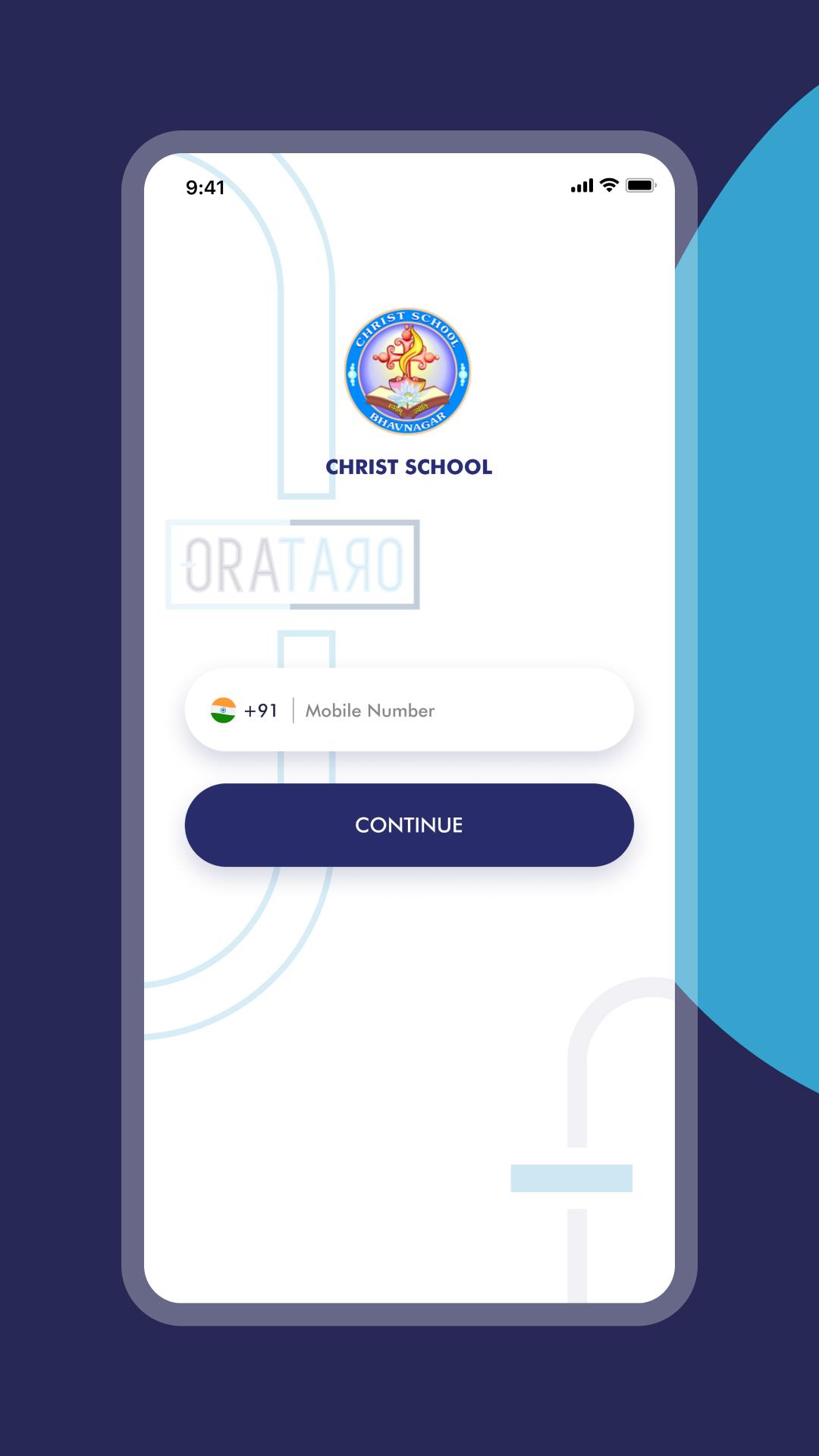
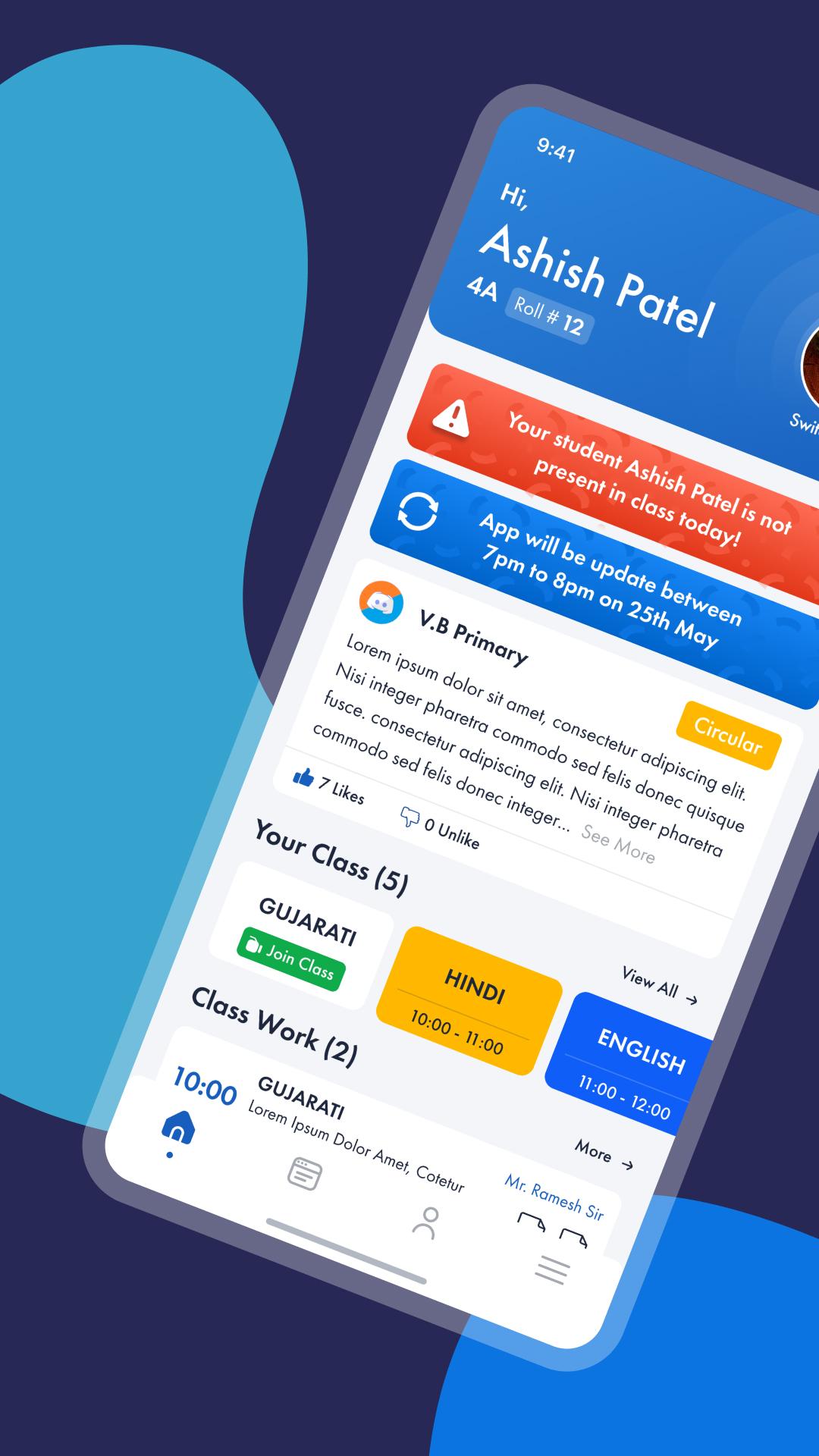
Christ School is a smart communication Platform for school, parents and teachers with a real time updates on Class activities, Homework, Circulars, Academic calendars, Progress updates and group discussion for brainstorming and other project work within a class or at a school level. Super smart features of Christ School will reinforce the scale of teacher and parent interaction and will influence more involvement of parents and teachers in advancements of the child education.
Here are some silent features of Christ School.
• Real time Homework / Class work updates to parents Mobile.
• Test and Exam schedule calendar or academic calendar alerts via push notification.
• Student can update status with course work, and other things on personal wall and share within his group, friends or publicly
• Share pictures or albums and other important materials among the group, projects or within friends
• Student can Download test exam papers to practice at Home.
پیش نظارہ
ٹیگز
تعلیممعلومات
ڈویلپر
Sunsoft Eduware Solutions LLP
تازہ ترین ورژن
7.1
آخری تازہ کاری
2024-05-14
قسم
تعلیم
پر دستیاب ہے۔
Google Play
مزید دکھائیں
پی سی پر گیم لوپ کے ساتھ Christ School کیسے کھیلا جائے۔
1. آفیشل ویب سائٹ سے گیم لوپ ڈاؤن لوڈ کریں، پھر گیم لوپ انسٹال کرنے کے لیے exe فائل چلائیں۔
2. گیم لوپ کھولیں اور "Christ School" تلاش کریں، تلاش کے نتائج میں Christ School تلاش کریں اور "انسٹال کریں" پر کلک کریں۔
3. گیم لوپ پر Christ School کھیلنے کا لطف اٹھائیں۔
Minimum requirements
OS
Windows 8.1 64-bit or Windows 10 64-bit
GPU
GTX 1050
CPU
i3-8300
Memory
8GB RAM
Storage
1GB available space
Recommended requirements
OS
Windows 8.1 64-bit or Windows 10 64-bit
GPU
GTX 1050
CPU
i3-9320
Memory
16GB RAM
Storage
1GB available space