
Biblioteca Digital Senac PC
Senac SP
گیم لوپ ایمولیٹر کے ساتھ PC پر Biblioteca Digital Senac ڈاؤن لوڈ کریں۔
پی سی پر Biblioteca Digital Senac
Biblioteca Digital Senac، جو ڈویلپر Senac SP سے آرہا ہے، ماضی میں اینڈرائیڈ سسٹم پر چل رہا ہے۔
اب، آپ پی سی پر Biblioteca Digital Senac آسانی سے GameLoop کے ساتھ چلا سکتے ہیں۔
اسے GameLoop لائبریری یا تلاش کے نتائج میں ڈاؤن لوڈ کریں۔ مزید غلط وقت پر بیٹری یا مایوس کن کالوں پر نظر نہیں ڈالی جائے گی۔
بس بڑی سکرین پر Biblioteca Digital Senac PC کا مفت میں لطف اٹھائیں!
Biblioteca Digital Senac تعارف
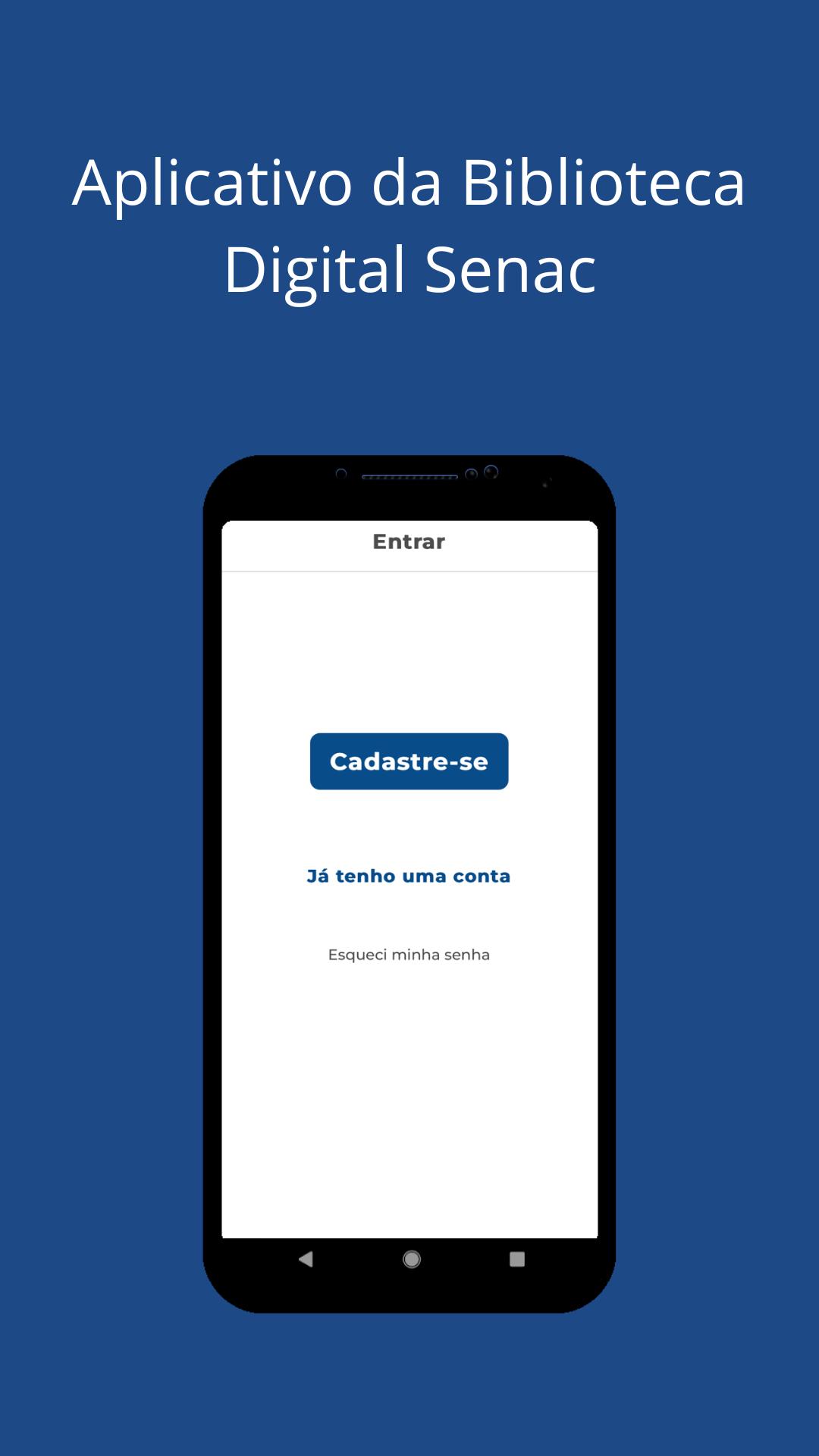
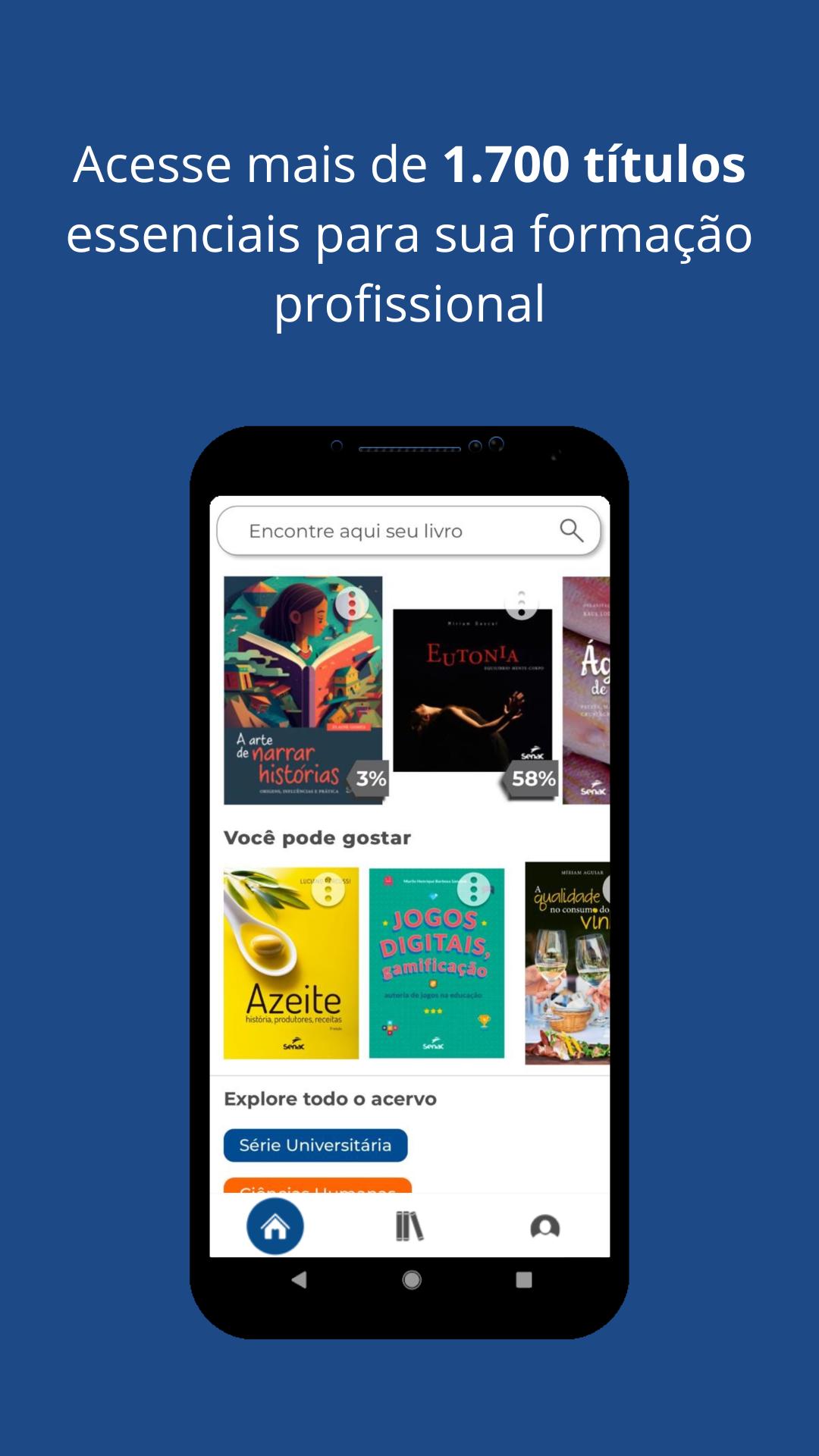
The Senac Digital Library offers free* access to the digital collection of Editora Senac São Paulo, a reference for 30 years in publications in the areas of gastronomy, hospitality, management, business, communication, design, environment, fashion, technology and much more.
Key Features:
- Offline reading - access your books without the internet
- Personalized library - organize your collections
- Bookmarks and notes - highlight important passages
- Smart search - quickly find the content you want
- List sharing - exchange suggestions with other readers
- Responsive design - comfortable reading on any device
- Accessibility features - interface adaptable to your needs
- Automatic sync - keep your readings up to date across all devices
Download now and have a complete professional library always with you!
*Free access available to students from partner institutions. Consult your institution.
پیش نظارہ
ٹیگز
تعلیممعلومات
ڈویلپر
Senac SP
تازہ ترین ورژن
1.0.9
آخری تازہ کاری
2025-05-15
قسم
تعلیم
پر دستیاب ہے۔
Google Play
مزید دکھائیں
پی سی پر گیم لوپ کے ساتھ Biblioteca Digital Senac کیسے کھیلا جائے۔
1. آفیشل ویب سائٹ سے گیم لوپ ڈاؤن لوڈ کریں، پھر گیم لوپ انسٹال کرنے کے لیے exe فائل چلائیں۔
2. گیم لوپ کھولیں اور "Biblioteca Digital Senac" تلاش کریں، تلاش کے نتائج میں Biblioteca Digital Senac تلاش کریں اور "انسٹال کریں" پر کلک کریں۔
3. گیم لوپ پر Biblioteca Digital Senac کھیلنے کا لطف اٹھائیں۔
Minimum requirements
OS
Windows 8.1 64-bit or Windows 10 64-bit
GPU
GTX 1050
CPU
i3-8300
Memory
8GB RAM
Storage
1GB available space
Recommended requirements
OS
Windows 8.1 64-bit or Windows 10 64-bit
GPU
GTX 1050
CPU
i3-9320
Memory
16GB RAM
Storage
1GB available space