
BetterUntis PC
SapuSeven
گیم لوپ ایمولیٹر کے ساتھ PC پر BetterUntis ڈاؤن لوڈ کریں۔
پی سی پر BetterUntis
BetterUntis، جو ڈویلپر SapuSeven سے آرہا ہے، ماضی میں اینڈرائیڈ سسٹم پر چل رہا ہے۔
اب، آپ پی سی پر BetterUntis آسانی سے GameLoop کے ساتھ چلا سکتے ہیں۔
اسے GameLoop لائبریری یا تلاش کے نتائج میں ڈاؤن لوڈ کریں۔ مزید غلط وقت پر بیٹری یا مایوس کن کالوں پر نظر نہیں ڈالی جائے گی۔
بس بڑی سکرین پر BetterUntis PC کا مفت میں لطف اٹھائیں!
BetterUntis تعارف
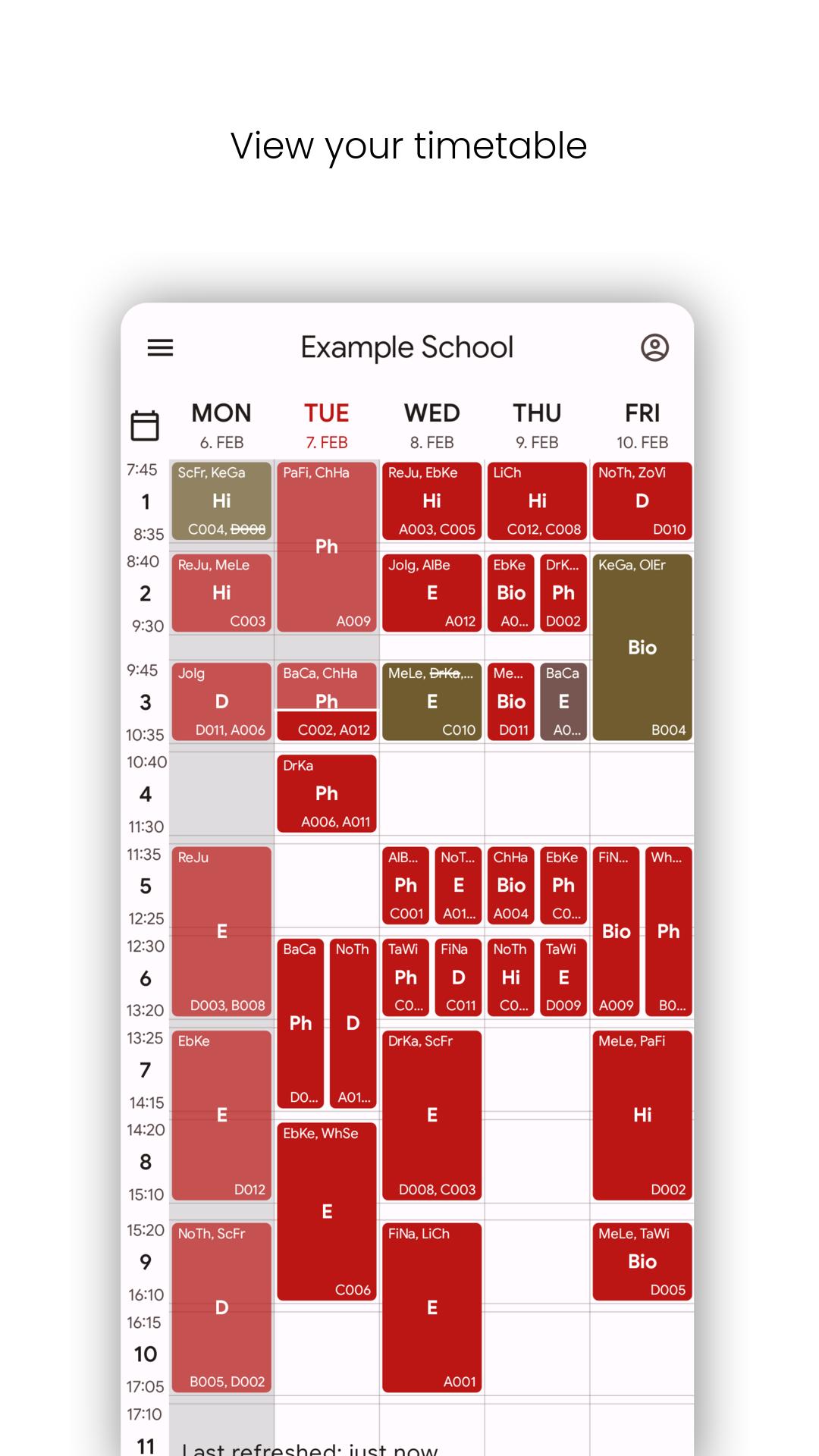
BetterUntis is an open-source mobile client for the Untis timetable system
which allows you to view your timetable on your smartphone.
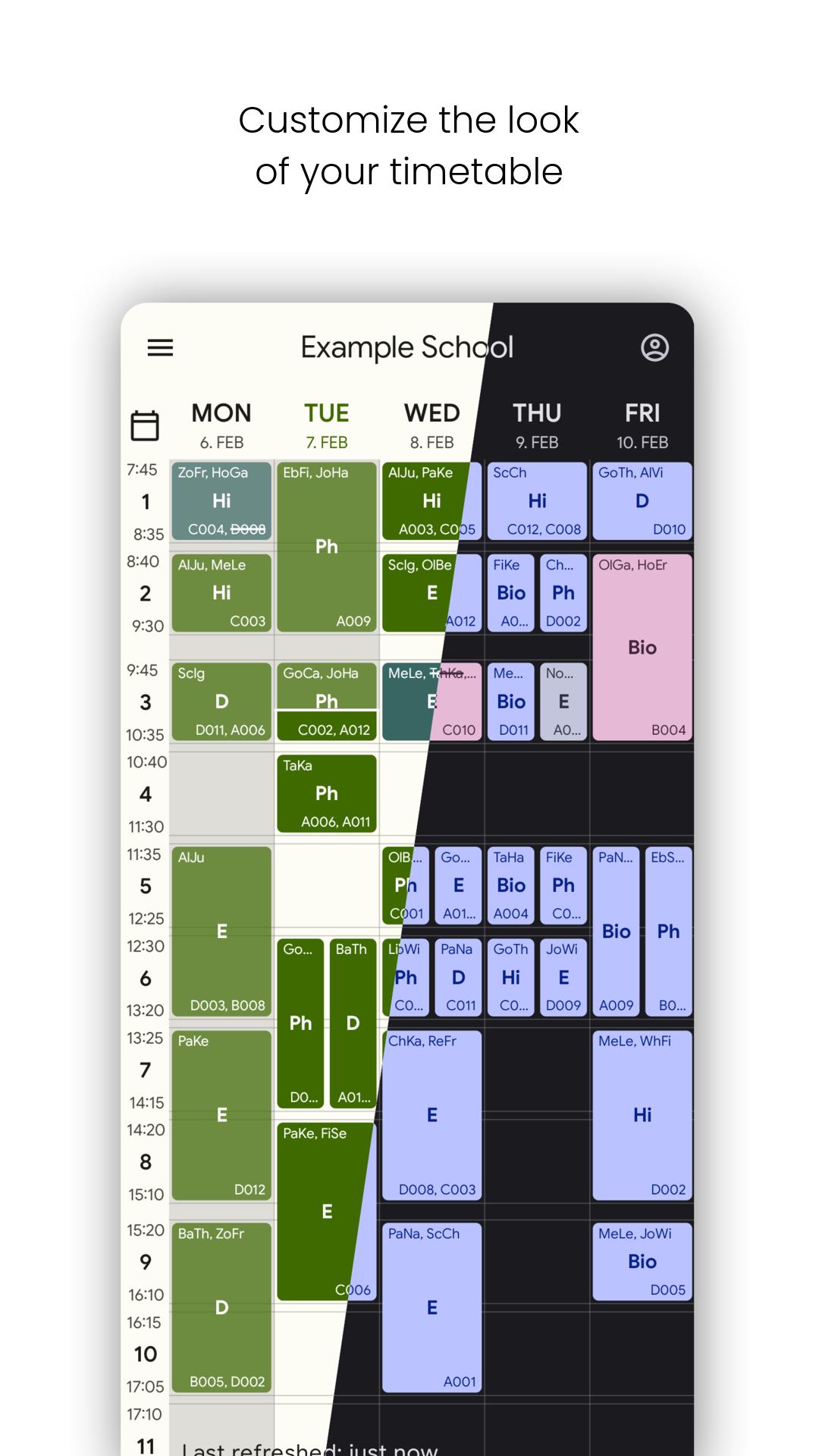
The app allows customization of almost any aspect of your timetable,
including multiple themes and dark mode.
Easily add multiple profiles with separate settings and timetables.
Protect your privacy with support for proxy servers.
Use Notifications to show information about the next lesson.
Other features include a room finder to search for free rooms in your school
and an info center to view upcoming events, your absences and more.
Enjoy a fast and smooth experience with BetterUntis.
Untis is proprietary timetable software. More information about Untis can be
found at https://untis.at.
To use Untis, your school must provide it.
Your school must also give you an account which you can use to access
your current timetable if no anonymous access is available.
Why use this app when there is an official one?
The official app is proprietary and includes tracking software and in-app purchases.
BetterUntis is free and open source, feature-rich and respects your privacy.
WebUntis is a proprietary network.
پیش نظارہ
ٹیگز
تعلیممعلومات
ڈویلپر
SapuSeven
تازہ ترین ورژن
4.0.1
آخری تازہ کاری
2023-06-29
قسم
تعلیم
پر دستیاب ہے۔
Google Play
مزید دکھائیں
پی سی پر گیم لوپ کے ساتھ BetterUntis کیسے کھیلا جائے۔
1. آفیشل ویب سائٹ سے گیم لوپ ڈاؤن لوڈ کریں، پھر گیم لوپ انسٹال کرنے کے لیے exe فائل چلائیں۔
2. گیم لوپ کھولیں اور "BetterUntis" تلاش کریں، تلاش کے نتائج میں BetterUntis تلاش کریں اور "انسٹال کریں" پر کلک کریں۔
3. گیم لوپ پر BetterUntis کھیلنے کا لطف اٹھائیں۔
Minimum requirements
OS
Windows 8.1 64-bit or Windows 10 64-bit
GPU
GTX 1050
CPU
i3-8300
Memory
8GB RAM
Storage
1GB available space
Recommended requirements
OS
Windows 8.1 64-bit or Windows 10 64-bit
GPU
GTX 1050
CPU
i3-9320
Memory
16GB RAM
Storage
1GB available space