
Article Spinner and Rewrite PC
SmartDevX
گیم لوپ ایمولیٹر کے ساتھ PC پر Article Spinner and Rewrite ڈاؤن لوڈ کریں۔
پی سی پر Article Spinner and Rewrite
Article Spinner and Rewrite، جو ڈویلپر SmartDevX سے آرہا ہے، ماضی میں اینڈرائیڈ سسٹم پر چل رہا ہے۔
اب، آپ پی سی پر Article Spinner and Rewrite آسانی سے GameLoop کے ساتھ چلا سکتے ہیں۔
اسے GameLoop لائبریری یا تلاش کے نتائج میں ڈاؤن لوڈ کریں۔ مزید غلط وقت پر بیٹری یا مایوس کن کالوں پر نظر نہیں ڈالی جائے گی۔
بس بڑی سکرین پر Article Spinner and Rewrite PC کا مفت میں لطف اٹھائیں!
Article Spinner and Rewrite تعارف
It is a advanced article rewriter and spinner which turns your existing content into unique content. Best Article Spinner and Rewrite tool and First time in Google Play Store, you will not find this kind of Smooth and Faster tool that can Rewrite your Article without changing the Meaning of your Article
Free Article Spinner and Rewrite is the best and free SEO (Search Engine Optimization) tool that allows you to rewrite the article with flexibility. The competent tool, which allows you to post articles or blogs periodically, makes posts attractive and publishes the same in simple words. Rewrite the full content in few seconds. With the help of this tool, you can get rid of plagiarism. It also helps to improves your SEO performance faster than the before.
How Does The Article Spinner and Rewrite Tool Work?
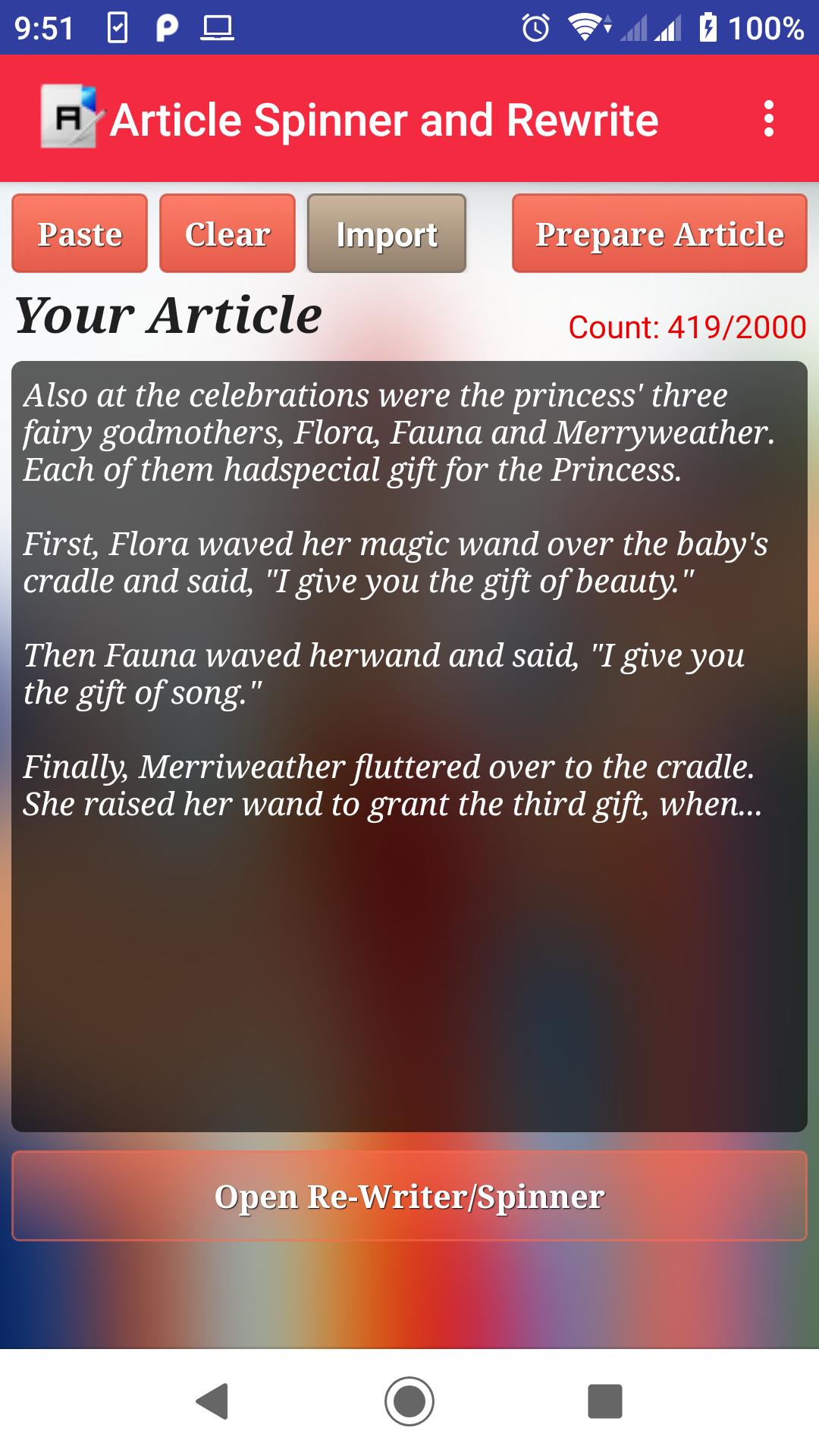
It is a simple process where the user will simply copy and paste their article into the text box. The spinner will do the rest as it produces an entirely new article on the spot. Users are also able to include words. This is a fantastic tool for those who are on the go and need quality content right away. Instead of spending hours on producing content and/or spending money outsourcing to writers, it is easier to employ this spinner instead.
Features
- Article Save Option
- Saved Article List
- Delete Saved Article
- View Saved Article
- Rich Text Editor for Article
- Export to PDF
New Feature
- New Feature Image to Text Added
- Import from Camera and Gallery
To use this feature tap on Import Button and the tap on Camera icon get image from Camera or tap on Gallery to get image from your device storage. It will show you to Crop/Rotate image then Tap on Yes Tick bottom image icon, after that you will see the Image to Text then Tap on Top Green Yes tick to Import Text to your Article window. Spin your article and it will move you to Spin Tab for new Article. Use Mail icon for feedback.
پیش نظارہ

ٹیگز
تعلیممعلومات
ڈویلپر
SmartDevX
تازہ ترین ورژن
2.2.2
آخری تازہ کاری
2023-08-31
قسم
تعلیم
پر دستیاب ہے۔
Google Play
مزید دکھائیں
پی سی پر گیم لوپ کے ساتھ Article Spinner and Rewrite کیسے کھیلا جائے۔
1. آفیشل ویب سائٹ سے گیم لوپ ڈاؤن لوڈ کریں، پھر گیم لوپ انسٹال کرنے کے لیے exe فائل چلائیں۔
2. گیم لوپ کھولیں اور "Article Spinner and Rewrite" تلاش کریں، تلاش کے نتائج میں Article Spinner and Rewrite تلاش کریں اور "انسٹال کریں" پر کلک کریں۔
3. گیم لوپ پر Article Spinner and Rewrite کھیلنے کا لطف اٹھائیں۔
Minimum requirements
OS
Windows 8.1 64-bit or Windows 10 64-bit
GPU
GTX 1050
CPU
i3-8300
Memory
8GB RAM
Storage
1GB available space
Recommended requirements
OS
Windows 8.1 64-bit or Windows 10 64-bit
GPU
GTX 1050
CPU
i3-9320
Memory
16GB RAM
Storage
1GB available space