
AAUP E-Learning PC
Arab American University (AAUP)
گیم لوپ ایمولیٹر کے ساتھ PC پر AAUP E-Learning ڈاؤن لوڈ کریں۔
پی سی پر AAUP E-Learning
AAUP E-Learning، جو ڈویلپر Arab American University (AAUP) سے آرہا ہے، ماضی میں اینڈرائیڈ سسٹم پر چل رہا ہے۔
اب، آپ پی سی پر AAUP E-Learning آسانی سے GameLoop کے ساتھ چلا سکتے ہیں۔
اسے GameLoop لائبریری یا تلاش کے نتائج میں ڈاؤن لوڈ کریں۔ مزید غلط وقت پر بیٹری یا مایوس کن کالوں پر نظر نہیں ڈالی جائے گی۔
بس بڑی سکرین پر AAUP E-Learning PC کا مفت میں لطف اٹھائیں!
AAUP E-Learning تعارف
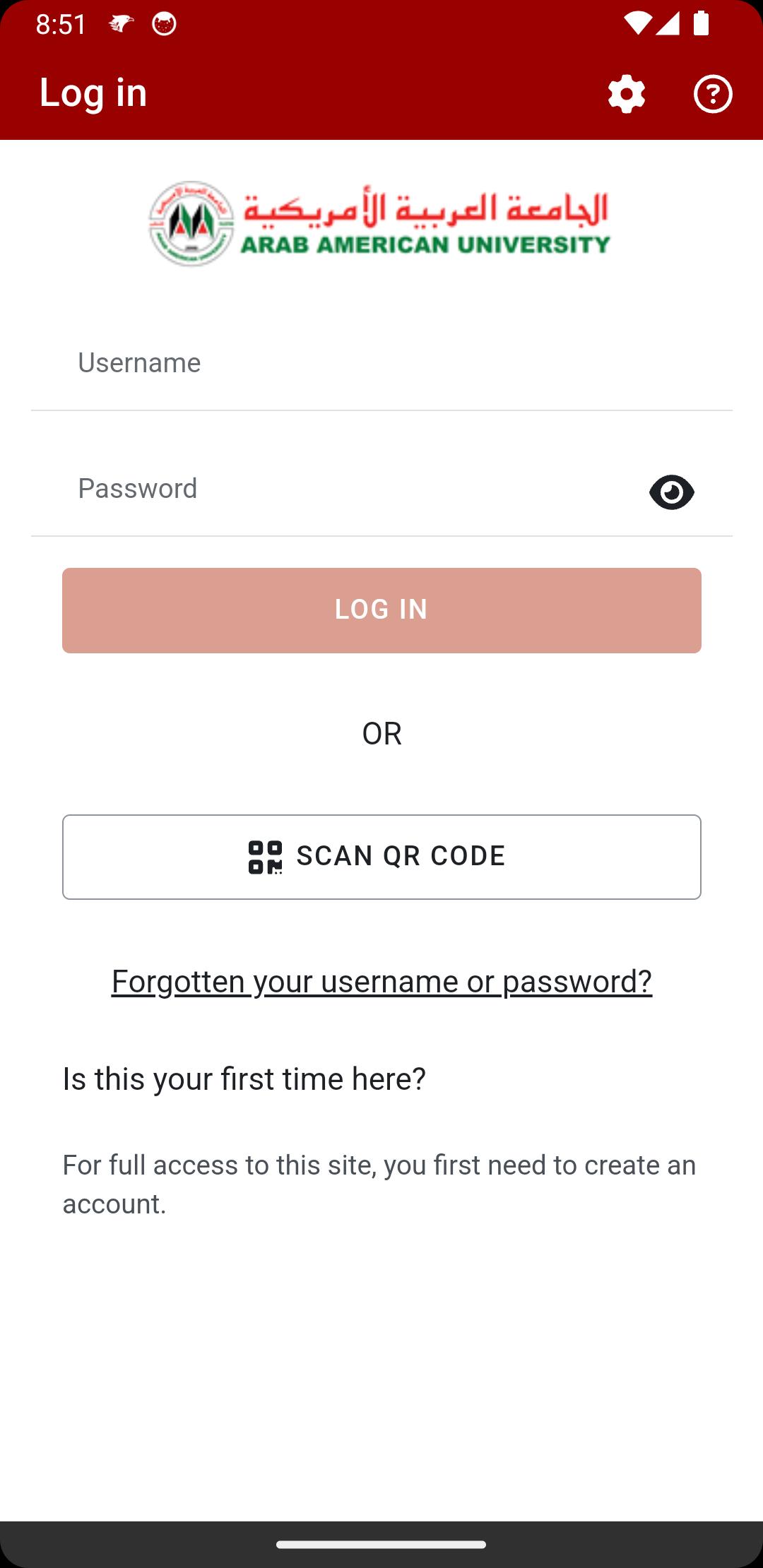
- This app will ease the learning process to the student of Arab American University (AAUP) and it is enables faculty members and students to engage in teaching and learning activities right from their mobile devices. and simplify the access to course lectures, assignments and activities.
- AAUP offer the best way to enjoy education leading to greater student interaction wherever they are.
- You just have to download the application to your device, and use your usual username and password with which you access your Edugate (Portal).
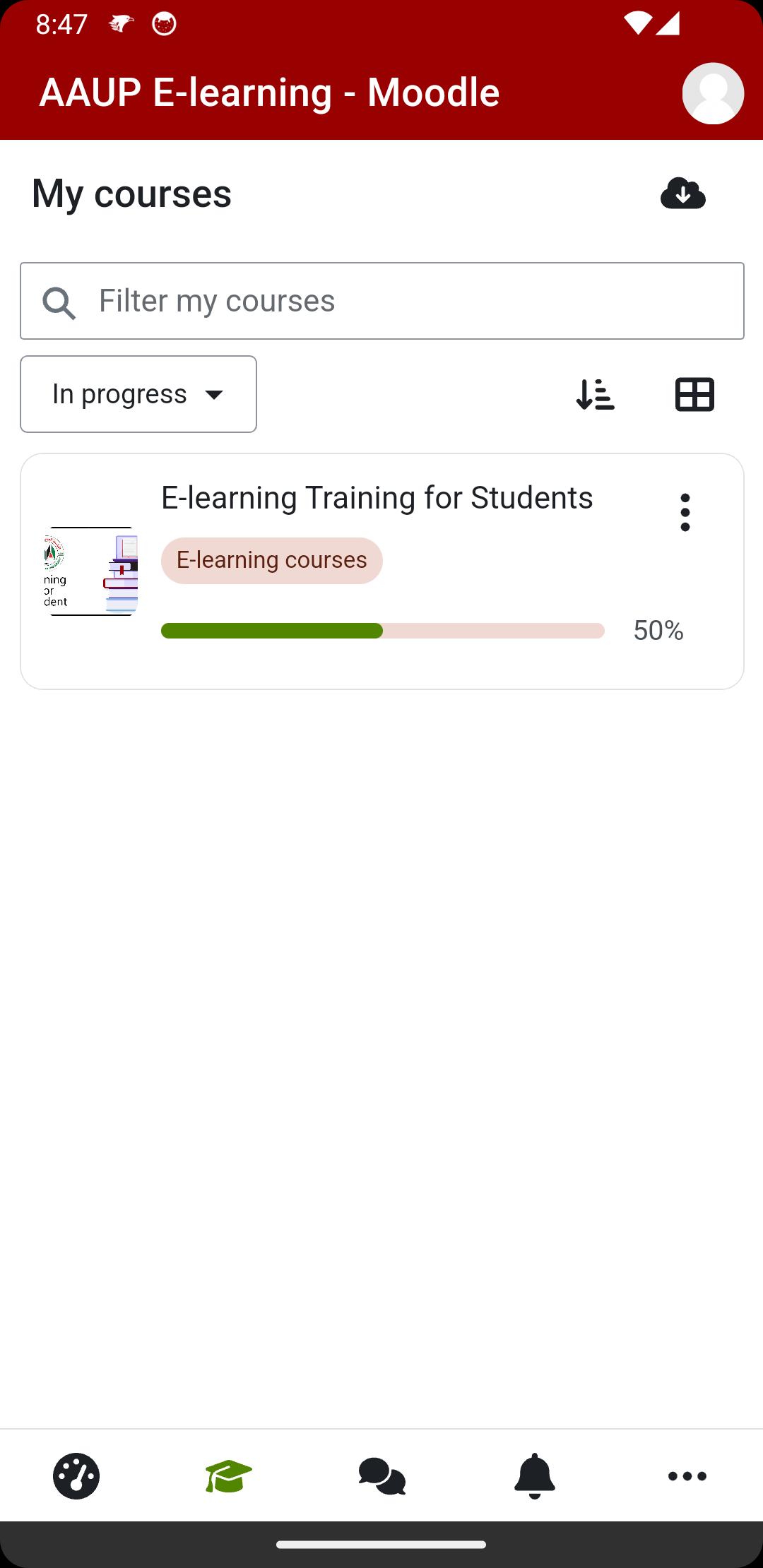
Branded AAUP Moodle App supports our students with different interesting features such as
• Access to the Dashboard
• Browse course content online and offline
• Contact teachers and classmates easily
• Upload files such as videos, audios, images, documents, and other files.
• Receive instance notifications messages
• More interesting features
For more info visit
Website : https://www.aaup.edu/E-Learning
پیش نظارہ
ٹیگز
تعلیممعلومات
ڈویلپر
Arab American University (AAUP)
تازہ ترین ورژن
4.5.0
آخری تازہ کاری
2025-05-14
قسم
تعلیم
پر دستیاب ہے۔
Google Play
مزید دکھائیں
پی سی پر گیم لوپ کے ساتھ AAUP E-Learning کیسے کھیلا جائے۔
1. آفیشل ویب سائٹ سے گیم لوپ ڈاؤن لوڈ کریں، پھر گیم لوپ انسٹال کرنے کے لیے exe فائل چلائیں۔
2. گیم لوپ کھولیں اور "AAUP E-Learning" تلاش کریں، تلاش کے نتائج میں AAUP E-Learning تلاش کریں اور "انسٹال کریں" پر کلک کریں۔
3. گیم لوپ پر AAUP E-Learning کھیلنے کا لطف اٹھائیں۔
Minimum requirements
OS
Windows 8.1 64-bit or Windows 10 64-bit
GPU
GTX 1050
CPU
i3-8300
Memory
8GB RAM
Storage
1GB available space
Recommended requirements
OS
Windows 8.1 64-bit or Windows 10 64-bit
GPU
GTX 1050
CPU
i3-9320
Memory
16GB RAM
Storage
1GB available space