
Zello PTT Custom Button - Fast PC
www.SmartWalkie.com
گیم لوپ ایمولیٹر کے ساتھ PC پر Zello PTT Custom Button - Fast ڈاؤن لوڈ کریں۔
پی سی پر Zello PTT Custom Button - Fast
Zello PTT Custom Button - Fast، جو ڈویلپر www.SmartWalkie.com سے آرہا ہے، ماضی میں اینڈرائیڈ سسٹم پر چل رہا ہے۔
اب، آپ پی سی پر Zello PTT Custom Button - Fast آسانی سے GameLoop کے ساتھ چلا سکتے ہیں۔
اسے GameLoop لائبریری یا تلاش کے نتائج میں ڈاؤن لوڈ کریں۔ مزید غلط وقت پر بیٹری یا مایوس کن کالوں پر نظر نہیں ڈالی جائے گی۔
بس بڑی سکرین پر Zello PTT Custom Button - Fast PC کا مفت میں لطف اٹھائیں!
Zello PTT Custom Button - Fast تعارف
Use Volume Down or any custom button to start PTT (Push to Talk) for Walkie Talkie Apps like Zello and VoicePing.
This app uses accessibility permission to detect a button press. You can select a volume button or a custom button to start a Push-To-Talk.
Features
- Compatible with Zello and VoicePing.
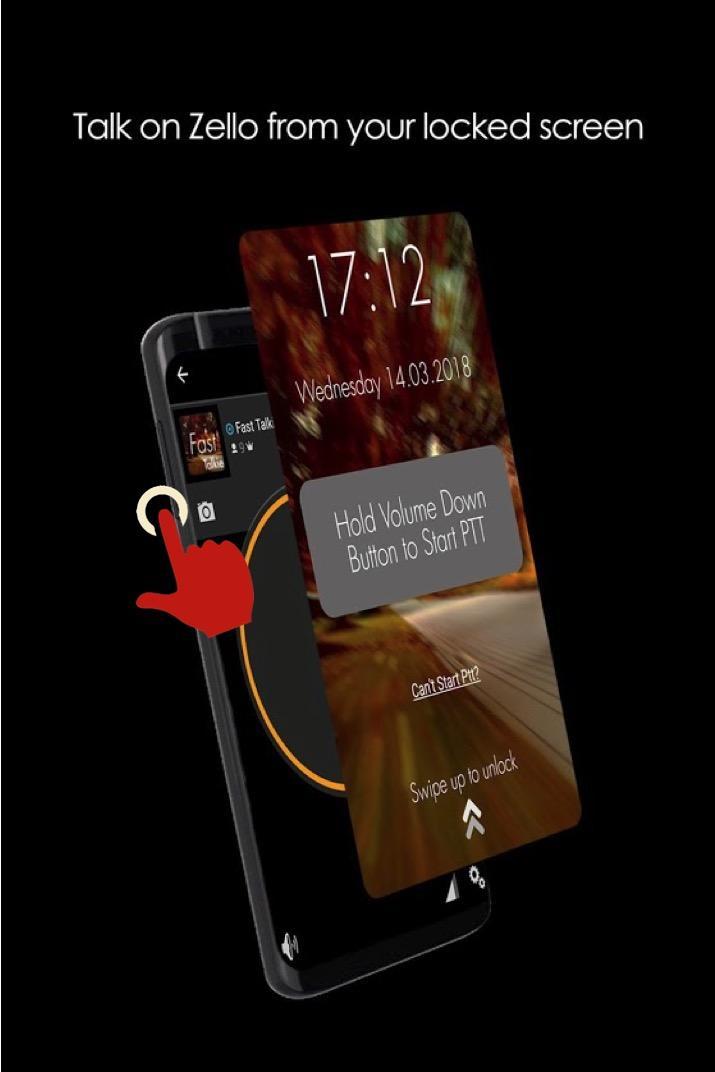
- Push to Talk without unlocking your phone.
- Accessibility Mode: Allow PTT as long as screen is switched on. Depending on your smartphone, this could even allow PTT even if screen is switched off
PRO Features
- Use a Custom Button (i.e SOS/Programmable/Camera buttons) for PTT
- Use any supported PTT App (Normally only Zello and VoicePing)
- Next Channel Button for apps that support changing channels
- PTT Only when screen is ON: Useful if your PTT button is too sensitive
How It Works
The fastest way to start or reply to PTT
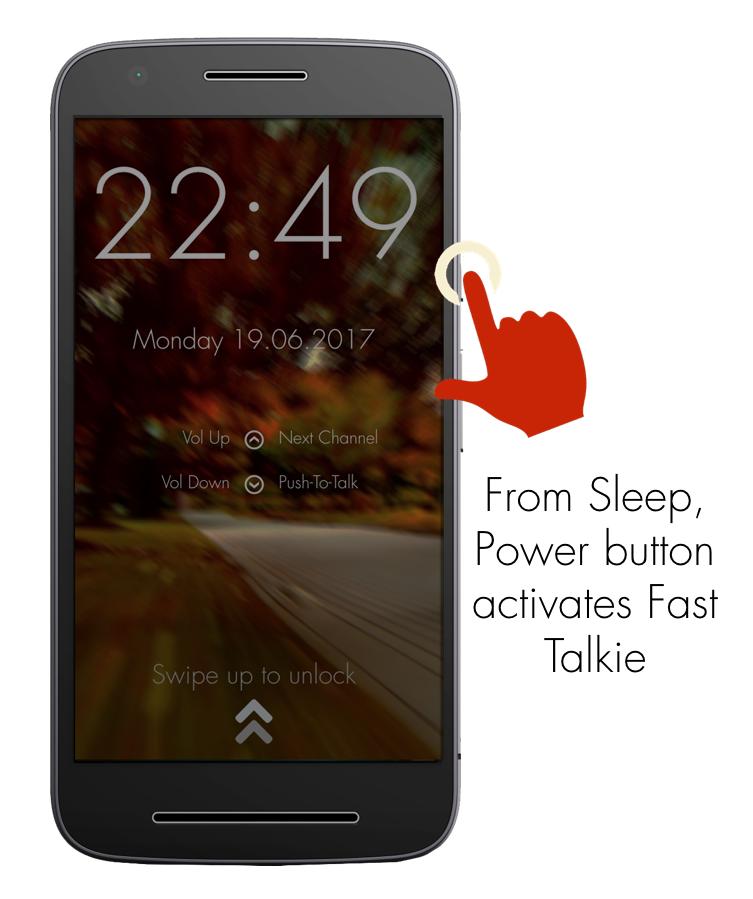
1: Press Power button to wake up phone
2: Hold Volume Down/Custom button to PTT in the previously selected Zello/VoicePing Channel
Required Setup
1: Install Fast Talkie
2: Enable Accessibility Permission
3: Choose a Zello Contact or Channel
4: Hold your selected PTT button
Verified Phone models that work with custom button even when screen off
- Samsung Xcover Pro, Samsung Xcover 5
- Blackview Series
PTT Intent generated by Fast Talkie
- android.intent.action.PTT.down
- android.intent.action.PTT.up
Reach out to us via our website: https://www.fasttalkie.com/
پیش نظارہ
ٹیگز
مواصلاتمعلومات
ڈویلپر
www.SmartWalkie.com
تازہ ترین ورژن
3.0.2
آخری تازہ کاری
2022-08-24
قسم
مواصلات
پر دستیاب ہے۔
Google Play
مزید دکھائیں
پی سی پر گیم لوپ کے ساتھ Zello PTT Custom Button - Fast کیسے کھیلا جائے۔
1. آفیشل ویب سائٹ سے گیم لوپ ڈاؤن لوڈ کریں، پھر گیم لوپ انسٹال کرنے کے لیے exe فائل چلائیں۔
2. گیم لوپ کھولیں اور "Zello PTT Custom Button - Fast" تلاش کریں، تلاش کے نتائج میں Zello PTT Custom Button - Fast تلاش کریں اور "انسٹال کریں" پر کلک کریں۔
3. گیم لوپ پر Zello PTT Custom Button - Fast کھیلنے کا لطف اٹھائیں۔
Minimum requirements
OS
Windows 8.1 64-bit or Windows 10 64-bit
GPU
GTX 1050
CPU
i3-8300
Memory
8GB RAM
Storage
1GB available space
Recommended requirements
OS
Windows 8.1 64-bit or Windows 10 64-bit
GPU
GTX 1050
CPU
i3-9320
Memory
16GB RAM
Storage
1GB available space