
Threema OnPrem. Self-Hosted PC
Threema GmbH
گیم لوپ ایمولیٹر کے ساتھ PC پر Threema OnPrem. Self-Hosted ڈاؤن لوڈ کریں۔
پی سی پر Threema OnPrem. Self-Hosted
Threema OnPrem. Self-Hosted، جو ڈویلپر Threema GmbH سے آرہا ہے، ماضی میں اینڈرائیڈ سسٹم پر چل رہا ہے۔
اب، آپ پی سی پر Threema OnPrem. Self-Hosted آسانی سے GameLoop کے ساتھ چلا سکتے ہیں۔
اسے GameLoop لائبریری یا تلاش کے نتائج میں ڈاؤن لوڈ کریں۔ مزید غلط وقت پر بیٹری یا مایوس کن کالوں پر نظر نہیں ڈالی جائے گی۔
بس بڑی سکرین پر Threema OnPrem. Self-Hosted PC کا مفت میں لطف اٹھائیں!
Threema OnPrem. Self-Hosted تعارف
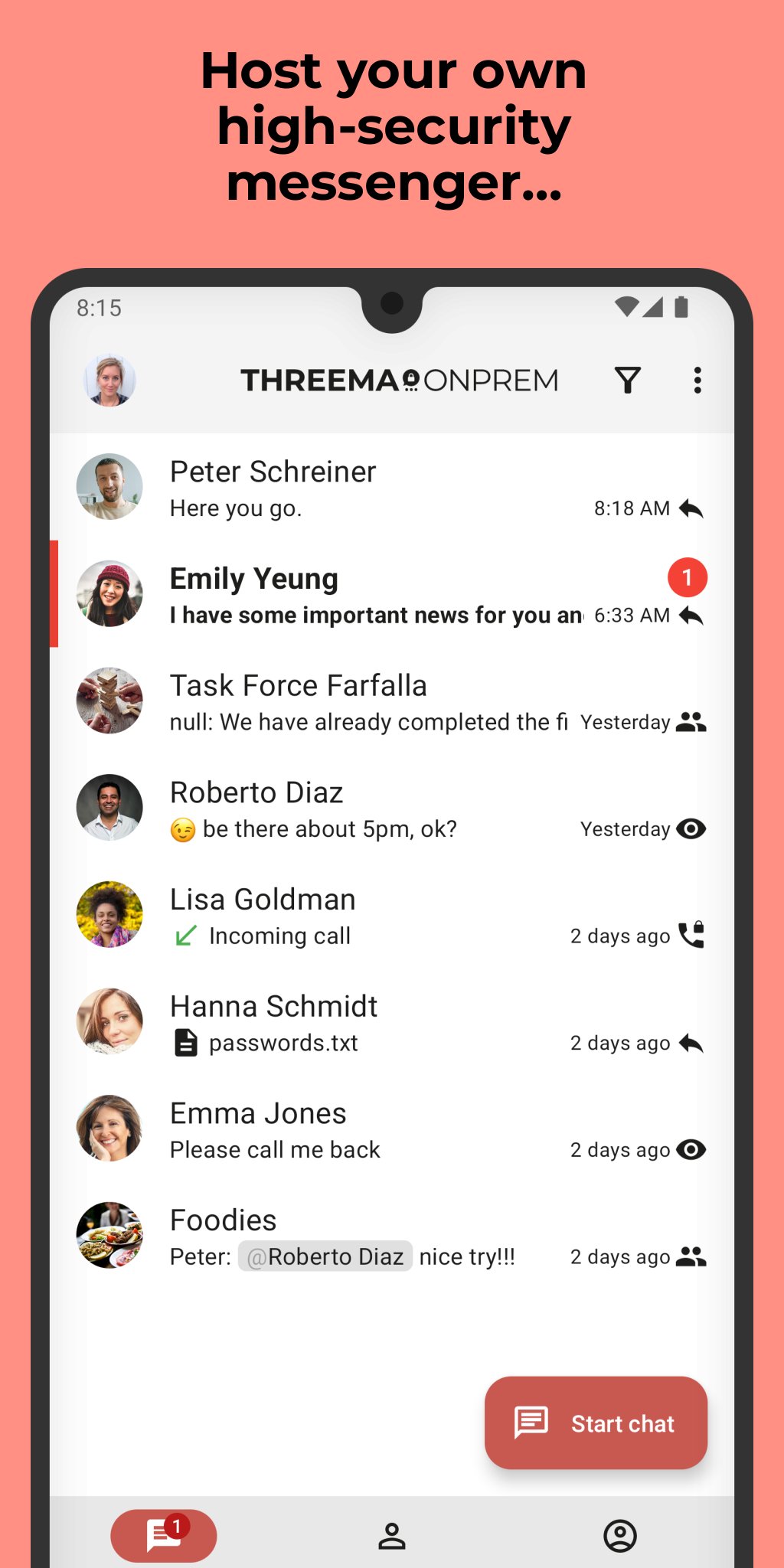
Threema OnPrem is the self-hosted communication solution for organizations with the highest security requirements. The combination of Threema’s proven security architecture and complete data sovereignty creates an independent communication environment that is unmatched in terms of confidentiality – ideal for government agencies, police forces, and industrial companies.
Advantages of Threema OnPrem:
• 100% data sovereignty through hosting on your own servers
• Proven Threema security architecture
• Confidential communication in teams, groups, and projects
• End-to-end encrypted voice and video calls
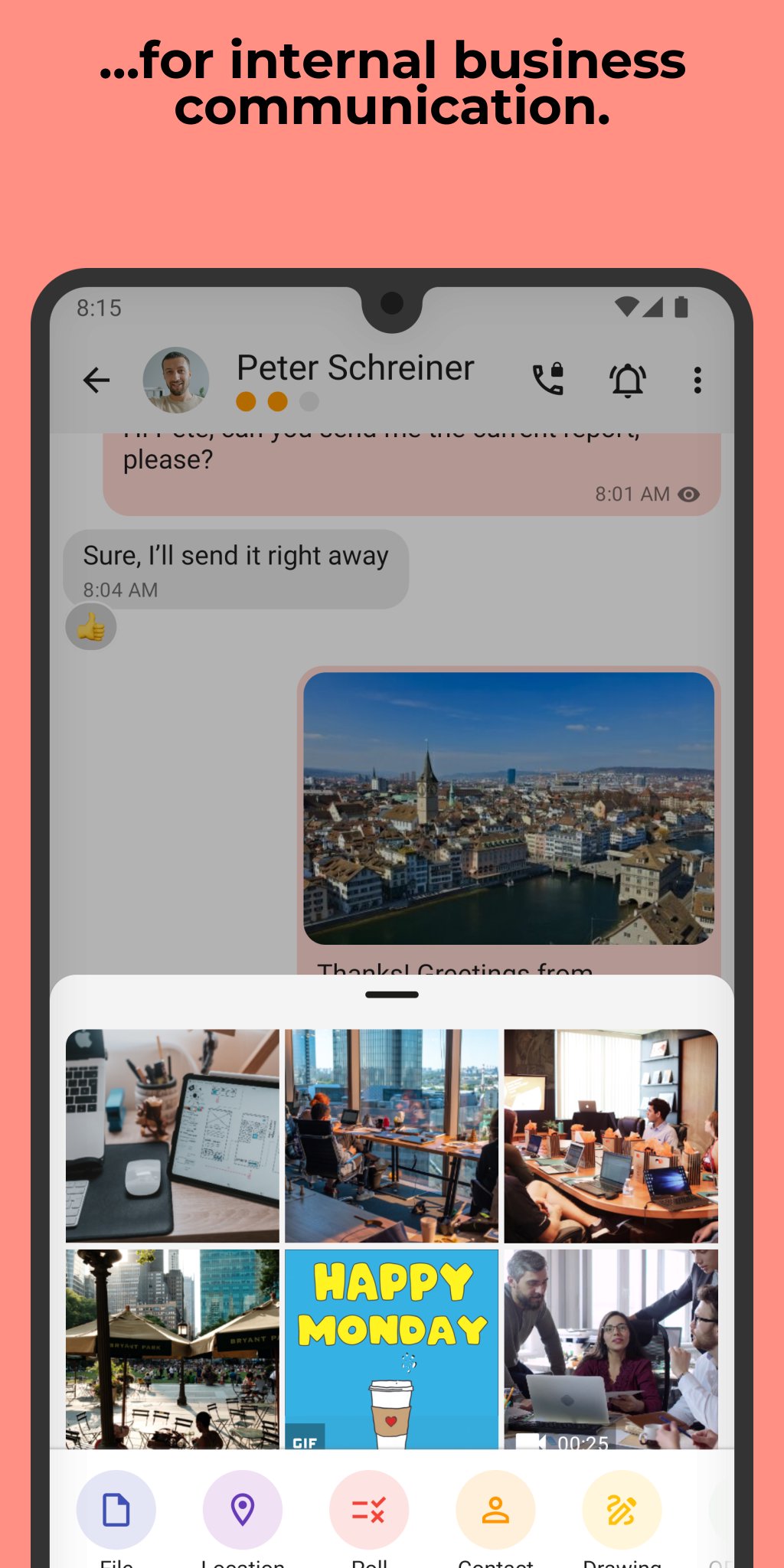
• Secure exchange of files and documents in all formats
• Cross-platform use thanks to mobile app, desktop app, and web client
• Additional protection of confidential chats with PIN or fingerprint
NOTE: Before you can use this app, Threema OnPrem must be set up on your company server. For more information, visit threema.com/onprem.
Enjoy using Threema OnPrem!
پیش نظارہ
ٹیگز
مواصلاتمعلومات
ڈویلپر
Threema GmbH
تازہ ترین ورژن
6.3.2o
آخری تازہ کاری
2026-04-30
قسم
مواصلات
پر دستیاب ہے۔
Google Play
مزید دکھائیں
پی سی پر گیم لوپ کے ساتھ Threema OnPrem. Self-Hosted کیسے کھیلا جائے۔
1. آفیشل ویب سائٹ سے گیم لوپ ڈاؤن لوڈ کریں، پھر گیم لوپ انسٹال کرنے کے لیے exe فائل چلائیں۔
2. گیم لوپ کھولیں اور "Threema OnPrem. Self-Hosted" تلاش کریں، تلاش کے نتائج میں Threema OnPrem. Self-Hosted تلاش کریں اور "انسٹال کریں" پر کلک کریں۔
3. گیم لوپ پر Threema OnPrem. Self-Hosted کھیلنے کا لطف اٹھائیں۔
Minimum requirements
OS
Windows 8.1 64-bit or Windows 10 64-bit
GPU
GTX 1050
CPU
i3-8300
Memory
8GB RAM
Storage
1GB available space
Recommended requirements
OS
Windows 8.1 64-bit or Windows 10 64-bit
GPU
GTX 1050
CPU
i3-9320
Memory
16GB RAM
Storage
1GB available space