
Telekom Mail – E-Mail App PC
Telekom Deutschland GmbH
گیم لوپ ایمولیٹر کے ساتھ PC پر Telekom Mail – E-Mail App ڈاؤن لوڈ کریں۔
پی سی پر Telekom Mail – E-Mail App
Telekom Mail – E-Mail App، جو ڈویلپر Telekom Deutschland GmbH سے آرہا ہے، ماضی میں اینڈرائیڈ سسٹم پر چل رہا ہے۔
اب، آپ پی سی پر Telekom Mail – E-Mail App آسانی سے GameLoop کے ساتھ چلا سکتے ہیں۔
اسے GameLoop لائبریری یا تلاش کے نتائج میں ڈاؤن لوڈ کریں۔ مزید غلط وقت پر بیٹری یا مایوس کن کالوں پر نظر نہیں ڈالی جائے گی۔
بس بڑی سکرین پر Telekom Mail – E-Mail App PC کا مفت میں لطف اٹھائیں!
Telekom Mail – E-Mail App تعارف
With the official Telekom Mail app, you have access to your emails anytime, anywhere. Take advantage of all the benefits of your Telekom Mail inbox—whether at home or on the go. Read, send, and manage your emails easily and clearly. With its modern, clear design, the app is easy and intuitive to use on smartphones and tablets, making it particularly user-friendly. Strict security standards guarantee secure, reliable email communication and effectively prevent spam.
🥇 Multiple award-winning email service: 🥇
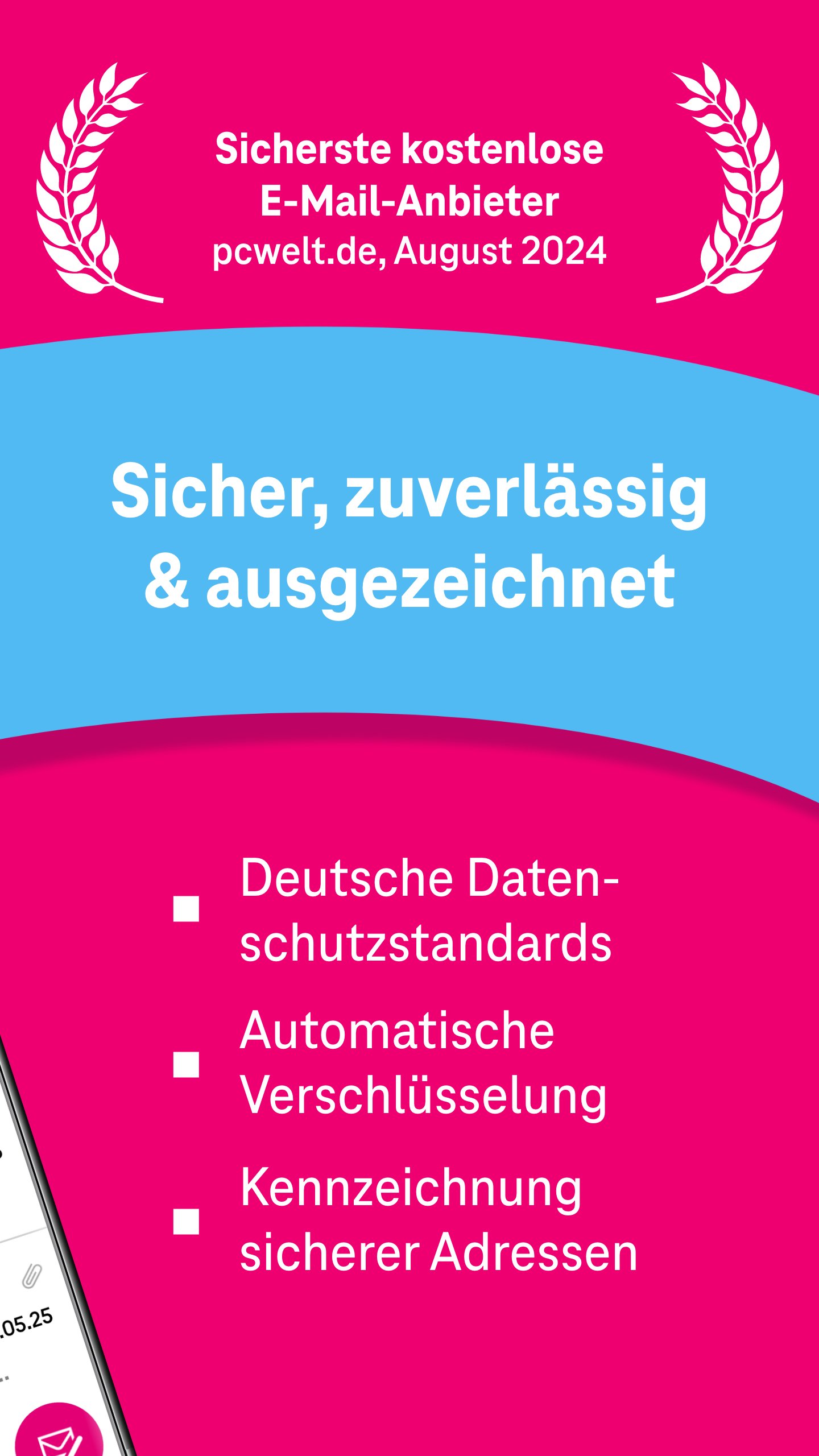
• "Telekom Mail impresses with its features and terms and is one of the most secure free email providers." (pcwelt.de, August 2024)
• 2nd place in the comparison of free email providers (8.2 out of 10 points) by Netzwelt 01/2023, with a particularly good rating for its high level of data protection.
• In TESTBILD, Telekom Mail won the coveted Top Service Quality 2020/21 award in the email provider category.
Features at a glance:
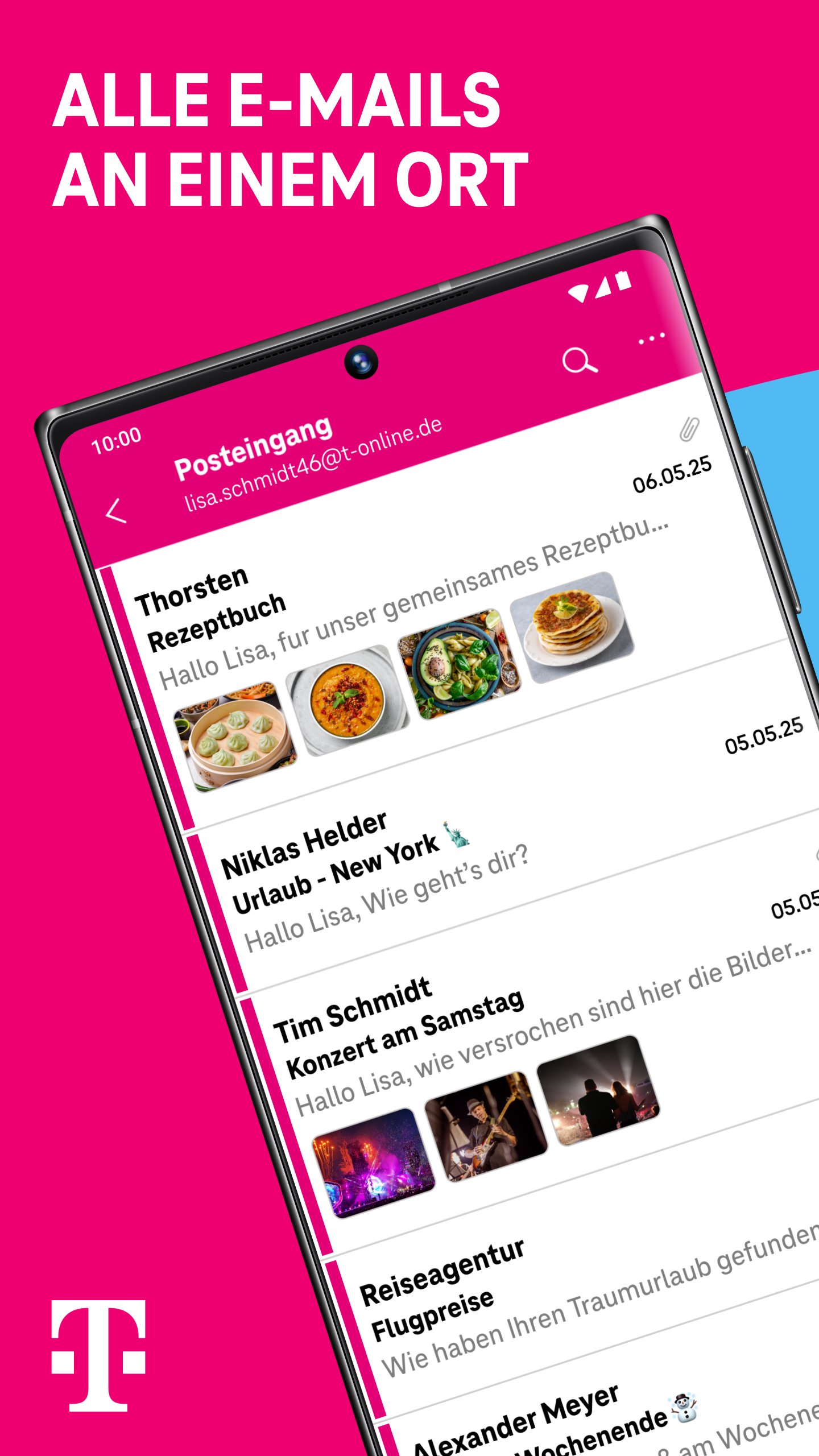
• All emails in one app
• Can be used for multiple email accounts @t-online.de and @magenta.de
• Immediate push notifications when new emails arrive
• Reliable spam and virus protection
• Send attachments such as photos, files, or videos
• Read and write emails conveniently, even in dark mode
• Save or print emails as PDFs
• Organize emails in folders
• Search all messages
• Set a personalized signature
• Advanced list view in the inbox with an additional preview of the message and attachments
• Recall emails after sending
• Select image size for sending
• Access contacts and contact groups in the Telekom address book. Address book changes on the device are synchronized with the Telekom address book.
• Offline access to emails for a self-specified period (up to "unlimited")
• Modern and clear design
• Listen to landline voicemails from the Telekom VoiceBox
• Free @magenta.de or @t-online.de email address
It's that easy:
1. Download the app
2. Log in with your magenta.de / t-online.de email address
3. Send and receive emails
Create a free email address:
• Simply create a free @magenta.de or @t-online.de email address at www.telekom.de/telekom-e-mail.
• If you are already a Telekom customer and have a Telekom login, you can use it to log in directly to the Mail app and create a free @magenta.de or @t-online.de address.
Your advantages with Telekom Mail:
• Top services at no cost: Your freemail account has 1 GB of storage space. Spam and virus protection stop unwanted emails.
• Strict security standards: All emails are automatically encrypted and stored in German data centers according to strict data protection standards. The email seal also protects you from phishing.
• Timeless domain names: With Telekom Mail, you choose a reputable and timeless email address. Choose between the @t-online.de and @magenta.de domains and secure your desired name.
Your feedback:
We welcome your ratings and comments. Your feedback helps us continuously develop and improve our email service.
Have fun with the Mail app!
Your Telekom
پیش نظارہ
ٹیگز
مواصلاتمعلومات
ڈویلپر
Telekom Deutschland GmbH
تازہ ترین ورژن
4.2.0
آخری تازہ کاری
2025-10-15
قسم
مواصلات
پر دستیاب ہے۔
Google Play
مزید دکھائیں
پی سی پر گیم لوپ کے ساتھ Telekom Mail – E-Mail App کیسے کھیلا جائے۔
1. آفیشل ویب سائٹ سے گیم لوپ ڈاؤن لوڈ کریں، پھر گیم لوپ انسٹال کرنے کے لیے exe فائل چلائیں۔
2. گیم لوپ کھولیں اور "Telekom Mail – E-Mail App" تلاش کریں، تلاش کے نتائج میں Telekom Mail – E-Mail App تلاش کریں اور "انسٹال کریں" پر کلک کریں۔
3. گیم لوپ پر Telekom Mail – E-Mail App کھیلنے کا لطف اٹھائیں۔
Minimum requirements
OS
Windows 8.1 64-bit or Windows 10 64-bit
GPU
GTX 1050
CPU
i3-8300
Memory
8GB RAM
Storage
1GB available space
Recommended requirements
OS
Windows 8.1 64-bit or Windows 10 64-bit
GPU
GTX 1050
CPU
i3-9320
Memory
16GB RAM
Storage
1GB available space