My Phone Backup and Restore PC
Piandro
گیم لوپ ایمولیٹر کے ساتھ PC پر My Phone Backup and Restore ڈاؤن لوڈ کریں۔
پی سی پر My Phone Backup and Restore
My Phone Backup and Restore، جو ڈویلپر Piandro سے آرہا ہے، ماضی میں اینڈرائیڈ سسٹم پر چل رہا ہے۔
اب، آپ پی سی پر My Phone Backup and Restore آسانی سے GameLoop کے ساتھ چلا سکتے ہیں۔
اسے GameLoop لائبریری یا تلاش کے نتائج میں ڈاؤن لوڈ کریں۔ مزید غلط وقت پر بیٹری یا مایوس کن کالوں پر نظر نہیں ڈالی جائے گی۔
بس بڑی سکرین پر My Phone Backup and Restore PC کا مفت میں لطف اٹھائیں!
My Phone Backup and Restore تعارف
My Phone Backup is a must have tool that will effortlessly backup and restore your valuable phone data (contacts, messages, call list, applications, calendars, pictures, videos) in situations of:
- phone hard reset (cluttered phone with poor performance)
- phone system updates (applying security updates, Android version upgrades)
- transfer data from old to new phone (privacy safe option via SD card, or online storage services such as Google Drive)
- phone lost or theft (at least your invaluable data are secured and intact)
Perform complete phone backup and restore effortlessly.
Features:
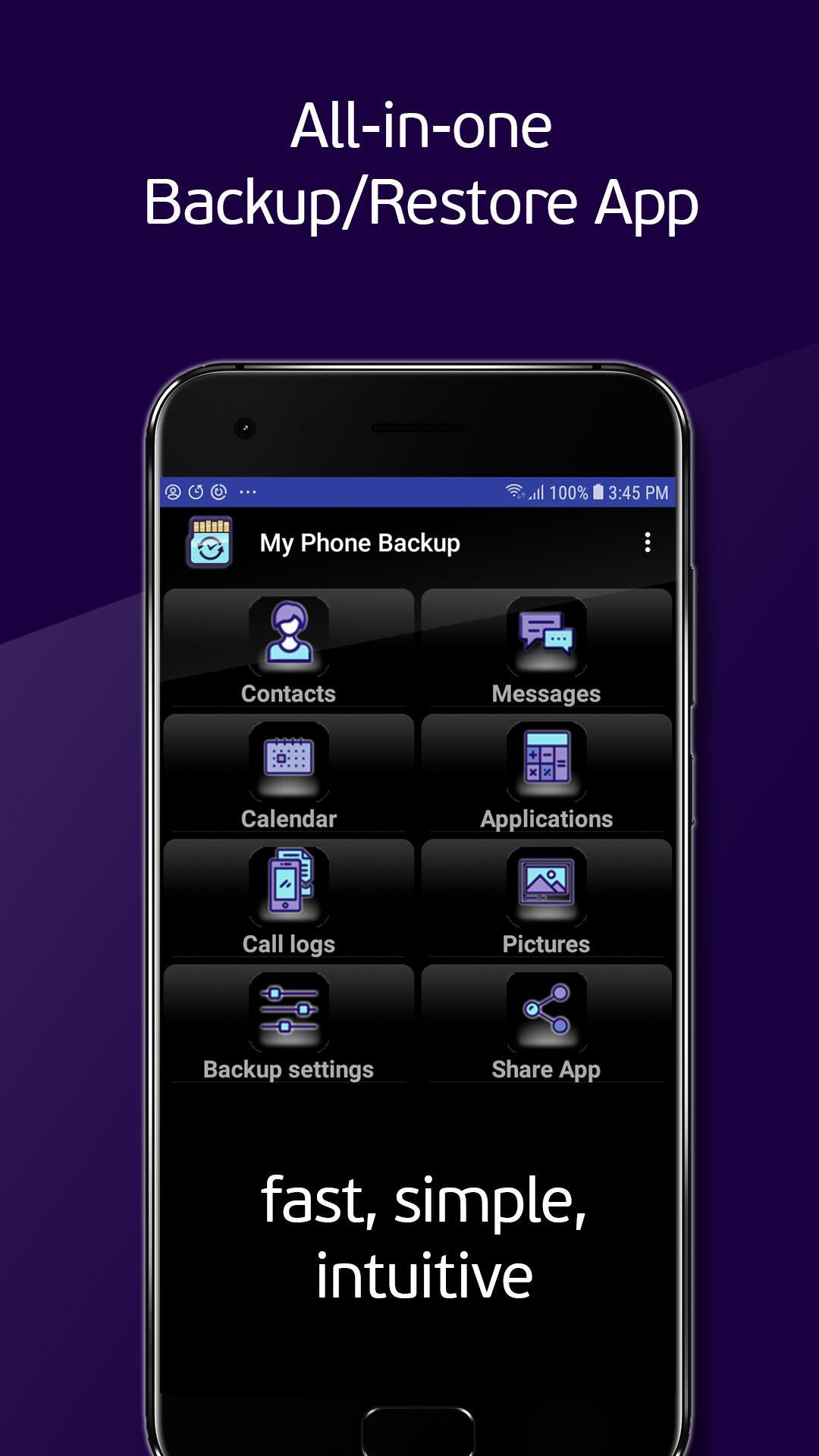
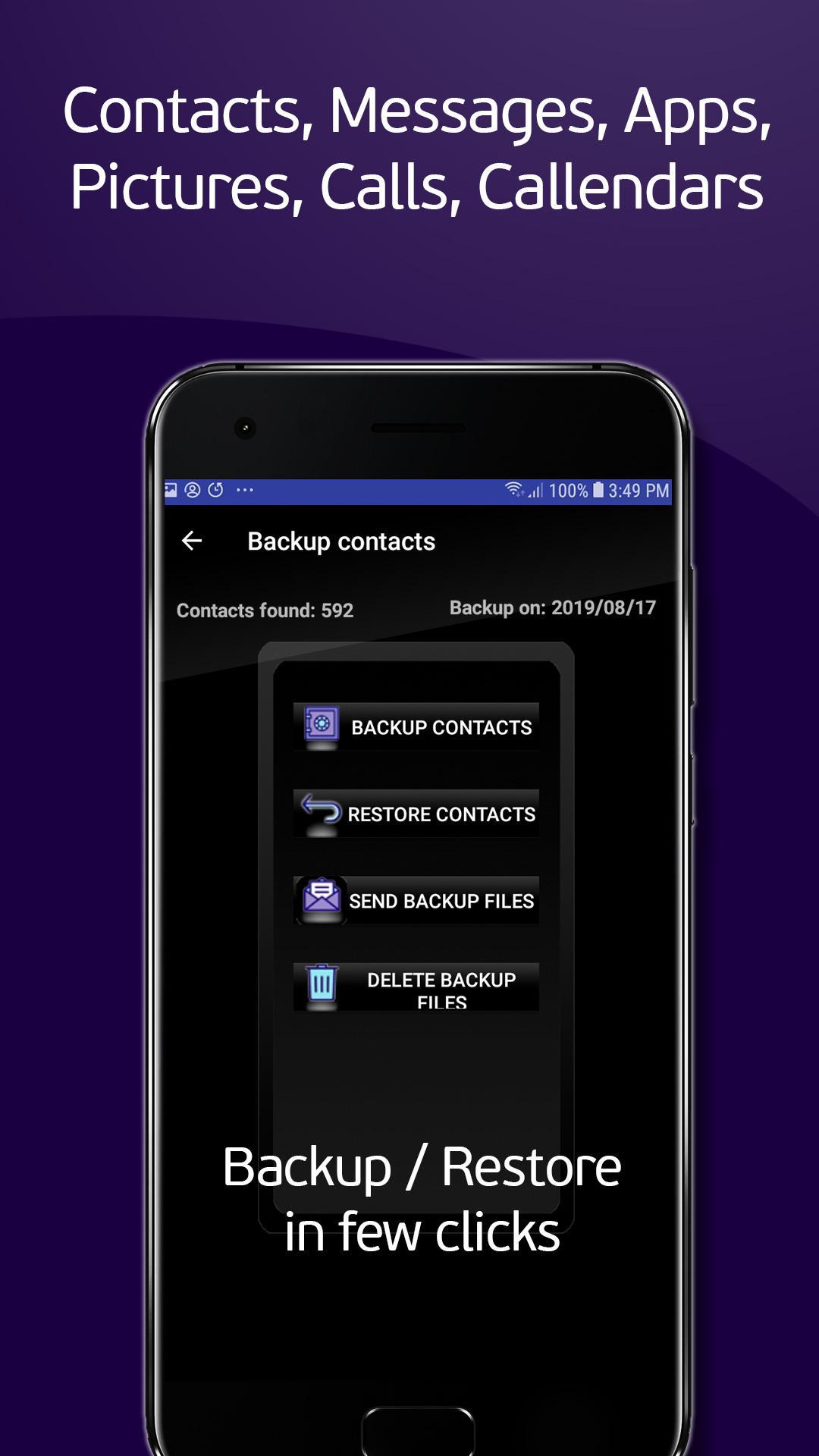
- Contacts backup and restore through intent
- Messages backup and restore
- Calendars backup and restore through intent
- Application installed on device. You can select applications to backup and have app version to your liking
- Call list history backup and restore
- Phone backup and restore photos and videos
- You can schedule automatic backups of contacts, messages, call history, pictures and videos, having them secure and up to date
- You can send backup files from phone to email, Google drive, Dropbox or any other online storage location to your preference
- You can customize folder name and location to phone storage if external SD card is not available for backup
My Phone Backup is made to become your favorite backup/restore utility. It has stable work and thoroughly tested functionalities across different Android versions. App has elegant and beautifully looking interface (please review screenshots), as well as simple and intuitive backup and restore handling.
Needed permissions explanation:
SMS - READ YOUR TEXT MESSAGES (SMS OR MMS)/EDIT YOUR TEXT MESSAGES (SMS OR MMS)
These permissions are used to backup & restore your SMS messages
CONTACTS - READ YOUR CONTACTS/MODIFY YOUR CONTACTS
These permissions are used to backup & restore your Contacts
PHONE - READ CALL LOG/WRITE CALL LOG
These permissions are used to backup & restore your Call logs in you own device storage
STORAGE - READ WRITE STORAGE
These permissions are used to backup & restore in your SD card and/or storage
CALENDAR - READ CALENDAR EVENTS
These permissions are used to backup & restore your Calendars
RUN AT STARTUP
This permission is needed for successful scheduled auto backup
Important Notice #1
Before attempt to hard reset your phone to factory reset, make sure that all made backup files are copied out of phone storage: to your SD card, to your mail, or online storage location of your choice (Google drive, Dropbox etc.). If not, copy or send backup files before reset
Important Notice #2
During SMS restore process you must accept TEMPORARY change of default SMS handling application and allow that app to be My Phone Backup in order to successfully restore. Immediately after restore finishes, you will be offered to revert default app to your usual SMS application
Important Notice #3
If you intend to rate and/or review this application, please kindly read Review and Rating Policy that is integral part of End User User License Agreement(EULA) at https://piandro.com/eula/ on which one you agreed when started any Piandro application. Thank you for understanding.
For any other questions, please contact us at office@piandro.com
Disclaimer: This SOFTWARE PRODUCT is provided by Piandro "as is" and "with all faults." Piandro makes no representations or warranties of any kind concerning the safety, suitability, inaccuracies, typographical errors, or other harmful components of this SOFTWARE PRODUCT. There are inherent dangers in the use of any software, and you are solely responsible for determining whether this SOFTWARE PRODUCT is compatible with your equipment and other software installed on your equipment. You are also solely responsible for the protection of your equipment and backup of your data, and THE PROVIDER will not be liable for any damages you may suffer in connection with using, modifying, or distributing this SOFTWARE PRODUCT.
پیش نظارہ
ٹیگز
مواصلاتمعلومات
ڈویلپر
Piandro
تازہ ترین ورژن
3.05
آخری تازہ کاری
2020-05-02
قسم
مواصلات
پر دستیاب ہے۔
Google Play
مزید دکھائیں
پی سی پر گیم لوپ کے ساتھ My Phone Backup and Restore کیسے کھیلا جائے۔
1. آفیشل ویب سائٹ سے گیم لوپ ڈاؤن لوڈ کریں، پھر گیم لوپ انسٹال کرنے کے لیے exe فائل چلائیں۔
2. گیم لوپ کھولیں اور "My Phone Backup and Restore" تلاش کریں، تلاش کے نتائج میں My Phone Backup and Restore تلاش کریں اور "انسٹال کریں" پر کلک کریں۔
3. گیم لوپ پر My Phone Backup and Restore کھیلنے کا لطف اٹھائیں۔
Minimum requirements
OS
Windows 8.1 64-bit or Windows 10 64-bit
GPU
GTX 1050
CPU
i3-8300
Memory
8GB RAM
Storage
1GB available space
Recommended requirements
OS
Windows 8.1 64-bit or Windows 10 64-bit
GPU
GTX 1050
CPU
i3-9320
Memory
16GB RAM
Storage
1GB available space