MEO Smart WiFi PC
MEO – Serviços de Comunicações e Multimédia, S.A.
گیم لوپ ایمولیٹر کے ساتھ PC پر MEO Smart WiFi ڈاؤن لوڈ کریں۔
پی سی پر MEO Smart WiFi
MEO Smart WiFi، جو ڈویلپر MEO – Serviços de Comunicações e Multimédia, S.A. سے آرہا ہے، ماضی میں اینڈرائیڈ سسٹم پر چل رہا ہے۔
اب، آپ پی سی پر MEO Smart WiFi آسانی سے GameLoop کے ساتھ چلا سکتے ہیں۔
اسے GameLoop لائبریری یا تلاش کے نتائج میں ڈاؤن لوڈ کریں۔ مزید غلط وقت پر بیٹری یا مایوس کن کالوں پر نظر نہیں ڈالی جائے گی۔
بس بڑی سکرین پر MEO Smart WiFi PC کا مفت میں لطف اٹھائیں!
MEO Smart WiFi تعارف
Integrated management of your home's Wi-Fi anytime, anywhere.
In a simple and secure way, you can change passwords, consult and customize connected devices, pause the internet, set schedules, allow access, optimize the quality of your Wi-Fi and much more.
Install and use the MEO Smart WiFi app for free on smartphones and tablets with Android 6 or higher operating system to:
• control and customize FiberGateway (GR241AG), FiberGateway WiFi 6 (GR141DG and GR141IG), FiberGateway WiFi 7 (GR240NHR), Fiber X (XSR151DK), Fiber X7 (XSR240LNR), MEO Smart WiFi Extenders (D2150G and D2260G and D27GBHP ) and the devices connected to them.
• evaluate the quality of the Wi-Fi signal of any router you are connected to, without even needing to log in to the application.
CHOOSE HOW YOU WANT TO LOG IN TO THE APP:
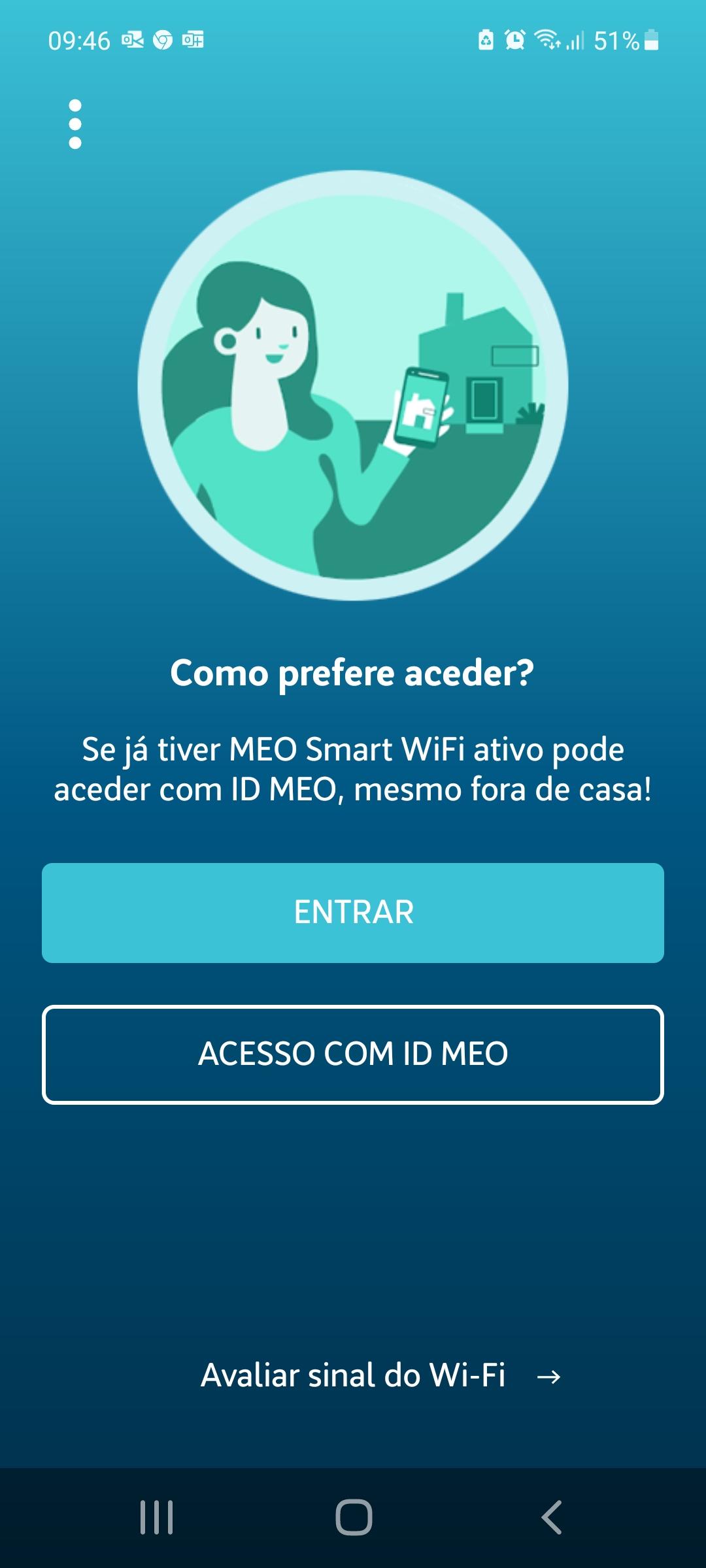
• LOG IN with the router administration credentials (see sticker on the base/back). Recommended for first access. This mode is available when you are at home connected to your wireless network using the Wi-Fi credentials of your Meo access.
• ACCESS WITH MEO ID allows access inside (Wi-Fi and mobile network) and outside the home (mobile network). You will first have to activate the MEO Smart WiFi functionality (in the Wi-Fi tab), create your MEO ID and add your MEO Package to my MEO (meo.pt app or website).
If you haven't yet changed your router's administration password, you can do so with the MEO Smart WiFi app, increasing the security of your home.
Activating the MEO Smart WiFi functionality ensures better Internet service at home, making it simpler to use. Choosing which 2.4/5/6 GHz Wi-Fi networks to use, in each location, for each device, is no longer necessary, as there is now a single intelligent and reliable network that allows mobility.
Increasing the home's Wi-Fi coverage and quality according to the needs of other services (television, video conferencing, music, games, sensors, etc.) is easy and economical with MEO Smart WiFi Extenders that distribute the benefits of this technology throughout all rooms. from the house.
MAIN FEATURES:
• evaluate the quality of the Wi-Fi signal you are connected to
• activate the MEO Smart WiFi functionality
• add MEO Smart WiFi Extenders
• activate and manage a guest Wi-Fi network, ensuring the security of your private network
• change names and passwords for your wireless networks
• easily share access credentials to Wi-Fi networks
• consult connected devices (supported Wi-Fi standards, connection type and Wi-Fi band)
• check connection time and traffic for the last 7 days for each device
• pause or allow Internet access, by device or profile
• define Internet access times, for devices or profiles
• customize device names and network equipment
• customize device icons and profiles
• create and customize device profiles/groups
• filter devices belonging to profiles, paused or with parental control rules
• create shortcuts for the devices and profiles you use most
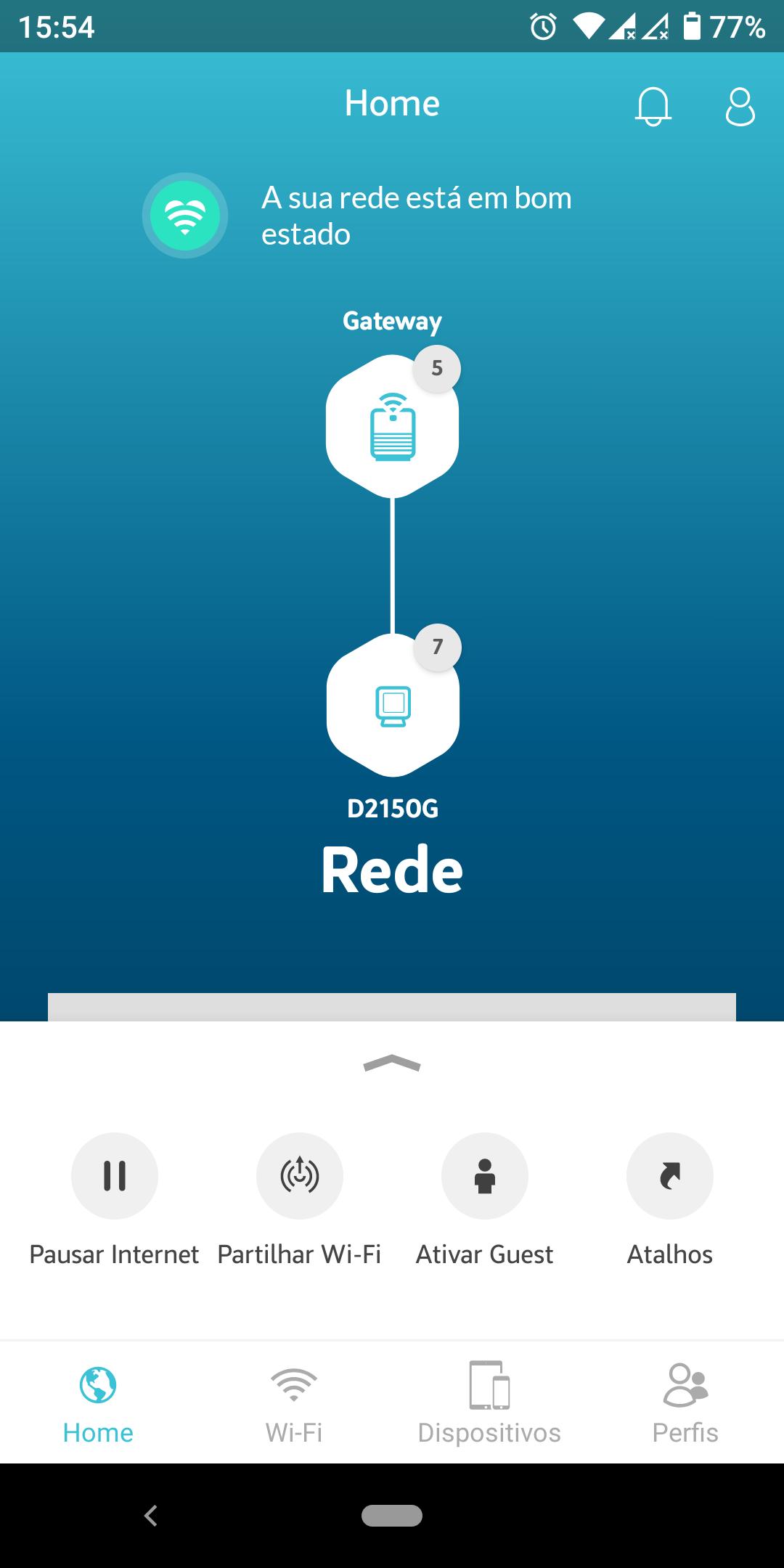
• diagnose the status and quality of your network visually
• change the bandwidth, channel and transmission power of Wi-Fi bands
• manual/automatic selection of Wi-Fi band per device
• change the security settings of your Wi-Fi networks
• remotely restart the router and MEO Smart WiFi Extenders
• change the router administration credentials
You can find out more information and consult the FAQs at
https://www.meo.pt/servicos/casa/internet-fibra/meo-smart-wifi#app
By installing this application, you accept:
• Usage requirements: https://conteudos.meo.pt/meo/Documentos/Apps/Requisitos-de-Utilizacao-App-Fibergateway.pdf
• Privacy policy: https://www.telecom.pt/pt-pt/Paginas/politica-privacidade.aspx
پیش نظارہ
ٹیگز
مواصلاتمعلومات
ڈویلپر
MEO – Serviços de Comunicações e Multimédia, S.A.
تازہ ترین ورژن
2.13.0
آخری تازہ کاری
2024-10-29
قسم
مواصلات
پر دستیاب ہے۔
Google Play
مزید دکھائیں
پی سی پر گیم لوپ کے ساتھ MEO Smart WiFi کیسے کھیلا جائے۔
1. آفیشل ویب سائٹ سے گیم لوپ ڈاؤن لوڈ کریں، پھر گیم لوپ انسٹال کرنے کے لیے exe فائل چلائیں۔
2. گیم لوپ کھولیں اور "MEO Smart WiFi" تلاش کریں، تلاش کے نتائج میں MEO Smart WiFi تلاش کریں اور "انسٹال کریں" پر کلک کریں۔
3. گیم لوپ پر MEO Smart WiFi کھیلنے کا لطف اٹھائیں۔
Minimum requirements
OS
Windows 8.1 64-bit or Windows 10 64-bit
GPU
GTX 1050
CPU
i3-8300
Memory
8GB RAM
Storage
1GB available space
Recommended requirements
OS
Windows 8.1 64-bit or Windows 10 64-bit
GPU
GTX 1050
CPU
i3-9320
Memory
16GB RAM
Storage
1GB available space