EasyTether Tablet PC
Mobile Stream
گیم لوپ ایمولیٹر کے ساتھ PC پر EasyTether Tablet ڈاؤن لوڈ کریں۔
پی سی پر EasyTether Tablet
EasyTether Tablet، جو ڈویلپر Mobile Stream سے آرہا ہے، ماضی میں اینڈرائیڈ سسٹم پر چل رہا ہے۔
اب، آپ پی سی پر EasyTether Tablet آسانی سے GameLoop کے ساتھ چلا سکتے ہیں۔
اسے GameLoop لائبریری یا تلاش کے نتائج میں ڈاؤن لوڈ کریں۔ مزید غلط وقت پر بیٹری یا مایوس کن کالوں پر نظر نہیں ڈالی جائے گی۔
بس بڑی سکرین پر EasyTether Tablet PC کا مفت میں لطف اٹھائیں!
EasyTether Tablet تعارف
EasyTether for phones is available on our website:
http://www.mobile-stream.com/easytether/android.html
EasyTether Tablet implements carrier-independent tethering. Works over USB and Bluetooth. No root, no tethering fees.
EasyTether Tablet compatibility notes:
Android 7.0 / 6.0 / 5.1 / 5.0: web browsing works
Android 4.4: does not generally work; some devices may work with dummy Wi-Fi trick though.
Android 4.3 down to 4.0.3: web browsing works; dummy Wi-Fi or a similar trick required for other apps.
These notes apply to the Tablet-side app only. EasyTether for phones works on all Android versions.
Install on your tablet and follow the instructions.
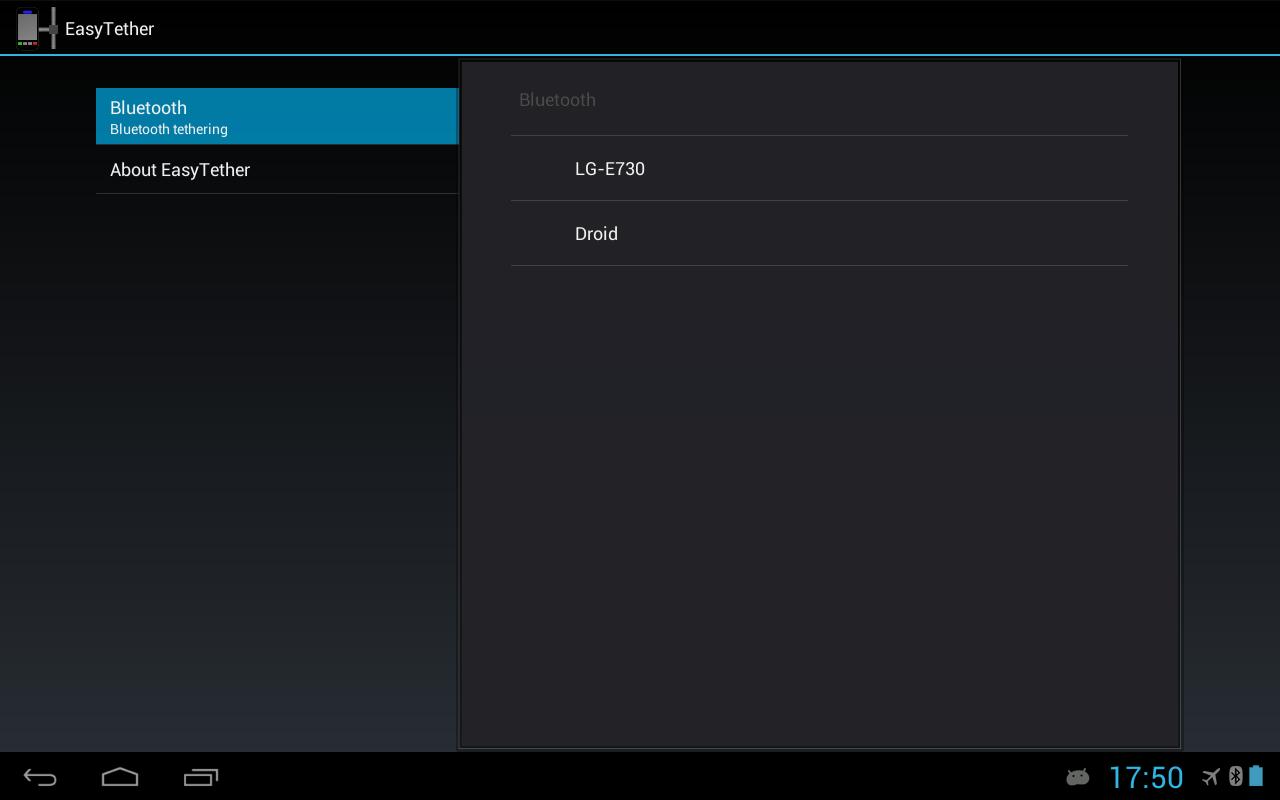
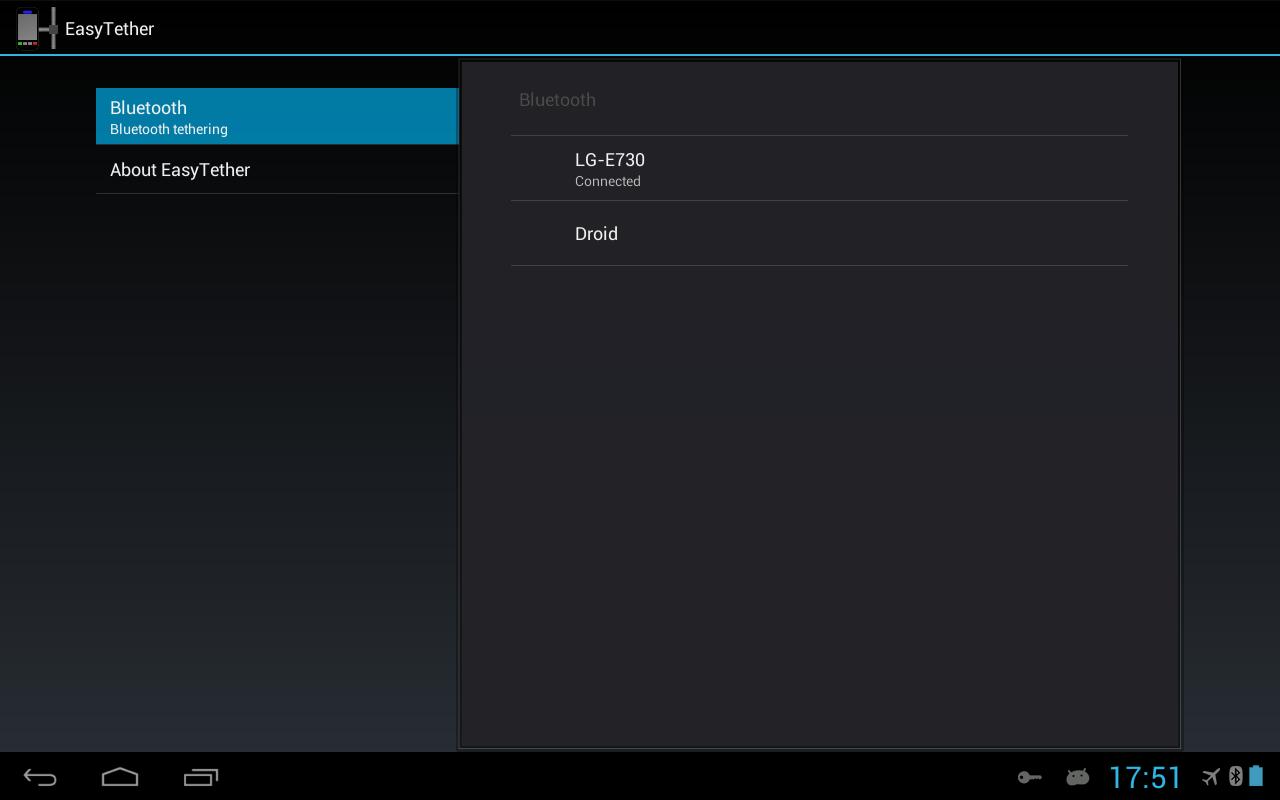
EasyTether Tablet provides Internet connection shared from your phone using USB or Bluetooth.
USB tethering requires a USB host cable (also known as a USB OTG cable)!
If you need to tether your phone to your computer or router, see the phone-side EasyTether application.
A known issue:
Apps that ask the system if there is an Internet connection do not work.
It happens because the system does not treat VPN connection without underlying Wi-Fi, 3G or 4G connection as Internet connection. It does not matter if you use the Lite or the full EasyTether on your phone.
The workaround is to connect to some dummy Wi-Fi network (without Internet access).
پیش نظارہ
ٹیگز
مواصلاتمعلومات
ڈویلپر
Mobile Stream
تازہ ترین ورژن
0.9.8
آخری تازہ کاری
2018-05-21
قسم
مواصلات
پر دستیاب ہے۔
Google Play
مزید دکھائیں
پی سی پر گیم لوپ کے ساتھ EasyTether Tablet کیسے کھیلا جائے۔
1. آفیشل ویب سائٹ سے گیم لوپ ڈاؤن لوڈ کریں، پھر گیم لوپ انسٹال کرنے کے لیے exe فائل چلائیں۔
2. گیم لوپ کھولیں اور "EasyTether Tablet" تلاش کریں، تلاش کے نتائج میں EasyTether Tablet تلاش کریں اور "انسٹال کریں" پر کلک کریں۔
3. گیم لوپ پر EasyTether Tablet کھیلنے کا لطف اٹھائیں۔
Minimum requirements
OS
Windows 8.1 64-bit or Windows 10 64-bit
GPU
GTX 1050
CPU
i3-8300
Memory
8GB RAM
Storage
1GB available space
Recommended requirements
OS
Windows 8.1 64-bit or Windows 10 64-bit
GPU
GTX 1050
CPU
i3-9320
Memory
16GB RAM
Storage
1GB available space