
Puma Browser: private local Ai PC
Puma Technologies
گیم لوپ ایمولیٹر کے ساتھ PC پر Puma Browser: private local Ai ڈاؤن لوڈ کریں۔
پی سی پر Puma Browser: private local Ai
Puma Browser: private local Ai، جو ڈویلپر Puma Technologies سے آرہا ہے، ماضی میں اینڈرائیڈ سسٹم پر چل رہا ہے۔
اب، آپ پی سی پر Puma Browser: private local Ai آسانی سے GameLoop کے ساتھ چلا سکتے ہیں۔
اسے GameLoop لائبریری یا تلاش کے نتائج میں ڈاؤن لوڈ کریں۔ مزید غلط وقت پر بیٹری یا مایوس کن کالوں پر نظر نہیں ڈالی جائے گی۔
بس بڑی سکرین پر Puma Browser: private local Ai PC کا مفت میں لطف اٹھائیں!
Puma Browser: private local Ai تعارف
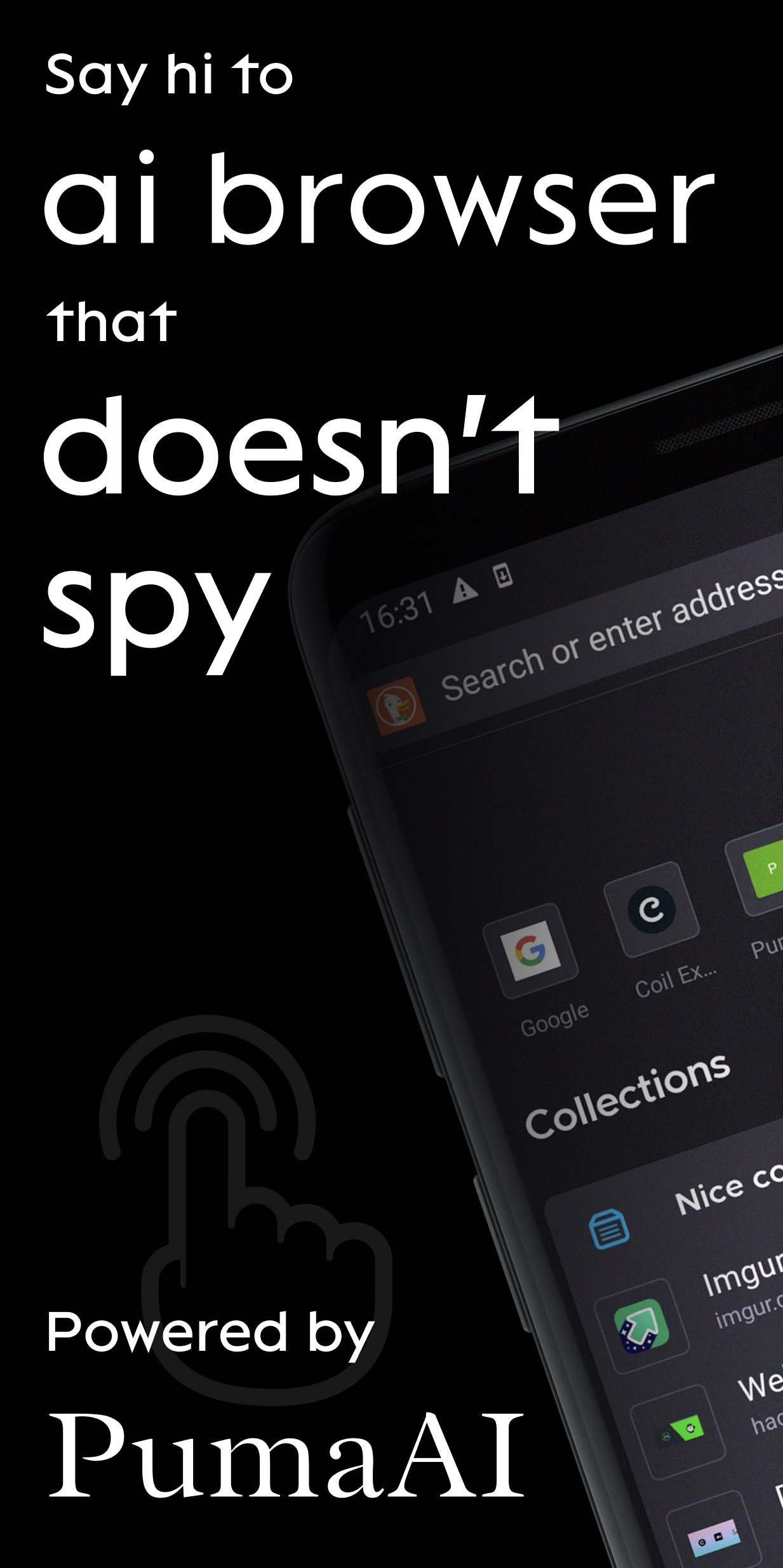
Puma is a mobile browser for Ai agents. Private by design.
Today with Puma you can:
1. Chat with Gemma, Qwen, Ministral and other LLMs locally and never have your conversations leave your device
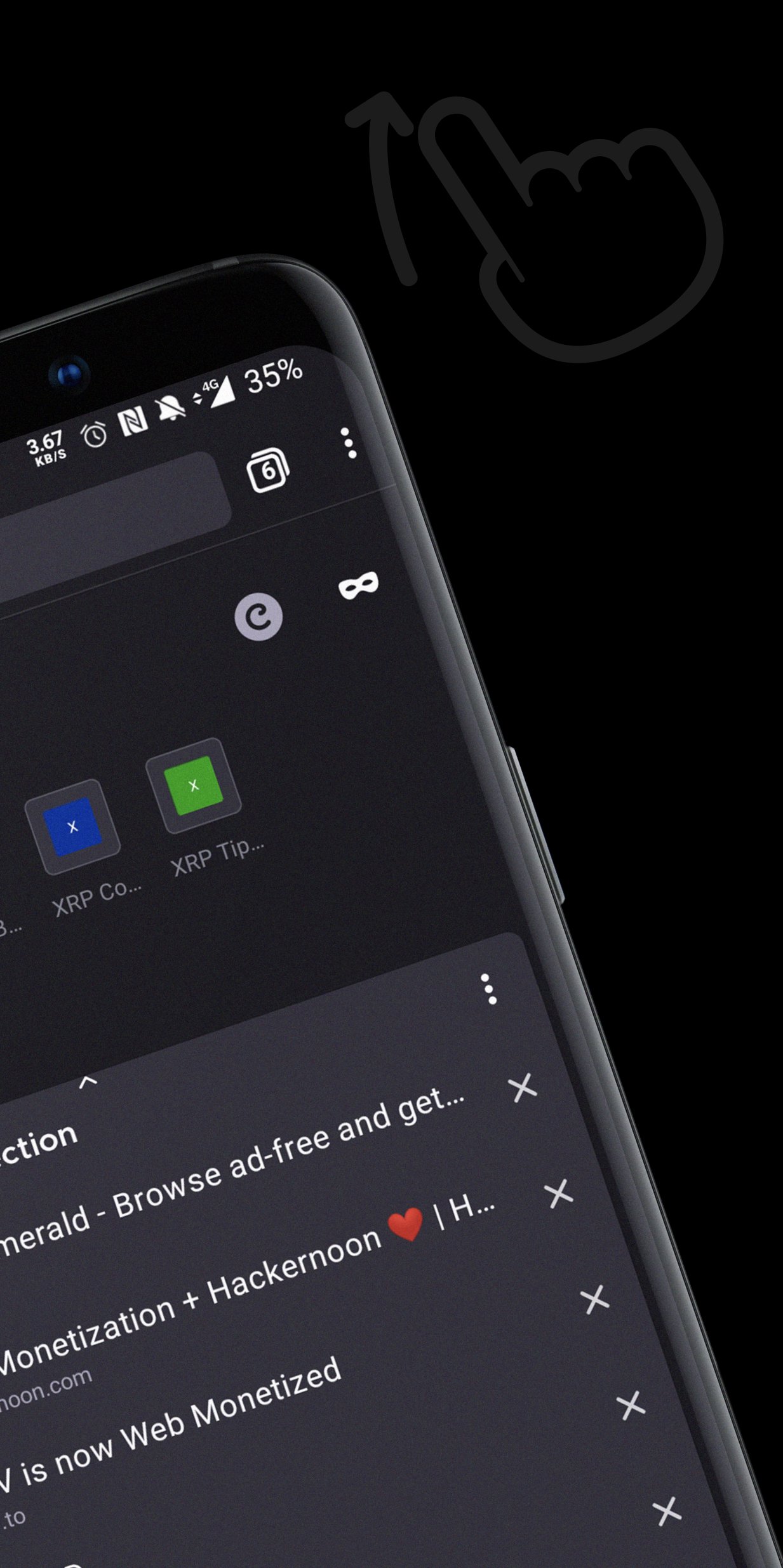
2. Summarize content and have follow-up chat via OpenAI, Anthropic and Gemini APIs
3. Access ENS, IPFS websites
BETTER SEARCH
Take ownership of your online activity from big corporations. Select a default search engine you love most and perform à la carte searches from today’s top sites:
- DuckDuckGo: simple, private search with contextual rather than personalized ads. Puma Browser’s default.
- Ecosia: go green while you surf! One tree gets planted for about every 45 searches.
- Google: available for those who want it.
- Twitter: search trends, hashtags, and topics that are happening and being discussed by the world right now.
- Wikipedia: the free online encyclopedia built and nurtured by volunteers around the world and hosted by the Wikimedia Foundation.
BETTER COMMUNITY
Help us guide the web to a better future with your ideas, feedback, and questions. Tweet at: @PumaBrowser | Join the conversation on Discord: chat.puma.tech | Email: support@pumabrowser.com.
Made with love by the Puma Browser Team.
پیش نظارہ
ٹیگز
مواصلاتمعلومات
ڈویلپر
Puma Technologies
تازہ ترین ورژن
3.9.15
آخری تازہ کاری
2026-07-28
قسم
مواصلات
پر دستیاب ہے۔
Google Play
مزید دکھائیں
پی سی پر گیم لوپ کے ساتھ Puma Browser: private local Ai کیسے کھیلا جائے۔
1. آفیشل ویب سائٹ سے گیم لوپ ڈاؤن لوڈ کریں، پھر گیم لوپ انسٹال کرنے کے لیے exe فائل چلائیں۔
2. گیم لوپ کھولیں اور "Puma Browser: private local Ai" تلاش کریں، تلاش کے نتائج میں Puma Browser: private local Ai تلاش کریں اور "انسٹال کریں" پر کلک کریں۔
3. گیم لوپ پر Puma Browser: private local Ai کھیلنے کا لطف اٹھائیں۔
Minimum requirements
OS
Windows 8.1 64-bit or Windows 10 64-bit
GPU
GTX 1050
CPU
i3-8300
Memory
8GB RAM
Storage
1GB available space
Recommended requirements
OS
Windows 8.1 64-bit or Windows 10 64-bit
GPU
GTX 1050
CPU
i3-9320
Memory
16GB RAM
Storage
1GB available space