Locket Widget - LivePic PC
LiveWidget
گیم لوپ ایمولیٹر کے ساتھ PC پر Locket Widget - LivePic ڈاؤن لوڈ کریں۔
پی سی پر Locket Widget - LivePic
Locket Widget - LivePic، جو ڈویلپر LiveWidget سے آرہا ہے، ماضی میں اینڈرائیڈ سسٹم پر چل رہا ہے۔
اب، آپ پی سی پر Locket Widget - LivePic آسانی سے GameLoop کے ساتھ چلا سکتے ہیں۔
اسے GameLoop لائبریری یا تلاش کے نتائج میں ڈاؤن لوڈ کریں۔ مزید غلط وقت پر بیٹری یا مایوس کن کالوں پر نظر نہیں ڈالی جائے گی۔
بس بڑی سکرین پر Locket Widget - LivePic PC کا مفت میں لطف اٹھائیں!
Locket Widget - LivePic تعارف
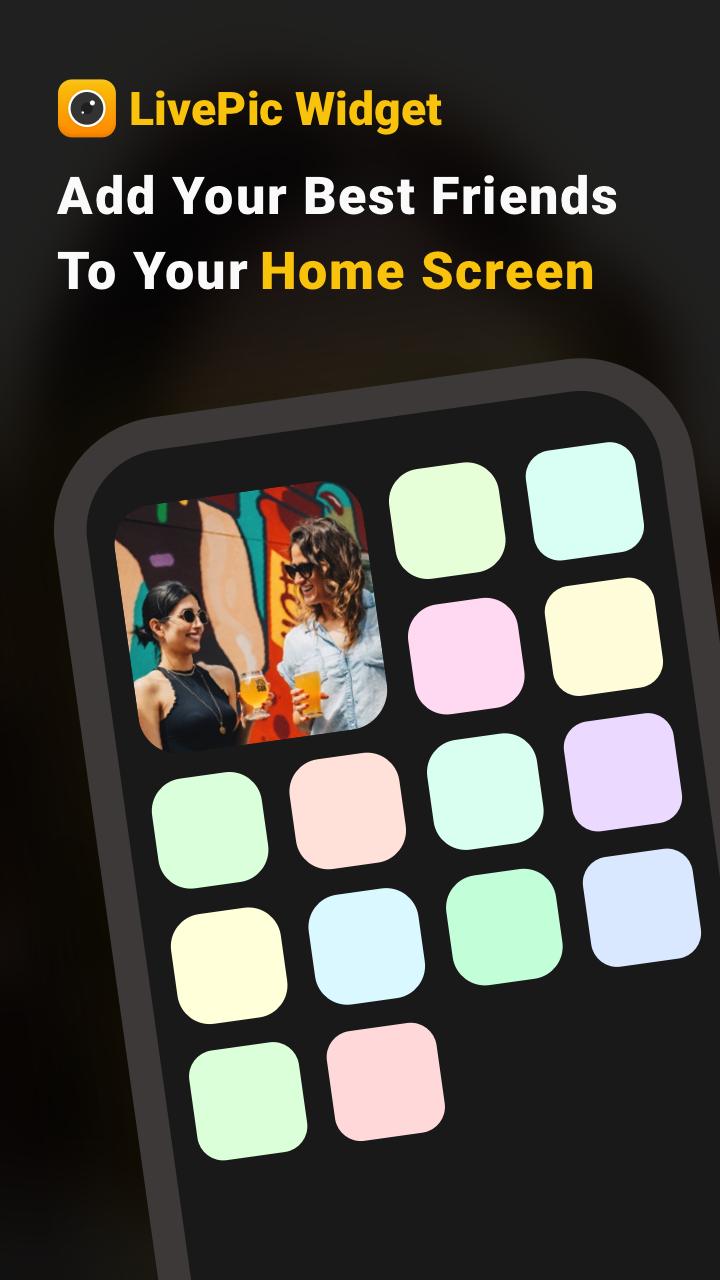
Livepic is a widget that allows you to send photos straightly to recipient’s Home Screen.
Here is how LivePic works: you send a picture to a specific person or a group of people, and the picture automatically show up on their home screens! People can also respond you with another picture to your Home Screen!
What’s new on Livepic is that you can search & follow strangers on the app, and send photos in selected groups! For example, you can share your daily moments with your BFFs, getting romantic with your significant other, and go creative with strangers!
LivePic is also a great platform for influencer to connect with their followers in an intimate way. Fans who follow a influencer on LivePic will get a photo update on the Home Screen with a more private & personal touch.
There is so much more to LivePic! Thanks for having our app on your phone. If you have any questions, please write to livepicwidget@gmail.com.
پیش نظارہ
معلومات
ڈویلپر
LiveWidget
تازہ ترین ورژن
1.12
آخری تازہ کاری
2022-03-20
قسم
مواصلات
پر دستیاب ہے۔
Google Play
مزید دکھائیں
پی سی پر گیم لوپ کے ساتھ Locket Widget - LivePic کیسے کھیلا جائے۔
1. آفیشل ویب سائٹ سے گیم لوپ ڈاؤن لوڈ کریں، پھر گیم لوپ انسٹال کرنے کے لیے exe فائل چلائیں۔
2. گیم لوپ کھولیں اور "Locket Widget - LivePic" تلاش کریں، تلاش کے نتائج میں Locket Widget - LivePic تلاش کریں اور "انسٹال کریں" پر کلک کریں۔
3. گیم لوپ پر Locket Widget - LivePic کھیلنے کا لطف اٹھائیں۔
Minimum requirements
OS
Windows 8.1 64-bit or Windows 10 64-bit
GPU
GTX 1050
CPU
i3-8300
Memory
8GB RAM
Storage
1GB available space
Recommended requirements
OS
Windows 8.1 64-bit or Windows 10 64-bit
GPU
GTX 1050
CPU
i3-9320
Memory
16GB RAM
Storage
1GB available space