
Talking James Squirrel PC
Kaufcom Games Apps Widgets
گیم لوپ ایمولیٹر کے ساتھ PC پر Talking James Squirrel ڈاؤن لوڈ کریں۔
پی سی پر Talking James Squirrel
Talking James Squirrel، جو ڈویلپر Kaufcom Games Apps Widgets سے آرہا ہے، ماضی میں اینڈرائیڈ سسٹم پر چل رہا ہے۔
اب، آپ پی سی پر Talking James Squirrel آسانی سے GameLoop کے ساتھ چلا سکتے ہیں۔
اسے GameLoop لائبریری یا تلاش کے نتائج میں ڈاؤن لوڈ کریں۔ مزید غلط وقت پر بیٹری یا مایوس کن کالوں پر نظر نہیں ڈالی جائے گی۔
بس بڑی سکرین پر Talking James Squirrel PC کا مفت میں لطف اٹھائیں!
Talking James Squirrel تعارف
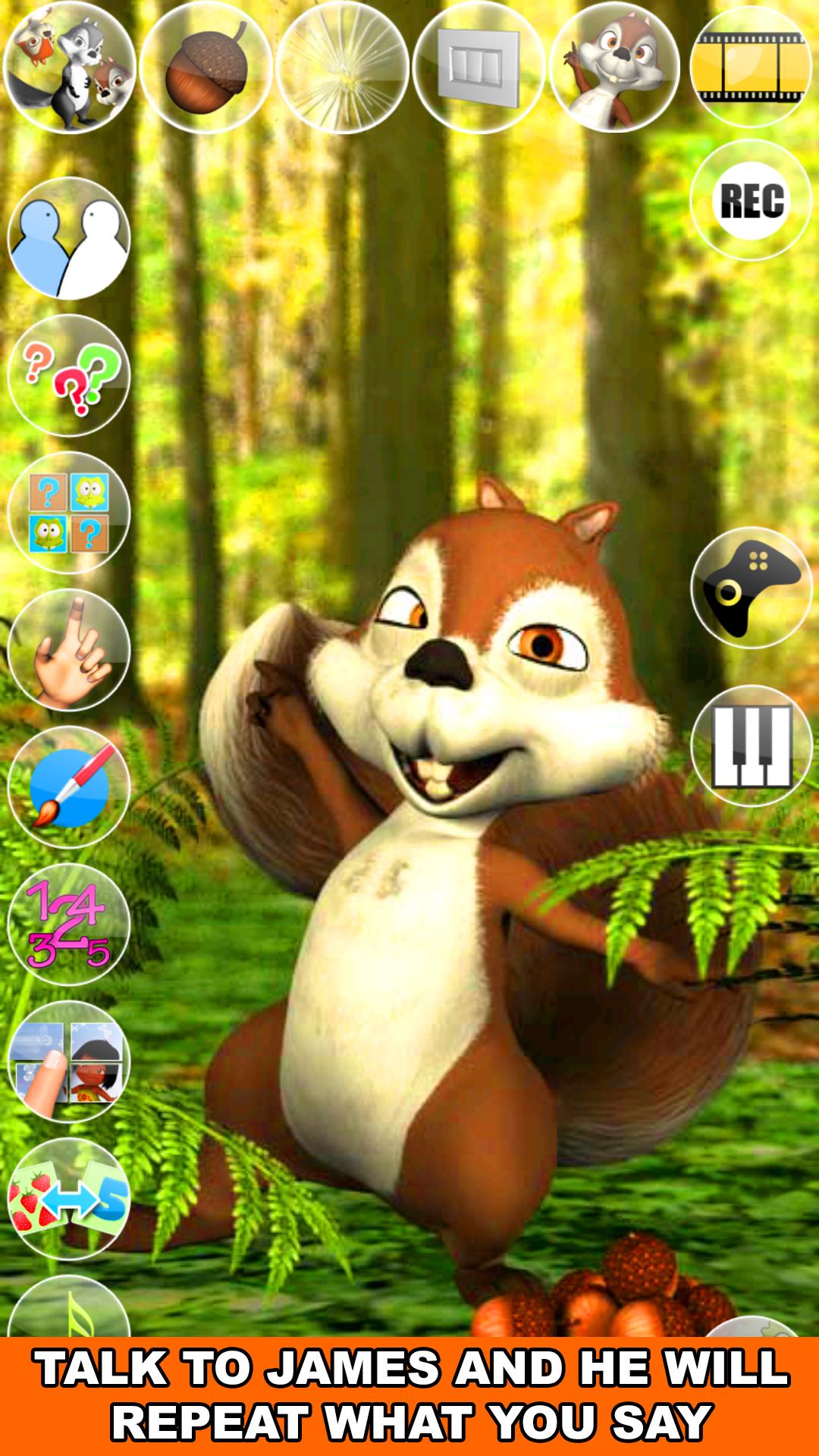
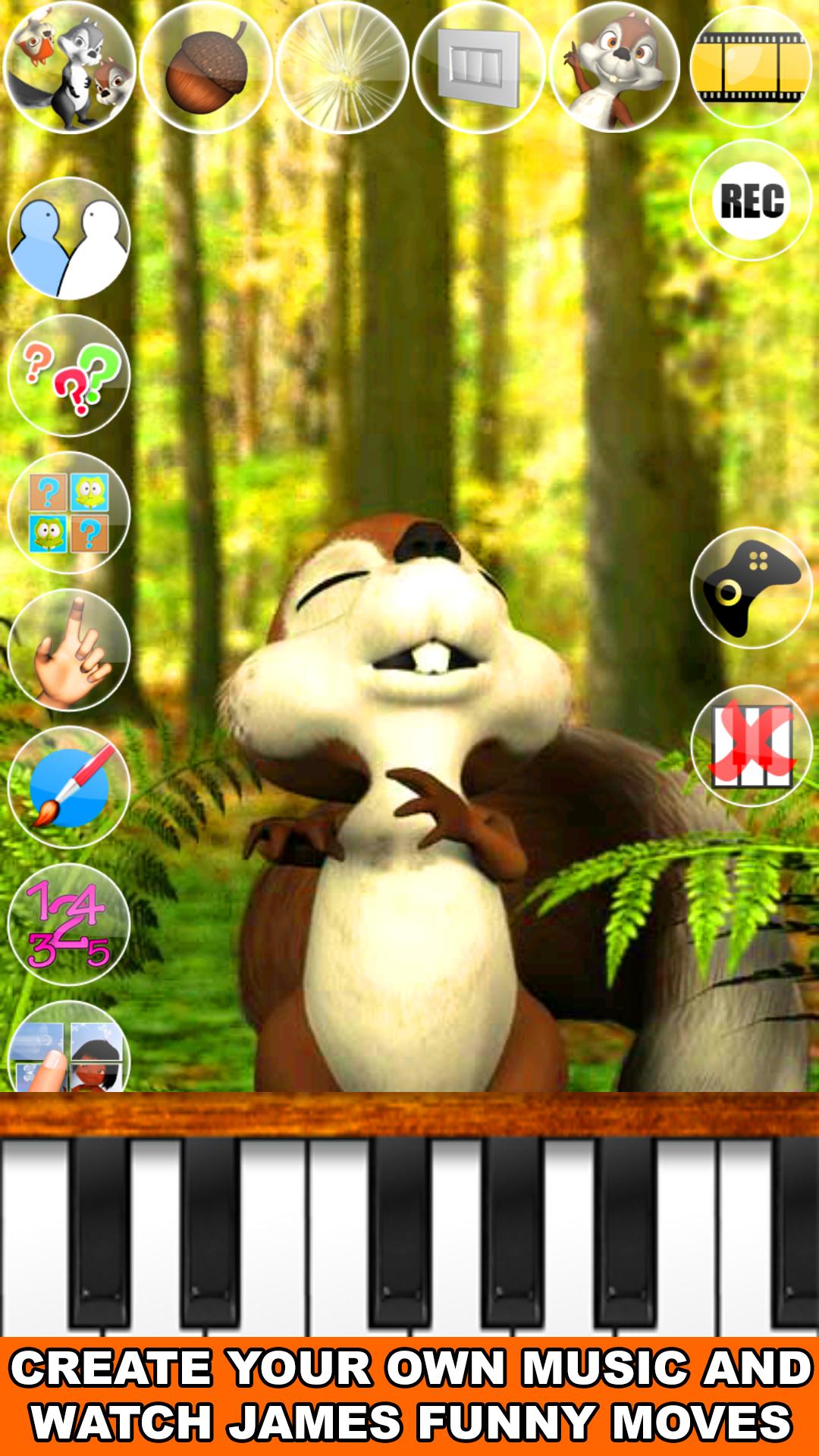
Talk to the talking James Squirrel. He answers with his funny voice and reacts to what you say or your touch. In addition, play with James and his Piano! Play your favorite Song and James will love to sing for you. James has also more than 30 exciting games with many levels to play!
Spend some time with James this cute a little bit crazy squirrel. He will show you some of his Karate moves, his passion for music and singing, his favorite games and much more.
If you like animals games like talking pets then you will love Talking James Squirrel!
Features:
- Talking Animals
- Talking Squirrel
- Squirrel Games
- High quality 3D graphics
- One of the best talking animals app
- Cool voice interaction
- Piano with singing James
- Many different animations
Enjoy hours of fun and laughter with Talking James Squirrel!
پیش نظارہ
ٹیگز
تخروپنواحد کھلاڑیاسٹائلائزڈکارٹونآف لائنمعلومات
ڈویلپر
Kaufcom Games Apps Widgets
تازہ ترین ورژن
240917
آخری تازہ کاری
2024-09-17
قسم
مزاحیہ
پر دستیاب ہے۔
Google Play
مزید دکھائیں
پی سی پر گیم لوپ کے ساتھ Talking James Squirrel کیسے کھیلا جائے۔
1. آفیشل ویب سائٹ سے گیم لوپ ڈاؤن لوڈ کریں، پھر گیم لوپ انسٹال کرنے کے لیے exe فائل چلائیں۔
2. گیم لوپ کھولیں اور "Talking James Squirrel" تلاش کریں، تلاش کے نتائج میں Talking James Squirrel تلاش کریں اور "انسٹال کریں" پر کلک کریں۔
3. گیم لوپ پر Talking James Squirrel کھیلنے کا لطف اٹھائیں۔
Minimum requirements
OS
Windows 8.1 64-bit or Windows 10 64-bit
GPU
GTX 1050
CPU
i3-8300
Memory
8GB RAM
Storage
1GB available space
Recommended requirements
OS
Windows 8.1 64-bit or Windows 10 64-bit
GPU
GTX 1050
CPU
i3-9320
Memory
16GB RAM
Storage
1GB available space