Pocket Gamepad PC
Petr Kouril
گیم لوپ ایمولیٹر کے ساتھ PC پر Pocket Gamepad ڈاؤن لوڈ کریں۔
پی سی پر Pocket Gamepad
Pocket Gamepad، جو ڈویلپر Petr Kouril سے آرہا ہے، ماضی میں اینڈرائیڈ سسٹم پر چل رہا ہے۔
اب، آپ پی سی پر Pocket Gamepad آسانی سے GameLoop کے ساتھ چلا سکتے ہیں۔
اسے GameLoop لائبریری یا تلاش کے نتائج میں ڈاؤن لوڈ کریں۔ مزید غلط وقت پر بیٹری یا مایوس کن کالوں پر نظر نہیں ڈالی جائے گی۔
بس بڑی سکرین پر Pocket Gamepad PC کا مفت میں لطف اٹھائیں!
Pocket Gamepad تعارف
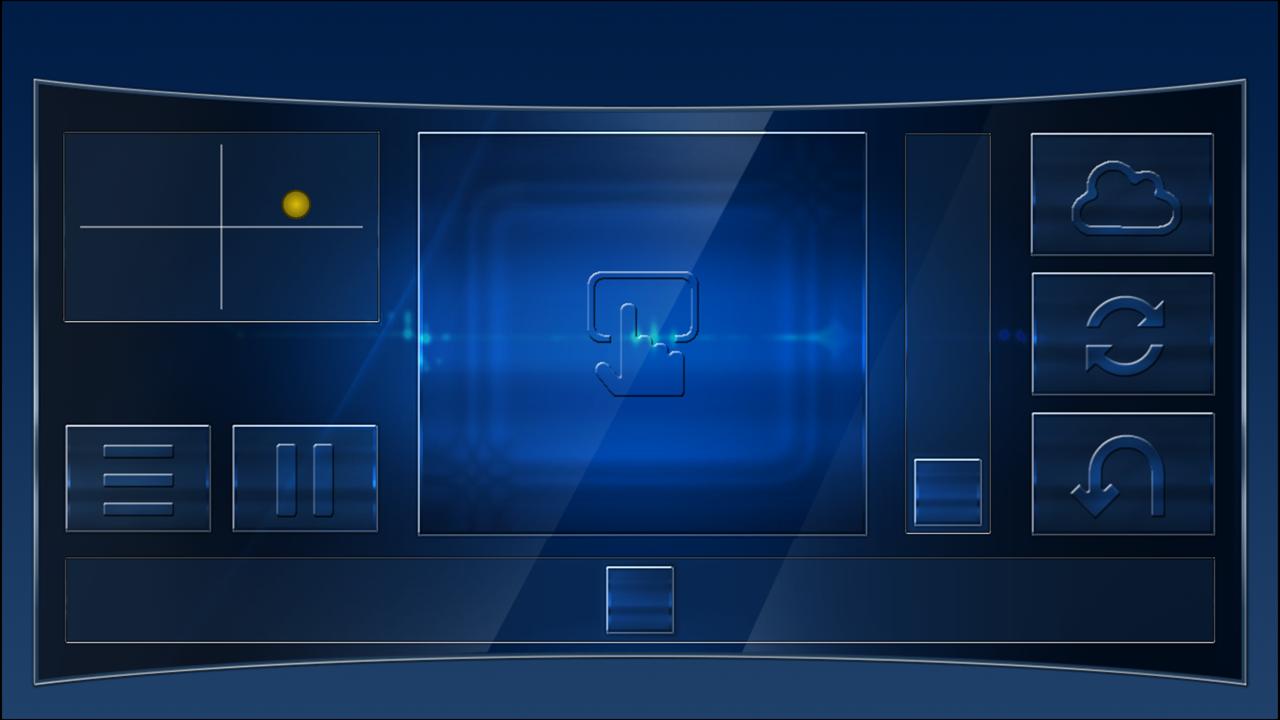
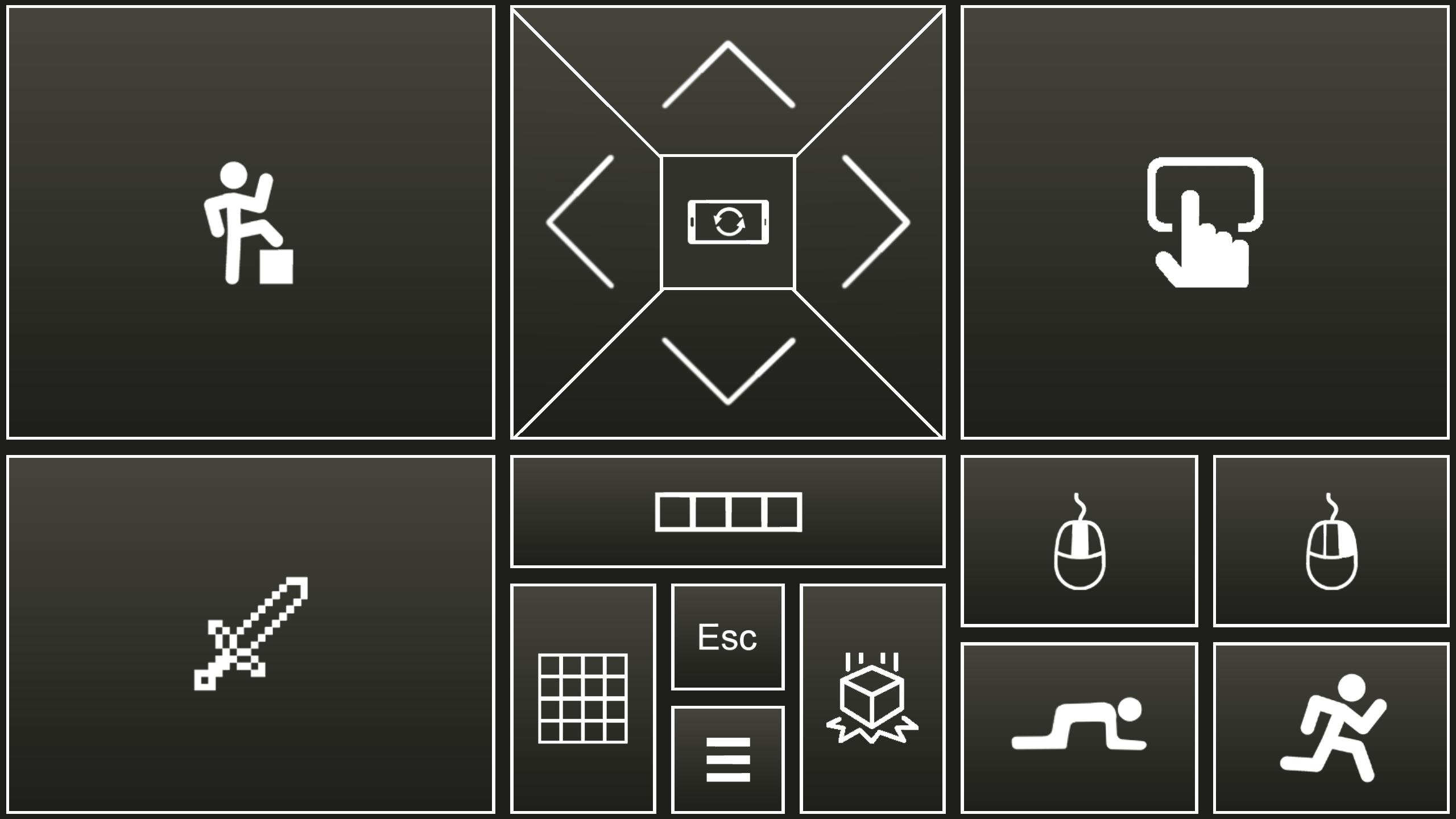
Use your Android device as a joystick, steering wheel, gamepad, mouse or keyboard for 99% PC games.
We have created skins for example for:
RedBull Air Race Game
Minecraft
Counter Strike
World of Tanks
Microsoft flight simulator
and many more...
- This is an emulator of real joystick, which is identified by PC as real Plug and play device.
- Application also emulate PC keyboard and mouse.
- All skins are fully customizable
- You can create your own skins (xml, png, mp3 files) and play any PC game.
Quick start:
- Install PocketGamepad server on your PC. Server is available here:
http://www.pgpad.com/downloads/server/PocketGamepadSetup.exe
- Install PocketGamepad at your smart phone.
- Launch PocketGamepad server at your PC.
- Launch PocketGamepad at your smart phone.
- Press Menu / Connect and then press the Search button. When Application find the PocketGamepad server, press the connect button.
Selecting skin
- Menu / Skins (games)
- Select skin and press the Play button
Customizing skin
- Select skin
- Press Menu / Edit skin
- Press button which you want to customize.
- Menu / Save as
- Menu / Finish editting
When you want to control PC game, game on the PC must be focussed, not on the background.
skins XML schema:documentation:
http://www.pgpad.com/downloads/doc/xml_schema.pdf
پیش نظارہ
ٹیگز
روزانہمعلومات
ڈویلپر
Petr Kouril
تازہ ترین ورژن
4.11
آخری تازہ کاری
2024-07-24
قسم
روزانہ
پر دستیاب ہے۔
Google Play
مزید دکھائیں
پی سی پر گیم لوپ کے ساتھ Pocket Gamepad کیسے کھیلا جائے۔
1. آفیشل ویب سائٹ سے گیم لوپ ڈاؤن لوڈ کریں، پھر گیم لوپ انسٹال کرنے کے لیے exe فائل چلائیں۔
2. گیم لوپ کھولیں اور "Pocket Gamepad" تلاش کریں، تلاش کے نتائج میں Pocket Gamepad تلاش کریں اور "انسٹال کریں" پر کلک کریں۔
3. گیم لوپ پر Pocket Gamepad کھیلنے کا لطف اٹھائیں۔
Minimum requirements
OS
Windows 8.1 64-bit or Windows 10 64-bit
GPU
GTX 1050
CPU
i3-8300
Memory
8GB RAM
Storage
1GB available space
Recommended requirements
OS
Windows 8.1 64-bit or Windows 10 64-bit
GPU
GTX 1050
CPU
i3-9320
Memory
16GB RAM
Storage
1GB available space