Chimparty PC
PlayStation Mobile Inc.
گیم لوپ ایمولیٹر کے ساتھ PC پر Chimparty ڈاؤن لوڈ کریں۔
پی سی پر Chimparty
Chimparty، جو ڈویلپر PlayStation Mobile Inc. سے آرہا ہے، ماضی میں اینڈرائیڈ سسٹم پر چل رہا ہے۔
اب، آپ پی سی پر Chimparty آسانی سے GameLoop کے ساتھ چلا سکتے ہیں۔
اسے GameLoop لائبریری یا تلاش کے نتائج میں ڈاؤن لوڈ کریں۔ مزید غلط وقت پر بیٹری یا مایوس کن کالوں پر نظر نہیں ڈالی جائے گی۔
بس بڑی سکرین پر Chimparty PC کا مفت میں لطف اٹھائیں!
Chimparty تعارف
As of December 14 2023 - Important announcement regarding the companion apps in relation to the following PlayLink games: Chimparty, Frantics, Hidden Agenda, Knowledge is Power, Knowledge is Power Decades and That's You.
Android users:
If you have already downloaded the companion app to your current device or it has been added to your library, you will continue to be able to play the game with the relevant companion app.
Companion apps to the games above are no longer distributed on the Google Play Store to users whose devices run Android OS versions newer than the following versions.
Chimparty - Android 9
Frantics - Android 11
Hidden Agenda - Android 9
Knowledge is Power - Android 11
Knowledge is Power Decades - Android 11
That's You - Android 9
Apple iOS users:
You will continue to be able to play the game with the relevant companion app regardless of the iOS versions.
It’s time to find out who’s the top banana with the Chimparty companion app. Challenge up to three friends and compete in a blitz of 18 wacky party games across 90 levels.
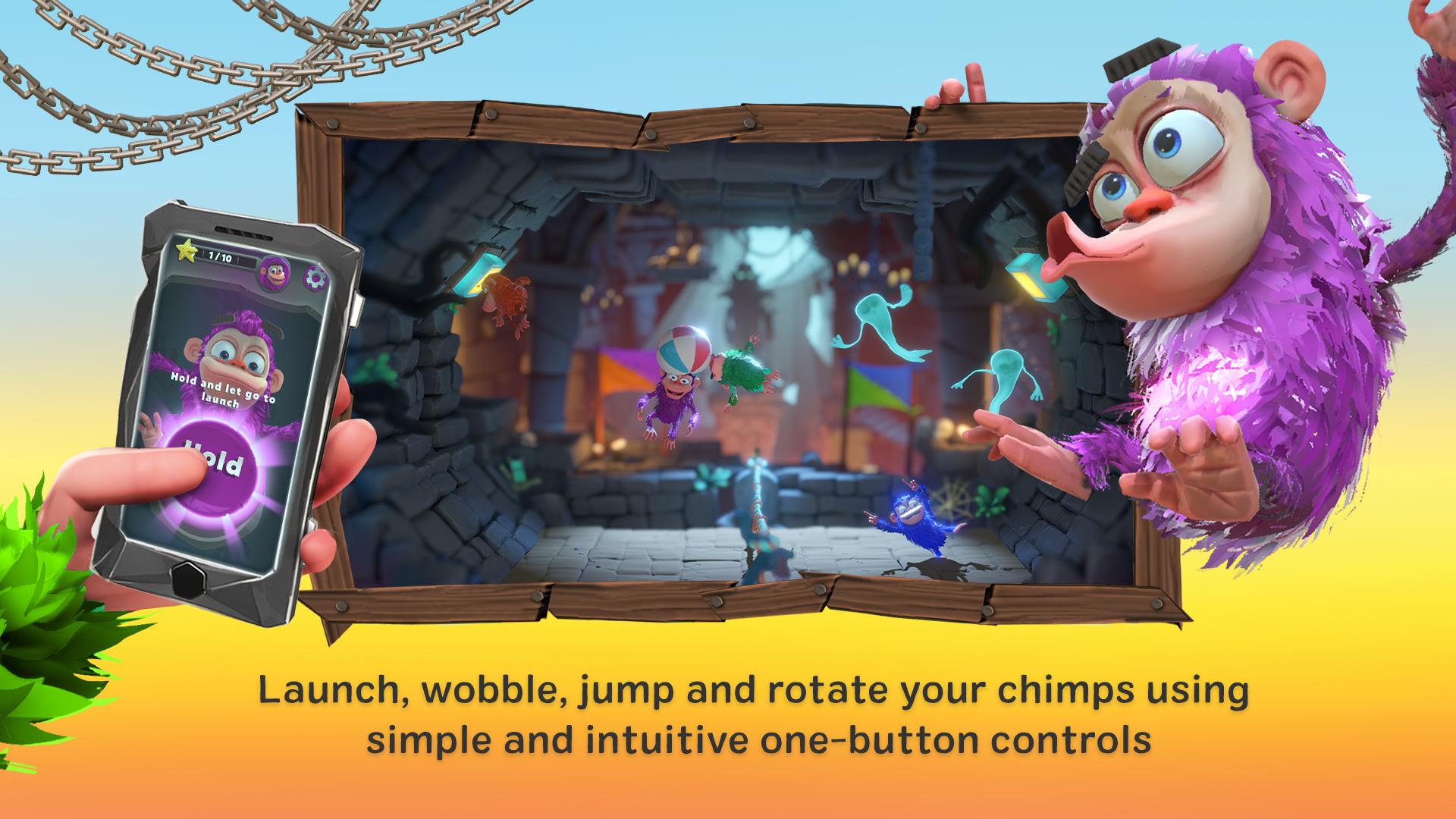
Launch, wobble and bounce your chimps using simple and intuitive one-button controls, with your smartphone or tablet as the controller.
The whole family can play; all you need is skill, timing and animal instinct to become the Ultimate Chimpion.
Compete across five wild settings, including haunted castles with spooky ghosts, alien planets with crazy gravity and a pirate harbour filled with cannons and cutlasses.
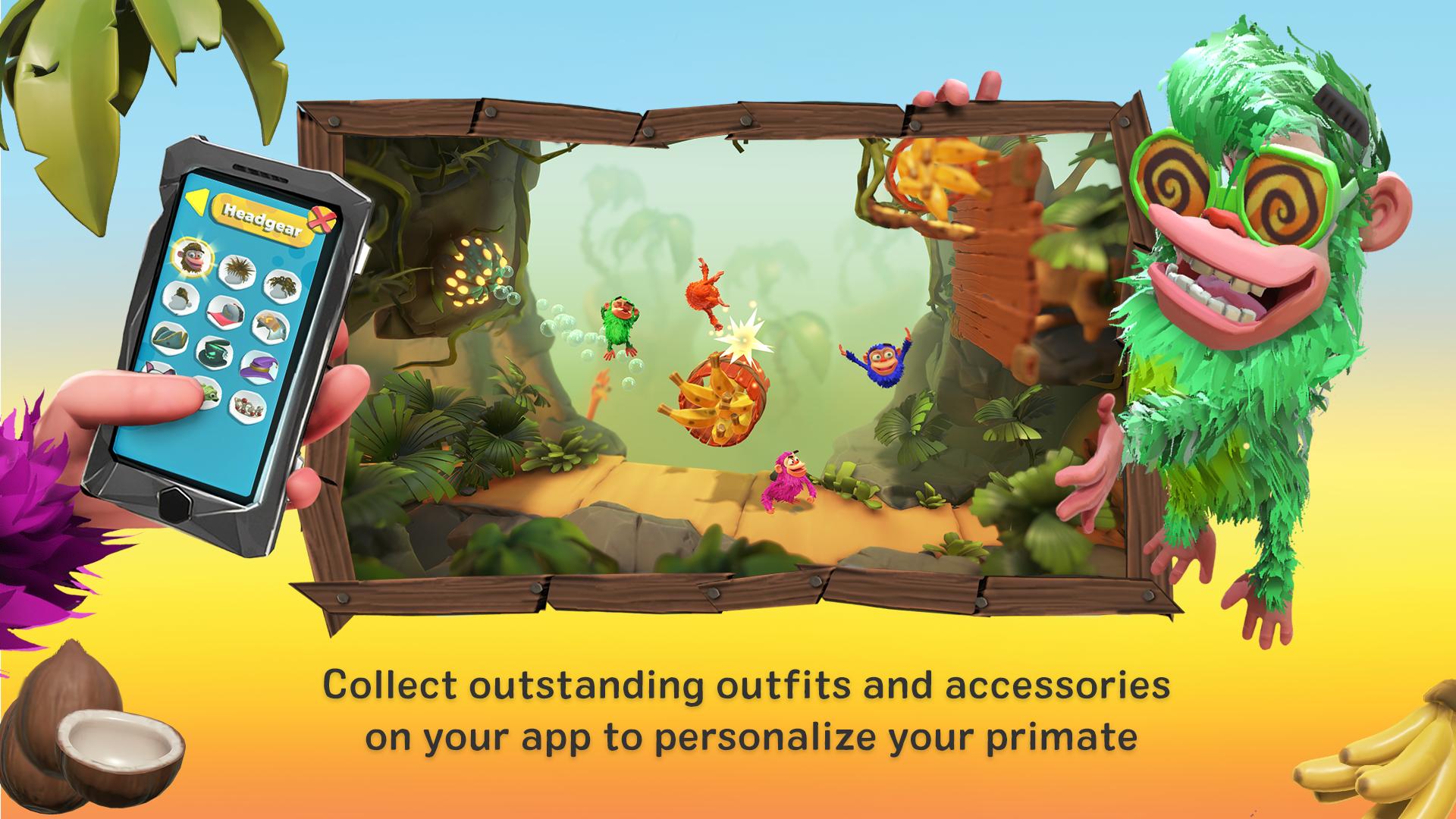
Collect outfits and accessories on your app and customize your own funky monkey. You can even play with your chimp on your friends’ PlayStation®4 systems.
Make sure your PlayStation®4 system is connected to the same Wi-Fi network as your compatible mobile device and then you're ready to go. Simply follow the in-app instructions to connect.
Use this app to:
• Access the chimp customization screen.
• Save your customized chimp.
• Snap a selfie to use as your chimp’s in-game icon.
This application can be used in the following languages:
English, French, German, Italian, Spanish, Portuguese, Dutch, Polish, Russian, Turkish, Greek, Czech, Hungarian, Norwegian, Danish, Swedish, Finnish, Mexican Spanish, Brazilian Portuguese and Arabic.
PlayLink for PS4™ titles are all about social gaming that everyone can enjoy. Pop a game into your PlayStation®4 system, pick up your compatible smartphone or tablet, gather around your TV and prepare for a refreshingly different experience – without the need for multiple DUALSHOCK®4 wireless controllers. Visit https://playstation.com/playlinkforps4 for more information.
This app turns your compatible mobile device into a controller. For more information, visit www.playstation.com/playlinkcompatibility. PlayStation®4 system, Chimparty and the Chimparty Companion App are required to play. PlayStation®4 system and Chimparty are sold separately.
The following Terms of Use and Privacy Policy apply to the use of this app, depending on your country of residence: https://www.playstation.com/en-us/legal/
پیش نظارہ
ٹیگز
روزانہمعلومات
ڈویلپر
PlayStation Mobile Inc.
تازہ ترین ورژن
1.2
آخری تازہ کاری
2019-11-15
قسم
روزانہ
پر دستیاب ہے۔
Google Play
مزید دکھائیں
پی سی پر گیم لوپ کے ساتھ Chimparty کیسے کھیلا جائے۔
1. آفیشل ویب سائٹ سے گیم لوپ ڈاؤن لوڈ کریں، پھر گیم لوپ انسٹال کرنے کے لیے exe فائل چلائیں۔
2. گیم لوپ کھولیں اور "Chimparty" تلاش کریں، تلاش کے نتائج میں Chimparty تلاش کریں اور "انسٹال کریں" پر کلک کریں۔
3. گیم لوپ پر Chimparty کھیلنے کا لطف اٹھائیں۔
Minimum requirements
OS
Windows 8.1 64-bit or Windows 10 64-bit
GPU
GTX 1050
CPU
i3-8300
Memory
8GB RAM
Storage
1GB available space
Recommended requirements
OS
Windows 8.1 64-bit or Windows 10 64-bit
GPU
GTX 1050
CPU
i3-9320
Memory
16GB RAM
Storage
1GB available space