
Classic Solitaire PC
RunServer
گیم لوپ ایمولیٹر کے ساتھ PC پر Classic Solitaire ڈاؤن لوڈ کریں۔
پی سی پر Classic Solitaire
Classic Solitaire، جو ڈویلپر RunServer سے آرہا ہے، ماضی میں اینڈرائیڈ سسٹم پر چل رہا ہے۔
اب، آپ پی سی پر Classic Solitaire آسانی سے GameLoop کے ساتھ چلا سکتے ہیں۔
اسے GameLoop لائبریری یا تلاش کے نتائج میں ڈاؤن لوڈ کریں۔ مزید غلط وقت پر بیٹری یا مایوس کن کالوں پر نظر نہیں ڈالی جائے گی۔
بس بڑی سکرین پر Classic Solitaire PC کا مفت میں لطف اٹھائیں!
Classic Solitaire تعارف
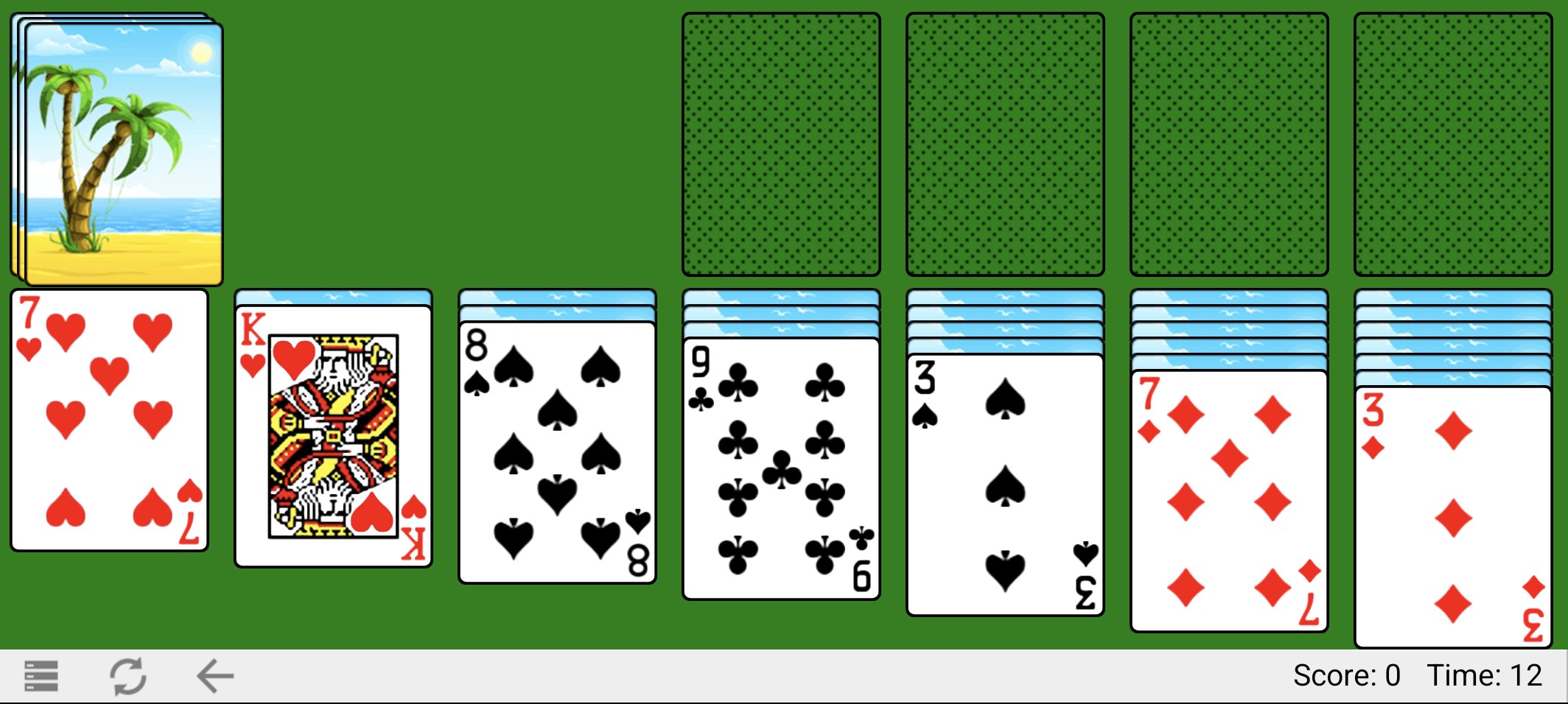
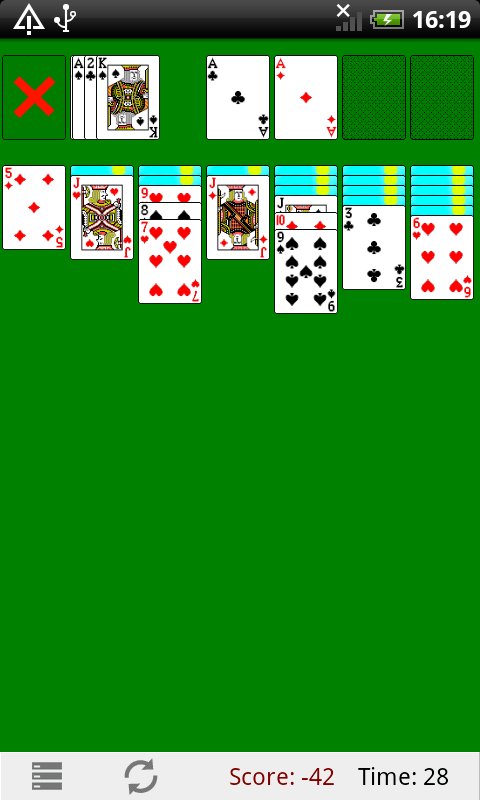
This is Klondike Solitaire built to feel exactly like the original Windows version: same scoring, same card decks, same satisfying drag-and-drop. If you grew up playing it on a PC, this is the one.
You won't find coins, loot boxes or push notifications here asking you to come back.
Features:
- HD cards optimized for Retina displays, with sleek compact layouts for smaller screens
- Draw-one and draw-three modes
- Timed and untimed gameplay
- Standard and Vegas scoring
- Double-tap to send cards to the foundation
- Unlimited undo
- Victory animation when you win
Rebuilt in 2026; faster, smaller, and with crisper graphics.
پیش نظارہ
ٹیگز
سولٹیئرمعلومات
ڈویلپر
RunServer
تازہ ترین ورژن
2.6.10
آخری تازہ کاری
2026-07-18
قسم
کارڈ
پر دستیاب ہے۔
Google Play
مزید دکھائیں
پی سی پر گیم لوپ کے ساتھ Classic Solitaire کیسے کھیلا جائے۔
1. آفیشل ویب سائٹ سے گیم لوپ ڈاؤن لوڈ کریں، پھر گیم لوپ انسٹال کرنے کے لیے exe فائل چلائیں۔
2. گیم لوپ کھولیں اور "Classic Solitaire" تلاش کریں، تلاش کے نتائج میں Classic Solitaire تلاش کریں اور "انسٹال کریں" پر کلک کریں۔
3. گیم لوپ پر Classic Solitaire کھیلنے کا لطف اٹھائیں۔
Minimum requirements
OS
Windows 8.1 64-bit or Windows 10 64-bit
GPU
GTX 1050
CPU
i3-8300
Memory
8GB RAM
Storage
1GB available space
Recommended requirements
OS
Windows 8.1 64-bit or Windows 10 64-bit
GPU
GTX 1050
CPU
i3-9320
Memory
16GB RAM
Storage
1GB available space