21 Oko bere PC
SdC
گیم لوپ ایمولیٹر کے ساتھ PC پر 21 Oko bere ڈاؤن لوڈ کریں۔
پی سی پر 21 Oko bere
21 Oko bere، جو ڈویلپر SdC سے آرہا ہے، ماضی میں اینڈرائیڈ سسٹم پر چل رہا ہے۔
اب، آپ پی سی پر 21 Oko bere آسانی سے GameLoop کے ساتھ چلا سکتے ہیں۔
اسے GameLoop لائبریری یا تلاش کے نتائج میں ڈاؤن لوڈ کریں۔ مزید غلط وقت پر بیٹری یا مایوس کن کالوں پر نظر نہیں ڈالی جائے گی۔
بس بڑی سکرین پر 21 Oko bere PC کا مفت میں لطف اٹھائیں!
21 Oko bere تعارف
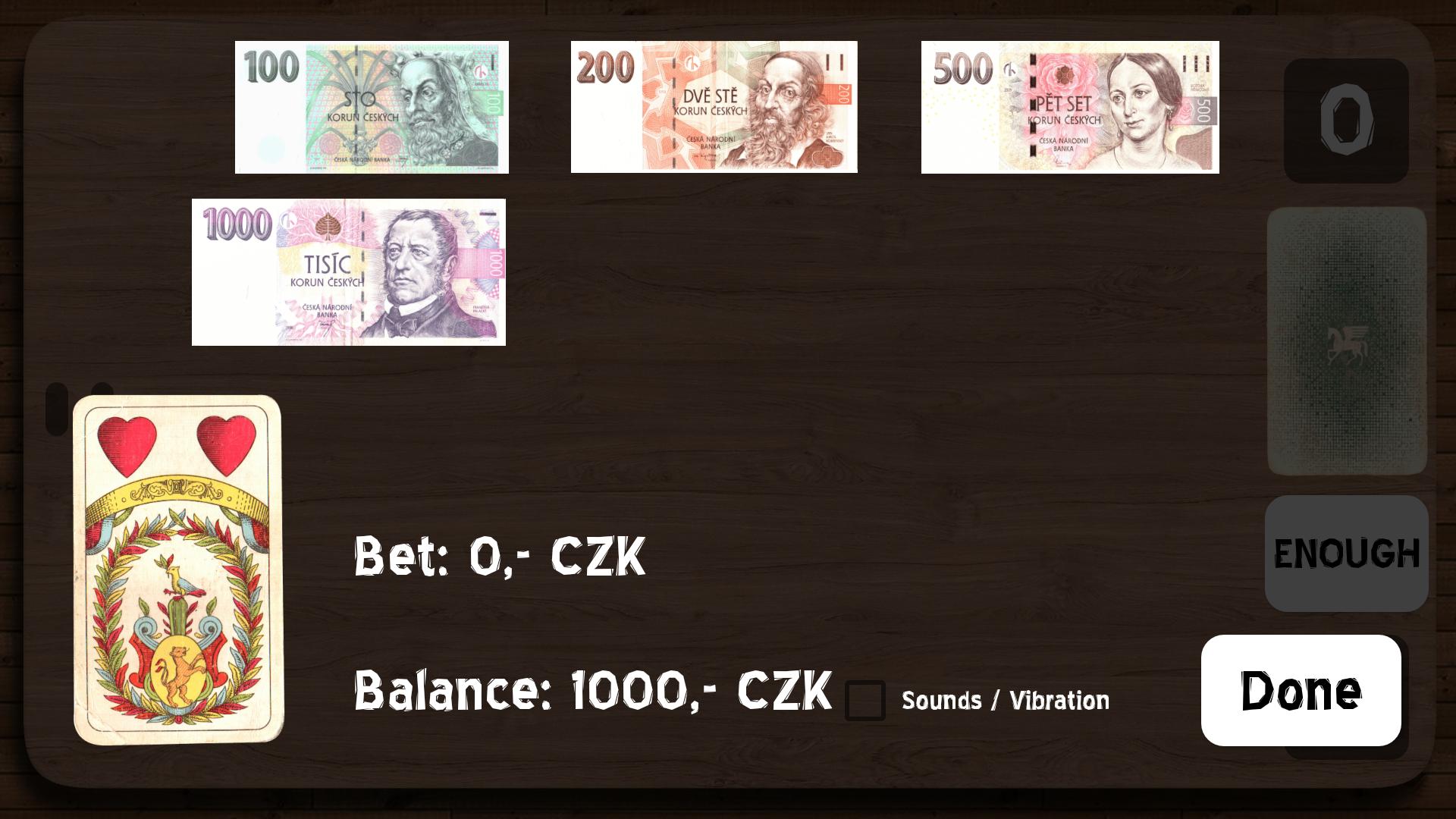
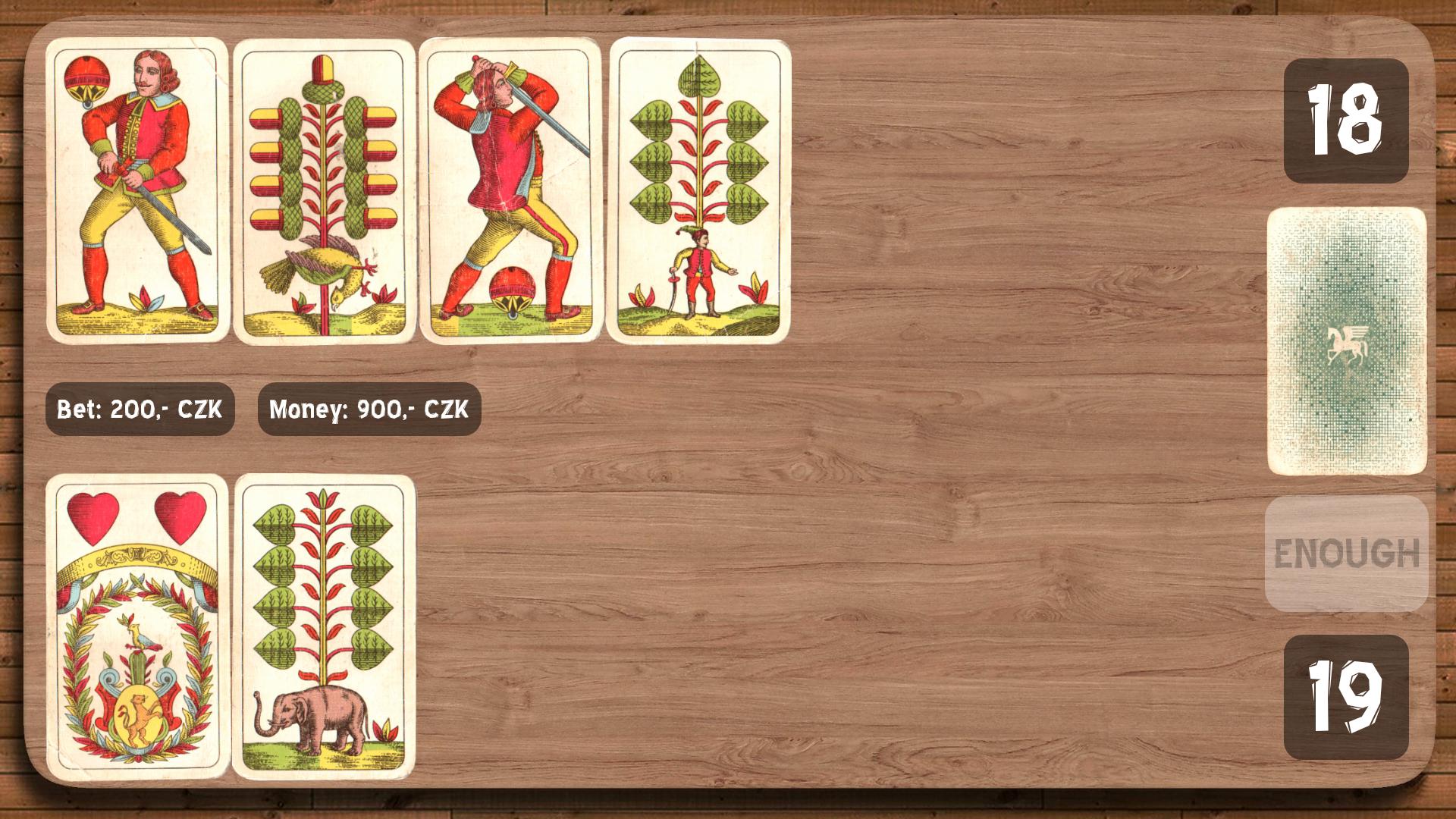
You play against Android. At the beginning of each round you will receive one card and then you have to bet something on. Android bets the same amount. After bet you continue by taking next cards from the deck until you reach the sum of 21 or at least
similar. Exceeding sum 21 means an automatic loss.
If you receive the seven-value card as a first card, you can return it before you start betting. For the Seven of Hearts card, its value can be changed between 7, 10 and 11 during the game play. If you get an eight-card and seven-card consecutively, or 5 low cards (J, Q, K), you can return them and start a new bet with a new card.
The highest figure and automatic win are two aces (the so-called "royal win") and then 21.
The winner has the highest figure or the most will approach 21.
پیش نظارہ
ٹیگز
کارڈمعلومات
ڈویلپر
SdC
تازہ ترین ورژن
3.2
آخری تازہ کاری
2020-11-24
قسم
کارڈ
پر دستیاب ہے۔
Google Play
مزید دکھائیں
پی سی پر گیم لوپ کے ساتھ 21 Oko bere کیسے کھیلا جائے۔
1. آفیشل ویب سائٹ سے گیم لوپ ڈاؤن لوڈ کریں، پھر گیم لوپ انسٹال کرنے کے لیے exe فائل چلائیں۔
2. گیم لوپ کھولیں اور "21 Oko bere" تلاش کریں، تلاش کے نتائج میں 21 Oko bere تلاش کریں اور "انسٹال کریں" پر کلک کریں۔
3. گیم لوپ پر 21 Oko bere کھیلنے کا لطف اٹھائیں۔
Minimum requirements
OS
Windows 8.1 64-bit or Windows 10 64-bit
GPU
GTX 1050
CPU
i3-8300
Memory
8GB RAM
Storage
1GB available space
Recommended requirements
OS
Windows 8.1 64-bit or Windows 10 64-bit
GPU
GTX 1050
CPU
i3-9320
Memory
16GB RAM
Storage
1GB available space