
WIKI OBD APP PC
The Diagnostic Box
گیم لوپ ایمولیٹر کے ساتھ PC پر WIKI OBD APP ڈاؤن لوڈ کریں۔
پی سی پر WIKI OBD APP
WIKI OBD APP، جو ڈویلپر The Diagnostic Box سے آرہا ہے، ماضی میں اینڈرائیڈ سسٹم پر چل رہا ہے۔
اب، آپ پی سی پر WIKI OBD APP آسانی سے GameLoop کے ساتھ چلا سکتے ہیں۔
اسے GameLoop لائبریری یا تلاش کے نتائج میں ڈاؤن لوڈ کریں۔ مزید غلط وقت پر بیٹری یا مایوس کن کالوں پر نظر نہیں ڈالی جائے گی۔
بس بڑی سکرین پر WIKI OBD APP PC کا مفت میں لطف اٹھائیں!
WIKI OBD APP تعارف
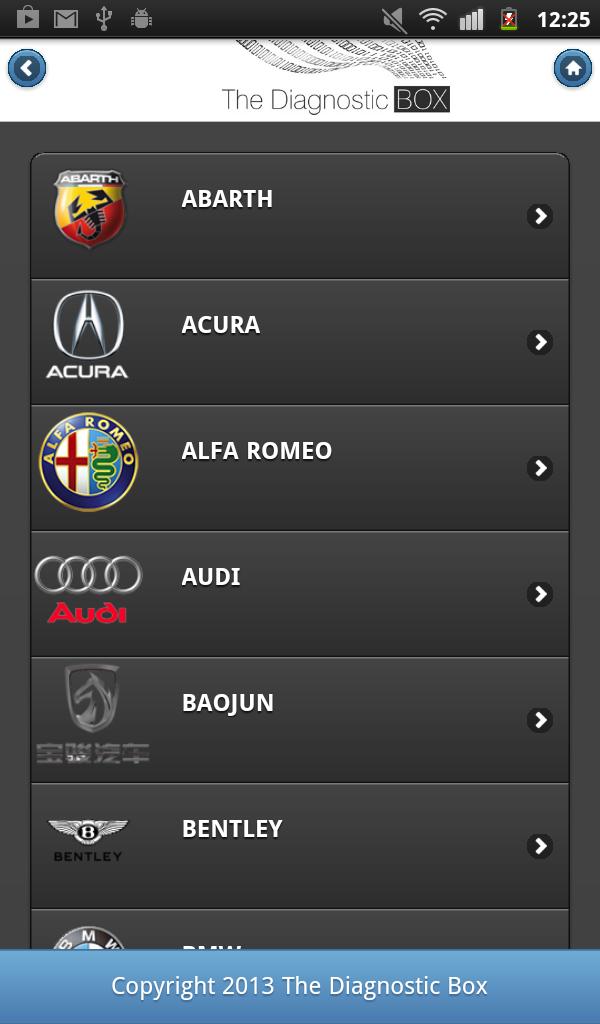
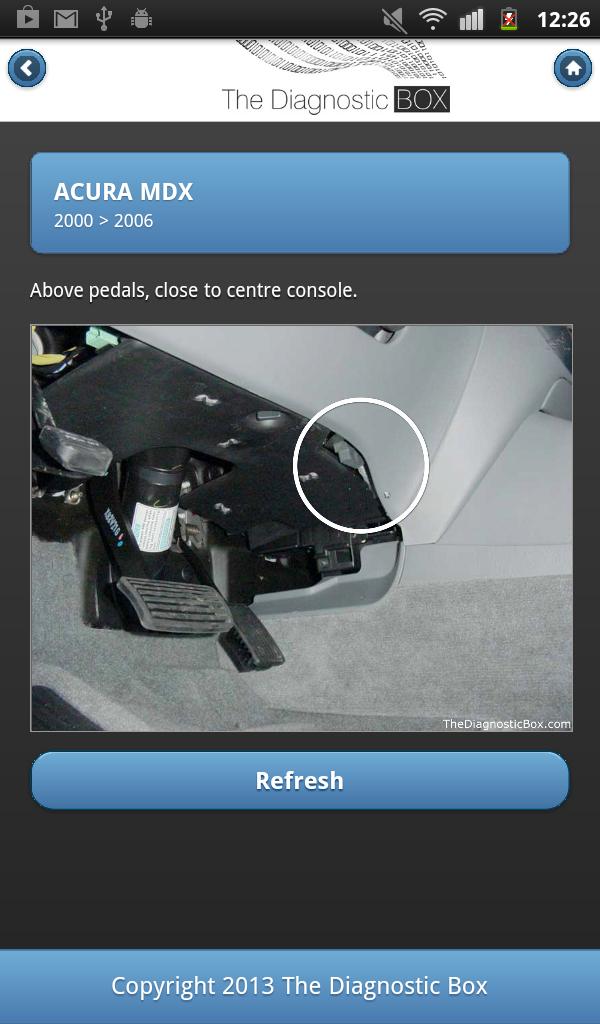
WIKI OBD (Diagnostic Socket Locator) APP description : The Diagnostic Box are pleased to announce the release of its FREE Diagnostic Socket Locator, the WIKI OBD app.
Have you ever been out trying to locate a diagnostic socket, spent 5 minutes or more hunting around, taking off panels, unscrewing parts of the car, called a friend to see if they might know ? and it took you longer to find the socket than it did to diagnose the problem. I am sure we have all been there. Well now there is a simple and easy way to locate the location of the diagnostic socket and the great thing is, its FREE ! Initially the web site has been populated with mostly cars, but additional locations for Trucks, Boats and Motorcycles will be added. It will save you time and money, and some embarrassment in front of the customer !
پیش نظارہ
معلومات
ڈویلپر
The Diagnostic Box
تازہ ترین ورژن
1.0.0
آخری تازہ کاری
2019-08-30
قسم
کاروبار
پر دستیاب ہے۔
Google Play
مزید دکھائیں
پی سی پر گیم لوپ کے ساتھ WIKI OBD APP کیسے کھیلا جائے۔
1. آفیشل ویب سائٹ سے گیم لوپ ڈاؤن لوڈ کریں، پھر گیم لوپ انسٹال کرنے کے لیے exe فائل چلائیں۔
2. گیم لوپ کھولیں اور "WIKI OBD APP" تلاش کریں، تلاش کے نتائج میں WIKI OBD APP تلاش کریں اور "انسٹال کریں" پر کلک کریں۔
3. گیم لوپ پر WIKI OBD APP کھیلنے کا لطف اٹھائیں۔
Minimum requirements
OS
Windows 8.1 64-bit or Windows 10 64-bit
GPU
GTX 1050
CPU
i3-8300
Memory
8GB RAM
Storage
1GB available space
Recommended requirements
OS
Windows 8.1 64-bit or Windows 10 64-bit
GPU
GTX 1050
CPU
i3-9320
Memory
16GB RAM
Storage
1GB available space