Takeaway.com Courier PC
Takeaway.com
گیم لوپ ایمولیٹر کے ساتھ PC پر Takeaway.com Courier ڈاؤن لوڈ کریں۔
پی سی پر Takeaway.com Courier
Takeaway.com Courier، جو ڈویلپر Takeaway.com سے آرہا ہے، ماضی میں اینڈرائیڈ سسٹم پر چل رہا ہے۔
اب، آپ پی سی پر Takeaway.com Courier آسانی سے GameLoop کے ساتھ چلا سکتے ہیں۔
اسے GameLoop لائبریری یا تلاش کے نتائج میں ڈاؤن لوڈ کریں۔ مزید غلط وقت پر بیٹری یا مایوس کن کالوں پر نظر نہیں ڈالی جائے گی۔
بس بڑی سکرین پر Takeaway.com Courier PC کا مفت میں لطف اٹھائیں!
Takeaway.com Courier تعارف
Ready to experience the smartest delivery service yet?
The Courier App is an intuitive tool for couriers and restaurants to work together more efficiently and effectively.
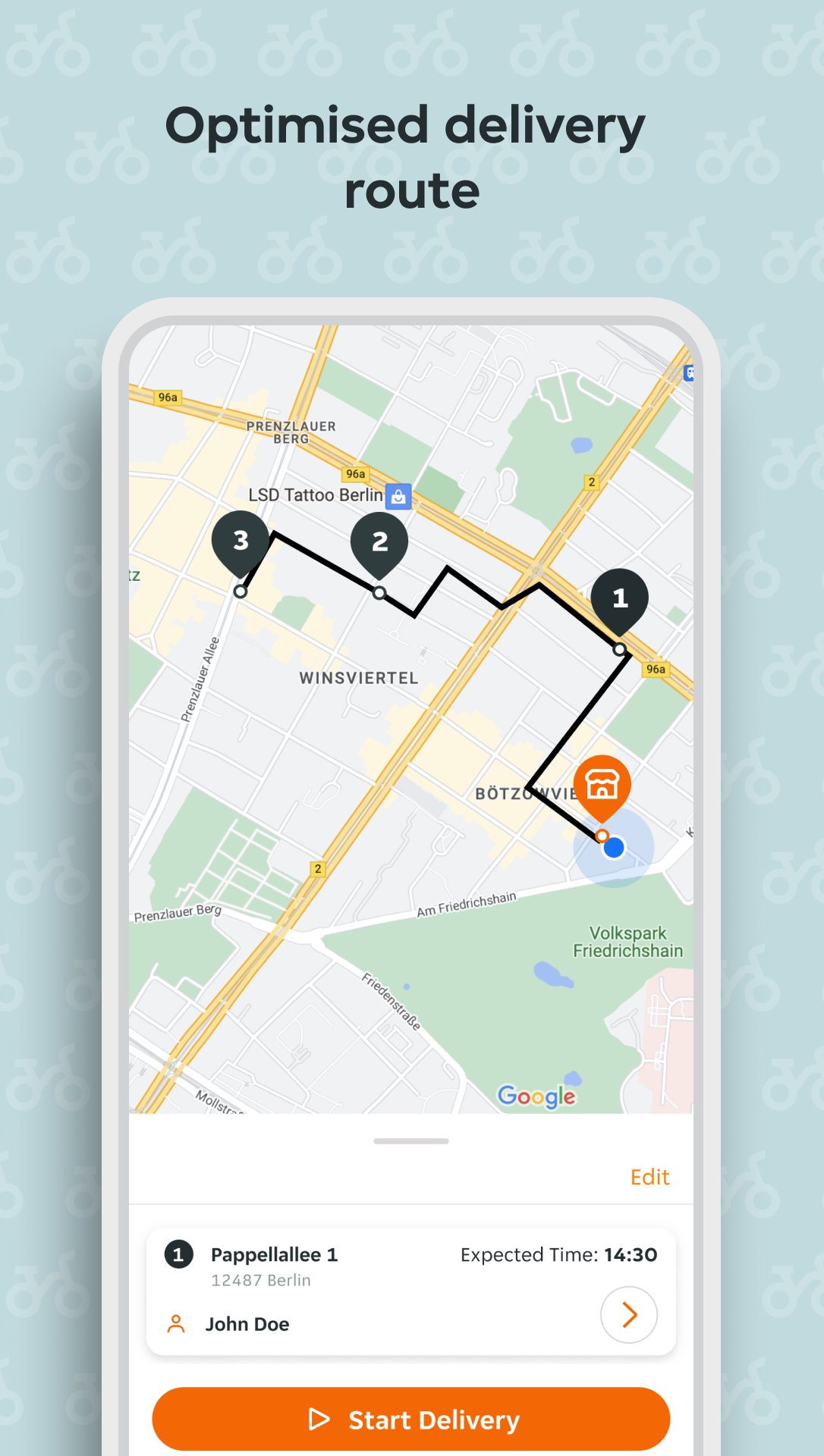
The app helps couriers pick up orders from the restaurant, have all the relevant customer information such as name, address and order details handy, find their way to the customer’s location, contact the customer if required, and complete their delivery in an efficient manner.
It helps customers know exactly where their order is at all times giving them peace of mind, It makes meal planning easy for your restaurants and delivery is made super easy for you.
Some key benefits are:
You can Claim orders: Scan the QR code which can be found on the order receipt to claim delivery of that order. Don’t have the app yet? No problem! Scanning the QR code will take you through the download process.
You now see a Digital Receipt: Know everything from the customer’s name and address to what’s in the bag from the Order Details page on the receipt.
Contact the customer: Call the customer any time with just the tap of a button.
Full Transparency for everyone: Both the restaurant and the customer will know exactly where you are so they can be aware of when to expect you.
Guest access: Not sure about the app? Try it as a guest! By Scanning the QR Code on the receipt, you can use the App to deliver orders as a guest and sign up when you’re convinced.
Get many other benefits like accurate directions, customer location information, ability to deliver multiple orders in one go, among others.
Steps to get started
With a Restaurant Invitation
1- Download the Takeaway.com Courier App from your App store. iOS or Android
2- Sign up with your email
3- Accept the Invite from your Restaurant Manager
4- Claim one or multiple orders and start delivering
As a Guest
1- Scan the QR Code on the Order receipt
2- Get the order details on the app and complete delivery
3- Sign up with your email and send an interest to the restaurant if you’d like to deliver for them
4- Ask the Restaurant Manager to accept your invite so you can start working
The app comes with a Courier App Portal which gives full visibility to restaurants through a detailed dashboard. It’s packed with features to help all parties involved have all the information they need at any point in time.
Privacy Statement: https://courierapp.takeaway.com/privacy
Legal Terms: https://courierapp.takeaway.com/terms-of-use
Have questions: Feel free to contact us at CourierApp-Support@takeaway.com
پیش نظارہ

ٹیگز
کاروبارمعلومات
ڈویلپر
Takeaway.com
تازہ ترین ورژن
2.49.1
آخری تازہ کاری
2026-05-06
قسم
کاروبار
پر دستیاب ہے۔
Google Play
مزید دکھائیں
پی سی پر گیم لوپ کے ساتھ Takeaway.com Courier کیسے کھیلا جائے۔
1. آفیشل ویب سائٹ سے گیم لوپ ڈاؤن لوڈ کریں، پھر گیم لوپ انسٹال کرنے کے لیے exe فائل چلائیں۔
2. گیم لوپ کھولیں اور "Takeaway.com Courier" تلاش کریں، تلاش کے نتائج میں Takeaway.com Courier تلاش کریں اور "انسٹال کریں" پر کلک کریں۔
3. گیم لوپ پر Takeaway.com Courier کھیلنے کا لطف اٹھائیں۔
Minimum requirements
OS
Windows 8.1 64-bit or Windows 10 64-bit
GPU
GTX 1050
CPU
i3-8300
Memory
8GB RAM
Storage
1GB available space
Recommended requirements
OS
Windows 8.1 64-bit or Windows 10 64-bit
GPU
GTX 1050
CPU
i3-9320
Memory
16GB RAM
Storage
1GB available space