
POS Machine PC
TAXImet
گیم لوپ ایمولیٹر کے ساتھ PC پر POS Machine ڈاؤن لوڈ کریں۔
پی سی پر POS Machine
POS Machine، جو ڈویلپر TAXImet سے آرہا ہے، ماضی میں اینڈرائیڈ سسٹم پر چل رہا ہے۔
اب، آپ پی سی پر POS Machine آسانی سے GameLoop کے ساتھ چلا سکتے ہیں۔
اسے GameLoop لائبریری یا تلاش کے نتائج میں ڈاؤن لوڈ کریں۔ مزید غلط وقت پر بیٹری یا مایوس کن کالوں پر نظر نہیں ڈالی جائے گی۔
بس بڑی سکرین پر POS Machine PC کا مفت میں لطف اٹھائیں!
POS Machine تعارف
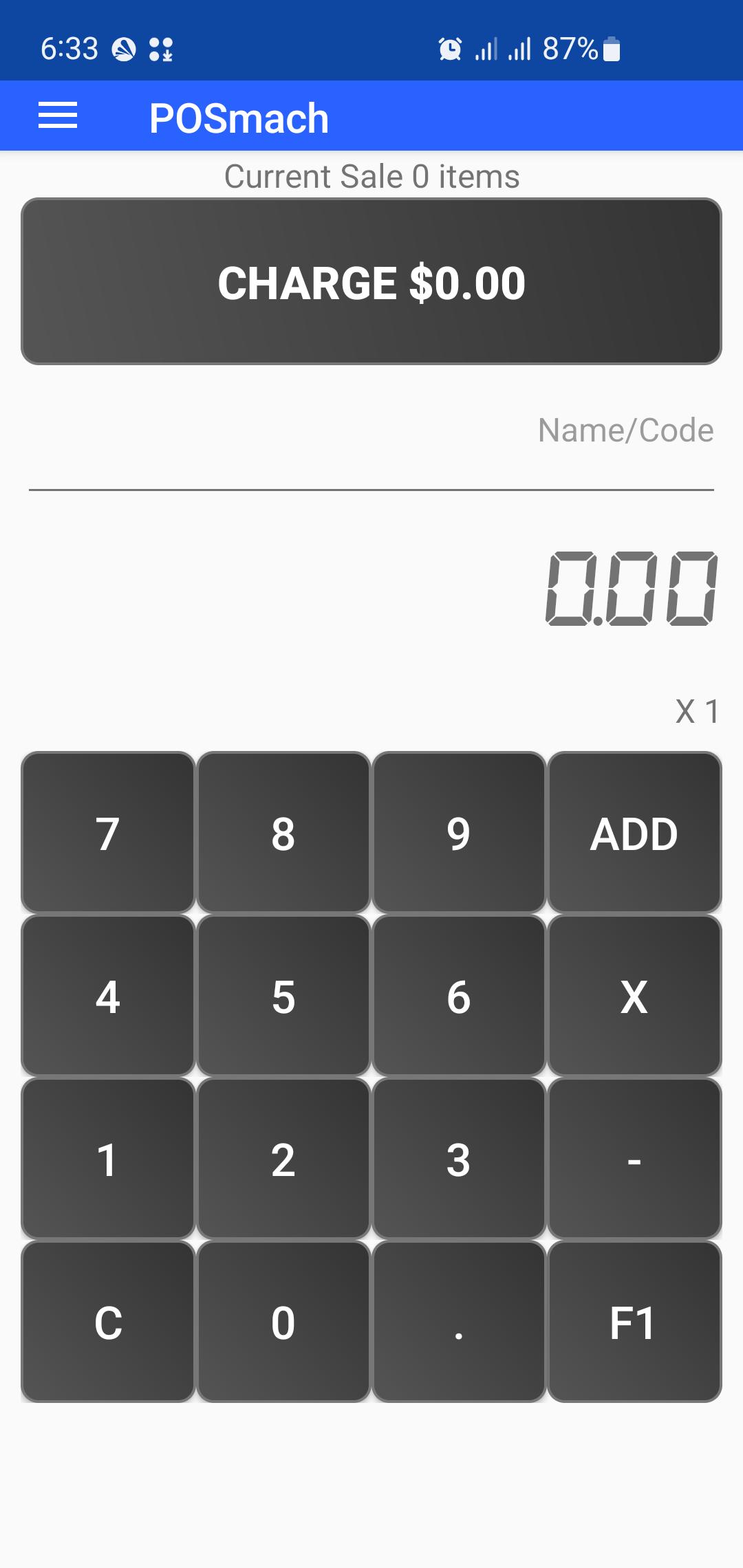
POSmach - Point of Sale Machine is a Free mobile POS application to help your business sales, billing and invoicing needs.
With this POS app You can create sales orders, create invoices, print bills, email bills, SMS bills and generate sales reports instantly.
Further, POSmach will let your business go online with cloud supported data backup and syncing with all your devices.
POS machine has simple UI design with easy to use and understandable features. You don't need to create item catalogs or add stores details to start selling..
You can immediately start billing by while selling items with their prices. There is no limit for the items and categories.
After adding all items in the sales bucket, review the invoice, add discount and can do necessary changes.
Press print button and select whether to Print, email or SMS a bill to the customer.
The App can connect with portal Thermal Bluetooth Printers. (Supported model: 58mm mini wireless Bluetooth thermal printer support ESC/POS for Android mobile printer).
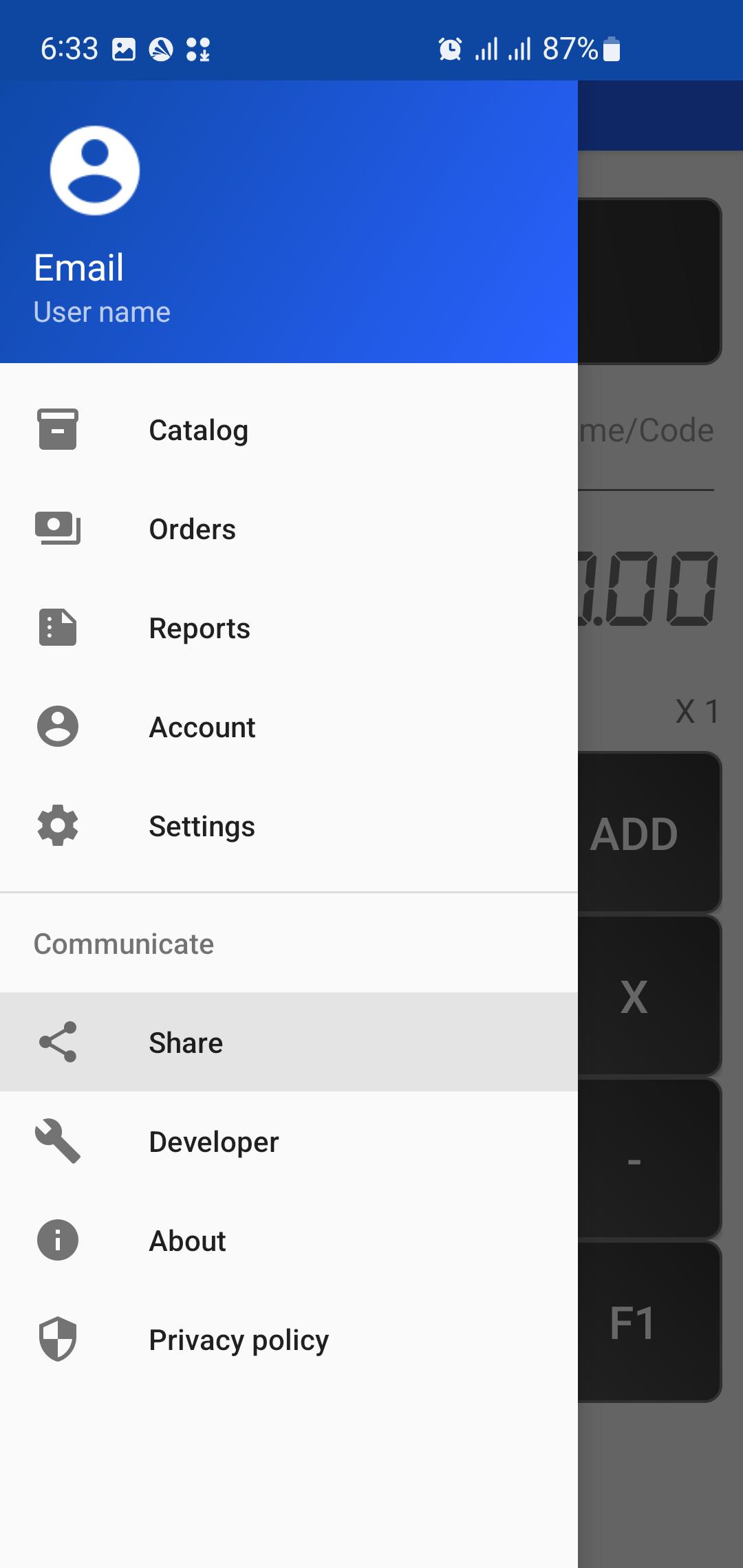
You can include the items catalog in your store to easily search and pick at your sales. App will provide reporting on your sales and items.
Bill can be customized to include your business details, and you can adjust various app setting to meet your sales and business needs. Eg. Change currency, Setting access password, Change bill header or footer.
At the end of the day you can get a PDF report of your sales and items sold.
Tips:
To reset a Bill long press on the Charge button.
پیش نظارہ
ٹیگز
کاروبارمعلومات
ڈویلپر
TAXImet
تازہ ترین ورژن
2.0
آخری تازہ کاری
2025-08-16
قسم
کاروبار
پر دستیاب ہے۔
Google Play
مزید دکھائیں
پی سی پر گیم لوپ کے ساتھ POS Machine کیسے کھیلا جائے۔
1. آفیشل ویب سائٹ سے گیم لوپ ڈاؤن لوڈ کریں، پھر گیم لوپ انسٹال کرنے کے لیے exe فائل چلائیں۔
2. گیم لوپ کھولیں اور "POS Machine" تلاش کریں، تلاش کے نتائج میں POS Machine تلاش کریں اور "انسٹال کریں" پر کلک کریں۔
3. گیم لوپ پر POS Machine کھیلنے کا لطف اٹھائیں۔
Minimum requirements
OS
Windows 8.1 64-bit or Windows 10 64-bit
GPU
GTX 1050
CPU
i3-8300
Memory
8GB RAM
Storage
1GB available space
Recommended requirements
OS
Windows 8.1 64-bit or Windows 10 64-bit
GPU
GTX 1050
CPU
i3-9320
Memory
16GB RAM
Storage
1GB available space