PLDroid - Piccolink emulator PC
Droidoro PL
گیم لوپ ایمولیٹر کے ساتھ PC پر PLDroid - Piccolink emulator ڈاؤن لوڈ کریں۔
پی سی پر PLDroid - Piccolink emulator
PLDroid - Piccolink emulator، جو ڈویلپر Droidoro PL سے آرہا ہے، ماضی میں اینڈرائیڈ سسٹم پر چل رہا ہے۔
اب، آپ پی سی پر PLDroid - Piccolink emulator آسانی سے GameLoop کے ساتھ چلا سکتے ہیں۔
اسے GameLoop لائبریری یا تلاش کے نتائج میں ڈاؤن لوڈ کریں۔ مزید غلط وقت پر بیٹری یا مایوس کن کالوں پر نظر نہیں ڈالی جائے گی۔
بس بڑی سکرین پر PLDroid - Piccolink emulator PC کا مفت میں لطف اٹھائیں!
PLDroid - Piccolink emulator تعارف
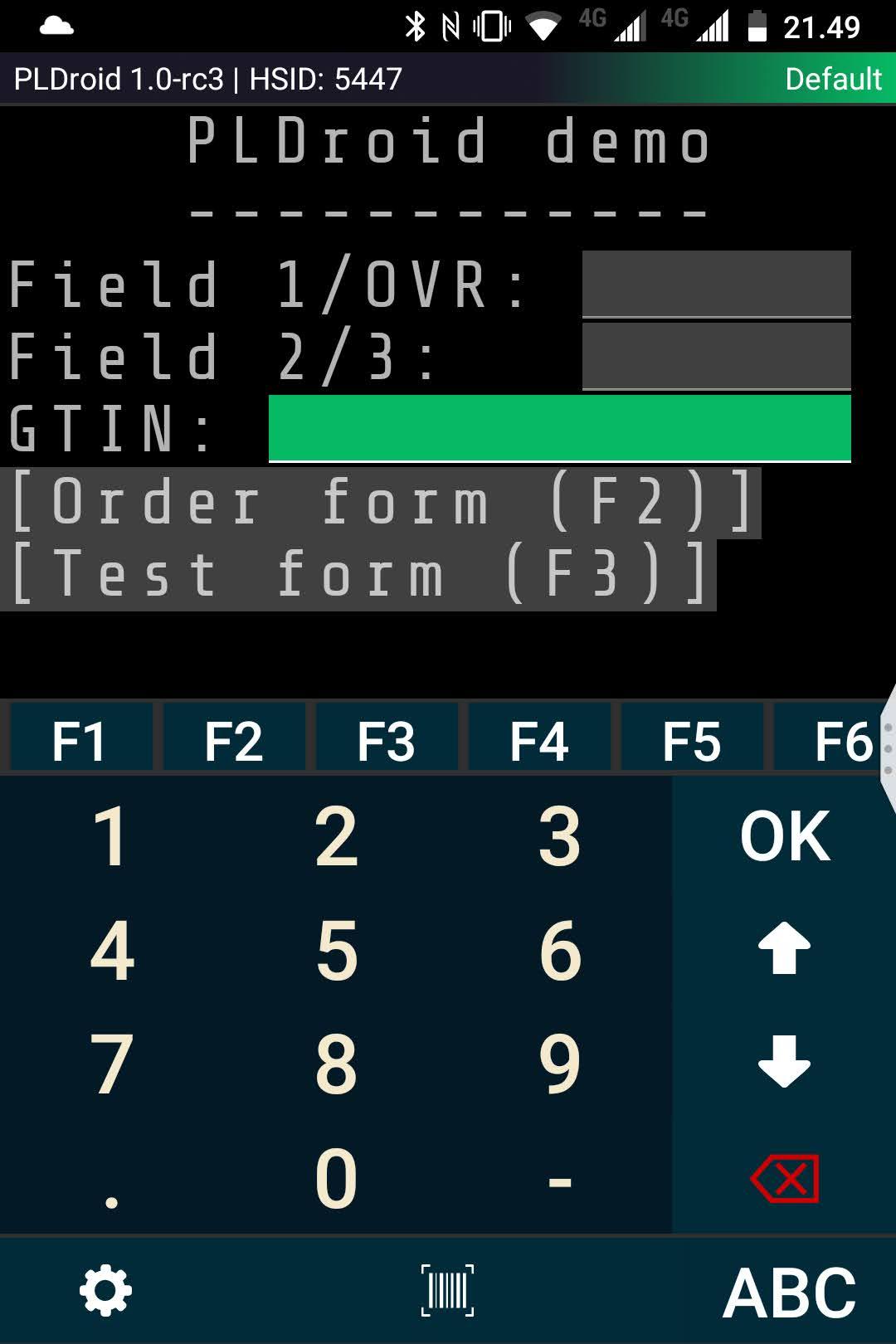
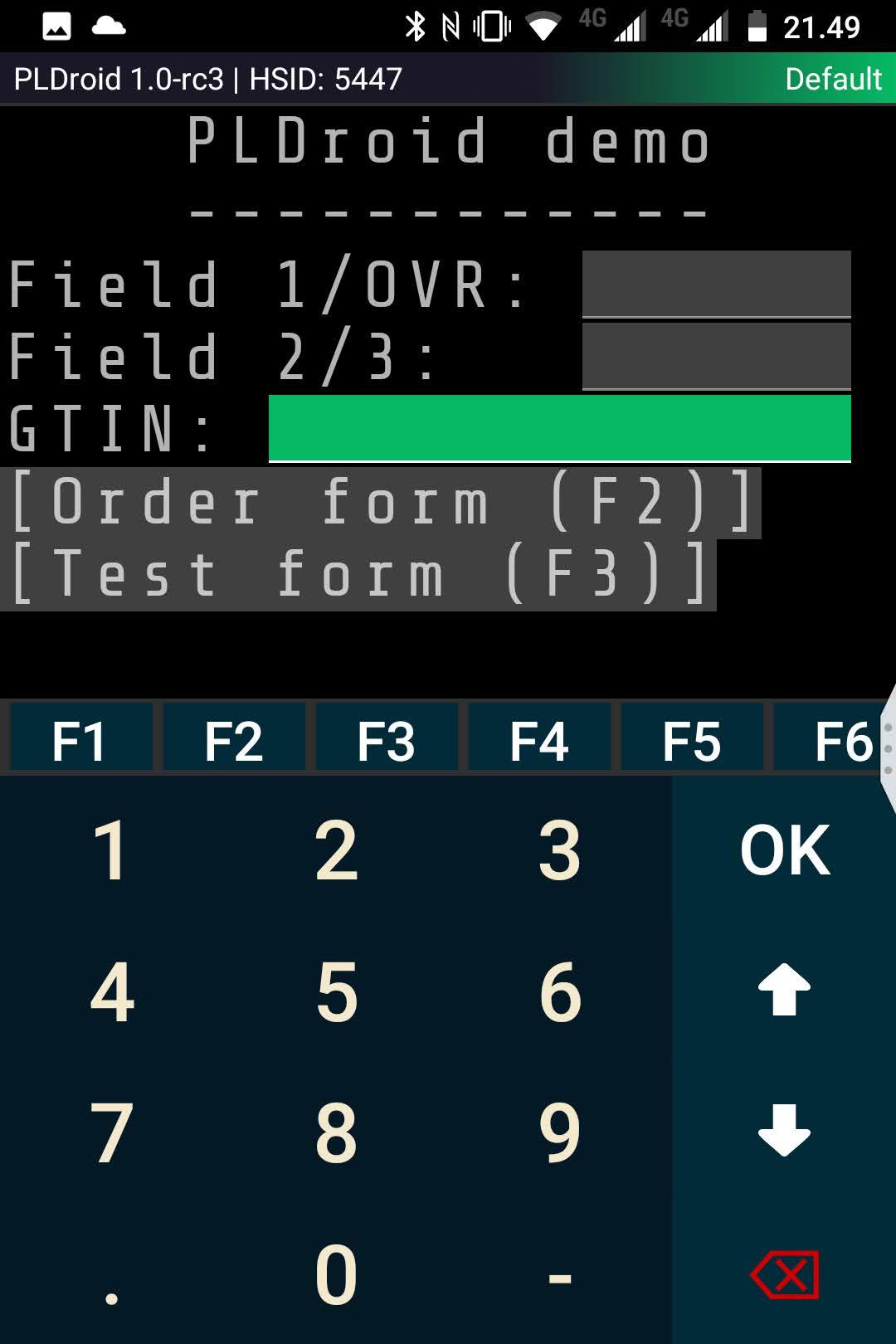
PL Droid - PLDroid - Piccolink protocol emulator for Android. Emulates RF600 / RF601 / RF650 / RF651 hand terminals.
If you do not have server to try out - check test server details from https://www.droidoro.ee/pldroid
This free version allows 10 minutes of usage each week. Subscriptions (monthly/yearly) are available in-app.
Pricing: 15€/month, 95€/year [VAT excluded].
Connects to PLServer through device's network connection (EDGE / 3G / WLAN / VPN).
App requires that there is possibility to connect through IP. If your app is now connected through serial port to accesspoint, consider purchasing serial port converter (TCP to serial port).
Options / Features
---
* Possibility to create multiple connection profiles and switch them easily
* Option to define profile-dependent timeout [When connecting to slower hosts]
* Optional beep on button press [Setting: Beep on button press]
* Optional feature to approve buttons just by touch, without OK [Settings: Activate buttons by touch]
Usage
---
When connected to server, you can press buttons by touch or scroll through buttons/fields with volume up/down -buttons.
Barcode reading
---
PLDroid has integrated barcode reader. You can read barcodes using camera on your device.
If you need quicker read results, you can always use Bluetooth -connected barcode reader (for example Opticon OPN -series) or use industrial-grade device with internal barcode reader (Zebra TC25 / TC26, Honeywell EDA51 etc).
Barcode reading settings
---
If you are scanning in dimly lit environments, flash can be beneficial. You can enable flash (scanning light) on barcode reading screen, pressing Menu-button and selecting "Enable/disable flash". Usually keeping flash on makes barcode reading little bit faster.
On specific situations there is a possibility that barcode can be read incorrectly. If you encounter this, try "Enable/disable redundancy". When enabled, app reads barcode twice to make sure that it is read correctly. Redundancy makes reading little bit slower.
---
For customized versions please contact info@droidoro.ee.
پیش نظارہ
ٹیگز
کاروبارمعلومات
ڈویلپر
Droidoro PL
تازہ ترین ورژن
1.0-329
آخری تازہ کاری
2023-12-01
قسم
کاروبار
پر دستیاب ہے۔
Google Play
مزید دکھائیں
پی سی پر گیم لوپ کے ساتھ PLDroid - Piccolink emulator کیسے کھیلا جائے۔
1. آفیشل ویب سائٹ سے گیم لوپ ڈاؤن لوڈ کریں، پھر گیم لوپ انسٹال کرنے کے لیے exe فائل چلائیں۔
2. گیم لوپ کھولیں اور "PLDroid - Piccolink emulator" تلاش کریں، تلاش کے نتائج میں PLDroid - Piccolink emulator تلاش کریں اور "انسٹال کریں" پر کلک کریں۔
3. گیم لوپ پر PLDroid - Piccolink emulator کھیلنے کا لطف اٹھائیں۔
Minimum requirements
OS
Windows 8.1 64-bit or Windows 10 64-bit
GPU
GTX 1050
CPU
i3-8300
Memory
8GB RAM
Storage
1GB available space
Recommended requirements
OS
Windows 8.1 64-bit or Windows 10 64-bit
GPU
GTX 1050
CPU
i3-9320
Memory
16GB RAM
Storage
1GB available space