
Oracle Primavera Unifier PC
Oracle America, Inc.
گیم لوپ ایمولیٹر کے ساتھ PC پر Oracle Primavera Unifier ڈاؤن لوڈ کریں۔
پی سی پر Oracle Primavera Unifier
Oracle Primavera Unifier، جو ڈویلپر Oracle America, Inc. سے آرہا ہے، ماضی میں اینڈرائیڈ سسٹم پر چل رہا ہے۔
اب، آپ پی سی پر Oracle Primavera Unifier آسانی سے GameLoop کے ساتھ چلا سکتے ہیں۔
اسے GameLoop لائبریری یا تلاش کے نتائج میں ڈاؤن لوڈ کریں۔ مزید غلط وقت پر بیٹری یا مایوس کن کالوں پر نظر نہیں ڈالی جائے گی۔
بس بڑی سکرین پر Oracle Primavera Unifier PC کا مفت میں لطف اٹھائیں!
Oracle Primavera Unifier تعارف
By installing this app, you agree to the End User License Agreement terms at https://docs.oracle.com/cd/E91462_01/EULA/en/EULA.htm
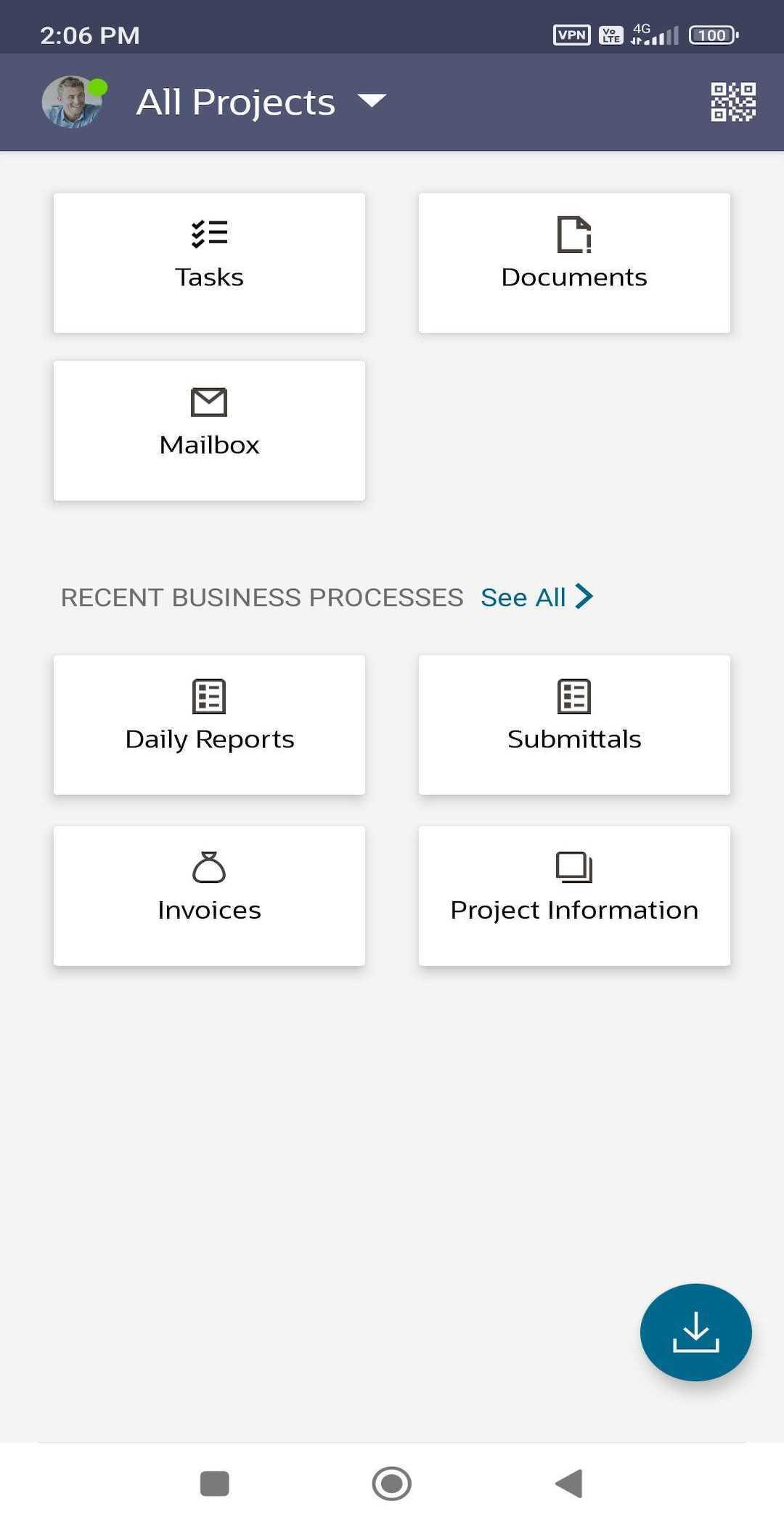
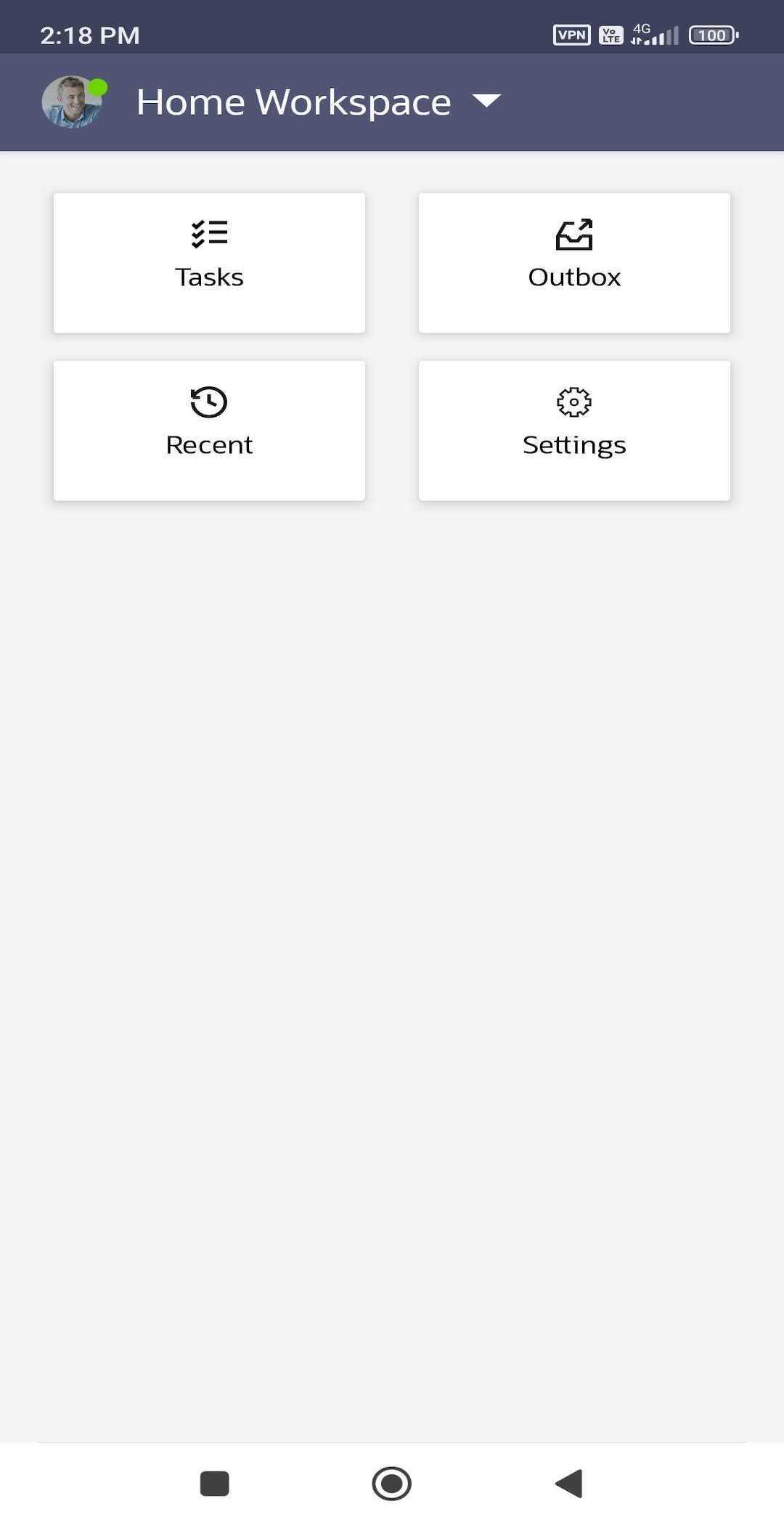
The Oracle Primavera Unifier mobile app is the perfect companion for Unifier users on the go. Project managers and field users can use the Unifier mobile app to view, update, and collaborate on projects. Users can manage their tasks, create business process records, and review documents. The Unifier mobile app supports offline access, allowing field users to continue working on their downloaded project data and documents while offline.
Unifier mobile app requires you to have a valid license for Primavera Unifier 17.7 and above. Oracle recommends that you upgrade your Primavera Unifier installation to the latest version to utilize all the features of the mobile app, as some of the recent features are supported only on the latest version of Primavera Unifier.
Features
* Manage your assigned tasks and update your task progress anywhere, anytime.
* Work on your downloaded company and project data without network connectivity.
* Synchronize locally saved changes with the Unifier server, once network connectivity is available.
* Create new business process records and add line items.
* Attach picture, audio, and video files to a business process record, line item, or task.
* Use supported pickers, QR code, bar codes, auto-population, and formula-calculation on forms to minimize data entry errors.
* Access frequently-used business processes faster by adding them as tiles to the Home screen.
* Access, and save company and project-level documents.
* Use the application in any of the 13 supported languages.
Additional Information
* Oracle recommends that you always synchronize your locally saved changes with the Unifier server before upgrading to the latest version of the mobile app.
* The Unifier mobile app for Android supports Android OS version 5.0 and above.
* Use the demo mode to evaluate the app without a license or connection to Primavera Unifier.
* Enable business processes for mobile app use and the required access permissions to view the business processes in your mobile app.
* Contact your Unifier administrator if you have any questions.
To learn more visit https://mylearn.oracle.com/ou/course/primavera-unifier-mobile/132692
پیش نظارہ
ٹیگز
کاروبارمعلومات
ڈویلپر
Oracle America, Inc.
تازہ ترین ورژن
24.9
آخری تازہ کاری
2024-09-06
قسم
کاروبار
پر دستیاب ہے۔
Google Play
مزید دکھائیں
پی سی پر گیم لوپ کے ساتھ Oracle Primavera Unifier کیسے کھیلا جائے۔
1. آفیشل ویب سائٹ سے گیم لوپ ڈاؤن لوڈ کریں، پھر گیم لوپ انسٹال کرنے کے لیے exe فائل چلائیں۔
2. گیم لوپ کھولیں اور "Oracle Primavera Unifier" تلاش کریں، تلاش کے نتائج میں Oracle Primavera Unifier تلاش کریں اور "انسٹال کریں" پر کلک کریں۔
3. گیم لوپ پر Oracle Primavera Unifier کھیلنے کا لطف اٹھائیں۔
Minimum requirements
OS
Windows 8.1 64-bit or Windows 10 64-bit
GPU
GTX 1050
CPU
i3-8300
Memory
8GB RAM
Storage
1GB available space
Recommended requirements
OS
Windows 8.1 64-bit or Windows 10 64-bit
GPU
GTX 1050
CPU
i3-9320
Memory
16GB RAM
Storage
1GB available space