OpenReel Capture PC
OpenReel
گیم لوپ ایمولیٹر کے ساتھ PC پر OpenReel Capture ڈاؤن لوڈ کریں۔
پی سی پر OpenReel Capture
OpenReel Capture، جو ڈویلپر OpenReel سے آرہا ہے، ماضی میں اینڈرائیڈ سسٹم پر چل رہا ہے۔
اب، آپ پی سی پر OpenReel Capture آسانی سے GameLoop کے ساتھ چلا سکتے ہیں۔
اسے GameLoop لائبریری یا تلاش کے نتائج میں ڈاؤن لوڈ کریں۔ مزید غلط وقت پر بیٹری یا مایوس کن کالوں پر نظر نہیں ڈالی جائے گی۔
بس بڑی سکرین پر OpenReel Capture PC کا مفت میں لطف اٹھائیں!
OpenReel Capture تعارف
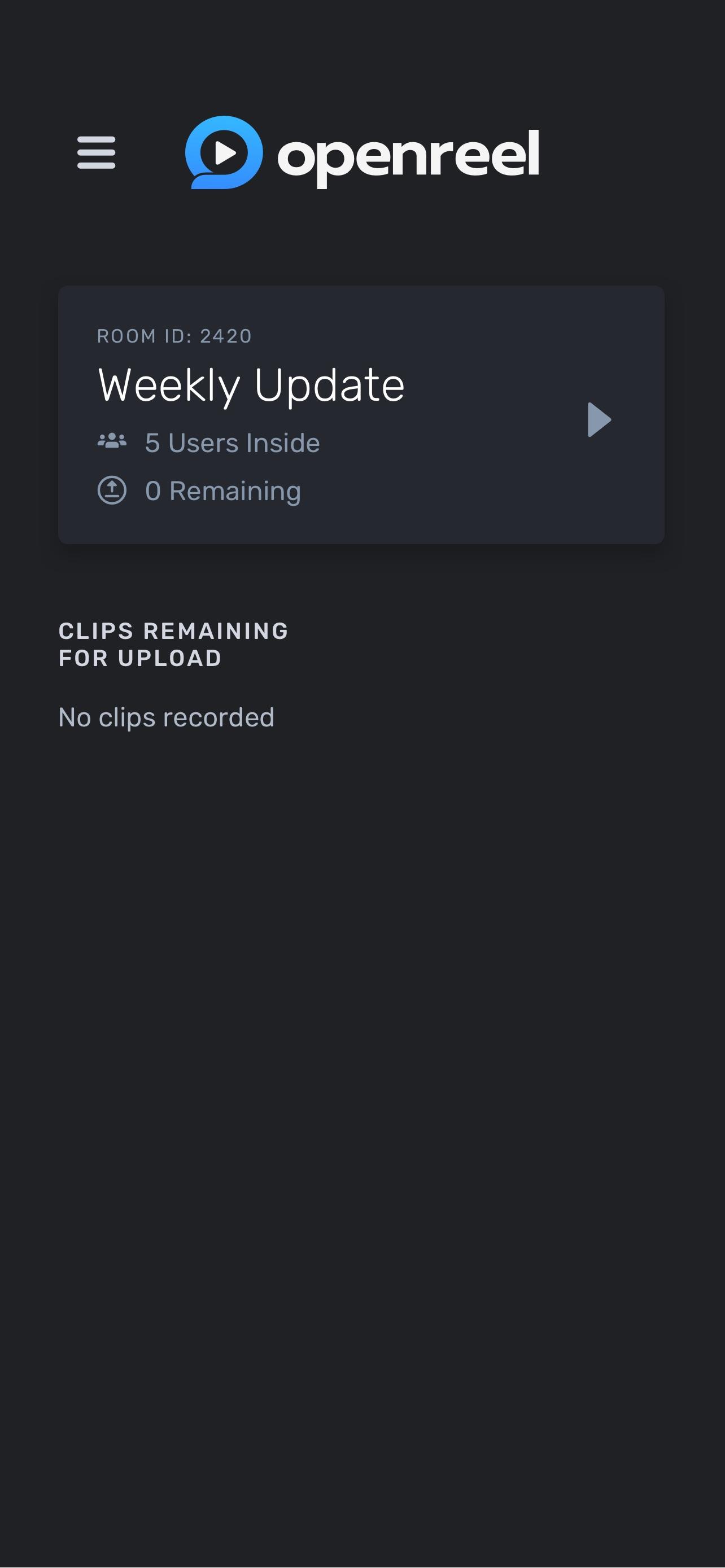
With OpenReel, your Android device becomes a powerful, professional video camera that is controlled remotely through the app, ensuring professional-quality 4K video. You can get started in a few seconds. Download the app, enter your name & the Session ID that your Director provided, and allow the app permissions to access your mic and camera. You can easily disable permissions after your shoot.
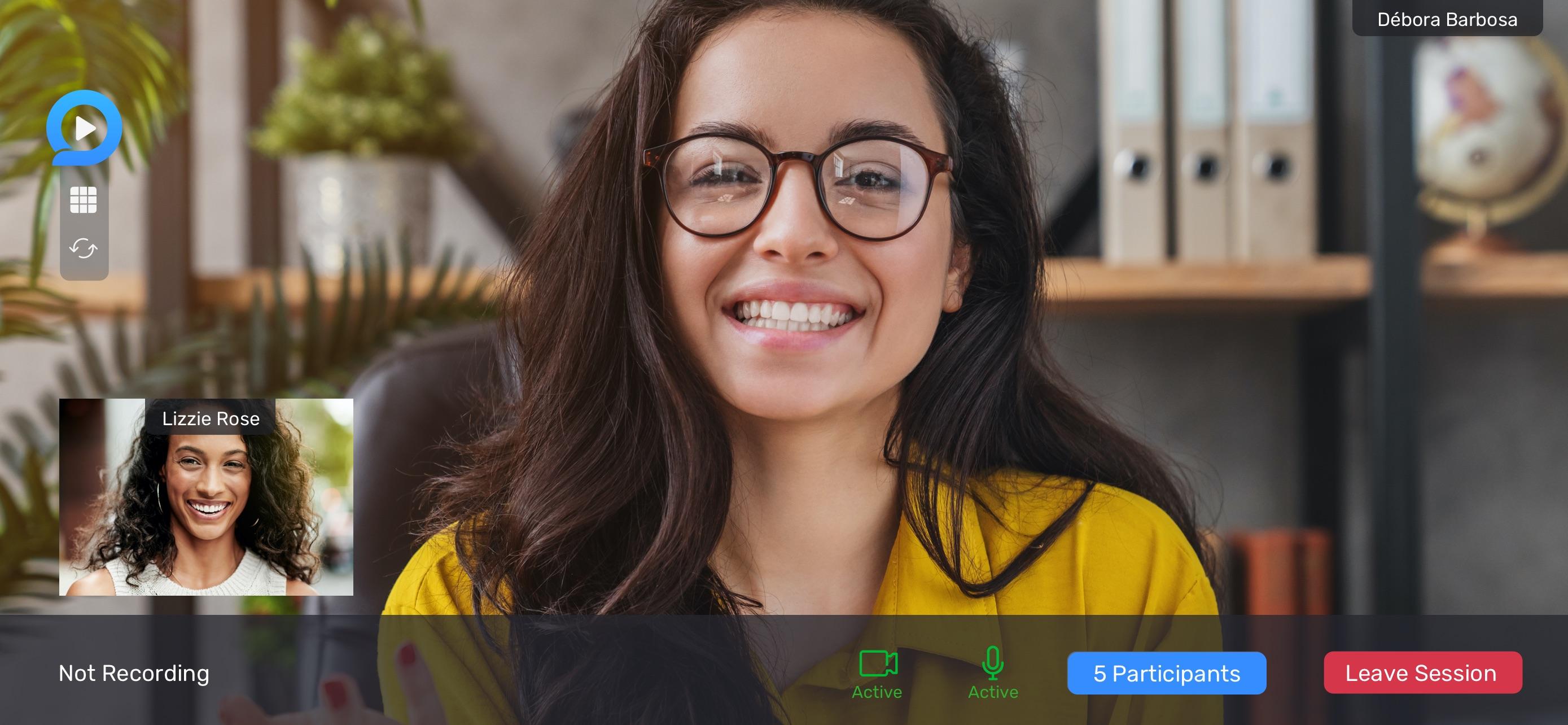
Our technology was developed so Directors can provide you with personalized, white-glove service. Now that you’re in your filming Session, just sit back and relax. Your Director can remotely adjust your camera’s resolution, white balance, focus, frames-per-second, and more. And there’s no need to memorize lines: your Director can upload a script into the professional teleprompter, adjust scrolling speed and placement, and make edits on the fly, based on your needs. The Director can also turn on the framing guides on your screen to help you establish your shot.
OpenReel’s patented Remote Video Creation™ technology empowers modern workforces to more efficiently, affordably, and sustainably create professional-quality video content at scale. Securely control, direct, script, film, and collaborate on impactful video projects within one streamlined platform using your existing equipment, teams, and workflows. Available in over 125 countries, Remote Capture removes the logistical barriers of on-location shoots allowing users to film more efficiently, affordably, and sustainably without sacrificing video quality or collaboration.
OpenReel is ISO 27001:2013 certified and GDPR compliant. In other words, we operate at the highest level of security and data privacy possible. All videos filmed in an OpenReel Session will be uploaded to our secure cloud from your device so that your device’s memory won’t be used. The OpenReel app can only be used by Subjects, not OpenReel Directors or Collaborators.
پیش نظارہ
ٹیگز
کاروبارمعلومات
ڈویلپر
OpenReel
تازہ ترین ورژن
2.13.0
آخری تازہ کاری
2023-06-27
قسم
کاروبار
پر دستیاب ہے۔
Google Play
مزید دکھائیں
پی سی پر گیم لوپ کے ساتھ OpenReel Capture کیسے کھیلا جائے۔
1. آفیشل ویب سائٹ سے گیم لوپ ڈاؤن لوڈ کریں، پھر گیم لوپ انسٹال کرنے کے لیے exe فائل چلائیں۔
2. گیم لوپ کھولیں اور "OpenReel Capture" تلاش کریں، تلاش کے نتائج میں OpenReel Capture تلاش کریں اور "انسٹال کریں" پر کلک کریں۔
3. گیم لوپ پر OpenReel Capture کھیلنے کا لطف اٹھائیں۔
Minimum requirements
OS
Windows 8.1 64-bit or Windows 10 64-bit
GPU
GTX 1050
CPU
i3-8300
Memory
8GB RAM
Storage
1GB available space
Recommended requirements
OS
Windows 8.1 64-bit or Windows 10 64-bit
GPU
GTX 1050
CPU
i3-9320
Memory
16GB RAM
Storage
1GB available space