
OnArrival PC
Cvent
گیم لوپ ایمولیٹر کے ساتھ PC پر OnArrival ڈاؤن لوڈ کریں۔
پی سی پر OnArrival
OnArrival، جو ڈویلپر Cvent سے آرہا ہے، ماضی میں اینڈرائیڈ سسٹم پر چل رہا ہے۔
اب، آپ پی سی پر OnArrival آسانی سے GameLoop کے ساتھ چلا سکتے ہیں۔
اسے GameLoop لائبریری یا تلاش کے نتائج میں ڈاؤن لوڈ کریں۔ مزید غلط وقت پر بیٹری یا مایوس کن کالوں پر نظر نہیں ڈالی جائے گی۔
بس بڑی سکرین پر OnArrival PC کا مفت میں لطف اٹھائیں!
OnArrival تعارف
We are excited to announce OnArrival is now available in the Google Play Store for Android devices!
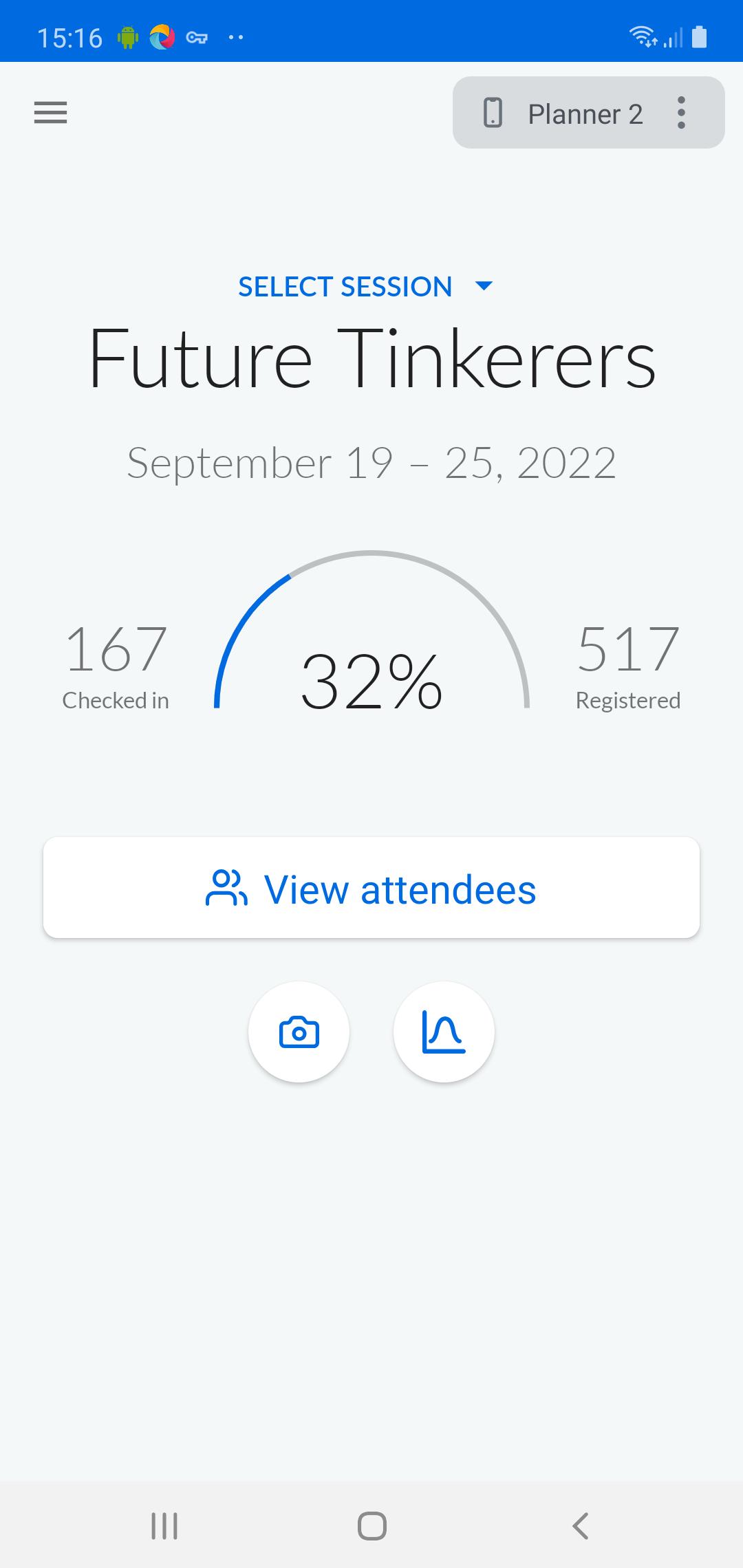
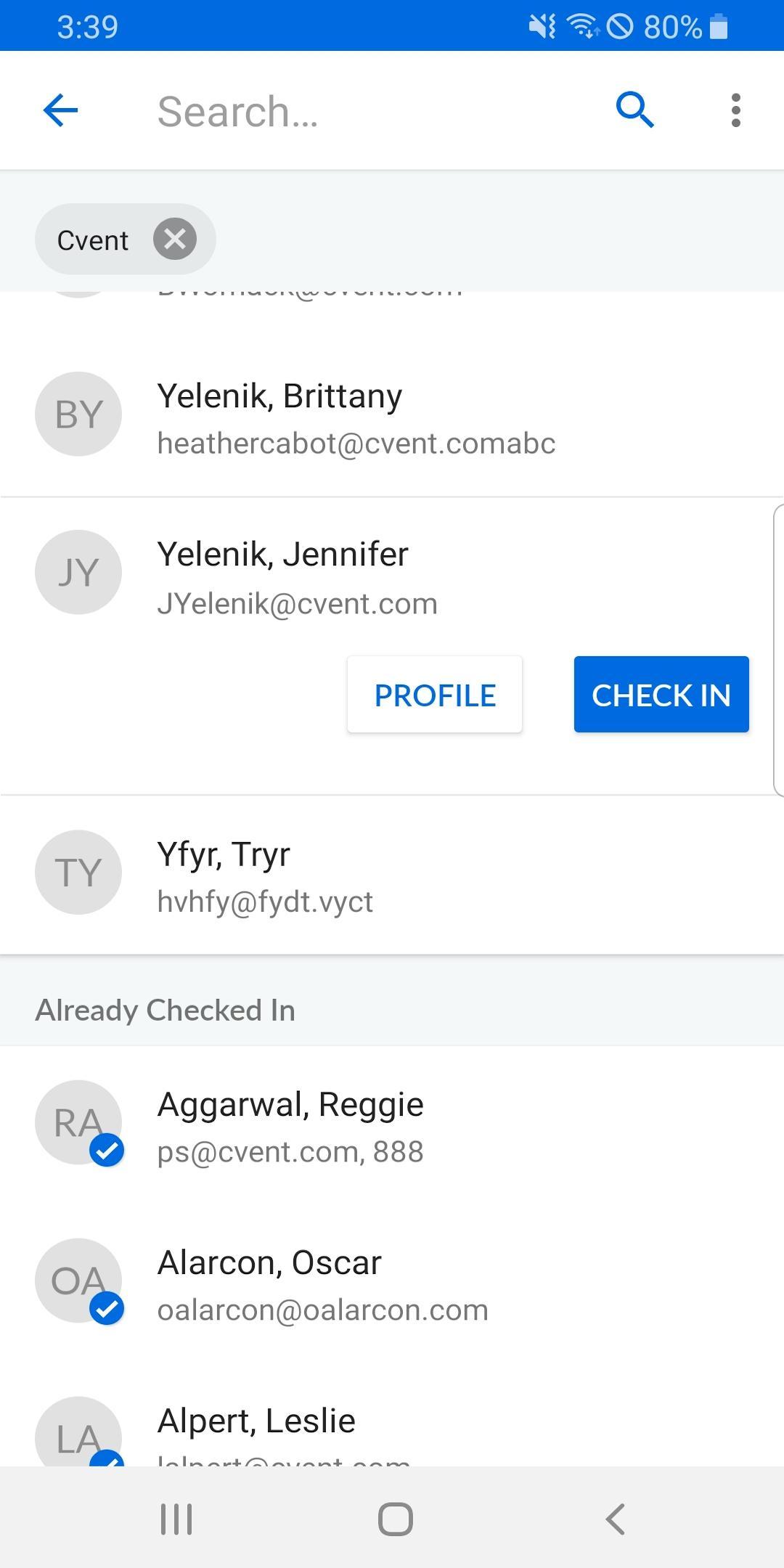
With this version of the app, you can perform event check-ins onsite at your event and seamlessly sync them with Cvent’s Event Management solution.
Look for more releases in the future as we continue to work toward feature parity with our existing iOS app.
About OnArrival
Since its inception in 2013, OnArrival has made it easy for event planners and onsite staff to check in, register, and manage attendees onsite during events. To date, OnArrival has processed over 9 million event and session check-ins at thousands of events. The app continues to evolve as we add new features and capabilities to make OnArrival the most powerful mobile event check-in app available.
پیش نظارہ
ٹیگز
کاروبارمعلومات
ڈویلپر
Cvent
تازہ ترین ورژن
1.29.2
آخری تازہ کاری
2023-11-14
قسم
کاروبار
پر دستیاب ہے۔
Google Play
مزید دکھائیں
پی سی پر گیم لوپ کے ساتھ OnArrival کیسے کھیلا جائے۔
1. آفیشل ویب سائٹ سے گیم لوپ ڈاؤن لوڈ کریں، پھر گیم لوپ انسٹال کرنے کے لیے exe فائل چلائیں۔
2. گیم لوپ کھولیں اور "OnArrival" تلاش کریں، تلاش کے نتائج میں OnArrival تلاش کریں اور "انسٹال کریں" پر کلک کریں۔
3. گیم لوپ پر OnArrival کھیلنے کا لطف اٹھائیں۔
Minimum requirements
OS
Windows 8.1 64-bit or Windows 10 64-bit
GPU
GTX 1050
CPU
i3-8300
Memory
8GB RAM
Storage
1GB available space
Recommended requirements
OS
Windows 8.1 64-bit or Windows 10 64-bit
GPU
GTX 1050
CPU
i3-9320
Memory
16GB RAM
Storage
1GB available space