
my Personify PC
Acuity Brands
گیم لوپ ایمولیٹر کے ساتھ PC پر my Personify ڈاؤن لوڈ کریں۔
پی سی پر my Personify
my Personify، جو ڈویلپر Acuity Brands سے آرہا ہے، ماضی میں اینڈرائیڈ سسٹم پر چل رہا ہے۔
اب، آپ پی سی پر my Personify آسانی سے GameLoop کے ساتھ چلا سکتے ہیں۔
اسے GameLoop لائبریری یا تلاش کے نتائج میں ڈاؤن لوڈ کریں۔ مزید غلط وقت پر بیٹری یا مایوس کن کالوں پر نظر نہیں ڈالی جائے گی۔
بس بڑی سکرین پر my Personify PC کا مفت میں لطف اٹھائیں!
my Personify تعارف
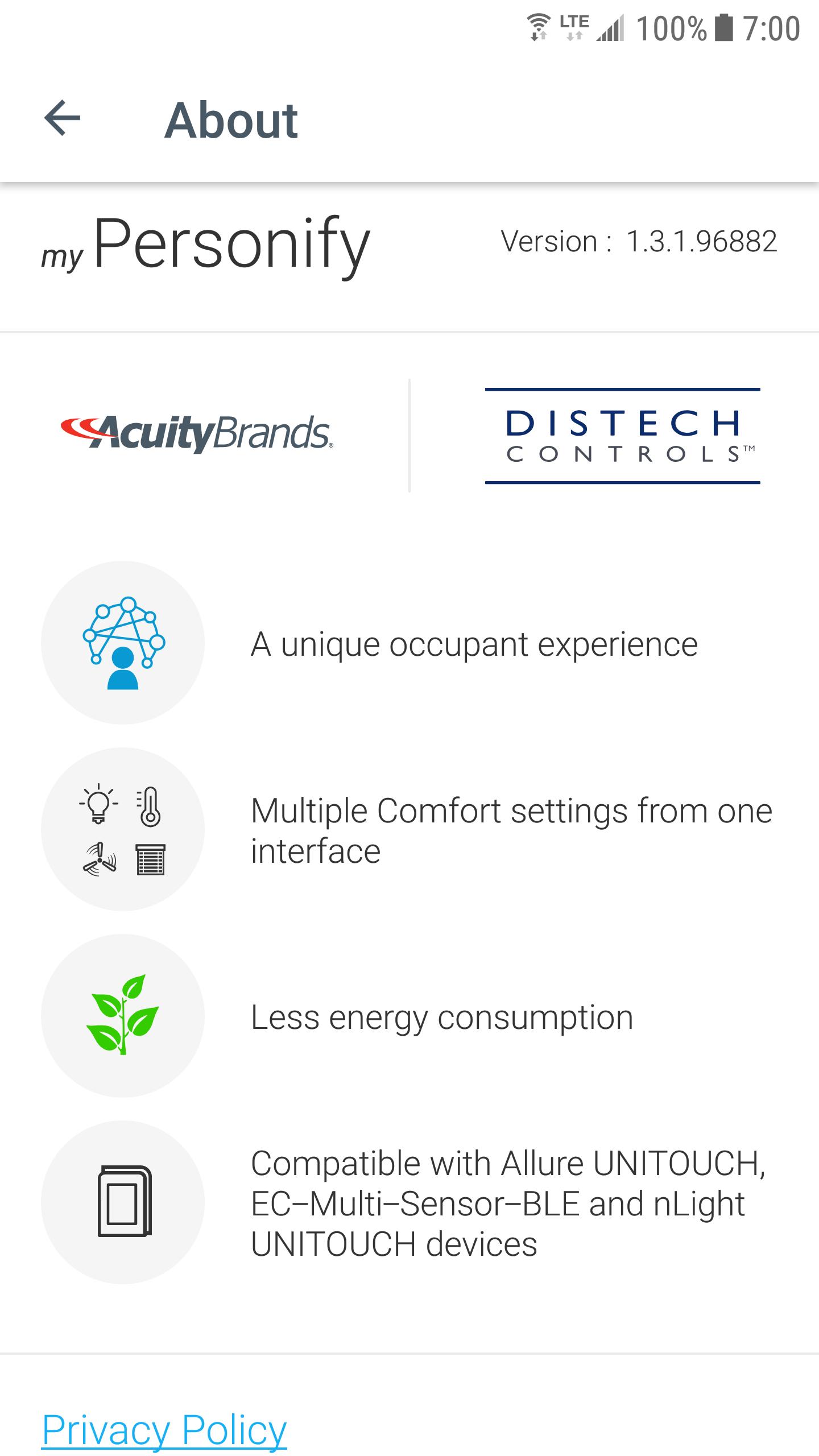
Welcome to my Personify, the app that allows you to easily customize your comfort settings directly from your mobile device when connected to a suitable room device (Allure UNITOUCH, EC-Multi-Sensor-BLE, nLight UNITOUCH) designed by Distech Controls (an Acuity Brands company).
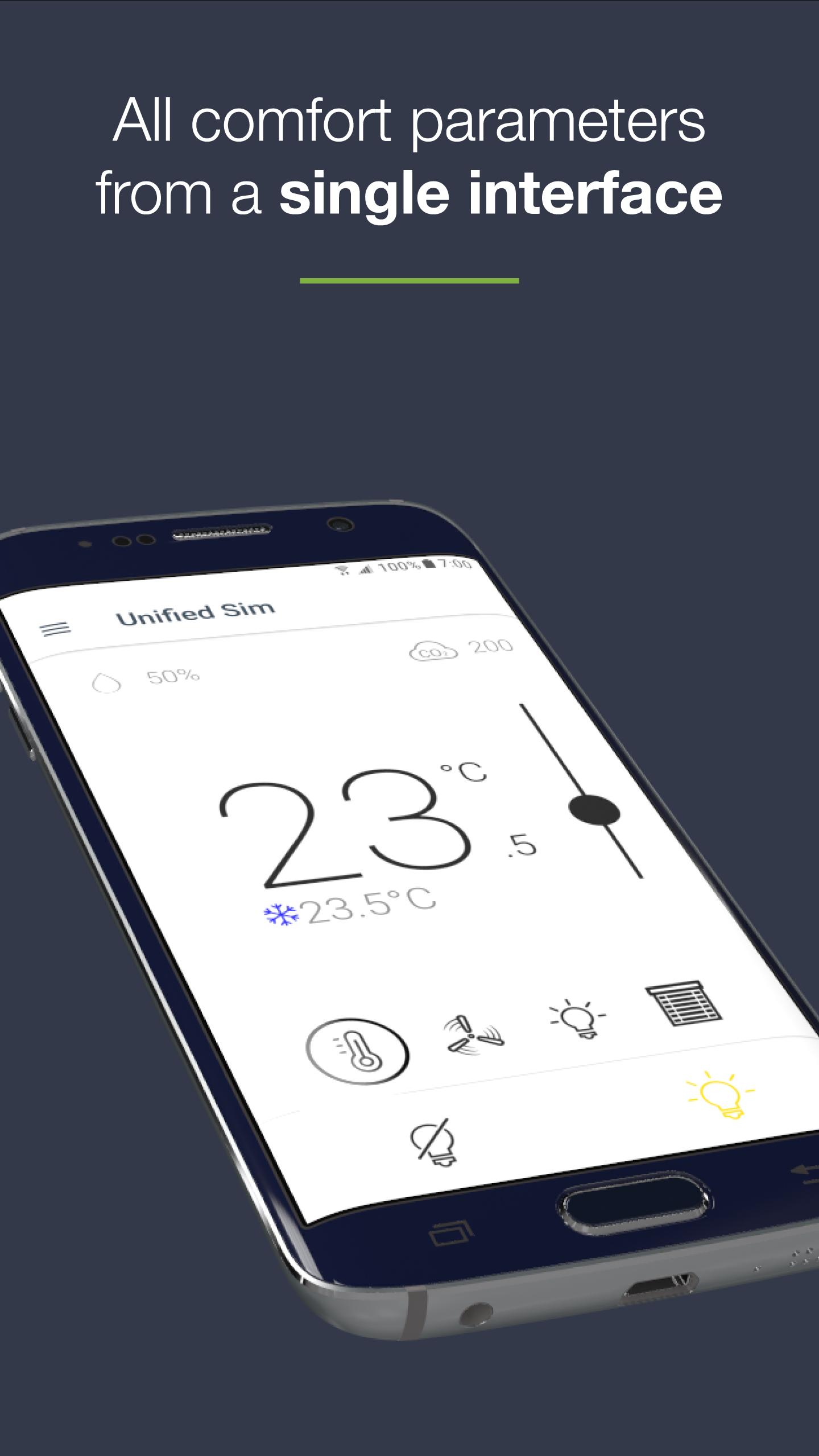
- ALL COMFORT PARAMETERS FROM A SINGLE AND CONVIVIAL INTERFACE
This user-friendly mobile application allows an occupant to intuitively set all room comfort parameters from a single interface:
- Lighting
- Temperature
- Fan speed
- Sunblinds
- INTUITIVE INTERFACE
All control screens have been designed with the occupant in mind, making this app easy to use, regardless of one’s technical skillset.
- PERSONAL PREFERENCES FOR A PERSONALIZED INTERFACE AND COMFORT
The occupant can define their personal preferences (units, favorites devices) in order to personalize their user interface and space comfort settings.
- EASY CONNECTION BETWEEN MOBILE APPLICATION AND ROOM DEVICES
Based on Bluetooth® low energy technology, the mobile device is very easily connected to any BLE-enabled room devices within range (Allure UNITOUCH, EC-Multi-Sensor-BLE, nLight UNITOUCH).
Some favorites devices can also be defined in order to automatically connect to the most frequently used device.
- COMBINING COMFORT AND ENERGY EFFICIENCY
Leveraging several built-in intelligent features (Eco-VueTM leaf, automatic modes...), the occupant can visualize the environmental impact of their behavior while setting comfort parameters.
پیش نظارہ
ٹیگز
کاروبارمعلومات
ڈویلپر
Acuity Brands
تازہ ترین ورژن
1.7.0
آخری تازہ کاری
2024-12-23
قسم
کاروبار
پر دستیاب ہے۔
Google Play
مزید دکھائیں
پی سی پر گیم لوپ کے ساتھ my Personify کیسے کھیلا جائے۔
1. آفیشل ویب سائٹ سے گیم لوپ ڈاؤن لوڈ کریں، پھر گیم لوپ انسٹال کرنے کے لیے exe فائل چلائیں۔
2. گیم لوپ کھولیں اور "my Personify" تلاش کریں، تلاش کے نتائج میں my Personify تلاش کریں اور "انسٹال کریں" پر کلک کریں۔
3. گیم لوپ پر my Personify کھیلنے کا لطف اٹھائیں۔
Minimum requirements
OS
Windows 8.1 64-bit or Windows 10 64-bit
GPU
GTX 1050
CPU
i3-8300
Memory
8GB RAM
Storage
1GB available space
Recommended requirements
OS
Windows 8.1 64-bit or Windows 10 64-bit
GPU
GTX 1050
CPU
i3-9320
Memory
16GB RAM
Storage
1GB available space