
Microscan: Recharge & Support PC
Spacecom Software LLP
گیم لوپ ایمولیٹر کے ساتھ PC پر Microscan: Recharge & Support ڈاؤن لوڈ کریں۔
پی سی پر Microscan: Recharge & Support
Microscan: Recharge & Support، جو ڈویلپر Spacecom Software LLP سے آرہا ہے، ماضی میں اینڈرائیڈ سسٹم پر چل رہا ہے۔
اب، آپ پی سی پر Microscan: Recharge & Support آسانی سے GameLoop کے ساتھ چلا سکتے ہیں۔
اسے GameLoop لائبریری یا تلاش کے نتائج میں ڈاؤن لوڈ کریں۔ مزید غلط وقت پر بیٹری یا مایوس کن کالوں پر نظر نہیں ڈالی جائے گی۔
بس بڑی سکرین پر Microscan: Recharge & Support PC کا مفت میں لطف اٹھائیں!
Microscan: Recharge & Support تعارف
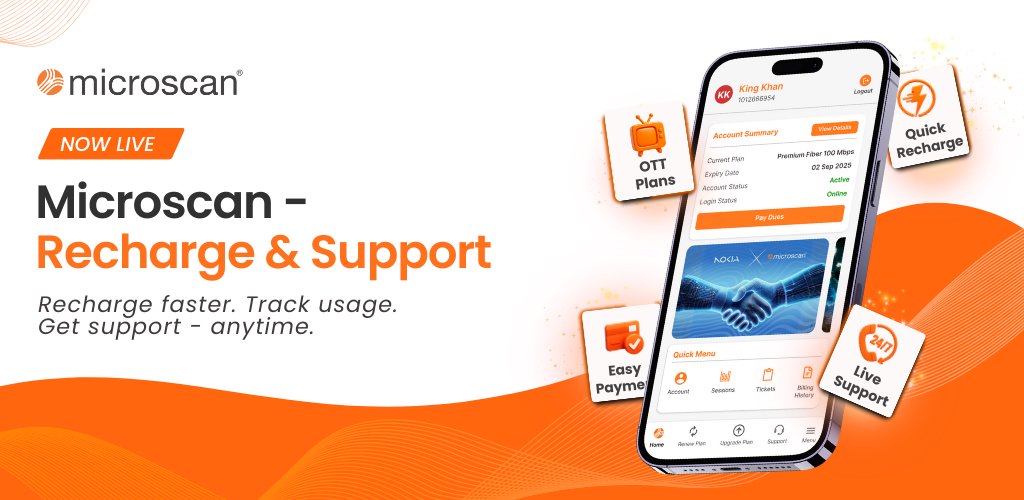
Recharge your Microscan internet, track usage, manage plans, and get customer support, all in one app.
Microscan Recharge & Support is the official app for Microscan retail customers, designed to make internet account management simple, quick, and accessible.With this app, customers can easily recharge their internet plans, monitor usage, and get support without the need for calls or visits.
What you can do with the app:
✅ Recharge and renew your Microscan internet plan
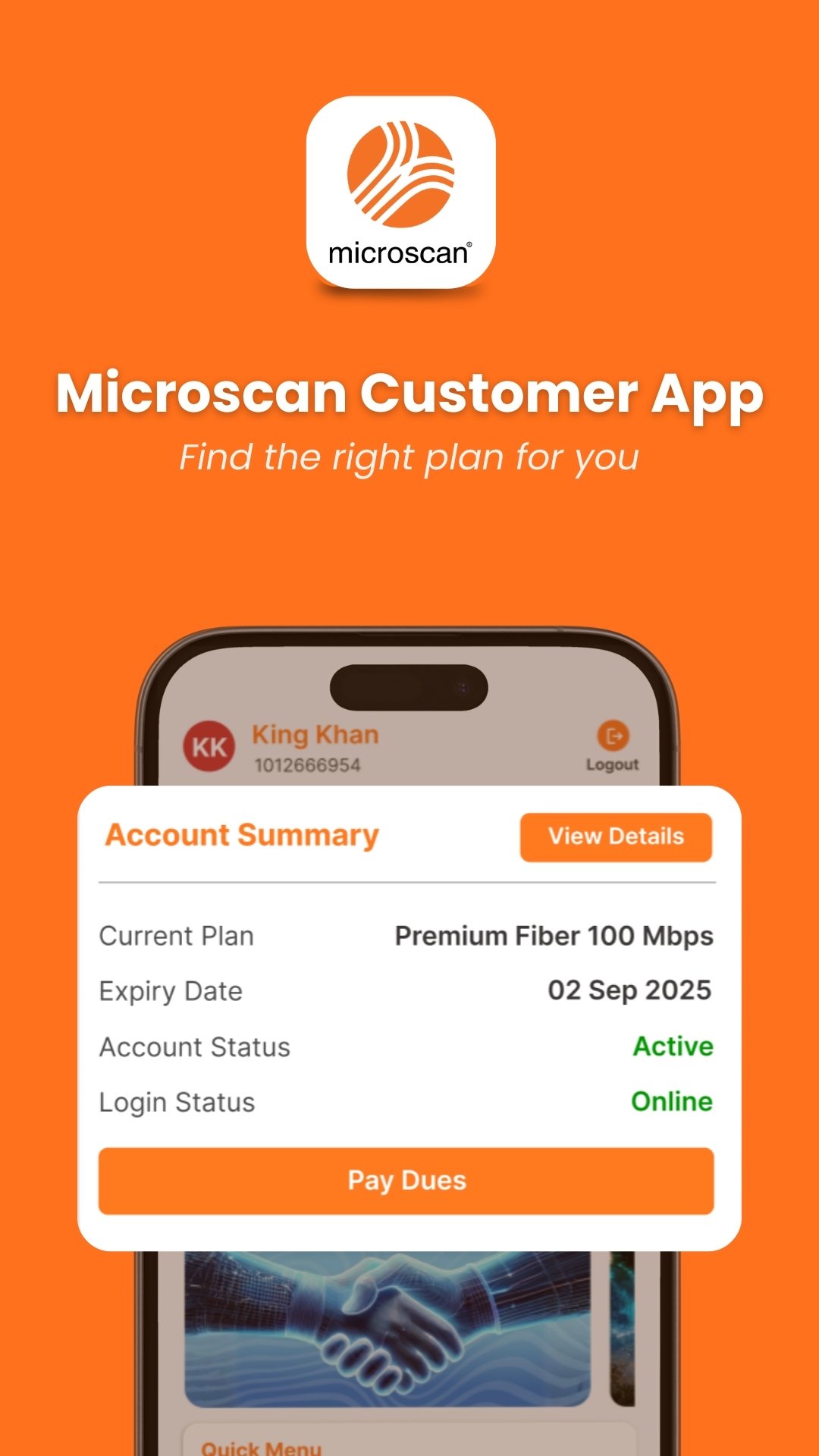
✅ View current plan details, validity, and data usage
✅ Check billing history and payment status
✅ Track login sessions and usage history
✅ Upgrade or change internet plans
✅ Run internet speed tests
✅ Raise support tickets and track their status
✅ Securely log in using password or OTP
The Microscan Recharge & Support app brings all essential services together in one place, helping you stay connected with clarity and control.
Simple. Secure. Reliable, powered by Microscan.
پیش نظارہ
ٹیگز
کاروبارمعلومات
ڈویلپر
Spacecom Software LLP
تازہ ترین ورژن
1.0.1
آخری تازہ کاری
2026-02-13
قسم
کاروبار
پر دستیاب ہے۔
Google Play
مزید دکھائیں
پی سی پر گیم لوپ کے ساتھ Microscan: Recharge & Support کیسے کھیلا جائے۔
1. آفیشل ویب سائٹ سے گیم لوپ ڈاؤن لوڈ کریں، پھر گیم لوپ انسٹال کرنے کے لیے exe فائل چلائیں۔
2. گیم لوپ کھولیں اور "Microscan: Recharge & Support" تلاش کریں، تلاش کے نتائج میں Microscan: Recharge & Support تلاش کریں اور "انسٹال کریں" پر کلک کریں۔
3. گیم لوپ پر Microscan: Recharge & Support کھیلنے کا لطف اٹھائیں۔
Minimum requirements
OS
Windows 8.1 64-bit or Windows 10 64-bit
GPU
GTX 1050
CPU
i3-8300
Memory
8GB RAM
Storage
1GB available space
Recommended requirements
OS
Windows 8.1 64-bit or Windows 10 64-bit
GPU
GTX 1050
CPU
i3-9320
Memory
16GB RAM
Storage
1GB available space