OpenText iPrint PC
Micro Focus Software Inc.
گیم لوپ ایمولیٹر کے ساتھ PC پر OpenText iPrint ڈاؤن لوڈ کریں۔
پی سی پر OpenText iPrint
OpenText iPrint، جو ڈویلپر Micro Focus Software Inc. سے آرہا ہے، ماضی میں اینڈرائیڈ سسٹم پر چل رہا ہے۔
اب، آپ پی سی پر OpenText iPrint آسانی سے GameLoop کے ساتھ چلا سکتے ہیں۔
اسے GameLoop لائبریری یا تلاش کے نتائج میں ڈاؤن لوڈ کریں۔ مزید غلط وقت پر بیٹری یا مایوس کن کالوں پر نظر نہیں ڈالی جائے گی۔
بس بڑی سکرین پر OpenText iPrint PC کا مفت میں لطف اٹھائیں!
OpenText iPrint تعارف
OpenText iPrint provides secure enterprise print services for your Android phone and tablet devices. iPrint integrates with any of your existing corporate printers allowing you to deliver self-service printer provisioning to your mobile device users. Users can seamlessly print Office documents, PDFs, and images directly from their device, anywhere and anytime.
The iPrint app enables you to:
- Print documents on any iPrint enabled corporate printer and print infrastructure
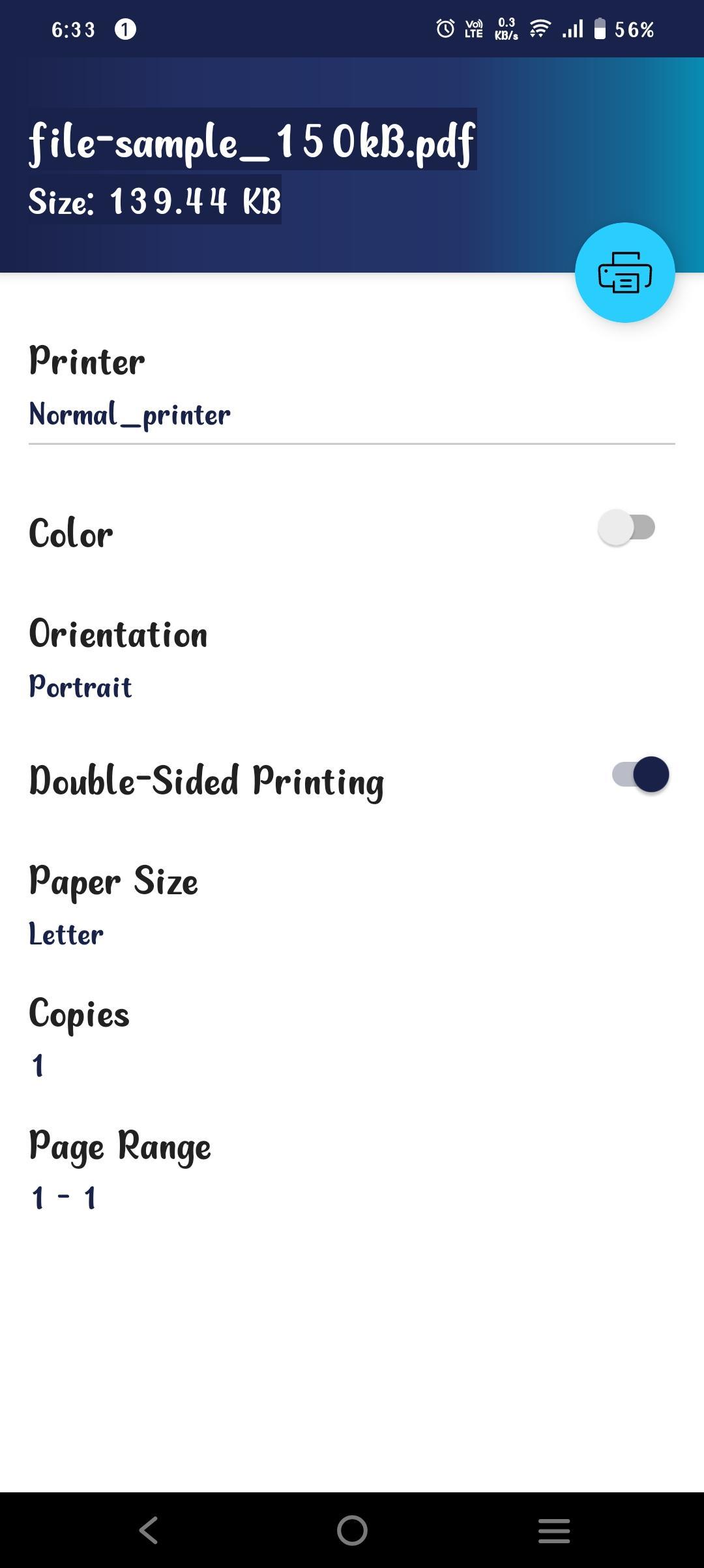
- Choose the Color, Orientation, Number of Copies, and Page Size through the OpenText iPrint app
- Print securely using access restrictions
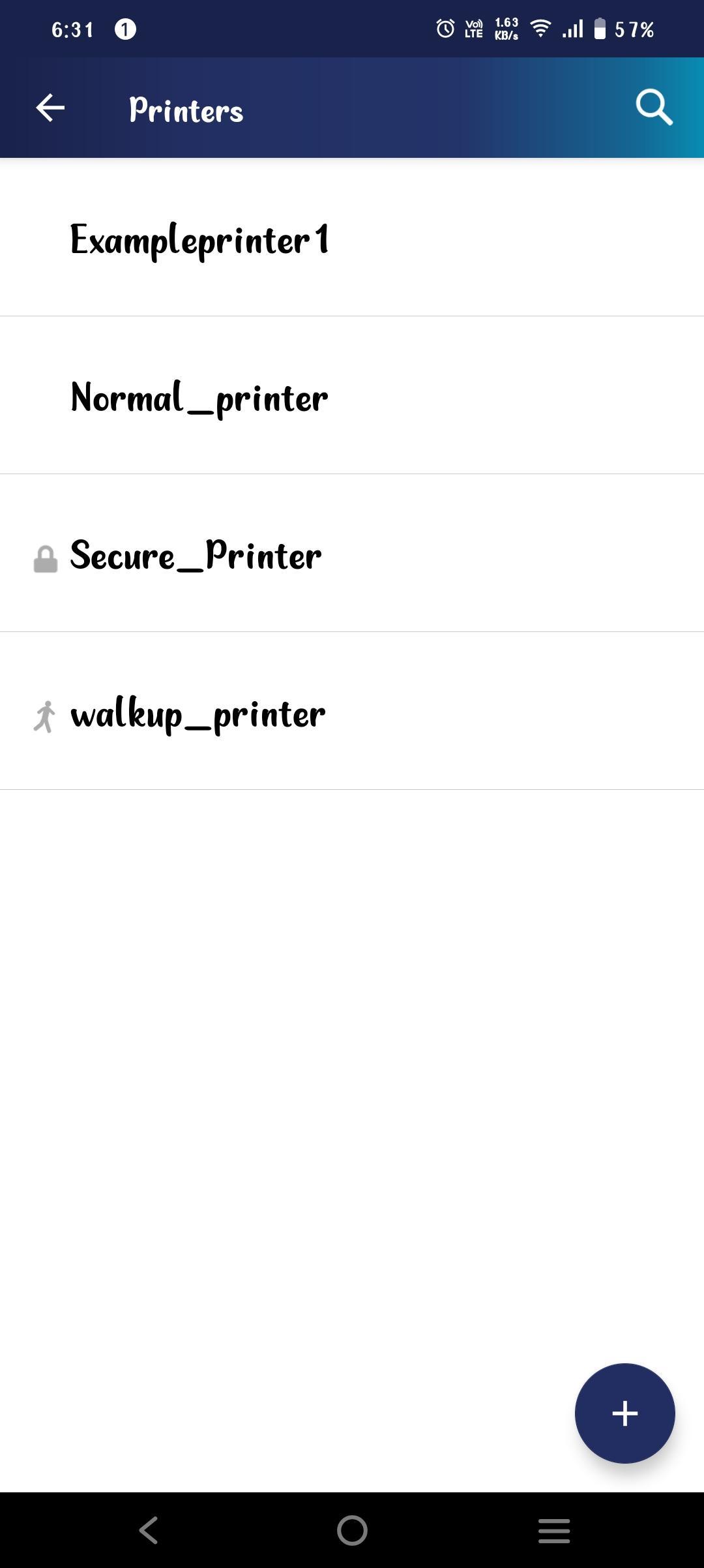
- List all available corporate printers
- Scan a QR code to quickly connect your mobile device to a specific printer
- Flexibility to print WalkUp jobs when you are near the printer
To use this app, your organization must deploy the OpenText iPrint Appliance. For more information, see https://www.opentext.com/products/enterprise-server
پیش نظارہ
ٹیگز
کاروبارمعلومات
ڈویلپر
Micro Focus Software Inc.
تازہ ترین ورژن
24.3
آخری تازہ کاری
2024-08-30
قسم
کاروبار
پر دستیاب ہے۔
Google Play
مزید دکھائیں
پی سی پر گیم لوپ کے ساتھ OpenText iPrint کیسے کھیلا جائے۔
1. آفیشل ویب سائٹ سے گیم لوپ ڈاؤن لوڈ کریں، پھر گیم لوپ انسٹال کرنے کے لیے exe فائل چلائیں۔
2. گیم لوپ کھولیں اور "OpenText iPrint" تلاش کریں، تلاش کے نتائج میں OpenText iPrint تلاش کریں اور "انسٹال کریں" پر کلک کریں۔
3. گیم لوپ پر OpenText iPrint کھیلنے کا لطف اٹھائیں۔
Minimum requirements
OS
Windows 8.1 64-bit or Windows 10 64-bit
GPU
GTX 1050
CPU
i3-8300
Memory
8GB RAM
Storage
1GB available space
Recommended requirements
OS
Windows 8.1 64-bit or Windows 10 64-bit
GPU
GTX 1050
CPU
i3-9320
Memory
16GB RAM
Storage
1GB available space