
E-Presensi BPOM PC
Badan Pengawas Obat dan Makanan Republik Indonesia
گیم لوپ ایمولیٹر کے ساتھ PC پر E-Presensi BPOM ڈاؤن لوڈ کریں۔
پی سی پر E-Presensi BPOM
E-Presensi BPOM، جو ڈویلپر Badan Pengawas Obat dan Makanan Republik Indonesia سے آرہا ہے، ماضی میں اینڈرائیڈ سسٹم پر چل رہا ہے۔
اب، آپ پی سی پر E-Presensi BPOM آسانی سے GameLoop کے ساتھ چلا سکتے ہیں۔
اسے GameLoop لائبریری یا تلاش کے نتائج میں ڈاؤن لوڈ کریں۔ مزید غلط وقت پر بیٹری یا مایوس کن کالوں پر نظر نہیں ڈالی جائے گی۔
بس بڑی سکرین پر E-Presensi BPOM PC کا مفت میں لطف اٹھائیں!
E-Presensi BPOM تعارف
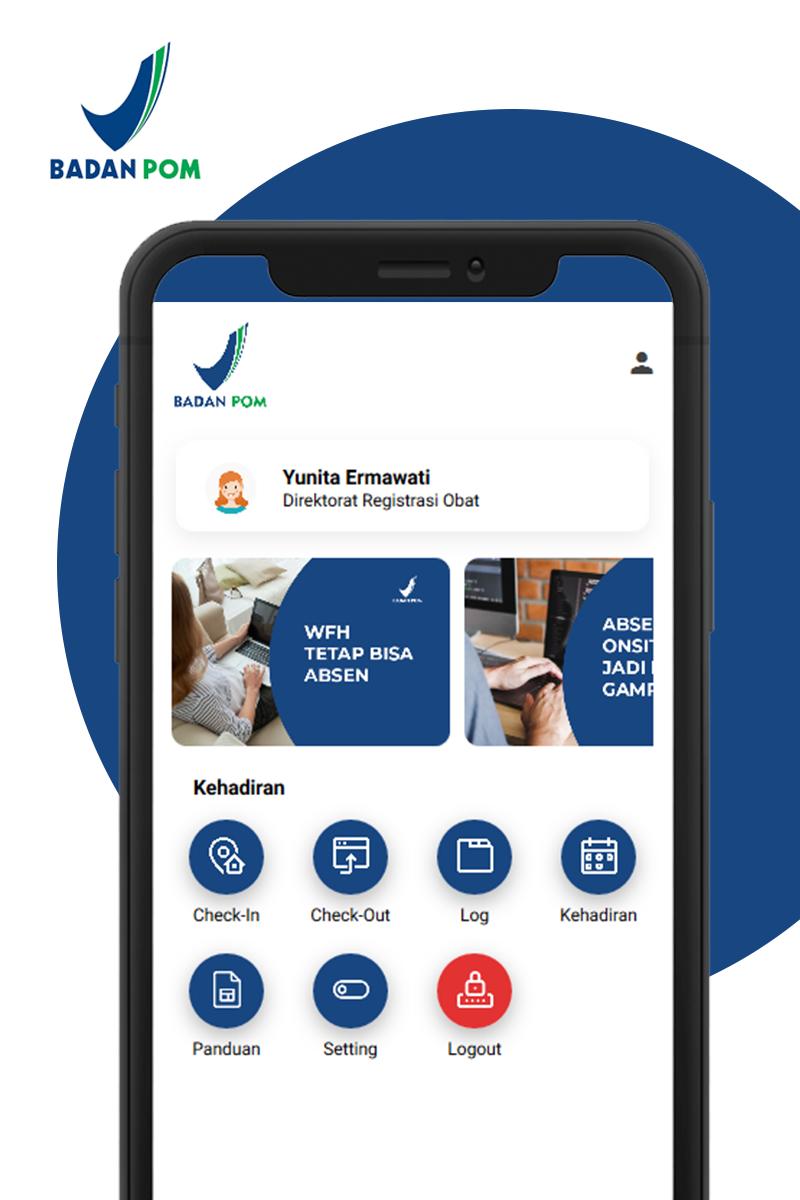
A practical and easy application that is intended for all employees in the POM Agency in conducting online attendance both checking in and checking out during Work From Home assignments.
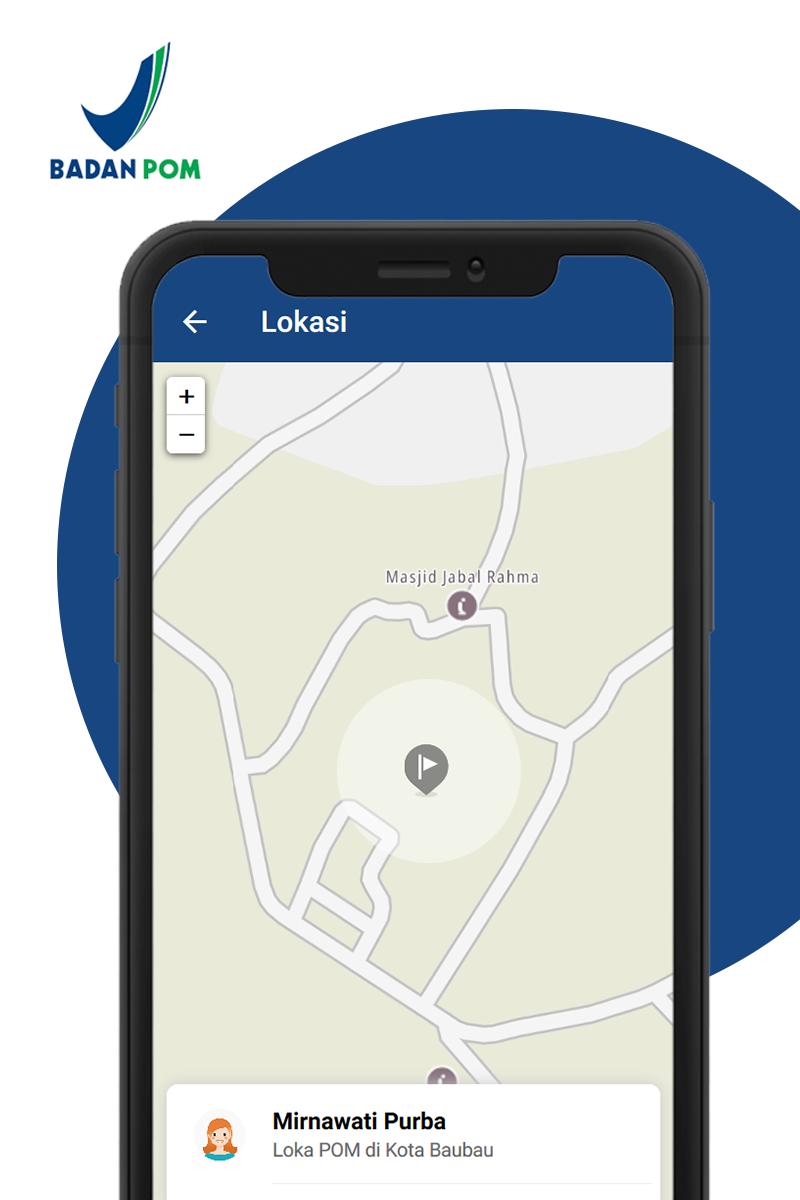
Employees take attendance online by utilizing the GPS feature and smartphone camera features when checking in and and checking out during work from home assignments. This application records / records one's own presence on the current day, current month, and the number of hours worked per day according to the provisions.
In addition, each UPT Badan POM, in this case the Head of UPT and Head of Administration / Operational Administration, can monitor the presence of employees and control employees who have not checked in and checked out during the Work From Home assignment. The results of attendance can be exported into XLS on the web application https://e-presensi.pom.go.id/
It is hoped that this application can provide convenience in monitoring the attendance of employees who carry out Work From Home within the POM Agency.
پیش نظارہ
ٹیگز
کاروبارمعلومات
ڈویلپر
Badan Pengawas Obat dan Makanan Republik Indonesia
تازہ ترین ورژن
1.0.9
آخری تازہ کاری
2020-07-27
قسم
کاروبار
پر دستیاب ہے۔
Google Play
مزید دکھائیں
پی سی پر گیم لوپ کے ساتھ E-Presensi BPOM کیسے کھیلا جائے۔
1. آفیشل ویب سائٹ سے گیم لوپ ڈاؤن لوڈ کریں، پھر گیم لوپ انسٹال کرنے کے لیے exe فائل چلائیں۔
2. گیم لوپ کھولیں اور "E-Presensi BPOM" تلاش کریں، تلاش کے نتائج میں E-Presensi BPOM تلاش کریں اور "انسٹال کریں" پر کلک کریں۔
3. گیم لوپ پر E-Presensi BPOM کھیلنے کا لطف اٹھائیں۔
Minimum requirements
OS
Windows 8.1 64-bit or Windows 10 64-bit
GPU
GTX 1050
CPU
i3-8300
Memory
8GB RAM
Storage
1GB available space
Recommended requirements
OS
Windows 8.1 64-bit or Windows 10 64-bit
GPU
GTX 1050
CPU
i3-9320
Memory
16GB RAM
Storage
1GB available space