DualMon Remote Access PC
dualmon Remote Access
گیم لوپ ایمولیٹر کے ساتھ PC پر DualMon Remote Access ڈاؤن لوڈ کریں۔
پی سی پر DualMon Remote Access
DualMon Remote Access، جو ڈویلپر dualmon Remote Access سے آرہا ہے، ماضی میں اینڈرائیڈ سسٹم پر چل رہا ہے۔
اب، آپ پی سی پر DualMon Remote Access آسانی سے GameLoop کے ساتھ چلا سکتے ہیں۔
اسے GameLoop لائبریری یا تلاش کے نتائج میں ڈاؤن لوڈ کریں۔ مزید غلط وقت پر بیٹری یا مایوس کن کالوں پر نظر نہیں ڈالی جائے گی۔
بس بڑی سکرین پر DualMon Remote Access PC کا مفت میں لطف اٹھائیں!
DualMon Remote Access تعارف
Features include:
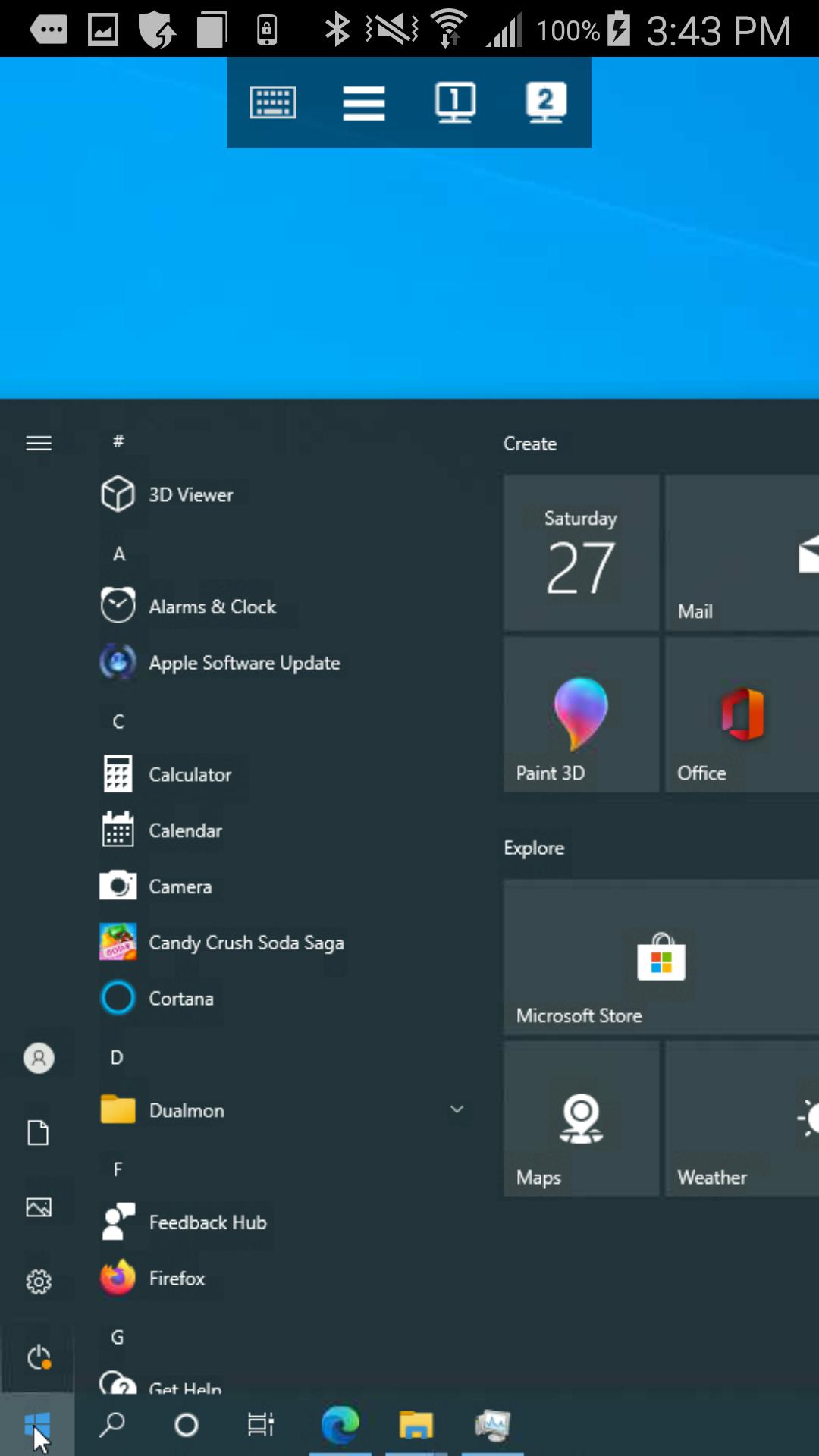
• See the screens of your PCs and Macs from anywhere, as if you're in front of them.
• Remotely access your programs and files right from your Android phone, tablet, or Chromebook.
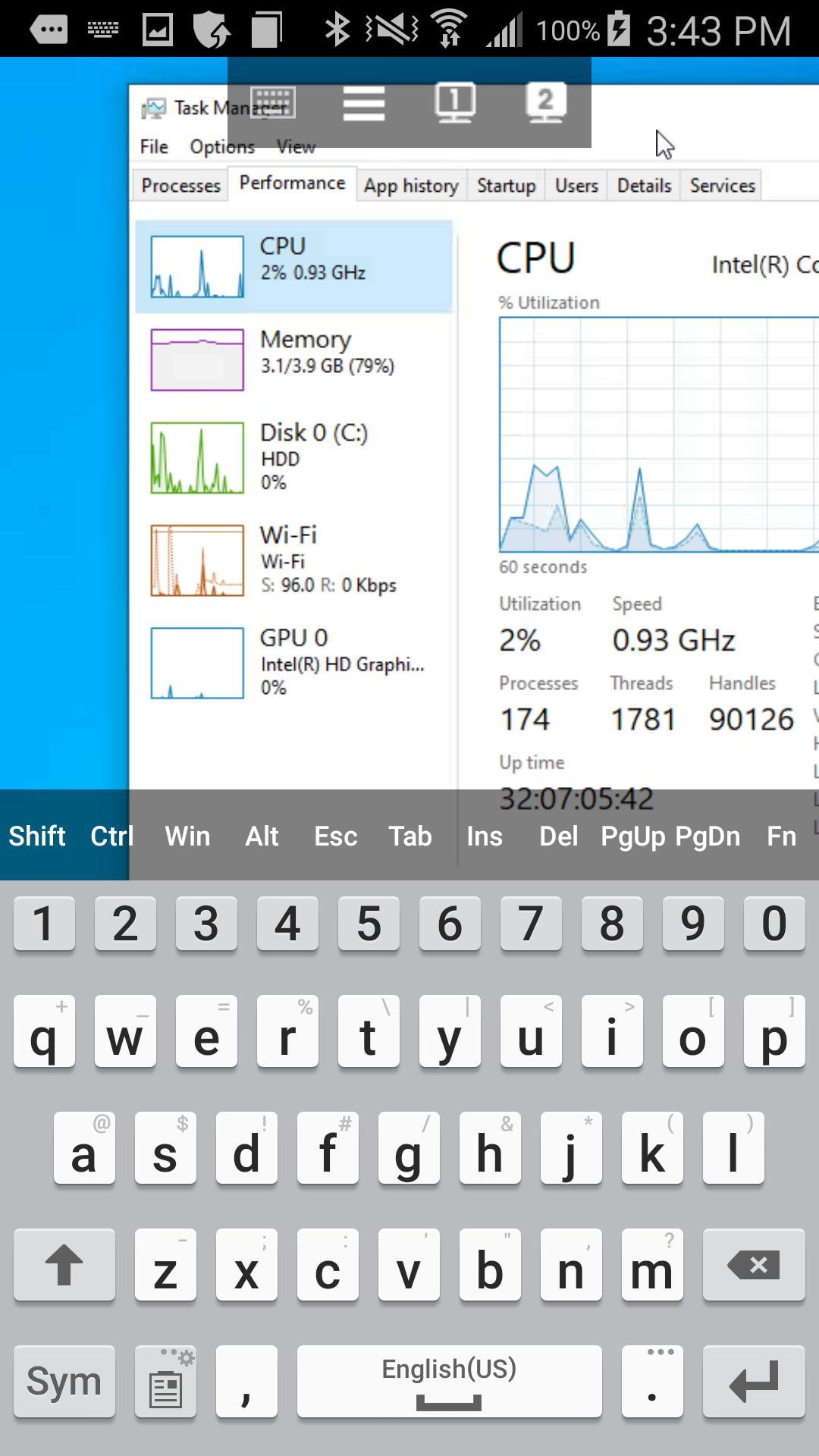
• Pinch and zoom – quickly navigate around your entire desktop with simple, intuitive gestures.
• Fully functional keyboard, including special keys like Ctrl, Alt, and Function keys.
• Switch between multiple monitors by tapping the monitor buttons.
• Remotely connect securely without needing special configuration of your firewall.
• End-to-end AES encryption, dual passwords, multi-factor authentication, and whitelisting for added peace of mind.
• No network limitations - connect to the remote computer over cellular or WiFi.
• Connect simultaneously while another mobile or desktop device is also connected.
• Automatically reconnects when switching between WiFi and cellular, or if the signal drops.
• With the Remote Assist or Enterprise plan you can provide assistance right from your Android phone, tablet, or Chromebook.
GETTING STARTED IS EASY:
1. Download the dualmon app from Google Play.
2. Make sure you have dualmon installed on the PC or Mac you want to connect to.
3. Open the dualmon app from your Android phone, tablet, or Chromebook and enter your password to access your computers.
پیش نظارہ
ٹیگز
کاروبارمعلومات
ڈویلپر
dualmon Remote Access
تازہ ترین ورژن
5.0
آخری تازہ کاری
2023-08-27
قسم
کاروبار
پر دستیاب ہے۔
Google Play
مزید دکھائیں
پی سی پر گیم لوپ کے ساتھ DualMon Remote Access کیسے کھیلا جائے۔
1. آفیشل ویب سائٹ سے گیم لوپ ڈاؤن لوڈ کریں، پھر گیم لوپ انسٹال کرنے کے لیے exe فائل چلائیں۔
2. گیم لوپ کھولیں اور "DualMon Remote Access" تلاش کریں، تلاش کے نتائج میں DualMon Remote Access تلاش کریں اور "انسٹال کریں" پر کلک کریں۔
3. گیم لوپ پر DualMon Remote Access کھیلنے کا لطف اٹھائیں۔
Minimum requirements
OS
Windows 8.1 64-bit or Windows 10 64-bit
GPU
GTX 1050
CPU
i3-8300
Memory
8GB RAM
Storage
1GB available space
Recommended requirements
OS
Windows 8.1 64-bit or Windows 10 64-bit
GPU
GTX 1050
CPU
i3-9320
Memory
16GB RAM
Storage
1GB available space