
Digital Business Card Maker PC
Bhima Apps
گیم لوپ ایمولیٹر کے ساتھ PC پر Digital Business Card Maker ڈاؤن لوڈ کریں۔
پی سی پر Digital Business Card Maker
Digital Business Card Maker، جو ڈویلپر Bhima Apps سے آرہا ہے، ماضی میں اینڈرائیڈ سسٹم پر چل رہا ہے۔
اب، آپ پی سی پر Digital Business Card Maker آسانی سے GameLoop کے ساتھ چلا سکتے ہیں۔
اسے GameLoop لائبریری یا تلاش کے نتائج میں ڈاؤن لوڈ کریں۔ مزید غلط وقت پر بیٹری یا مایوس کن کالوں پر نظر نہیں ڈالی جائے گی۔
بس بڑی سکرین پر Digital Business Card Maker PC کا مفت میں لطف اٹھائیں!
Digital Business Card Maker تعارف
Looking for a new business card design?
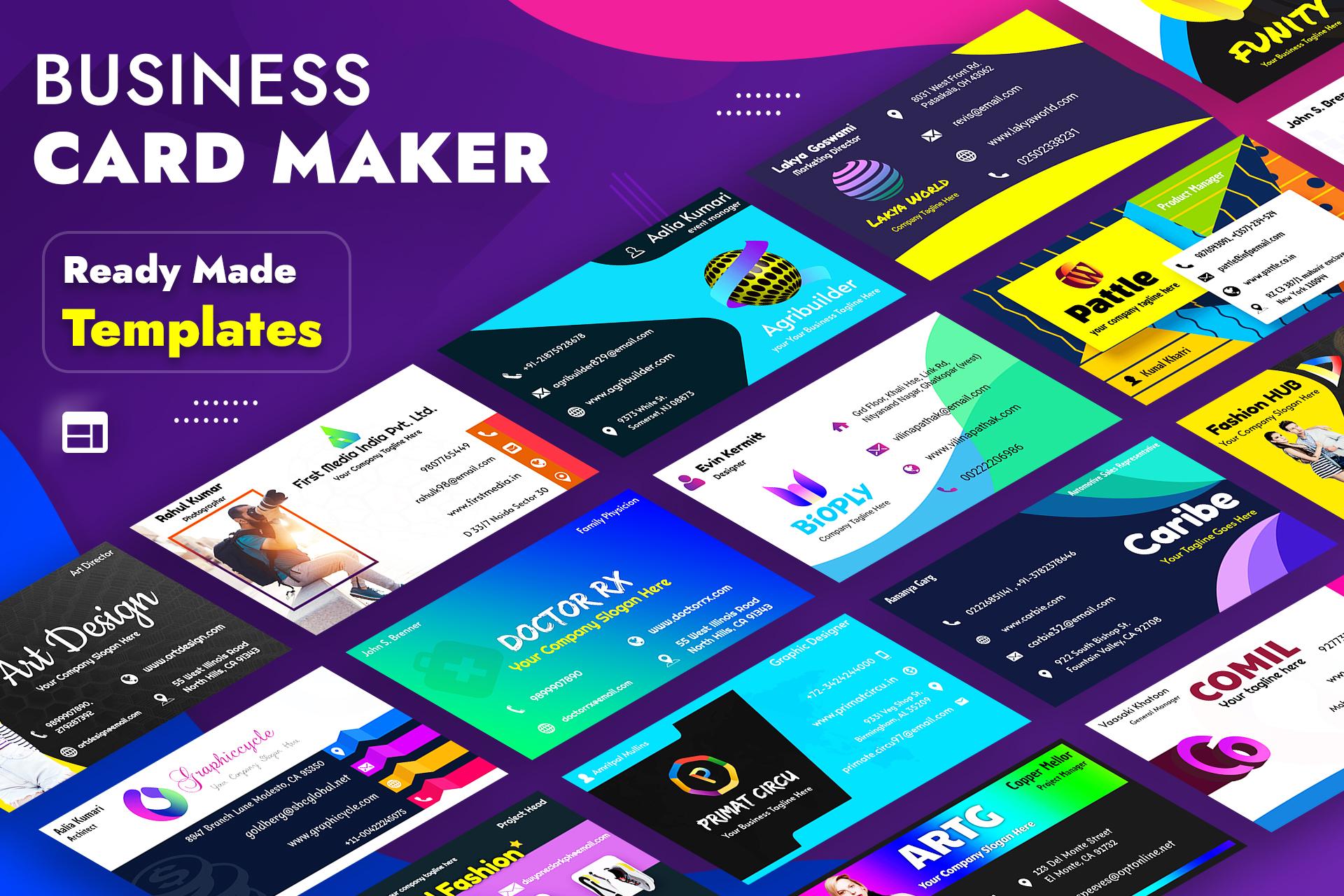
Digital Business Card Maker is your ultimate solution for creating professional and eye-catching digital business cards and visiting cards - no graphic design skills required! With a wide range of ready-made templates, customizable tools, and now AI-generated design elements, you can easily craft a card that reflects your personal or business identity.
Create your unique professional identity by designing a professional Business Card.
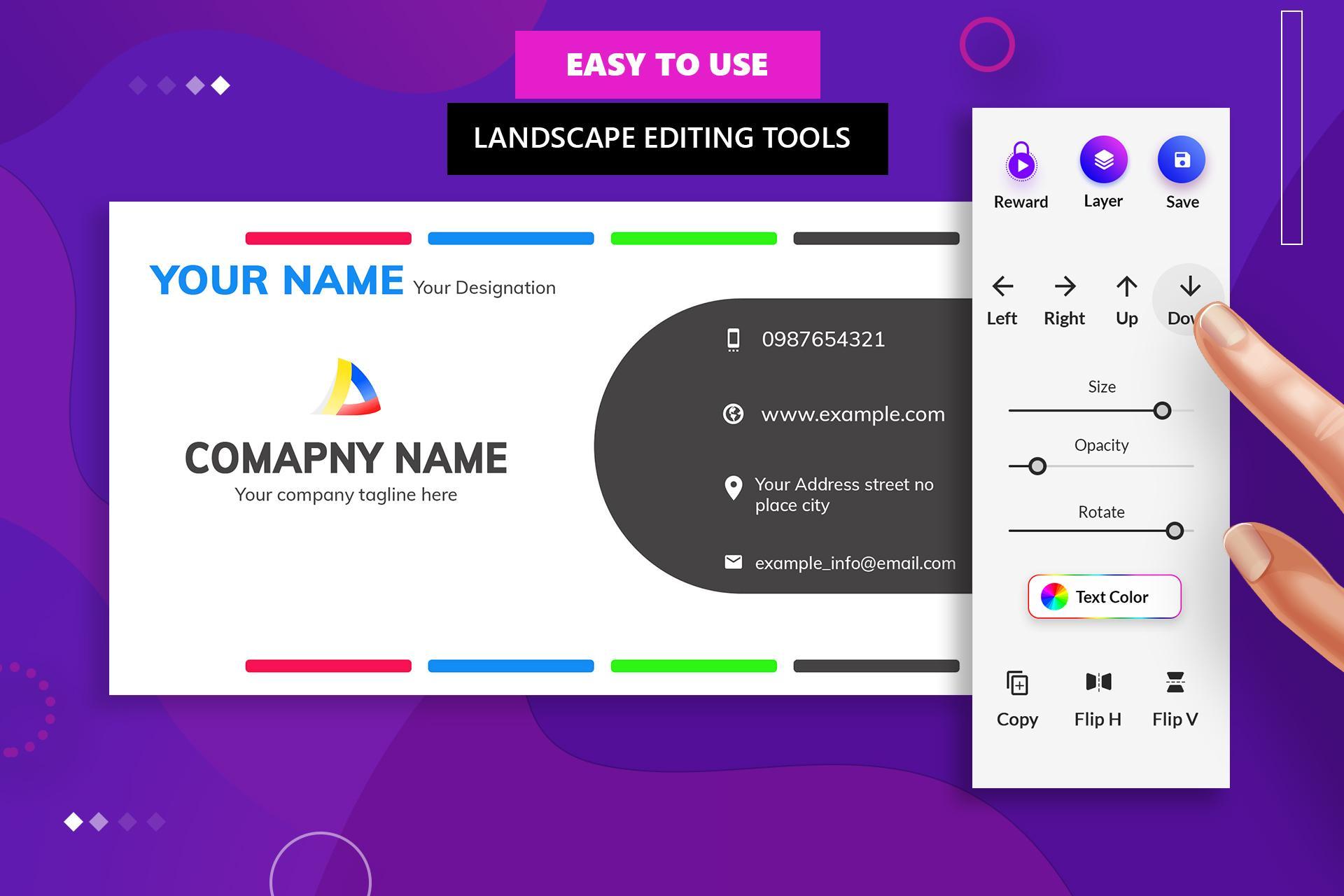
Whether you're a freelancer, entrepreneur, or business owner, our app makes it quick and easy to design a personalized digital business card. Choose from pre-designed templates or start from scratch using our intuitive editing tools.
You don’t need a graphic designer to create a professional business card or visiting card. We have designed a good collection of Business Card Templates. Use ready-made business card templates & edit them with your details.
What is Business Card?
A business card typically includes your name, contact info, job title, company name, website, and more. It’s your identity in the professional world. Go digital and make it smarter with our Business Card Maker app.
Why choose a Digital Business Card?
Traditional business cards get lost or thrown away. With a Digital Business Card, you can instantly share your information via email, WhatsApp, or any social media platform - anytime, anywhere.
✔ Eco-friendly
✔ Convenient & easily shareable
✔ Cost-effective
✔ Editable anytime
✔ More interactive
You can design your own business card & visiting card using this Business Card Maker App. Personalize your business card to reflect your personality by sharing Digital Business Card.
Features of Digital Business Card Maker / Visiting Card Maker
✔ Create Business Card - Design your own visiting card with a variety of designing tools.
✔ Business Card Templates - A huge variety of ready-made, fully editable business card templates tailored for different professions.
✔ Instant Business Card Maker - This feature is super-fast & easy. Quickly generate business cards by filling out a simple form. Choose any format of your choice or according to your profession.
✔ AI-Generated Design Elements – Make your cards stand out with smart, futuristic visuals generated using Artificial Intelligence.
✔ Professional Backgrounds – A wide collection of elegant, modern backgrounds to enhance your Business card.
✔ Logo Design Collection - Choose from 1000+ logos including 3D and niche-specific logos: Fashion, Healthcare, Real Estate, Tech & more.
✔ Symbol / Icon - More than 500 different icon & symbols are available for business card & visiting card. Business Icon, Modern business card icon, communication icon.
Email Signature Integration – Add your digital business card as a signature to your emails for seamless contact sharing.
Disclaimer: Sample business cards are for illustration only and not meant to imitate any known branding. For concerns, contact us at help@bhimaapps.com.
پیش نظارہ
ٹیگز
کاروبارمعلومات
ڈویلپر
Bhima Apps
تازہ ترین ورژن
3.4
آخری تازہ کاری
2025-06-22
قسم
کاروبار
پر دستیاب ہے۔
Google Play
مزید دکھائیں
پی سی پر گیم لوپ کے ساتھ Digital Business Card Maker کیسے کھیلا جائے۔
1. آفیشل ویب سائٹ سے گیم لوپ ڈاؤن لوڈ کریں، پھر گیم لوپ انسٹال کرنے کے لیے exe فائل چلائیں۔
2. گیم لوپ کھولیں اور "Digital Business Card Maker" تلاش کریں، تلاش کے نتائج میں Digital Business Card Maker تلاش کریں اور "انسٹال کریں" پر کلک کریں۔
3. گیم لوپ پر Digital Business Card Maker کھیلنے کا لطف اٹھائیں۔
Minimum requirements
OS
Windows 8.1 64-bit or Windows 10 64-bit
GPU
GTX 1050
CPU
i3-8300
Memory
8GB RAM
Storage
1GB available space
Recommended requirements
OS
Windows 8.1 64-bit or Windows 10 64-bit
GPU
GTX 1050
CPU
i3-9320
Memory
16GB RAM
Storage
1GB available space