
C•CURE Go Reader PC
Tyco Security Products (Sensormatic Electronics)
گیم لوپ ایمولیٹر کے ساتھ PC پر C•CURE Go Reader ڈاؤن لوڈ کریں۔
پی سی پر C•CURE Go Reader
C•CURE Go Reader، جو ڈویلپر Tyco Security Products (Sensormatic Electronics) سے آرہا ہے، ماضی میں اینڈرائیڈ سسٹم پر چل رہا ہے۔
اب، آپ پی سی پر C•CURE Go Reader آسانی سے GameLoop کے ساتھ چلا سکتے ہیں۔
اسے GameLoop لائبریری یا تلاش کے نتائج میں ڈاؤن لوڈ کریں۔ مزید غلط وقت پر بیٹری یا مایوس کن کالوں پر نظر نہیں ڈالی جائے گی۔
بس بڑی سکرین پر C•CURE Go Reader PC کا مفت میں لطف اٹھائیں!
C•CURE Go Reader تعارف
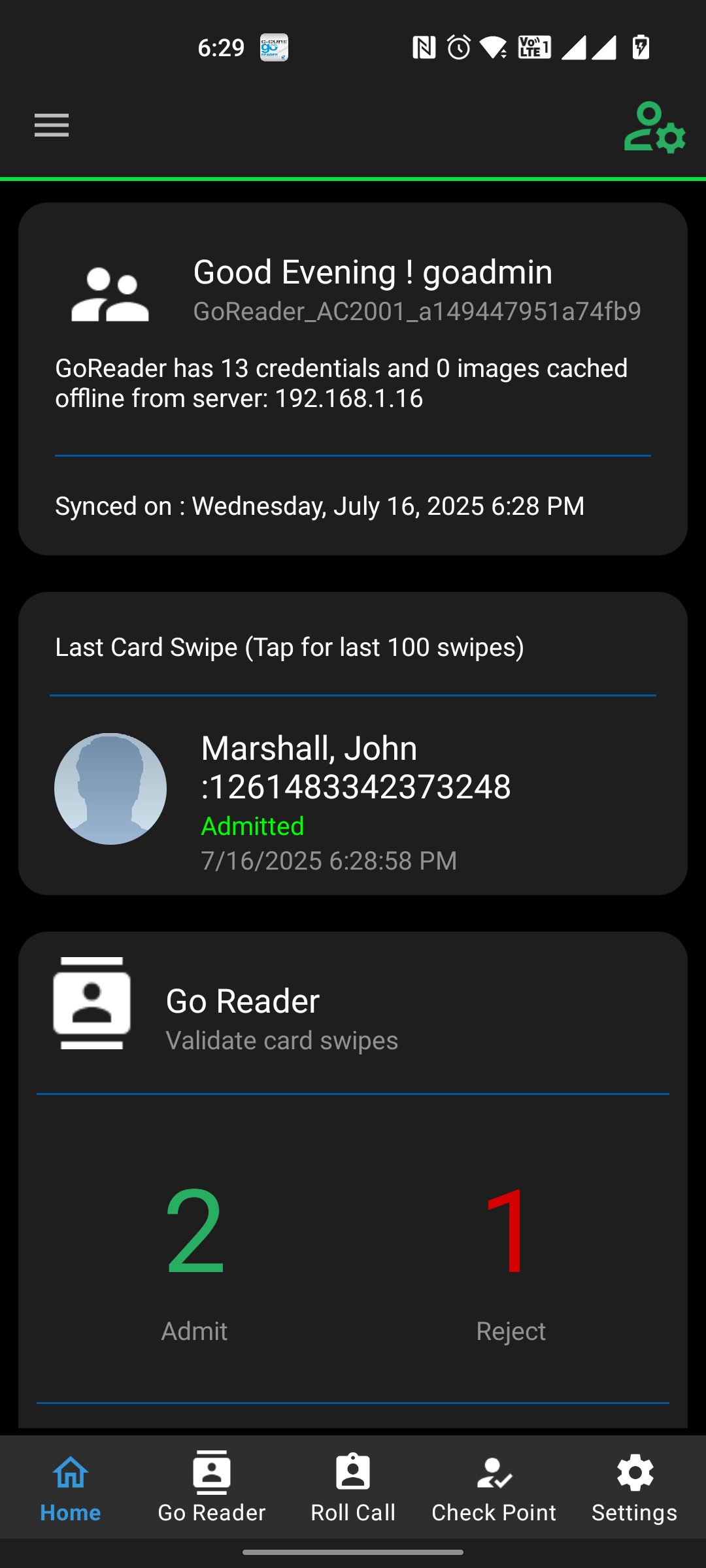
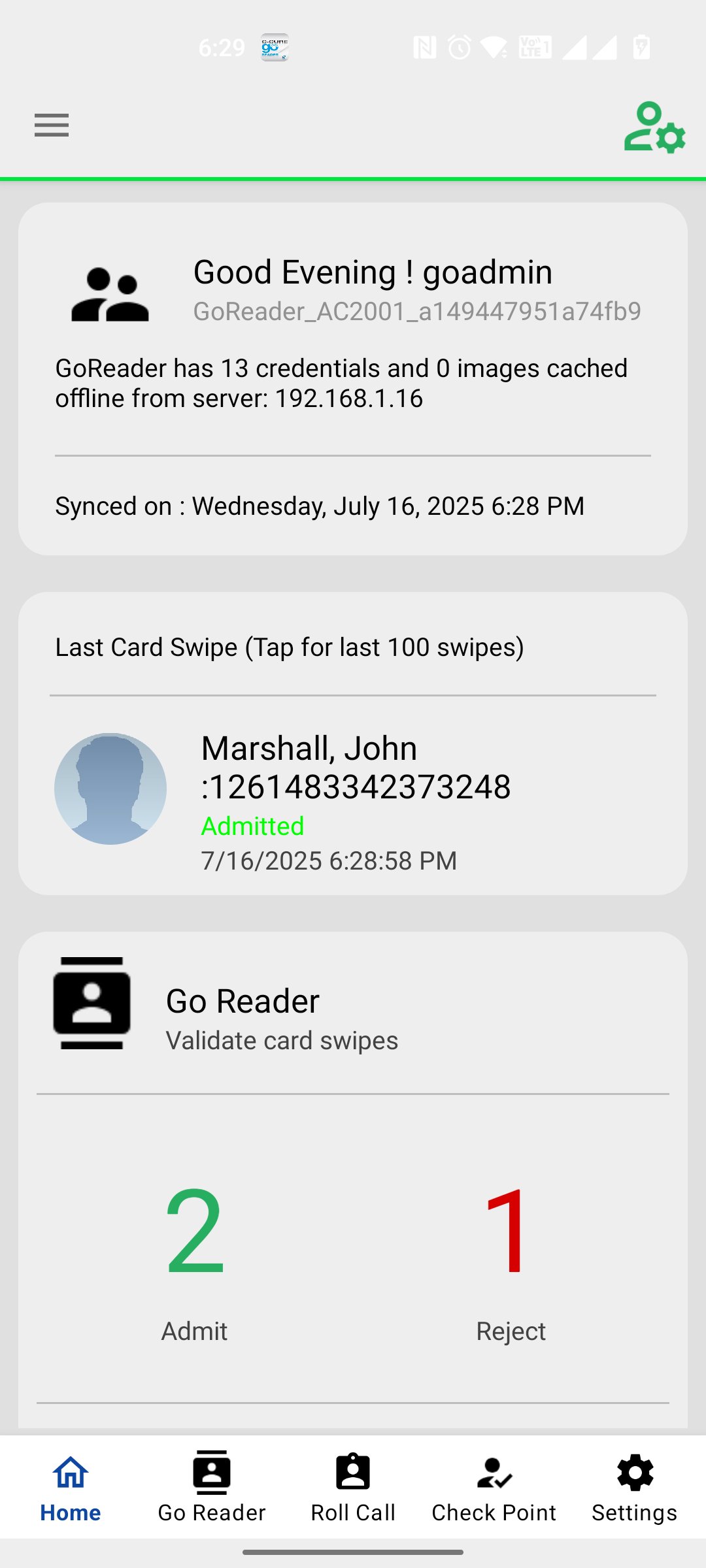
C•CURE Go Reader mobile app extends the reach of your C•CURE 9000 system by allowing you to grant or deny access in even the most remote, disconnected areas. Using your Android device, C•CURE Go Reader pairs with a multi-technology read head (support both SPP and BLE 4.0 readers) to C•CURE Go Reader mobile app extends the reach of your C•CURE 9000 system by allowing you to grant or deny access in even the most remote, disconnected areas. Using your Android device, C•CURE Go Reader pairs with a multi-technology read head (including inbuilt NFC reader, rfIdeas Nano Usb readers, Magtek iDynamo reader, both SPP and BLE 4.0 readers) to mimic a full-fledged iSTAR door, complete with schedules, clearances and holidays. You can use the Go Reader device to impersonate a particular iSTAR Door when there are issues with a physical door. Using C•CURE Go Reader mobile app you can send details and portraits of missing personnel inside the building via email and text. Apart from Impersonation of iSTAR door, this app also offers iSTAR Online Reader Mode option to cater Anti-Passback features. User can select the Inbound or Outbound reader from iSTAR Online Screen. On Swipe History screen operator can Grace a personnel who has been rejected due to Anti Passback.
پیش نظارہ
ٹیگز
کاروبارمعلومات
ڈویلپر
Tyco Security Products (Sensormatic Electronics)
تازہ ترین ورژن
5.0.360
آخری تازہ کاری
2025-12-11
قسم
کاروبار
پر دستیاب ہے۔
Google Play
مزید دکھائیں
پی سی پر گیم لوپ کے ساتھ C•CURE Go Reader کیسے کھیلا جائے۔
1. آفیشل ویب سائٹ سے گیم لوپ ڈاؤن لوڈ کریں، پھر گیم لوپ انسٹال کرنے کے لیے exe فائل چلائیں۔
2. گیم لوپ کھولیں اور "C•CURE Go Reader" تلاش کریں، تلاش کے نتائج میں C•CURE Go Reader تلاش کریں اور "انسٹال کریں" پر کلک کریں۔
3. گیم لوپ پر C•CURE Go Reader کھیلنے کا لطف اٹھائیں۔
Minimum requirements
OS
Windows 8.1 64-bit or Windows 10 64-bit
GPU
GTX 1050
CPU
i3-8300
Memory
8GB RAM
Storage
1GB available space
Recommended requirements
OS
Windows 8.1 64-bit or Windows 10 64-bit
GPU
GTX 1050
CPU
i3-9320
Memory
16GB RAM
Storage
1GB available space