
Megger Link PC
Megger UK
گیم لوپ ایمولیٹر کے ساتھ PC پر Megger Link ڈاؤن لوڈ کریں۔
پی سی پر Megger Link
Megger Link، جو ڈویلپر Megger UK سے آرہا ہے، ماضی میں اینڈرائیڈ سسٹم پر چل رہا ہے۔
اب، آپ پی سی پر Megger Link آسانی سے GameLoop کے ساتھ چلا سکتے ہیں۔
اسے GameLoop لائبریری یا تلاش کے نتائج میں ڈاؤن لوڈ کریں۔ مزید غلط وقت پر بیٹری یا مایوس کن کالوں پر نظر نہیں ڈالی جائے گی۔
بس بڑی سکرین پر Megger Link PC کا مفت میں لطف اٹھائیں!
Megger Link تعارف
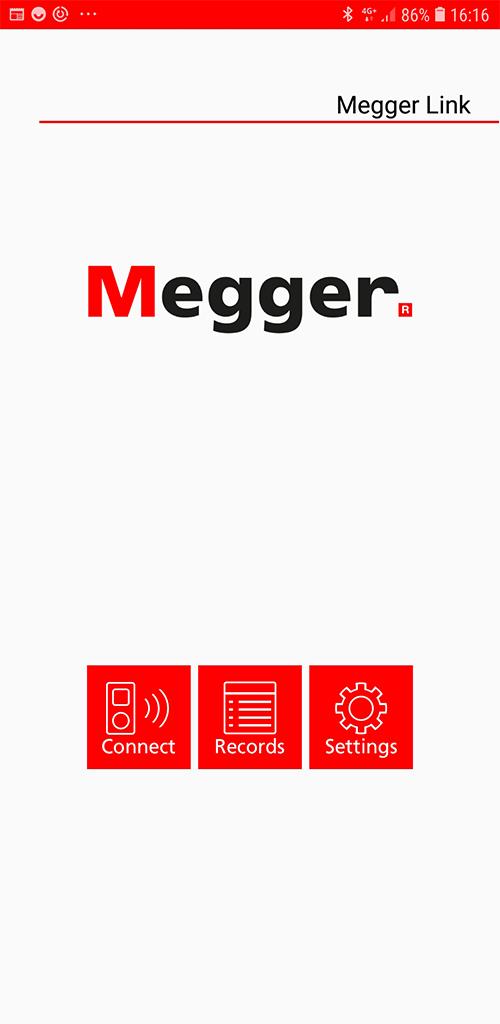
Transfer real-time data to the free Megger Link app. The DPM1000 and DCM1500S meters use low-power Bluetooth v4.0 wireless technology to communicate with your mobile device up to a maximum communication range of approximately 10 m.
Please note, the feature is unavailable when measuring Inrush Current or Phase Rotation.
Instructions:
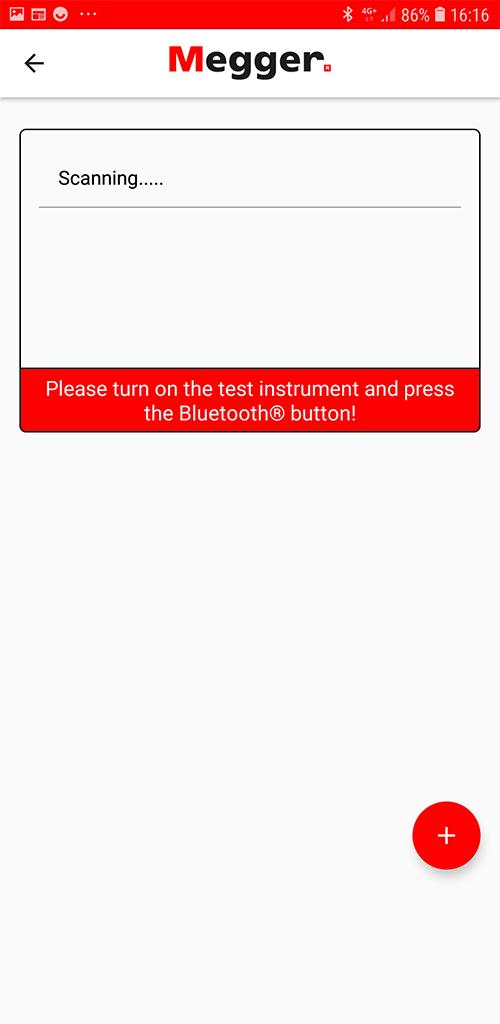
Download the “Megger Link” App. Turn on the Bluetooth function of the meter by pressing the Bluetooth button and open the Megger Link App to connect the DCM.
The Bluetooth icon of the meter will flash whilst connecting and freeze on the LCD after the connection is established.
پیش نظارہ
ٹیگز
کاروبارمعلومات
ڈویلپر
Megger UK
تازہ ترین ورژن
1.2.3
آخری تازہ کاری
2023-12-04
قسم
کاروبار
پر دستیاب ہے۔
Google Play
مزید دکھائیں
پی سی پر گیم لوپ کے ساتھ Megger Link کیسے کھیلا جائے۔
1. آفیشل ویب سائٹ سے گیم لوپ ڈاؤن لوڈ کریں، پھر گیم لوپ انسٹال کرنے کے لیے exe فائل چلائیں۔
2. گیم لوپ کھولیں اور "Megger Link" تلاش کریں، تلاش کے نتائج میں Megger Link تلاش کریں اور "انسٹال کریں" پر کلک کریں۔
3. گیم لوپ پر Megger Link کھیلنے کا لطف اٹھائیں۔
Minimum requirements
OS
Windows 8.1 64-bit or Windows 10 64-bit
GPU
GTX 1050
CPU
i3-8300
Memory
8GB RAM
Storage
1GB available space
Recommended requirements
OS
Windows 8.1 64-bit or Windows 10 64-bit
GPU
GTX 1050
CPU
i3-9320
Memory
16GB RAM
Storage
1GB available space