
Fierce Conversations Connect PC
Fierce Inc.
گیم لوپ ایمولیٹر کے ساتھ PC پر Fierce Conversations Connect ڈاؤن لوڈ کریں۔
پی سی پر Fierce Conversations Connect
Fierce Conversations Connect، جو ڈویلپر Fierce Inc. سے آرہا ہے، ماضی میں اینڈرائیڈ سسٹم پر چل رہا ہے۔
اب، آپ پی سی پر Fierce Conversations Connect آسانی سے GameLoop کے ساتھ چلا سکتے ہیں۔
اسے GameLoop لائبریری یا تلاش کے نتائج میں ڈاؤن لوڈ کریں۔ مزید غلط وقت پر بیٹری یا مایوس کن کالوں پر نظر نہیں ڈالی جائے گی۔
بس بڑی سکرین پر Fierce Conversations Connect PC کا مفت میں لطف اٹھائیں!
Fierce Conversations Connect تعارف
Fierce is a company committed to providing everyone with the training, tools, resources, and confidence to have the conversations that are essential to positively impacting their careers and lives. We want to be with you every step of the way on your journey of enriching relationships and driving toward the outcomes you want in your career and life. This app is exactly that, a powerful tool at your fingertips to help you know what conversations to have and how to have them in the moment you need them. Let’s be honest, we can have all the “training” in the world and at the end of the day it is on us to have the actual conversations needed to change the trajectory of our lives. We get it and want to be with you when you need us.
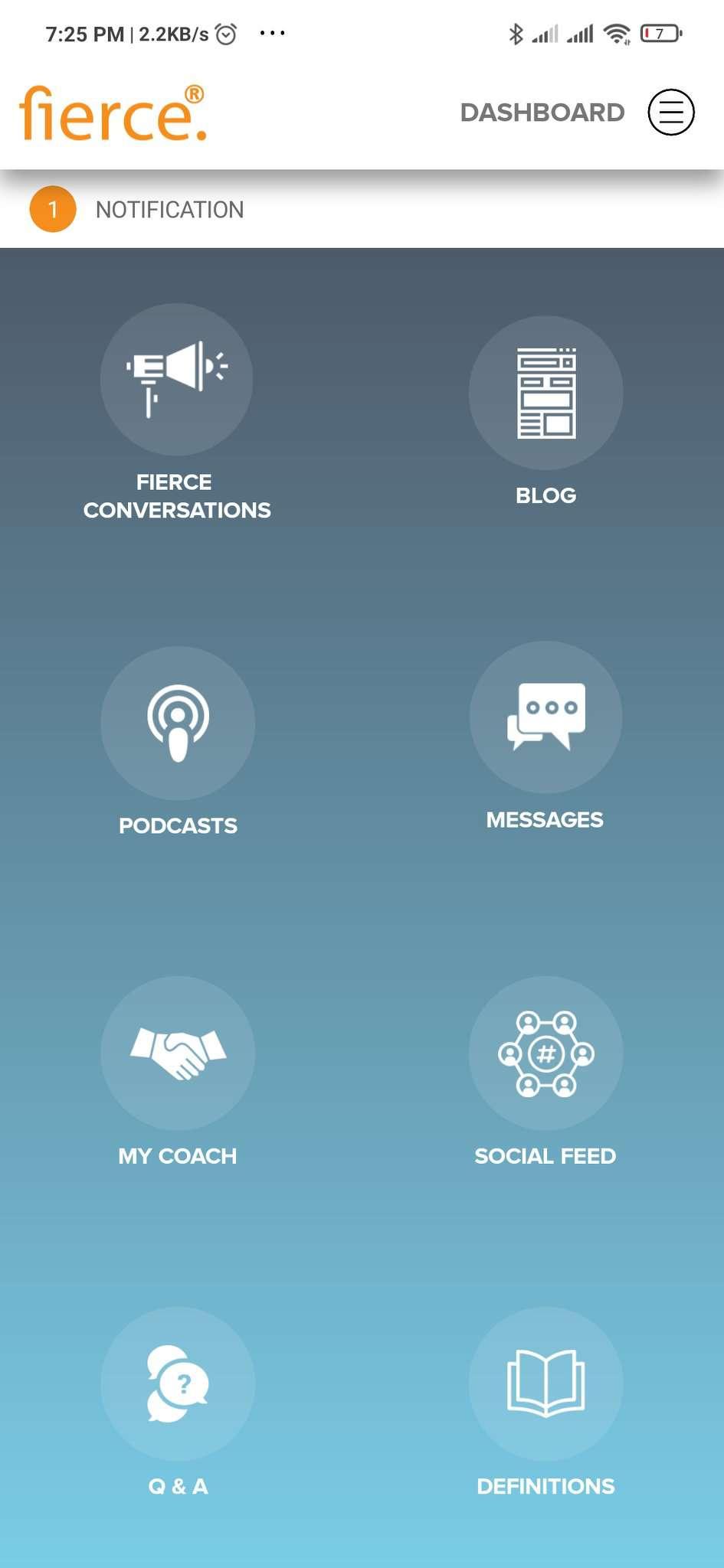
Fierce Connect provides a wizard to allow you to choose the conversation model you need in your specific situation; be it having to coach or confront a peer or an employee or providing feedback to a loved one. It will guide you to build up a script and walk you step-by-step on how to have the conversation. We also provide various support features such as from your coach and others on this journey should you need help or just to learn from others. You got this and Fierce is with you.
The Conversation is the Relationship ~ Susan Scott, Fierce founder
پیش نظارہ

ٹیگز
کاروبارمعلومات
ڈویلپر
Fierce Inc.
تازہ ترین ورژن
1.0.6
آخری تازہ کاری
2023-06-05
قسم
کاروبار
پر دستیاب ہے۔
Google Play
مزید دکھائیں
پی سی پر گیم لوپ کے ساتھ Fierce Conversations Connect کیسے کھیلا جائے۔
1. آفیشل ویب سائٹ سے گیم لوپ ڈاؤن لوڈ کریں، پھر گیم لوپ انسٹال کرنے کے لیے exe فائل چلائیں۔
2. گیم لوپ کھولیں اور "Fierce Conversations Connect" تلاش کریں، تلاش کے نتائج میں Fierce Conversations Connect تلاش کریں اور "انسٹال کریں" پر کلک کریں۔
3. گیم لوپ پر Fierce Conversations Connect کھیلنے کا لطف اٹھائیں۔
Minimum requirements
OS
Windows 8.1 64-bit or Windows 10 64-bit
GPU
GTX 1050
CPU
i3-8300
Memory
8GB RAM
Storage
1GB available space
Recommended requirements
OS
Windows 8.1 64-bit or Windows 10 64-bit
GPU
GTX 1050
CPU
i3-9320
Memory
16GB RAM
Storage
1GB available space