Cable Billing - Cable Tv Billi PC
AApreneur
گیم لوپ ایمولیٹر کے ساتھ PC پر Cable Billing - Cable Tv Billi ڈاؤن لوڈ کریں۔
پی سی پر Cable Billing - Cable Tv Billi
Cable Billing - Cable Tv Billi، جو ڈویلپر AApreneur سے آرہا ہے، ماضی میں اینڈرائیڈ سسٹم پر چل رہا ہے۔
اب، آپ پی سی پر Cable Billing - Cable Tv Billi آسانی سے GameLoop کے ساتھ چلا سکتے ہیں۔
اسے GameLoop لائبریری یا تلاش کے نتائج میں ڈاؤن لوڈ کریں۔ مزید غلط وقت پر بیٹری یا مایوس کن کالوں پر نظر نہیں ڈالی جائے گی۔
بس بڑی سکرین پر Cable Billing - Cable Tv Billi PC کا مفت میں لطف اٹھائیں!
Cable Billing - Cable Tv Billi تعارف
Cable Billing - Cable Management Software by The AApreneur is the fastest growing Cable TV Collection App in India enabling the Local Cable Operators to save a substantial amount of time in entering manually and thereby increasing revenues.
In this cloud-based Software, you will get these components
1)A Web portal which can be accessed by Desktop/Laptop from anywhere through the Internet. You can manage your customers(Add/Edit/View), Collection agents, Collection Agent Live Location. You can see the collection report.
2) Mobile App for Collection Agents and Technicians and of course for Owners to manage cash collections.
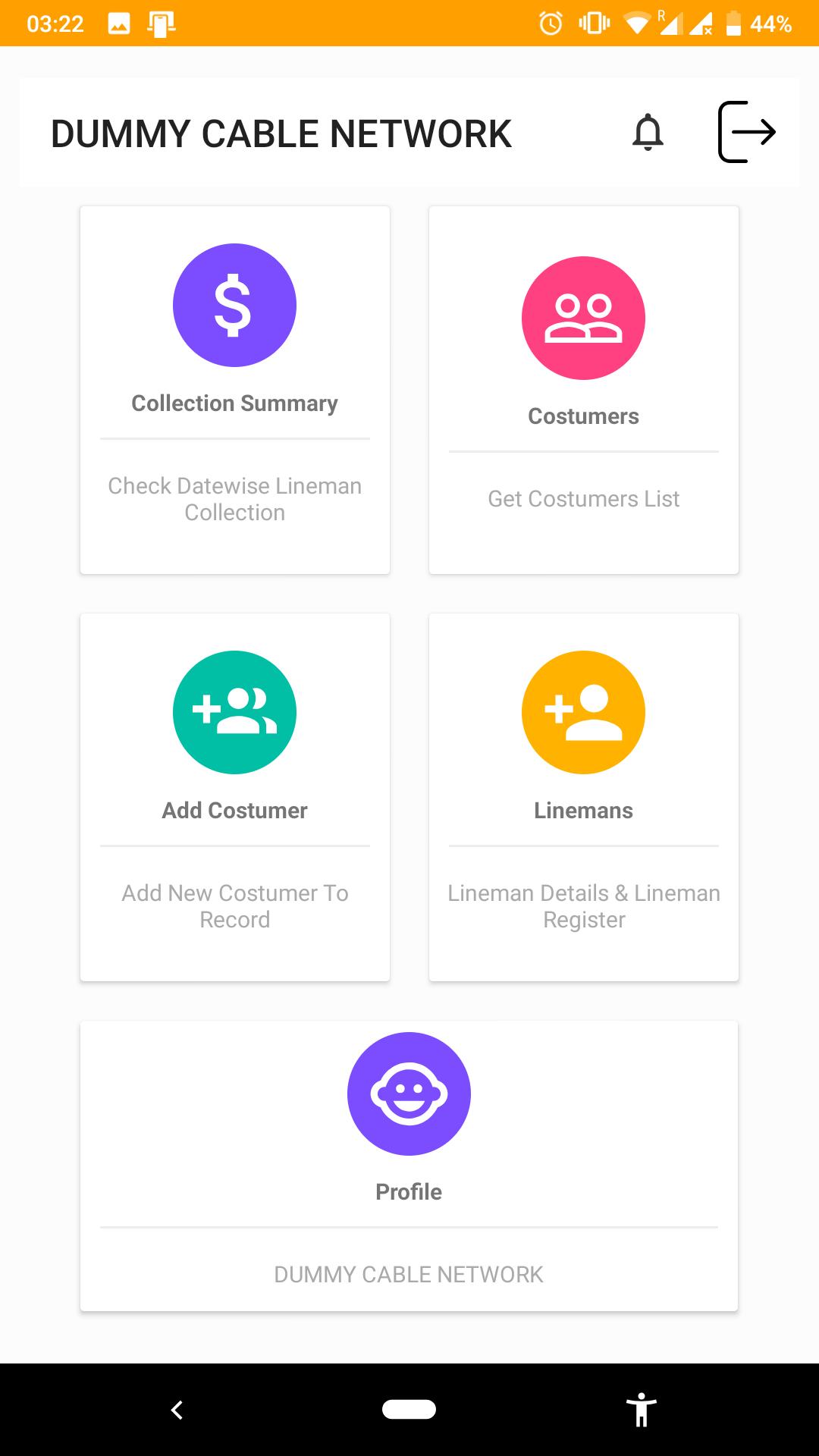
With CableBilling, the cable operators need only one app which can be used for Bill Collections, Activation & Deactivation of Set-top box, Sending SMS, Print receipts via Bluetooth Printer. This GST compliant Cable TV billing App supports every aspect of the customer management and billing operations, such as:
-> Manage Collection Agents(Lineman)
-> Single view of the Customer
-> GST Ready Billing App
-> Auto Billing
-> Bluetooth Thermal Printer Integrated
-> Daily/Monthly Collections by Agents
-> Single Bill for multiple services
-> Part Payments can be collected
-> View Collection History
-> View Payment History
-> Send Online Receipt to Customers for Payment Received
-> GST Ready Receipt for customer
How CableBilling Works?
If you are a new cable operator
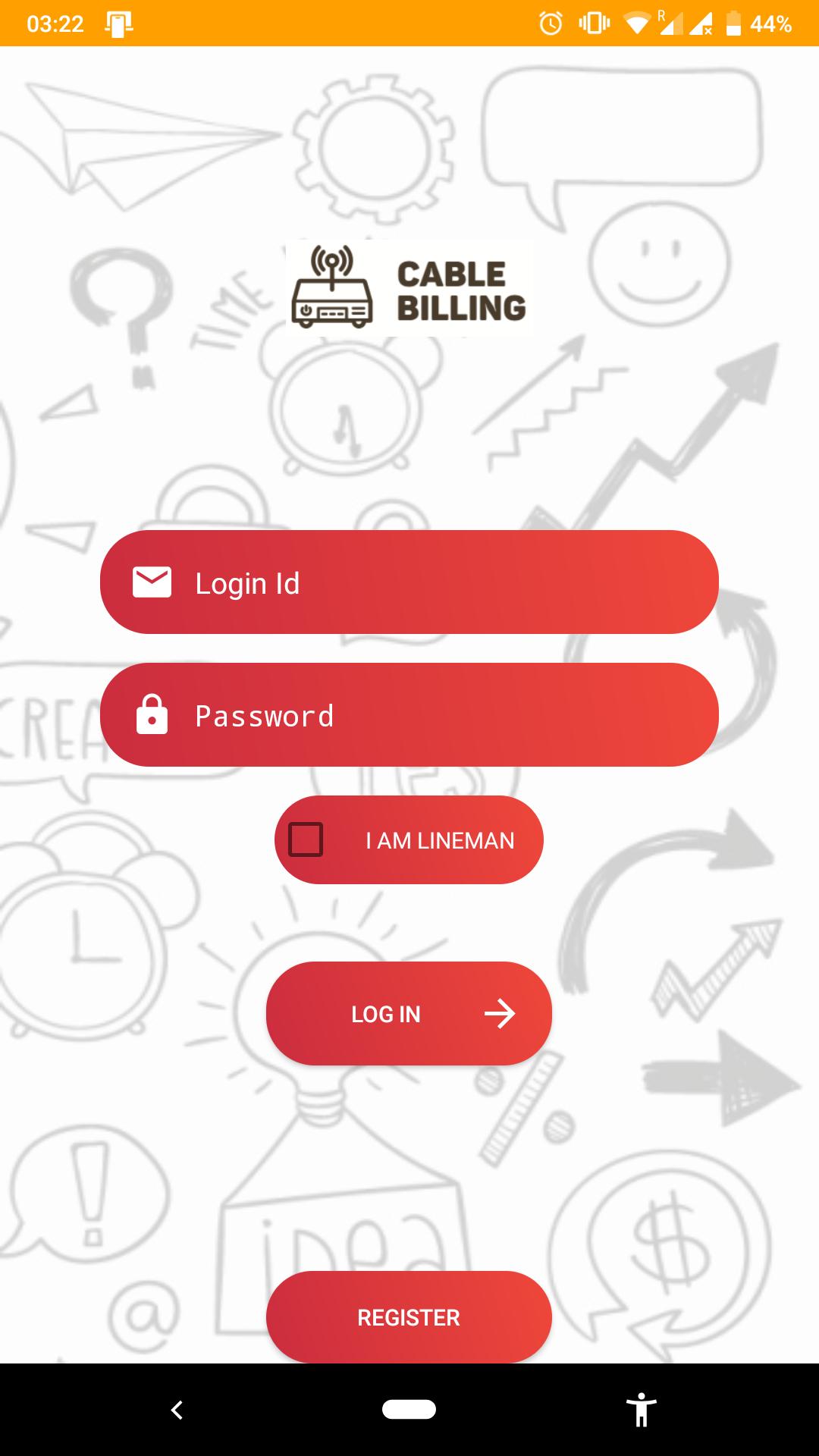
1. Install Cable Billing application
2. Open the installed application & click on "REGISTER"
3. Fill in all the required details
4. Click on "SAVE"
5. You will receive an email with login credentials to use the demo version of Cable Billing application. If you do not receive an email, please contact Cable Billing's support team on 9389857956
6. Login with the credentials which you have received on your email
If you are an existing cable operator or an agent
1. Install CableBilling application
2. Open the installed application to enter the Login ID & Password
3. Click on "Log in" to start using Cable Billing application
For more details, you can contact us
Phone: 9389857956
Whatsapp: 9389857956
Email: cablebilling@aapreneur.com
Website: www.aapreneur.com/cable
پیش نظارہ
ٹیگز
کاروبارمعلومات
ڈویلپر
AApreneur
تازہ ترین ورژن
5.2.0
آخری تازہ کاری
2022-07-02
قسم
کاروبار
پر دستیاب ہے۔
Google Play
مزید دکھائیں
پی سی پر گیم لوپ کے ساتھ Cable Billing - Cable Tv Billi کیسے کھیلا جائے۔
1. آفیشل ویب سائٹ سے گیم لوپ ڈاؤن لوڈ کریں، پھر گیم لوپ انسٹال کرنے کے لیے exe فائل چلائیں۔
2. گیم لوپ کھولیں اور "Cable Billing - Cable Tv Billi" تلاش کریں، تلاش کے نتائج میں Cable Billing - Cable Tv Billi تلاش کریں اور "انسٹال کریں" پر کلک کریں۔
3. گیم لوپ پر Cable Billing - Cable Tv Billi کھیلنے کا لطف اٹھائیں۔
Minimum requirements
OS
Windows 8.1 64-bit or Windows 10 64-bit
GPU
GTX 1050
CPU
i3-8300
Memory
8GB RAM
Storage
1GB available space
Recommended requirements
OS
Windows 8.1 64-bit or Windows 10 64-bit
GPU
GTX 1050
CPU
i3-9320
Memory
16GB RAM
Storage
1GB available space