
BluePiano PC
TEC-IT
گیم لوپ ایمولیٹر کے ساتھ PC پر BluePiano ڈاؤن لوڈ کریں۔
پی سی پر BluePiano
BluePiano، جو ڈویلپر TEC-IT سے آرہا ہے، ماضی میں اینڈرائیڈ سسٹم پر چل رہا ہے۔
اب، آپ پی سی پر BluePiano آسانی سے GameLoop کے ساتھ چلا سکتے ہیں۔
اسے GameLoop لائبریری یا تلاش کے نتائج میں ڈاؤن لوڈ کریں۔ مزید غلط وقت پر بیٹری یا مایوس کن کالوں پر نظر نہیں ڈالی جائے گی۔
بس بڑی سکرین پر BluePiano PC کا مفت میں لطف اٹھائیں!
BluePiano تعارف
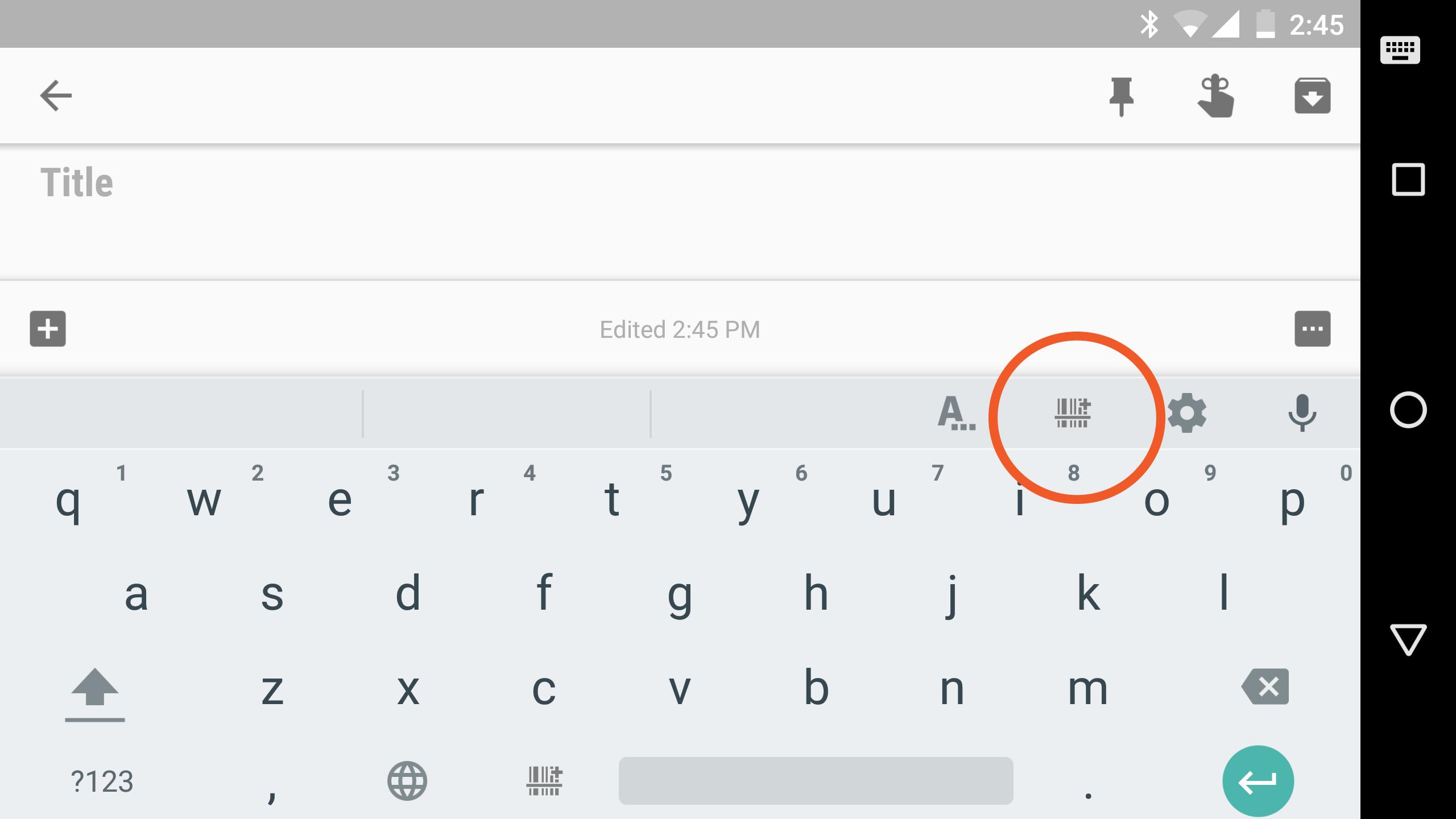
This soft-keyboard enables any app to capture and process data from arbitrary Bluetooth devices. BluePiano works as a so-called Bluetooth keyboard wedge: in addition to manual typing or voice input, this keyboard is able to receive and process data from external Bluetooth devices (e.g. barcode scanners, Bluetooth scales, Raspberry Pis, any data collection, measurement- or scientific equipment supporting the Bluetooth Serial Port Profile / Bluetooth SPP). App modifications are not required.
DATA ACQUISITION
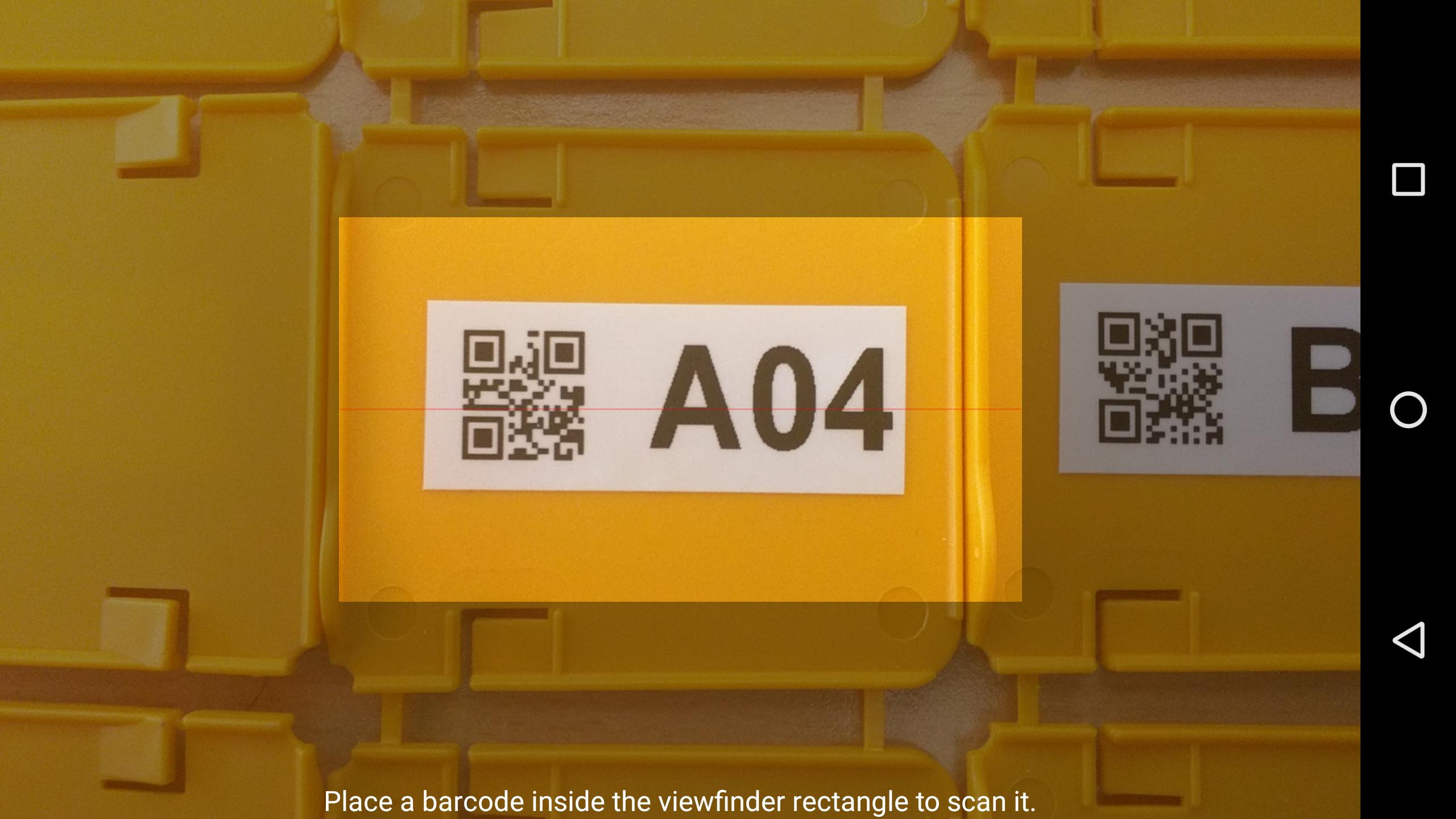
The received data is immediately converted into virtual keystrokes, which are then forwarded to the currently active input field of your target app. Voilà - the data appears in your app as typed by yourself. Another benefit of BluePiano is the capability to scan barcodes with the built-in camera scanner and its ability to read NFC tags. Again – the scanned data is inserted into the active app like keyed in by the user.
FREE DEMO
Just give it a try and test the free demo version. The free version displays a demo text in random intervals. You may upgrade to the full/paid version at any time.
FEATURES
◾ Ensures automated, fast and accurate data collection
◾ Works with almost any target app
◾ Data acquisition without copy/paste or manual typing
◾ Reduces typing efforts and input errors
◾ No modifications of the target apps are required
◾ Compatible with all Bluetooth devices supporting the serial port profile (SPP, RFCOMM)
◾ Built-in camera barcode scanner
◾ Built-in NFC tag reader
◾ State-of-the-art keyboard layout
◾ Multiple input languages, voice input, word suggestions, dictionary support
◾ Advanced features like swipe to scan (ideal for operation with work gloves)
◾ Fully customizable
◾ Device-command support (send trigger sequences to external devices)
◾ Always show keyboard option
SUPPORT
In case of problems, questions or requests please contact our free support: support@tec-it.com (mail) / TECITSupport (Skype).
پیش نظارہ
ٹیگز
کاروبارمعلومات
ڈویلپر
TEC-IT
تازہ ترین ورژن
2.2.1
آخری تازہ کاری
2019-11-06
قسم
کاروبار
پر دستیاب ہے۔
Google Play
مزید دکھائیں
پی سی پر گیم لوپ کے ساتھ BluePiano کیسے کھیلا جائے۔
1. آفیشل ویب سائٹ سے گیم لوپ ڈاؤن لوڈ کریں، پھر گیم لوپ انسٹال کرنے کے لیے exe فائل چلائیں۔
2. گیم لوپ کھولیں اور "BluePiano" تلاش کریں، تلاش کے نتائج میں BluePiano تلاش کریں اور "انسٹال کریں" پر کلک کریں۔
3. گیم لوپ پر BluePiano کھیلنے کا لطف اٹھائیں۔
Minimum requirements
OS
Windows 8.1 64-bit or Windows 10 64-bit
GPU
GTX 1050
CPU
i3-8300
Memory
8GB RAM
Storage
1GB available space
Recommended requirements
OS
Windows 8.1 64-bit or Windows 10 64-bit
GPU
GTX 1050
CPU
i3-9320
Memory
16GB RAM
Storage
1GB available space