
ACPL FM220 Registered Device PC
Access Computech Pvt Ltd
گیم لوپ ایمولیٹر کے ساتھ PC پر ACPL FM220 Registered Device ڈاؤن لوڈ کریں۔
پی سی پر ACPL FM220 Registered Device
ACPL FM220 Registered Device، جو ڈویلپر Access Computech Pvt Ltd سے آرہا ہے، ماضی میں اینڈرائیڈ سسٹم پر چل رہا ہے۔
اب، آپ پی سی پر ACPL FM220 Registered Device آسانی سے GameLoop کے ساتھ چلا سکتے ہیں۔
اسے GameLoop لائبریری یا تلاش کے نتائج میں ڈاؤن لوڈ کریں۔ مزید غلط وقت پر بیٹری یا مایوس کن کالوں پر نظر نہیں ڈالی جائے گی۔
بس بڑی سکرین پر ACPL FM220 Registered Device PC کا مفت میں لطف اٹھائیں!
ACPL FM220 Registered Device تعارف
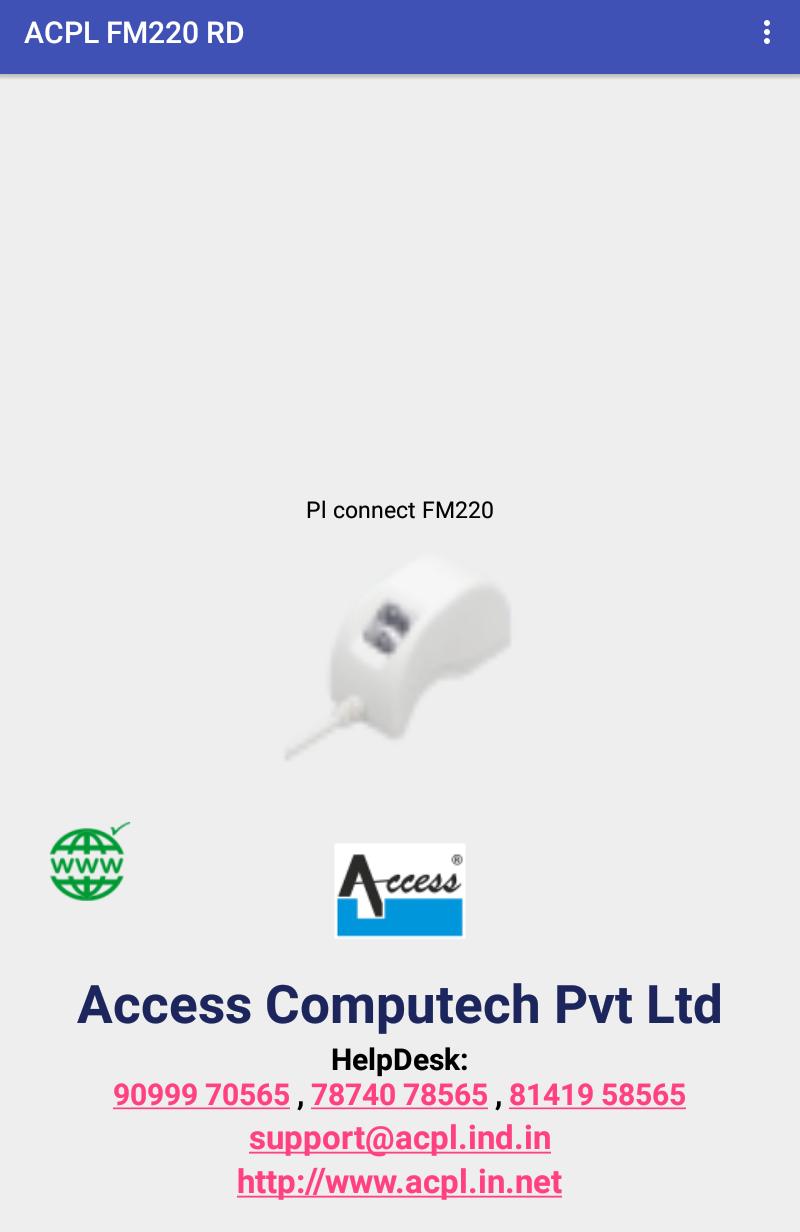
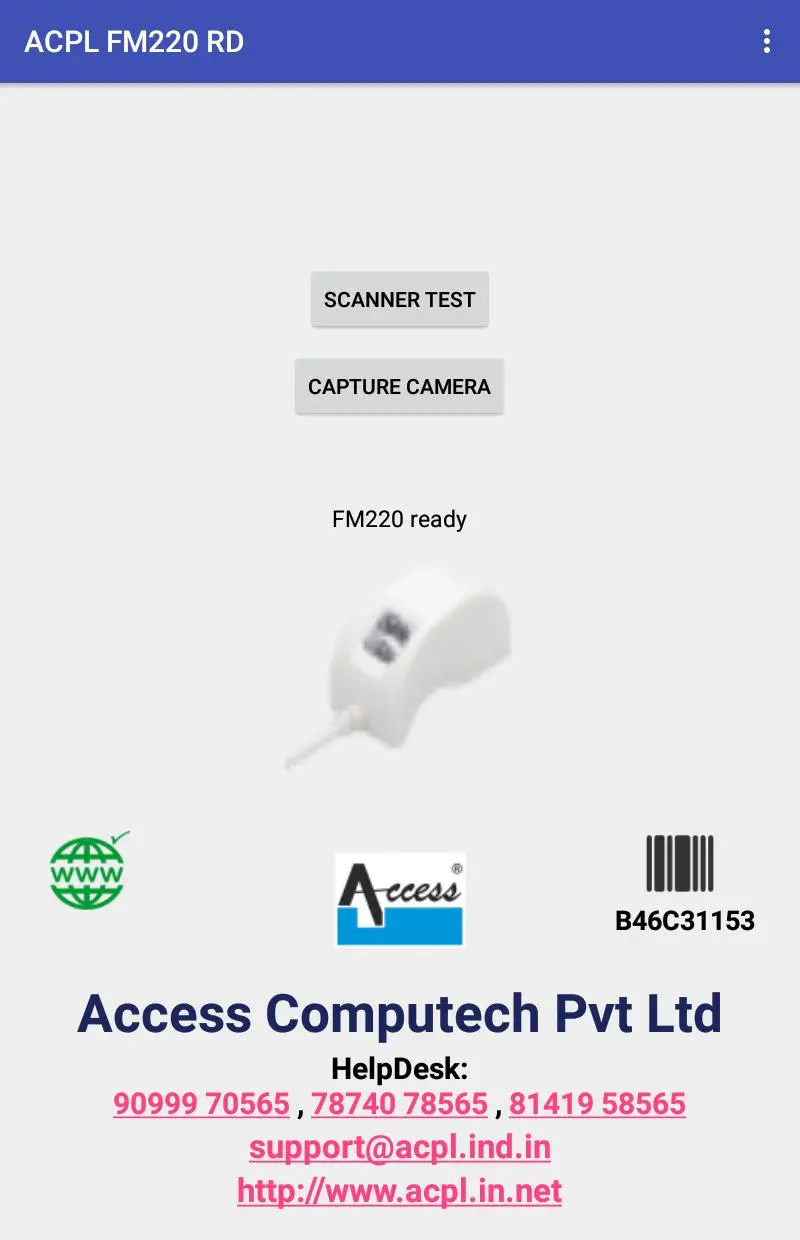
This is Registered Device Service (L0) for Startek fingerprint scanner model FM220U provided by Access Computech Pvt Ltd.
This application is required to use device with AADHAAR authentication. This application captures Fingerprint as per UIDAI guidelines for Aadhar Authentication.
RD services for FM220U enable our customers and end users to register their Fingerprint devices with UIDAI with the help of our Management Server.
For registering your Finger print device, you shall require to be in possession of at least one unit of our FM220U FP device.
By launching the application and connecting the device, RD services shall complete the necessary processes for registering your device with the UIDAI.
Startek FM220U is STQC certified ergonomically designed, for the most ease while finger placement.
It has been made to withstand large amounts of shock even free fall from substantial height
FM220 consumes the least power from the host
No flat surfaces to avoid deliberate or accidental damages
In case of any error, you shall be given the appropriate error message with which you can approach our help desk as given below on any working day between 0930 to 1800 Hrs:
Phone: +91-7874078565 & +91-8141958565 Email: support@acpl.ind.in
پیش نظارہ
ٹیگز
کاروبارمعلومات
ڈویلپر
Access Computech Pvt Ltd
تازہ ترین ورژن
2.0.5
آخری تازہ کاری
2023-08-11
قسم
کاروبار
پر دستیاب ہے۔
Google Play
مزید دکھائیں
پی سی پر گیم لوپ کے ساتھ ACPL FM220 Registered Device کیسے کھیلا جائے۔
1. آفیشل ویب سائٹ سے گیم لوپ ڈاؤن لوڈ کریں، پھر گیم لوپ انسٹال کرنے کے لیے exe فائل چلائیں۔
2. گیم لوپ کھولیں اور "ACPL FM220 Registered Device" تلاش کریں، تلاش کے نتائج میں ACPL FM220 Registered Device تلاش کریں اور "انسٹال کریں" پر کلک کریں۔
3. گیم لوپ پر ACPL FM220 Registered Device کھیلنے کا لطف اٹھائیں۔
Minimum requirements
OS
Windows 8.1 64-bit or Windows 10 64-bit
GPU
GTX 1050
CPU
i3-8300
Memory
8GB RAM
Storage
1GB available space
Recommended requirements
OS
Windows 8.1 64-bit or Windows 10 64-bit
GPU
GTX 1050
CPU
i3-9320
Memory
16GB RAM
Storage
1GB available space