Spoken English 360 Tamil PC
BigKnol
گیم لوپ ایمولیٹر کے ساتھ PC پر Spoken English 360 Tamil ڈاؤن لوڈ کریں۔
پی سی پر Spoken English 360 Tamil
Spoken English 360 Tamil، جو ڈویلپر BigKnol سے آرہا ہے، ماضی میں اینڈرائیڈ سسٹم پر چل رہا ہے۔
اب، آپ پی سی پر Spoken English 360 Tamil آسانی سے GameLoop کے ساتھ چلا سکتے ہیں۔
اسے GameLoop لائبریری یا تلاش کے نتائج میں ڈاؤن لوڈ کریں۔ مزید غلط وقت پر بیٹری یا مایوس کن کالوں پر نظر نہیں ڈالی جائے گی۔
بس بڑی سکرین پر Spoken English 360 Tamil PC کا مفت میں لطف اٹھائیں!
Spoken English 360 Tamil تعارف
This app teaches you English through the Tamil language. Spoken English 360 follows a real English class structure.
The app helps you to increase your capacity to memorize English words and phrases.
Are your ready to learn English through Tamil?
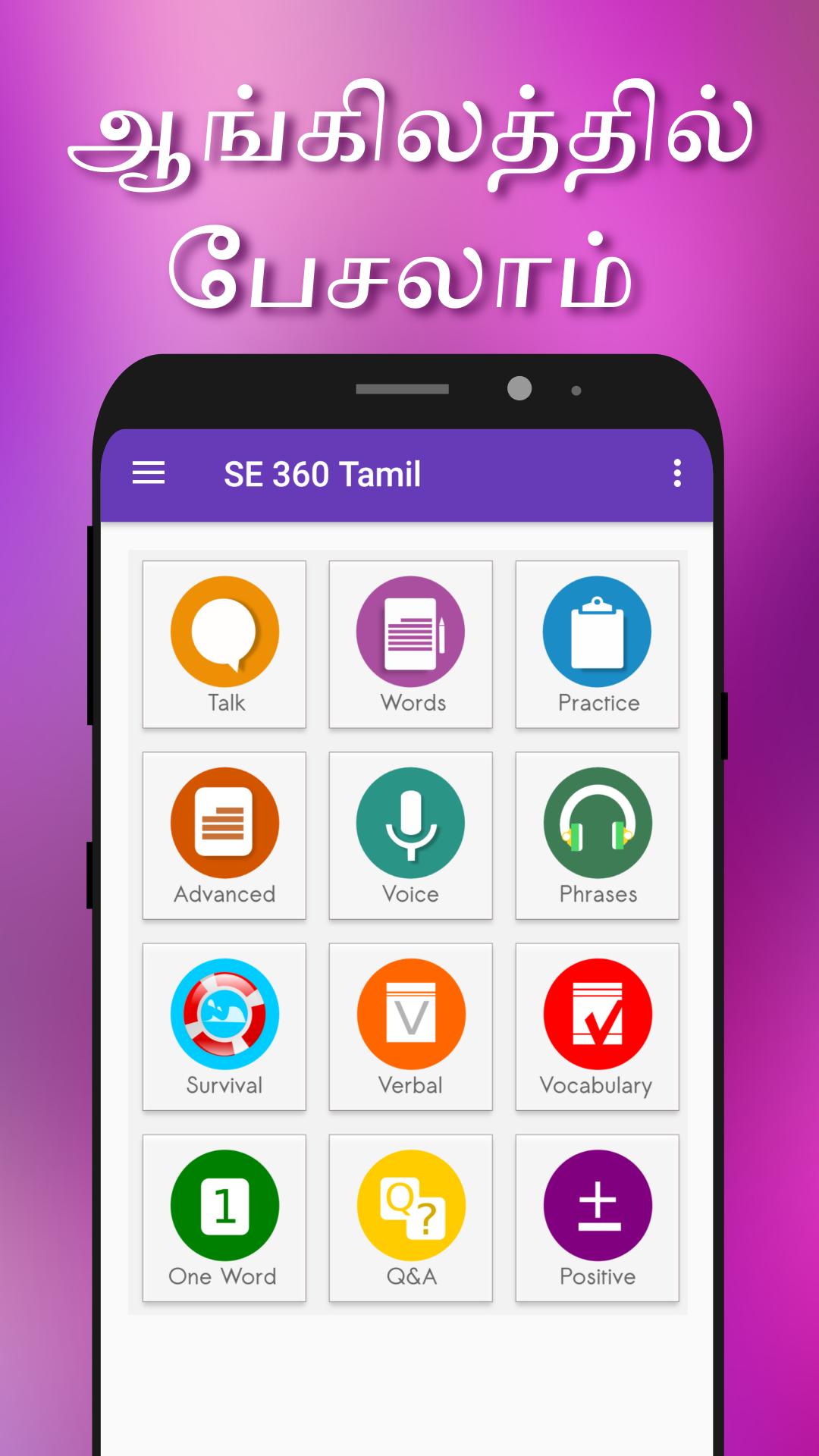
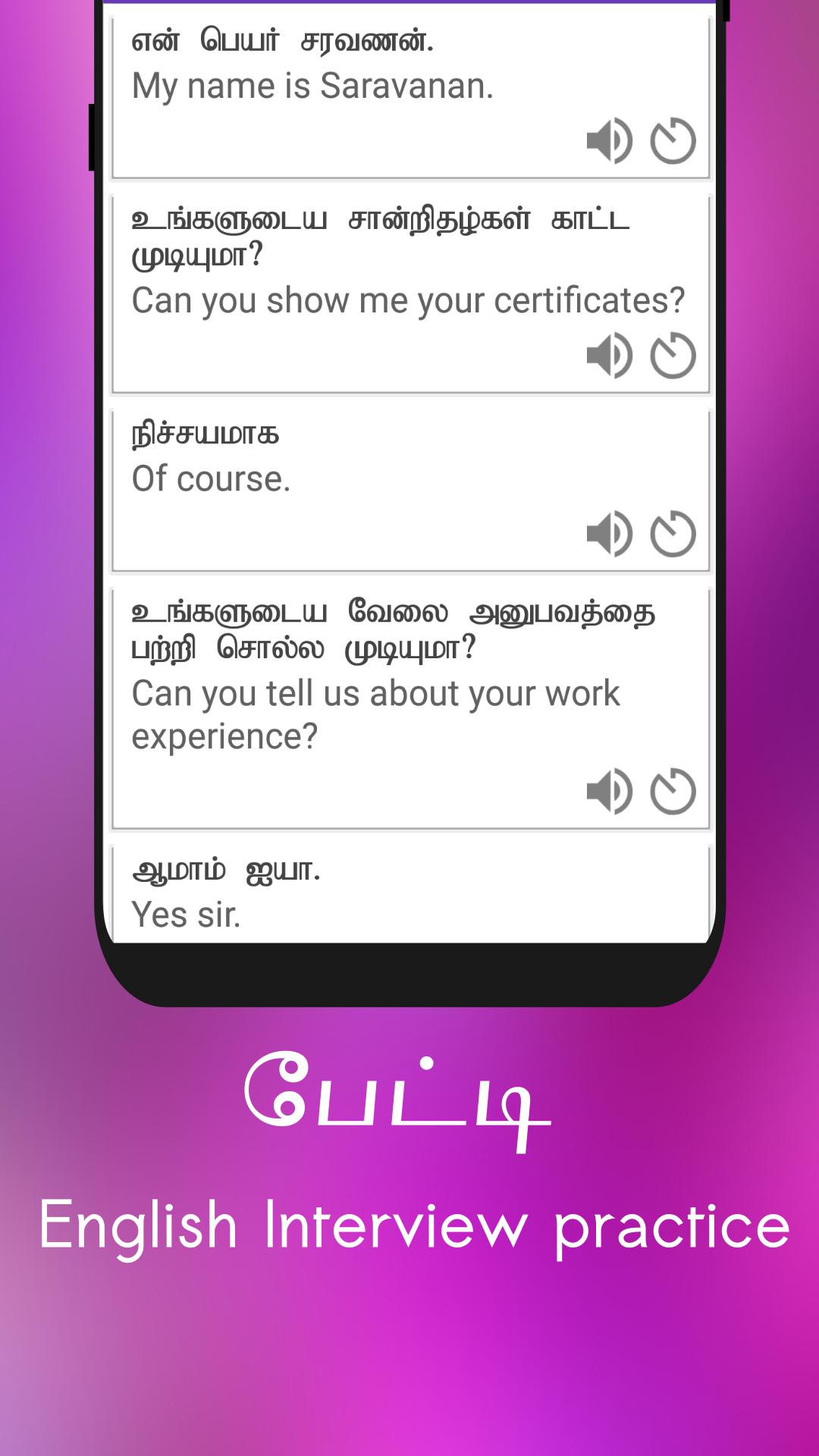
The app offers many features, Tamil speakers can able to practice and learn English through this app. The app provides English conversations and Tamil translations. Moreover, you have an opportunity to hear the pronunciation of each word.
Highlighted Features
★ Useful English Conversations - Tamil
★ Spoken English Class Structure
★ Voice Response with Slow speaking option
★ Pronunciation Checker
★ Carefully crafted English to Tamil translation.
★ Tamil with English audio.
پیش نظارہ
ٹیگز
Books-&معلومات
ڈویلپر
BigKnol
تازہ ترین ورژن
13.1
آخری تازہ کاری
2023-12-13
قسم
Books-reference
پر دستیاب ہے۔
Google Play
مزید دکھائیں
پی سی پر گیم لوپ کے ساتھ Spoken English 360 Tamil کیسے کھیلا جائے۔
1. آفیشل ویب سائٹ سے گیم لوپ ڈاؤن لوڈ کریں، پھر گیم لوپ انسٹال کرنے کے لیے exe فائل چلائیں۔
2. گیم لوپ کھولیں اور "Spoken English 360 Tamil" تلاش کریں، تلاش کے نتائج میں Spoken English 360 Tamil تلاش کریں اور "انسٹال کریں" پر کلک کریں۔
3. گیم لوپ پر Spoken English 360 Tamil کھیلنے کا لطف اٹھائیں۔
Minimum requirements
OS
Windows 8.1 64-bit or Windows 10 64-bit
GPU
GTX 1050
CPU
i3-8300
Memory
8GB RAM
Storage
1GB available space
Recommended requirements
OS
Windows 8.1 64-bit or Windows 10 64-bit
GPU
GTX 1050
CPU
i3-9320
Memory
16GB RAM
Storage
1GB available space