
Glassboxx PC
Glassboxx
گیم لوپ ایمولیٹر کے ساتھ PC پر Glassboxx ڈاؤن لوڈ کریں۔
پی سی پر Glassboxx
Glassboxx، جو ڈویلپر Glassboxx سے آرہا ہے، ماضی میں اینڈرائیڈ سسٹم پر چل رہا ہے۔
اب، آپ پی سی پر Glassboxx آسانی سے GameLoop کے ساتھ چلا سکتے ہیں۔
اسے GameLoop لائبریری یا تلاش کے نتائج میں ڈاؤن لوڈ کریں۔ مزید غلط وقت پر بیٹری یا مایوس کن کالوں پر نظر نہیں ڈالی جائے گی۔
بس بڑی سکرین پر Glassboxx PC کا مفت میں لطف اٹھائیں!
Glassboxx تعارف
Welcome to Glassboxx: hassle-free eBook and audiobook access, all in one place.
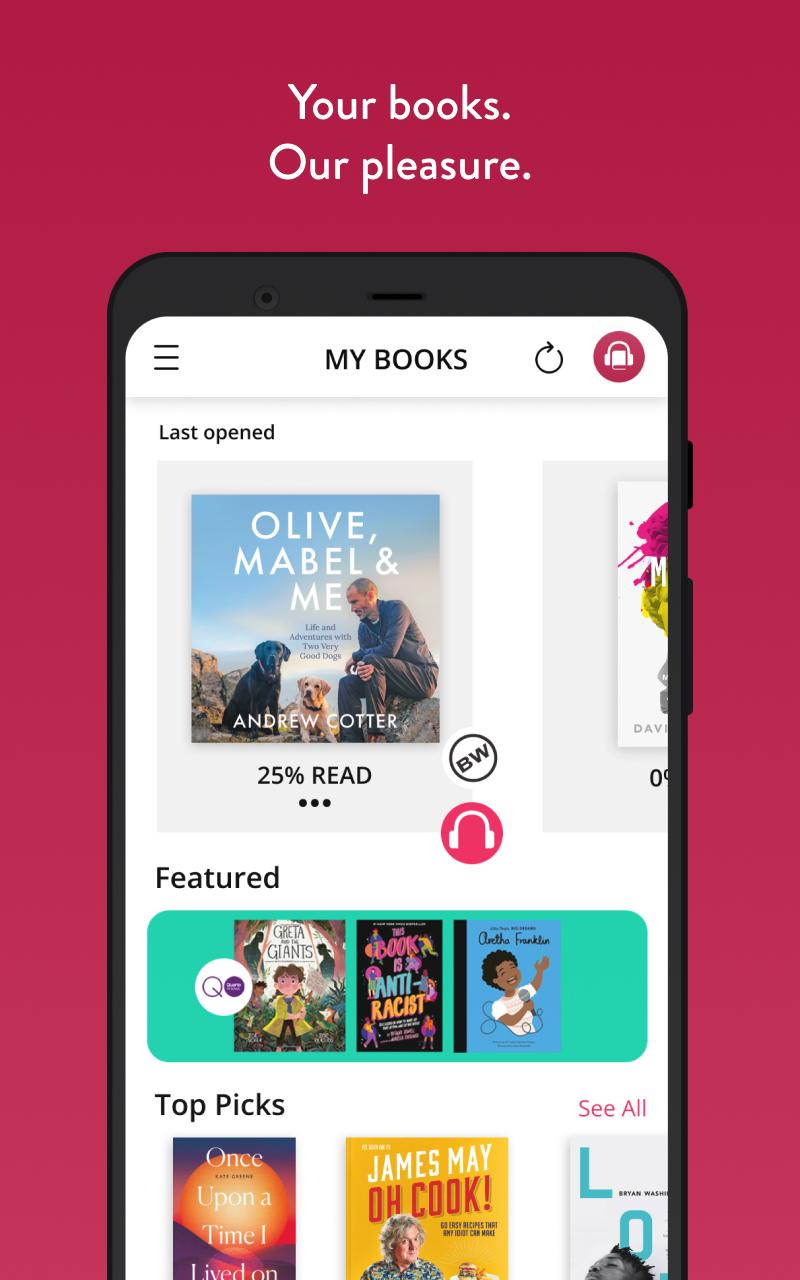
Glassboxx cuts through all digital content ‘authentication’ issues, consolidating your eBook AND audiobook purchases made through affiliated stores, within an eminently user-friendly, secure environment.
No password required – simply log in with the email address used to buy the book and enter the verification code sent to your email – and your content awaits in the ‘My Books’ area of the app, with formats clearly labelled. With the content in the cloud, downloading requires an initial internet connection, but once downloaded, your books can be enjoyed to your heart’s content in the remotest, furthest-flung corners of the earth, where internet penetration is a mere pipe-dream…
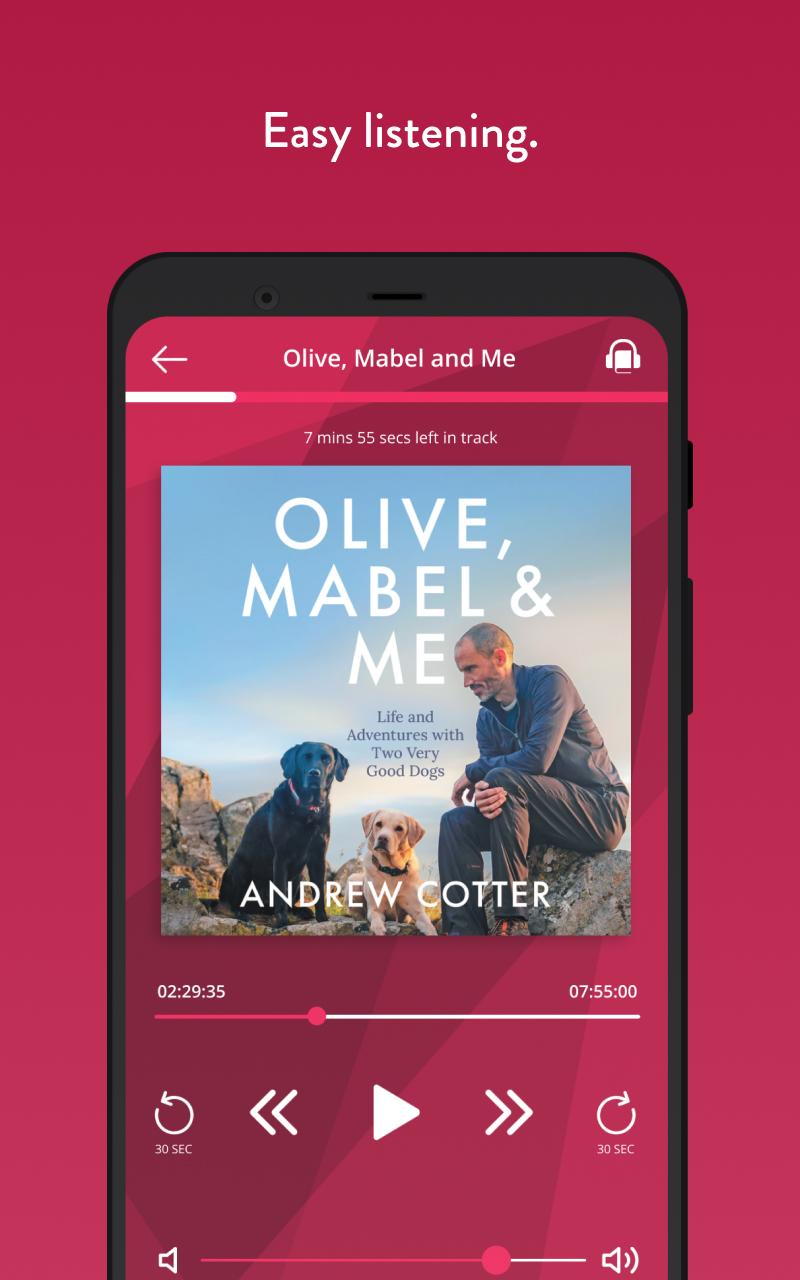
THE AUDIO-PLAYER WILL:
• Auto-save your current position in the book – so that you can pick up right where you left off, even if listening on different devices
• Allow for skip forward/backward to recap where relevant
• Offer sleep timer option
• Play on lock-screen, enabling easy access to playback controls
• Play in background whilst browsing other apps
• Play immediately, and download in the background (provided internet access is available)
THE EREADER ALLOWS FOR:
• Page book-marking, opening the title at the right place when you pick up, even across multiple devices
• Font-size and font face changes, as well as dyslexic-friendly font
• Background colour changes
• Full text search
Welcome to the Glassboxx (not Glassbox) community!
پیش نظارہ
ٹیگز
Books-&معلومات
ڈویلپر
Glassboxx
تازہ ترین ورژن
2.0.236
آخری تازہ کاری
2024-12-20
قسم
Books-reference
پر دستیاب ہے۔
Google Play
مزید دکھائیں
پی سی پر گیم لوپ کے ساتھ Glassboxx کیسے کھیلا جائے۔
1. آفیشل ویب سائٹ سے گیم لوپ ڈاؤن لوڈ کریں، پھر گیم لوپ انسٹال کرنے کے لیے exe فائل چلائیں۔
2. گیم لوپ کھولیں اور "Glassboxx" تلاش کریں، تلاش کے نتائج میں Glassboxx تلاش کریں اور "انسٹال کریں" پر کلک کریں۔
3. گیم لوپ پر Glassboxx کھیلنے کا لطف اٹھائیں۔
Minimum requirements
OS
Windows 8.1 64-bit or Windows 10 64-bit
GPU
GTX 1050
CPU
i3-8300
Memory
8GB RAM
Storage
1GB available space
Recommended requirements
OS
Windows 8.1 64-bit or Windows 10 64-bit
GPU
GTX 1050
CPU
i3-9320
Memory
16GB RAM
Storage
1GB available space