
English Telugu Dictionary PC
Vikram Apps
گیم لوپ ایمولیٹر کے ساتھ PC پر English Telugu Dictionary ڈاؤن لوڈ کریں۔
پی سی پر English Telugu Dictionary
English Telugu Dictionary، جو ڈویلپر Vikram Apps سے آرہا ہے، ماضی میں اینڈرائیڈ سسٹم پر چل رہا ہے۔
اب، آپ پی سی پر English Telugu Dictionary آسانی سے GameLoop کے ساتھ چلا سکتے ہیں۔
اسے GameLoop لائبریری یا تلاش کے نتائج میں ڈاؤن لوڈ کریں۔ مزید غلط وقت پر بیٹری یا مایوس کن کالوں پر نظر نہیں ڈالی جائے گی۔
بس بڑی سکرین پر English Telugu Dictionary PC کا مفت میں لطف اٹھائیں!
English Telugu Dictionary تعارف
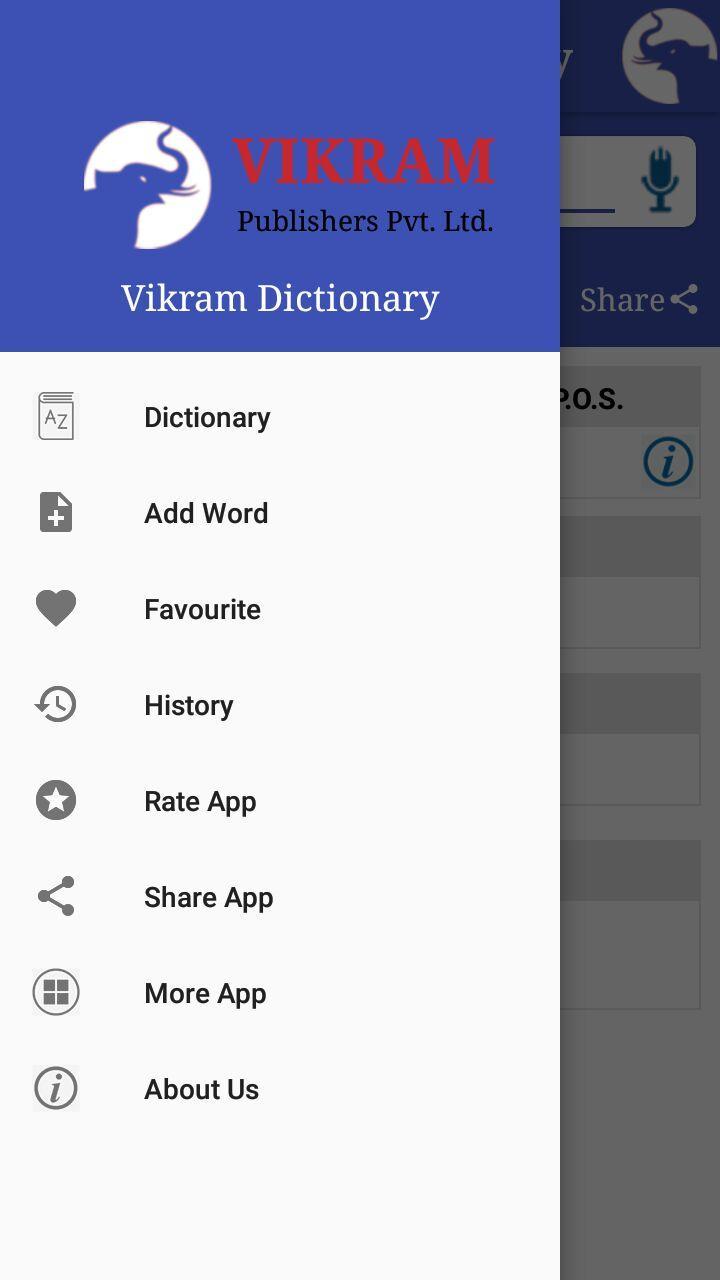
Vikram English to Telugu Dictionary offline and free. This is not only a Dictionary but also a learning tool. You can use this dictionary when you have no Internet connection. MCQ (Multiple Choice Question) option is available. There is autosuggestion so you need not type full words. You also can use Speech to text feature. You can add words to the Favorites and remove words from the Favorite. When you start typing, you will see some words starting with the letters you typed. The dictionary searches in a database for the matching words. This can slow down typing in small handsets. Therefore in settings there is an option to turn that off. So low profile mobile handsets can turn off Auto search to type quickly. You will see a Dictionary icon on the notification bar to start the app quickly. On sharing text you will find the Telugu Dictionary. This will be helpful to find out the meaning of any word. Now...Another precious feather in Vikram apps. Crown that is English Telugu Dictionary. Consists up to 30,000+ regular words. Just type your word and get its apt meaning. vikram apps always at your service.
Features of the Dictionary:
• English To Telugu
• No internet connection required
• Search by Sharing
• Auto Suggestion
• Pronounce & Voice Search
• Antonyms (Opposite words)
• Synonyms
• Backup and Restore
• History & Favorite
• Word Game
• Share Words
• Copy Words
پیش نظارہ

معلومات
ڈویلپر
Vikram Apps
تازہ ترین ورژن
1.1
آخری تازہ کاری
2018-05-23
قسم
Books-reference
پر دستیاب ہے۔
Google Play
مزید دکھائیں
پی سی پر گیم لوپ کے ساتھ English Telugu Dictionary کیسے کھیلا جائے۔
1. آفیشل ویب سائٹ سے گیم لوپ ڈاؤن لوڈ کریں، پھر گیم لوپ انسٹال کرنے کے لیے exe فائل چلائیں۔
2. گیم لوپ کھولیں اور "English Telugu Dictionary" تلاش کریں، تلاش کے نتائج میں English Telugu Dictionary تلاش کریں اور "انسٹال کریں" پر کلک کریں۔
3. گیم لوپ پر English Telugu Dictionary کھیلنے کا لطف اٹھائیں۔
Minimum requirements
OS
Windows 8.1 64-bit or Windows 10 64-bit
GPU
GTX 1050
CPU
i3-8300
Memory
8GB RAM
Storage
1GB available space
Recommended requirements
OS
Windows 8.1 64-bit or Windows 10 64-bit
GPU
GTX 1050
CPU
i3-9320
Memory
16GB RAM
Storage
1GB available space