Sonar Patrol PC
Eugen C.
گیم لوپ ایمولیٹر کے ساتھ PC پر Sonar Patrol ڈاؤن لوڈ کریں۔
پی سی پر Sonar Patrol
Sonar Patrol، جو ڈویلپر Eugen C. سے آرہا ہے، ماضی میں اینڈرائیڈ سسٹم پر چل رہا ہے۔
اب، آپ پی سی پر Sonar Patrol آسانی سے GameLoop کے ساتھ چلا سکتے ہیں۔
اسے GameLoop لائبریری یا تلاش کے نتائج میں ڈاؤن لوڈ کریں۔ مزید غلط وقت پر بیٹری یا مایوس کن کالوں پر نظر نہیں ڈالی جائے گی۔
بس بڑی سکرین پر Sonar Patrol PC کا مفت میں لطف اٹھائیں!
Sonar Patrol تعارف
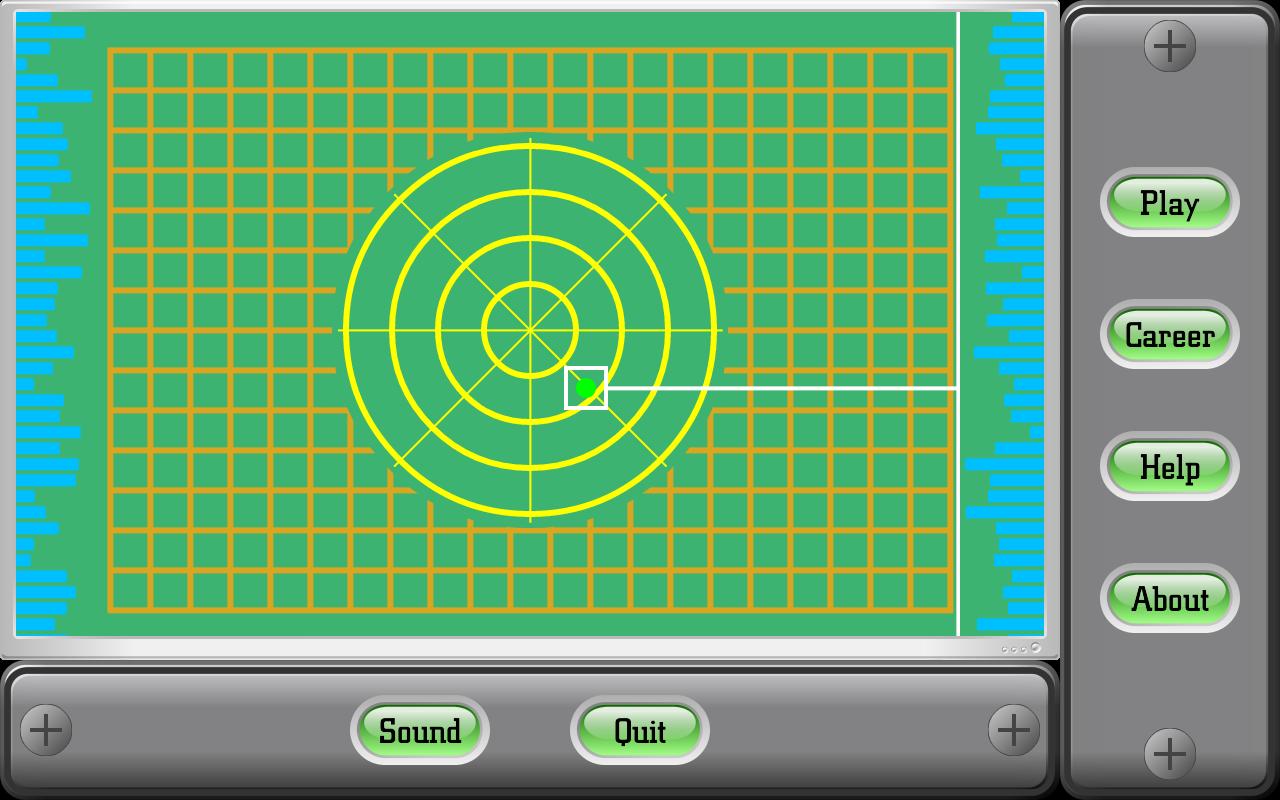
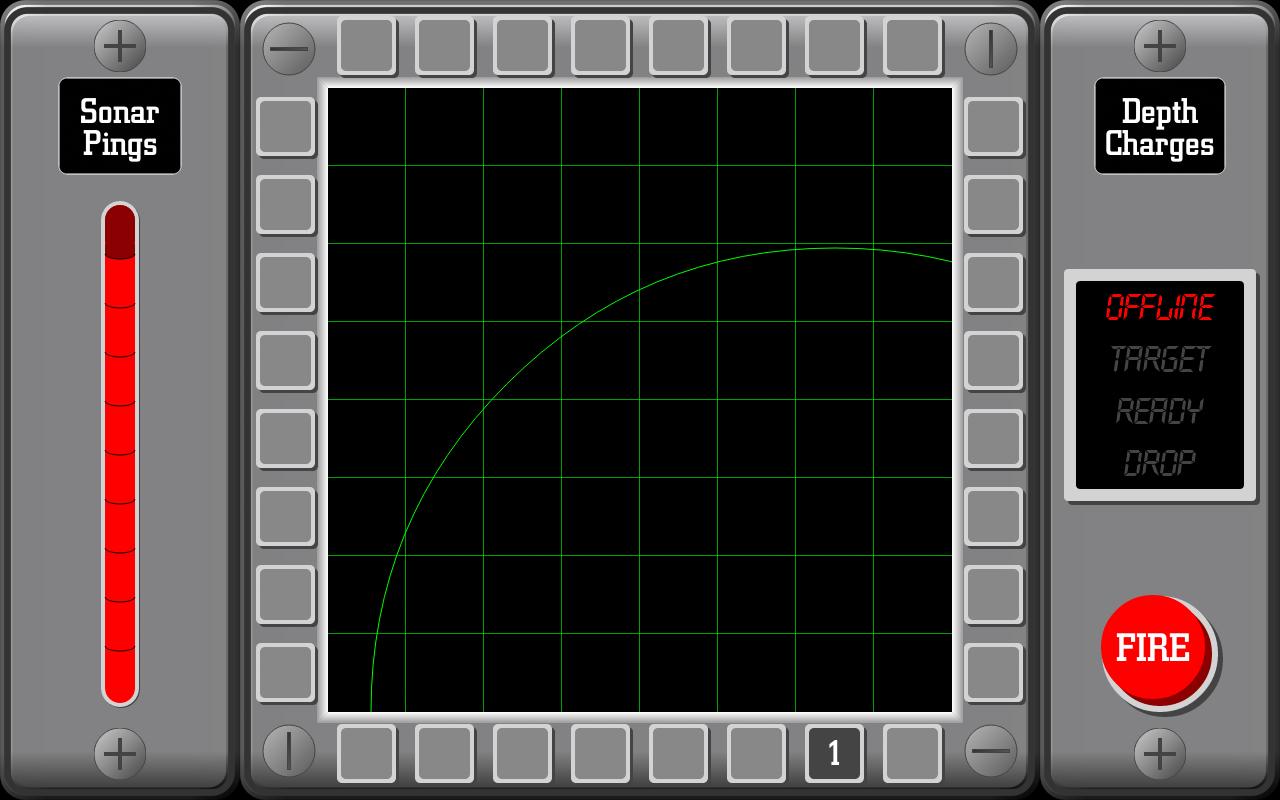
The idea behind this interpretation of Black Box is that you are a sonar operator tasked to locate and destroy a group of five enemy subs that have entered your patrol sector (which is imagined as a 8x8 grid).
You will have the ability to launch depth charges to sink the enemy subs, but first you have to locate them.
To do so, you fire sonar pings into the grid from the perimeter.
Depending on where the pings enter and then exit the grid, you have to determine where the subs are located, but remember to use your pings carefully, because you will have only ten available.
Read the in-game help section for the rules of the game, tips and strategies.
Sonar Patrol does not need of any permissions.
Compatibility note: the game requires a display with an WVGA resolution or larger
پیش نظارہ
ٹیگز
بورڈمعلومات
ڈویلپر
Eugen C.
تازہ ترین ورژن
1.8.1
آخری تازہ کاری
2022-09-24
قسم
بورڈ
پر دستیاب ہے۔
Google Play
مزید دکھائیں
پی سی پر گیم لوپ کے ساتھ Sonar Patrol کیسے کھیلا جائے۔
1. آفیشل ویب سائٹ سے گیم لوپ ڈاؤن لوڈ کریں، پھر گیم لوپ انسٹال کرنے کے لیے exe فائل چلائیں۔
2. گیم لوپ کھولیں اور "Sonar Patrol" تلاش کریں، تلاش کے نتائج میں Sonar Patrol تلاش کریں اور "انسٹال کریں" پر کلک کریں۔
3. گیم لوپ پر Sonar Patrol کھیلنے کا لطف اٹھائیں۔
Minimum requirements
OS
Windows 8.1 64-bit or Windows 10 64-bit
GPU
GTX 1050
CPU
i3-8300
Memory
8GB RAM
Storage
1GB available space
Recommended requirements
OS
Windows 8.1 64-bit or Windows 10 64-bit
GPU
GTX 1050
CPU
i3-9320
Memory
16GB RAM
Storage
1GB available space