
Ludo Pachisi Multiplayer PC
Azodus
گیم لوپ ایمولیٹر کے ساتھ PC پر Ludo Pachisi Multiplayer ڈاؤن لوڈ کریں۔
پی سی پر Ludo Pachisi Multiplayer
Ludo Pachisi Multiplayer، جو ڈویلپر Azodus سے آرہا ہے، ماضی میں اینڈرائیڈ سسٹم پر چل رہا ہے۔
اب، آپ پی سی پر Ludo Pachisi Multiplayer آسانی سے GameLoop کے ساتھ چلا سکتے ہیں۔
اسے GameLoop لائبریری یا تلاش کے نتائج میں ڈاؤن لوڈ کریں۔ مزید غلط وقت پر بیٹری یا مایوس کن کالوں پر نظر نہیں ڈالی جائے گی۔
بس بڑی سکرین پر Ludo Pachisi Multiplayer PC کا مفت میں لطف اٹھائیں!
Ludo Pachisi Multiplayer تعارف
Ludo Pachisi Multiplayer
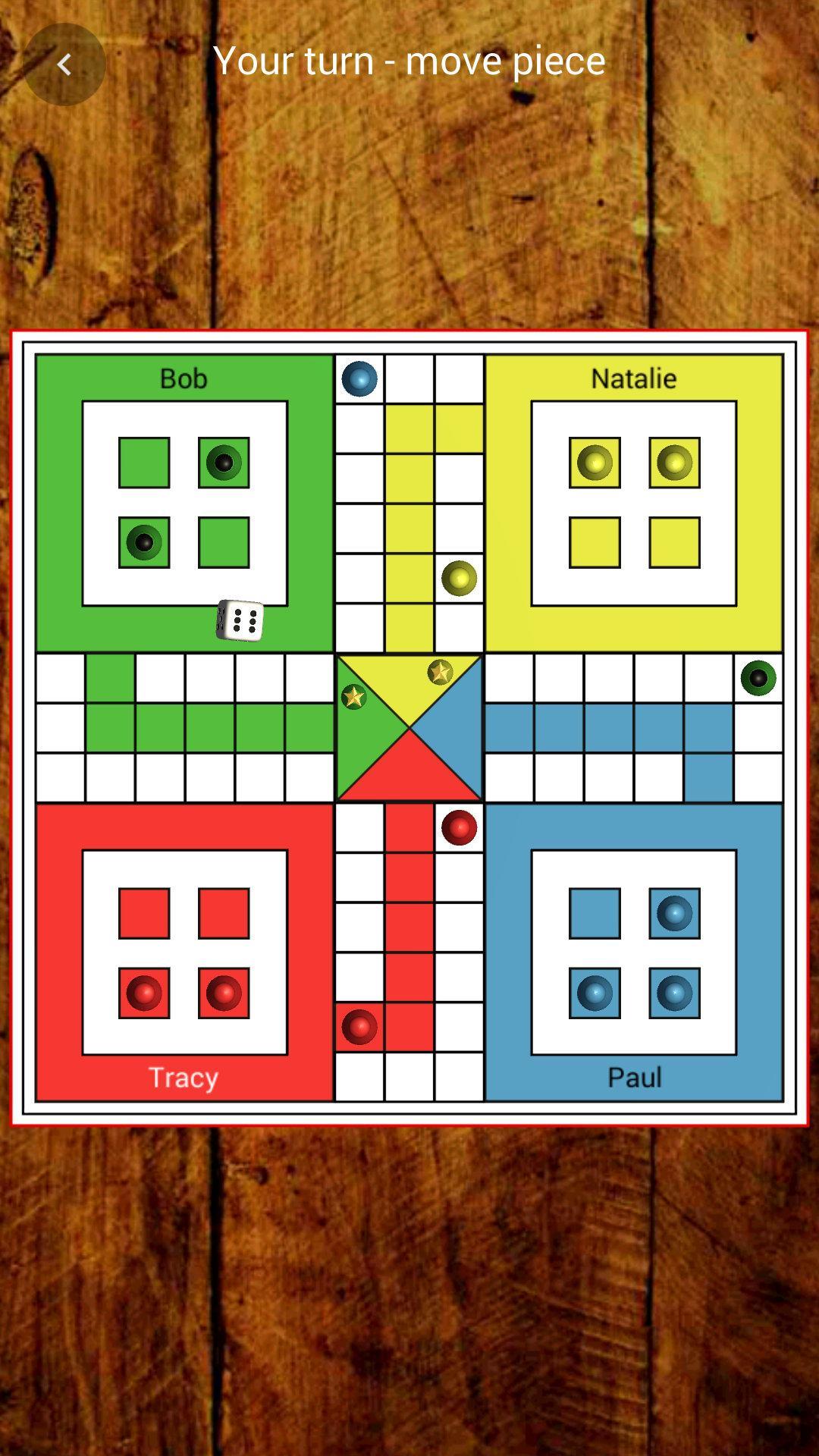
Play this fun game with your friends or against the random opponents. The game supports up to four players.
You can play in an Online game, over the Bluetooth, Wi-Fi Direct or against the computer.
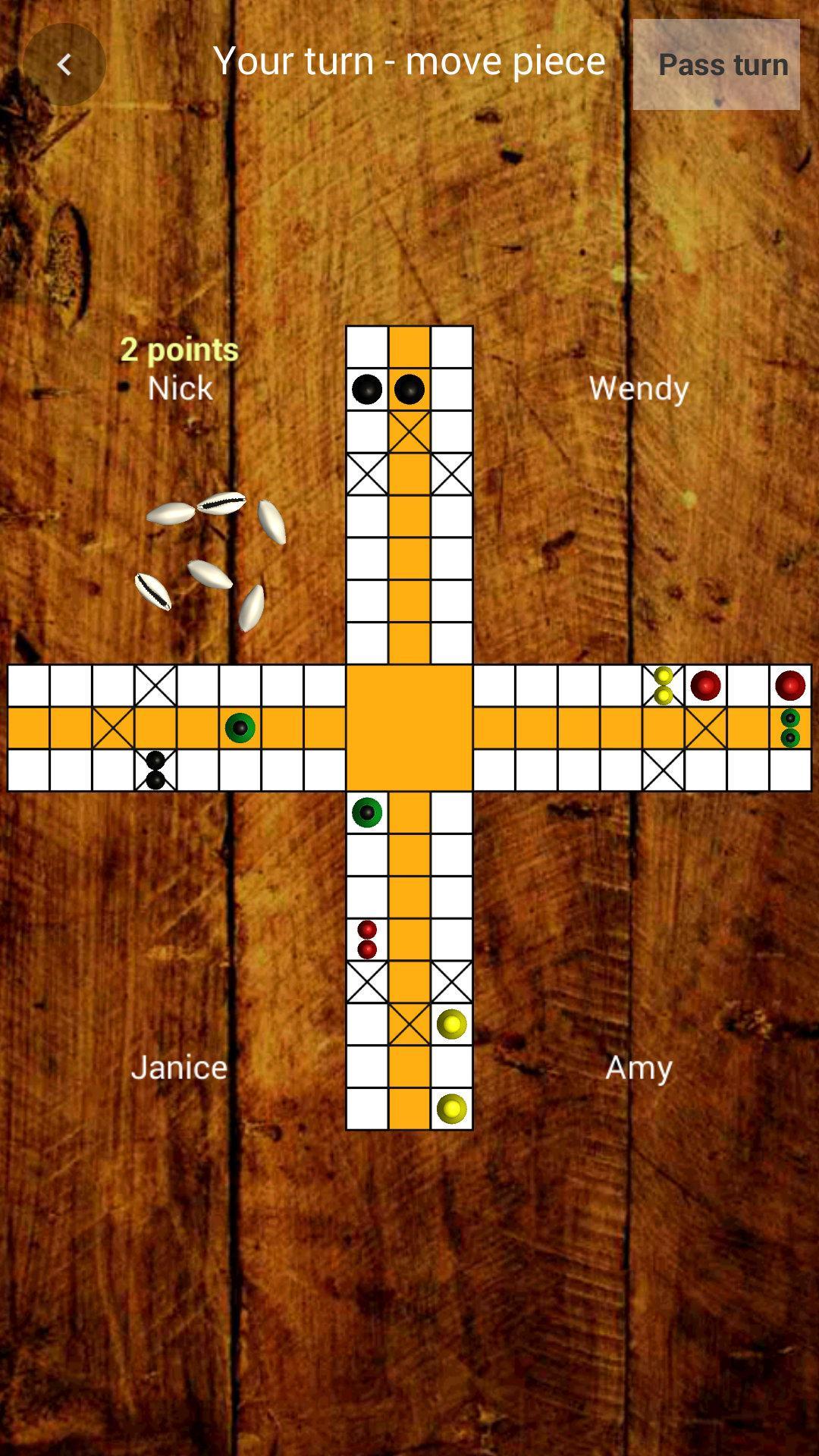
Select the players, name, color and you can start playing. Throw the dice and move the piece by clicking on it. In the settings, you can edit the rules for the game. Choose if you want to play with the cowries, the long dice or the most used cubical dice. Your clash can begin.
Pachisi also known as Parcheesi and Ludo is classic board game for everyone, one of the most popular board games - play, have fun and do not get angry. :)
Take all your pieces to the finish houses as first! Play every day and be a king Ludo game.
Dive back into your childhood. Be a king of Ludo game 2019.
Enjoy the game and have fun! :)
Team Azodus
پیش نظارہ
ٹیگز
خلاصہ حکمت عملیلڈومعلومات
ڈویلپر
Azodus
تازہ ترین ورژن
1.13
آخری تازہ کاری
2023-05-07
قسم
بورڈ
پر دستیاب ہے۔
Google Play
مزید دکھائیں
پی سی پر گیم لوپ کے ساتھ Ludo Pachisi Multiplayer کیسے کھیلا جائے۔
1. آفیشل ویب سائٹ سے گیم لوپ ڈاؤن لوڈ کریں، پھر گیم لوپ انسٹال کرنے کے لیے exe فائل چلائیں۔
2. گیم لوپ کھولیں اور "Ludo Pachisi Multiplayer" تلاش کریں، تلاش کے نتائج میں Ludo Pachisi Multiplayer تلاش کریں اور "انسٹال کریں" پر کلک کریں۔
3. گیم لوپ پر Ludo Pachisi Multiplayer کھیلنے کا لطف اٹھائیں۔
Minimum requirements
OS
Windows 8.1 64-bit or Windows 10 64-bit
GPU
GTX 1050
CPU
i3-8300
Memory
8GB RAM
Storage
1GB available space
Recommended requirements
OS
Windows 8.1 64-bit or Windows 10 64-bit
GPU
GTX 1050
CPU
i3-9320
Memory
16GB RAM
Storage
1GB available space