
Dice Roll SNS PC
Senyuk
گیم لوپ ایمولیٹر کے ساتھ PC پر Dice Roll SNS ڈاؤن لوڈ کریں۔
پی سی پر Dice Roll SNS
Dice Roll SNS، جو ڈویلپر Senyuk سے آرہا ہے، ماضی میں اینڈرائیڈ سسٹم پر چل رہا ہے۔
اب، آپ پی سی پر Dice Roll SNS آسانی سے GameLoop کے ساتھ چلا سکتے ہیں۔
اسے GameLoop لائبریری یا تلاش کے نتائج میں ڈاؤن لوڈ کریں۔ مزید غلط وقت پر بیٹری یا مایوس کن کالوں پر نظر نہیں ڈالی جائے گی۔
بس بڑی سکرین پر Dice Roll SNS PC کا مفت میں لطف اٹھائیں!
Dice Roll SNS تعارف
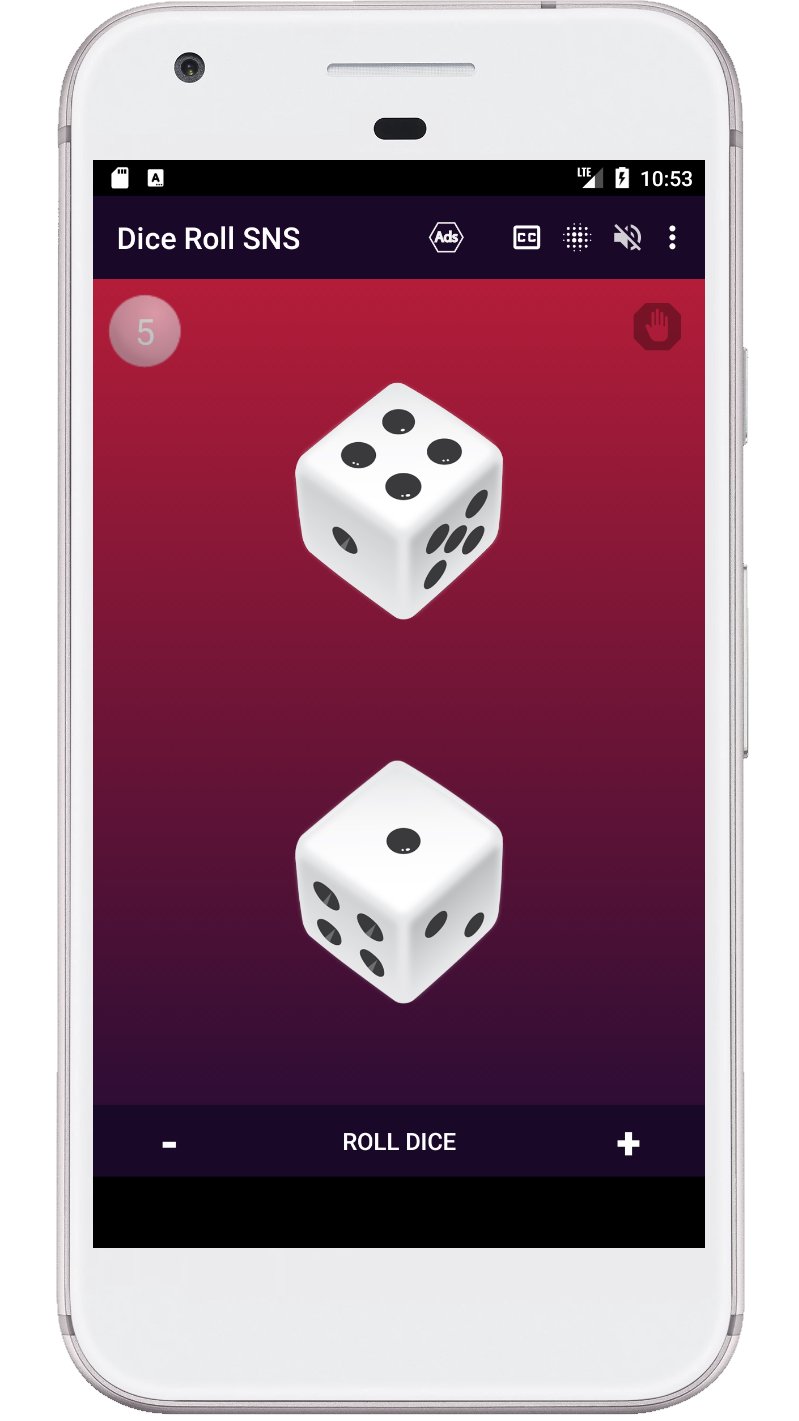
Dice Roll SNS is the app that lets you experience the thrill and excitement of rolling dice virtually. With its intuitive design, you can easily customize your dice rolling experience by selecting the number of dice, color themes, and sound effects. The app has a rich cultural and historical tradition, inspired by the various games and activities that have used dices throughout history, such as craps, board games, and more.
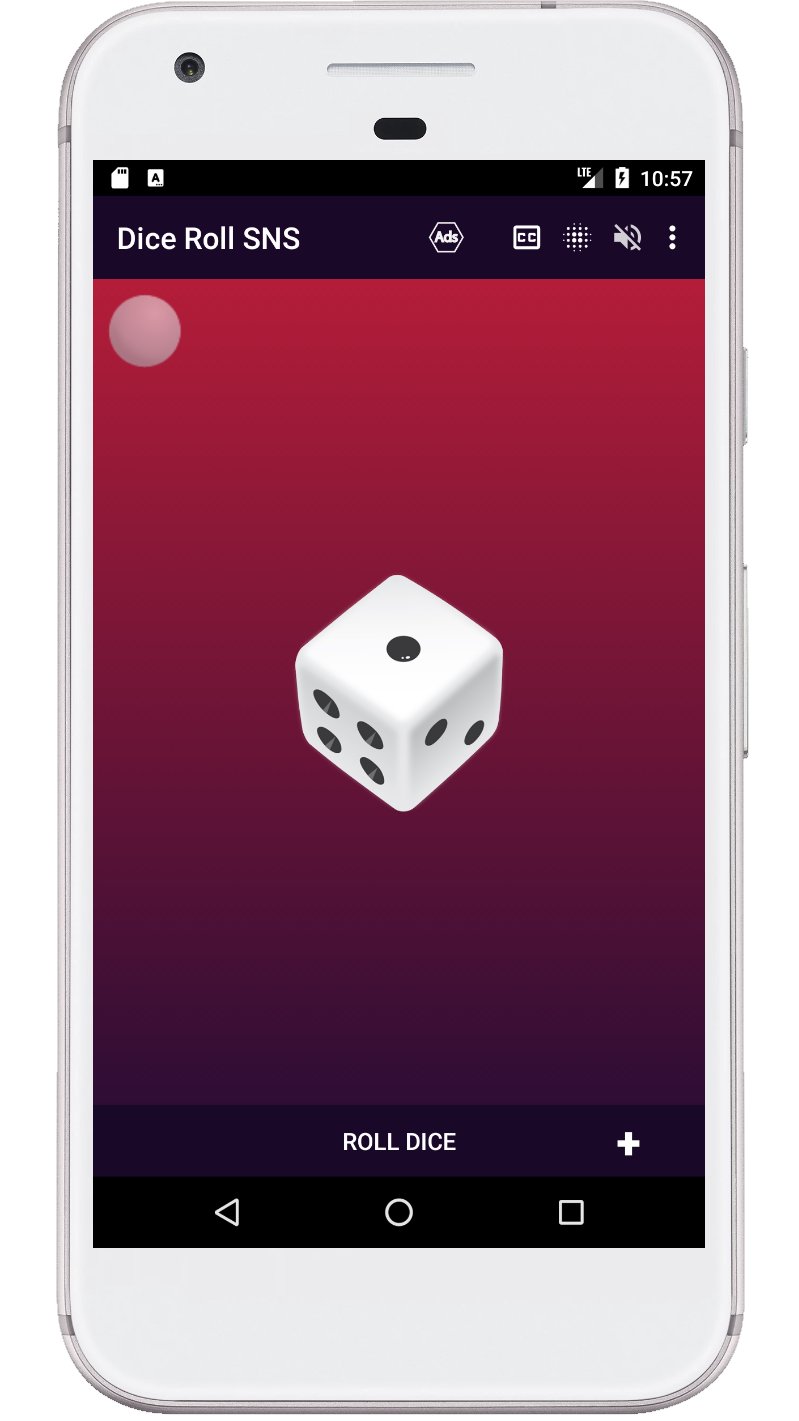
With the "Dice Roll SNS" app, you have complete control over your dice rolling experience. You can change the number of dice, set a hold on a particular dice, select from a range of color themes, turn on and off visual effects, and turn on and off sound. Whether you are a fan of traditional dice games or just looking for a fun way to pass the time, the "Dice Roll SNS" app has everything you need to bring the excitement of dice rolling to your Android device.
Dice game features:
- Roll one to six d6 dice at a time.
- The ability to roll a die by pressing a die or a button.
- Shake your device to roll the dice.
- The sum of all dice is voiced after each roll.
- Displaying the sum of all dices on the screen.
- You can turn the visual effects on and off when spinning the dice.
- The dice can be used with or without sound.
- The last page with the number of dice is remembered.
Keywords: virtual dice, dice roller, dice rolling, dice game, craps, board game, custom dice, color themes, sound effects, dice simulator.
پیش نظارہ
ٹیگز
ڈائسروزانہمعلومات
ڈویلپر
Senyuk
تازہ ترین ورژن
71.0
آخری تازہ کاری
2026-01-08
قسم
بورڈ
پر دستیاب ہے۔
Google Play
مزید دکھائیں
پی سی پر گیم لوپ کے ساتھ Dice Roll SNS کیسے کھیلا جائے۔
1. آفیشل ویب سائٹ سے گیم لوپ ڈاؤن لوڈ کریں، پھر گیم لوپ انسٹال کرنے کے لیے exe فائل چلائیں۔
2. گیم لوپ کھولیں اور "Dice Roll SNS" تلاش کریں، تلاش کے نتائج میں Dice Roll SNS تلاش کریں اور "انسٹال کریں" پر کلک کریں۔
3. گیم لوپ پر Dice Roll SNS کھیلنے کا لطف اٹھائیں۔
Minimum requirements
OS
Windows 8.1 64-bit or Windows 10 64-bit
GPU
GTX 1050
CPU
i3-8300
Memory
8GB RAM
Storage
1GB available space
Recommended requirements
OS
Windows 8.1 64-bit or Windows 10 64-bit
GPU
GTX 1050
CPU
i3-9320
Memory
16GB RAM
Storage
1GB available space