
Chess PC
cnvcs.com
گیم لوپ ایمولیٹر کے ساتھ PC پر Chess ڈاؤن لوڈ کریں۔
پی سی پر Chess
Chess، جو ڈویلپر cnvcs.com سے آرہا ہے، ماضی میں اینڈرائیڈ سسٹم پر چل رہا ہے۔
اب، آپ پی سی پر Chess آسانی سے GameLoop کے ساتھ چلا سکتے ہیں۔
اسے GameLoop لائبریری یا تلاش کے نتائج میں ڈاؤن لوڈ کریں۔ مزید غلط وقت پر بیٹری یا مایوس کن کالوں پر نظر نہیں ڈالی جائے گی۔
بس بڑی سکرین پر Chess PC کا مفت میں لطف اٹھائیں!
Chess تعارف
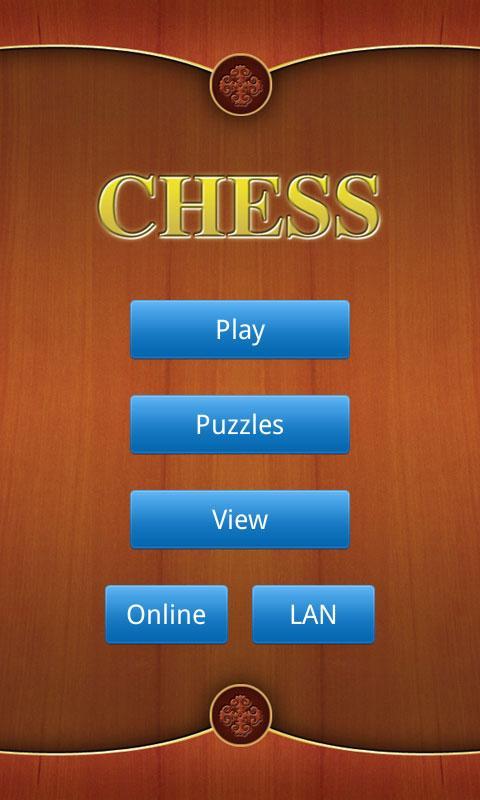
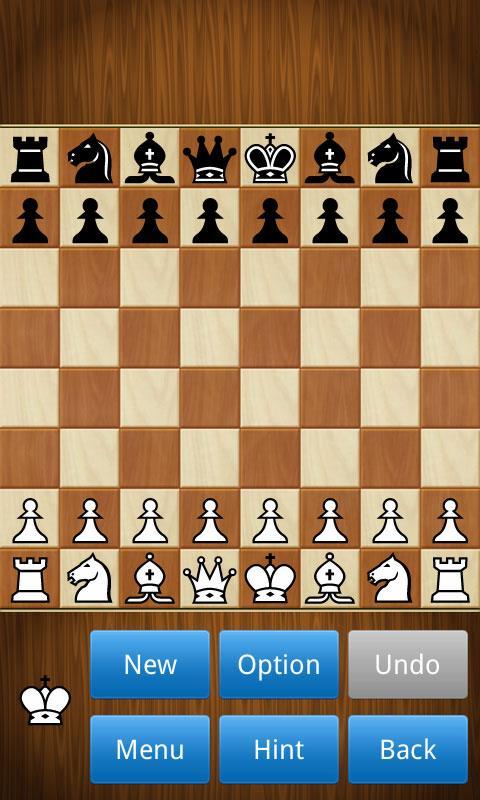
A well designed chess app with a lot of powerful features.
Features:
- Play as white or black, against the computer or a friend.
- 10 difficulty levels, from novice to grandmaster.
- Include more than 38000 chess puzzles, divided into 13 collections.
- Support online gameplay.
- Support LAN game via bluetooth/Wi-Fi.
- Computer hint and unlimited undo for beginners.
- Changeable chessboards and piece sets, 2D/3D piece styles.
- Load and save games to PGN files.
- Autosaving your current game.
- Setup position, intelligent validity check.
- Randomly go to any point in the current game.
- Provide thousands of classic chess games to download, such as grandmaster games, world championship games.
- Switch to play mode when in view mode, analyze the game, and then restore the view status.
- More functions: handicap, view move list, automatic move playback, etc.
- It is free!
پیش نظارہ
ٹیگز
خلاصہ حکمت عملیشطرنجروزانہواحد کھلاڑیحقیقت پسندانہآف لائنمعلومات
ڈویلپر
cnvcs.com
تازہ ترین ورژن
1.38
آخری تازہ کاری
2023-08-21
قسم
بورڈ
پر دستیاب ہے۔
Google Play
مزید دکھائیں
پی سی پر گیم لوپ کے ساتھ Chess کیسے کھیلا جائے۔
1. آفیشل ویب سائٹ سے گیم لوپ ڈاؤن لوڈ کریں، پھر گیم لوپ انسٹال کرنے کے لیے exe فائل چلائیں۔
2. گیم لوپ کھولیں اور "Chess" تلاش کریں، تلاش کے نتائج میں Chess تلاش کریں اور "انسٹال کریں" پر کلک کریں۔
3. گیم لوپ پر Chess کھیلنے کا لطف اٹھائیں۔
Minimum requirements
OS
Windows 8.1 64-bit or Windows 10 64-bit
GPU
GTX 1050
CPU
i3-8300
Memory
8GB RAM
Storage
1GB available space
Recommended requirements
OS
Windows 8.1 64-bit or Windows 10 64-bit
GPU
GTX 1050
CPU
i3-9320
Memory
16GB RAM
Storage
1GB available space