
Photo Video Editor With Transitions PC
Apps Impulses
گیم لوپ ایمولیٹر کے ساتھ PC پر Photo Video Editor With Transitions ڈاؤن لوڈ کریں۔
پی سی پر Photo Video Editor With Transitions
Photo Video Editor With Transitions، جو ڈویلپر Apps Impulses سے آرہا ہے، ماضی میں اینڈرائیڈ سسٹم پر چل رہا ہے۔
اب، آپ پی سی پر Photo Video Editor With Transitions آسانی سے GameLoop کے ساتھ چلا سکتے ہیں۔
اسے GameLoop لائبریری یا تلاش کے نتائج میں ڈاؤن لوڈ کریں۔ مزید غلط وقت پر بیٹری یا مایوس کن کالوں پر نظر نہیں ڈالی جائے گی۔
بس بڑی سکرین پر Photo Video Editor With Transitions PC کا مفت میں لطف اٹھائیں!
Photo Video Editor With Transitions تعارف
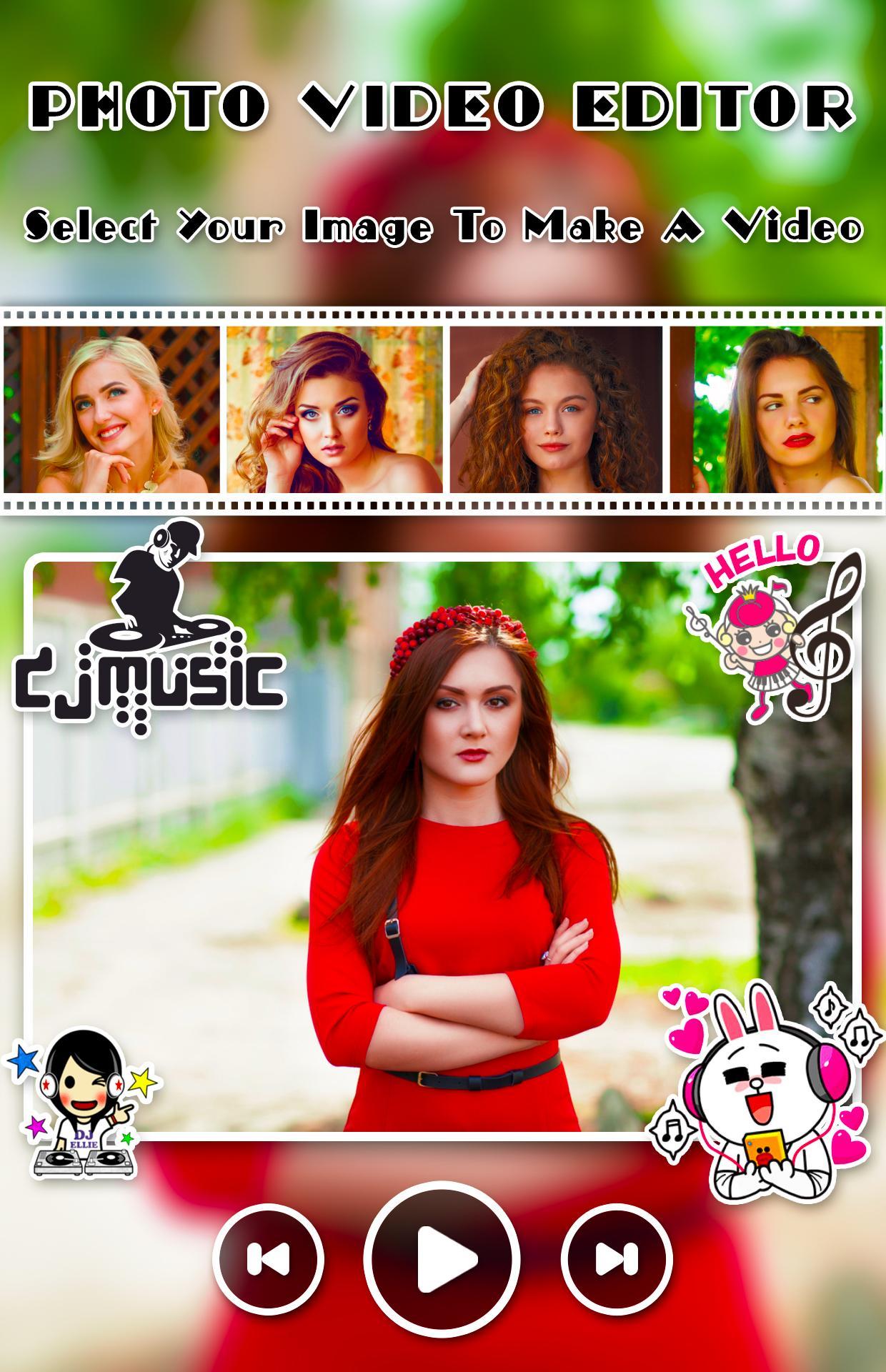
Creating and editing video from images, music and share amazing music video story
Create amazing movie with your photos, music and amazing animation effects. Photo Video Editor With Transitionsprovide nice animation effect, predefined sounds to give better effect.
Photo Video Editor With Transitions app helps you to make videos with you and your loved one photos with adding a song and convert them into a beautiful video. Create your own greetings with beautiful and lovely themes that are available in this app to integrate it with multiple photos and share it with your loved ones.
Photo Video Editor With Transitions is one of the power full video maker application. Everything you need to make an awesome video
Application Freatures
- Add music to video and pictures, adjust the volume of music
- GIF maker from picture and video
- Text on video editor: write on video and edit font & color with text to video maker function.
- Add subtitle to video easily in slideshow with music maker app
- Add sticker in video sticker editor function and draw on video
- Crop and trim video, merge videos together editor
- Video cut and join and add music to video
- Zoom, video rotation, copy, rewind
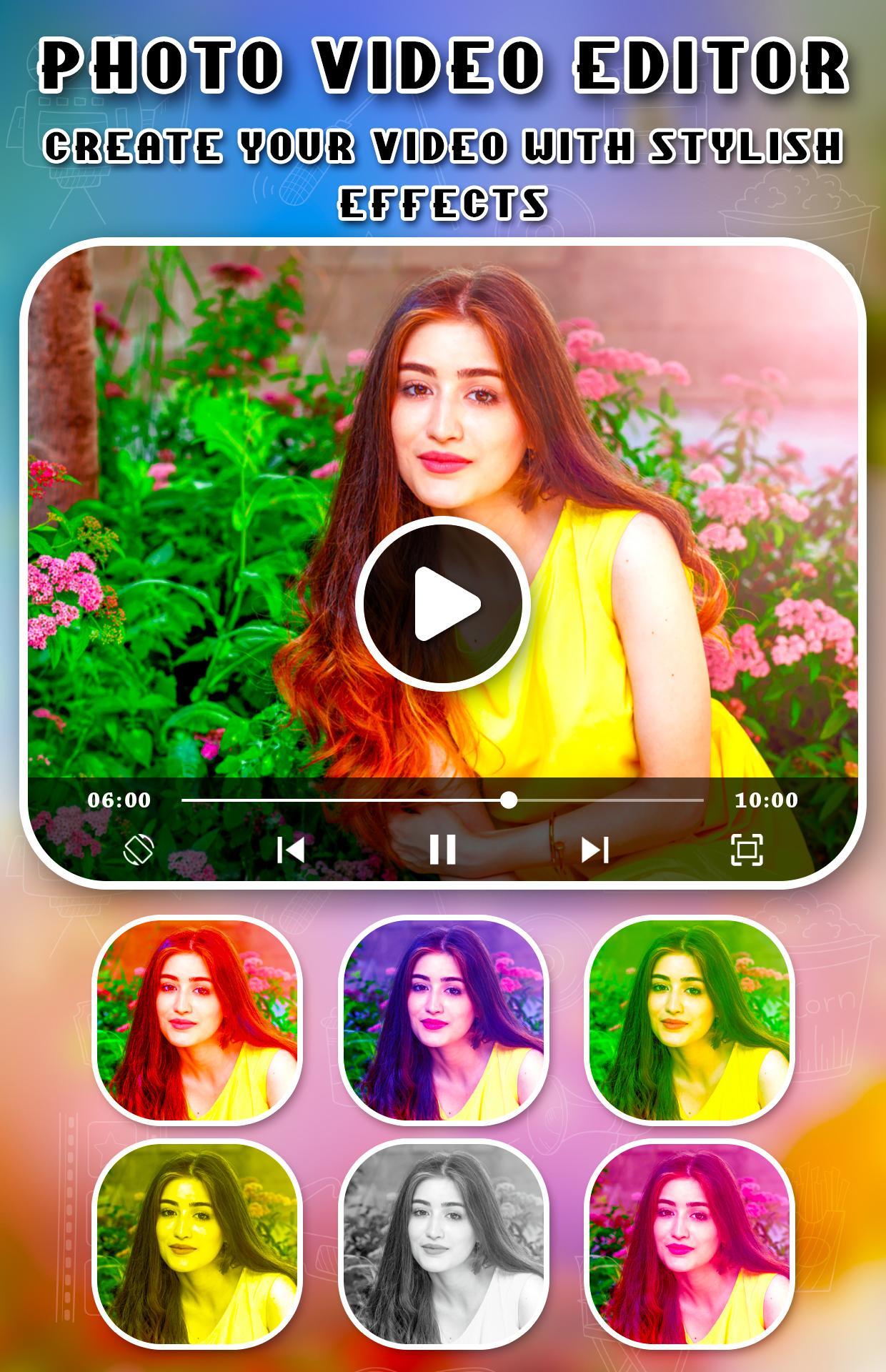
- Over 30 different video filters for you
- Add your voice to video or mute voice
- Over 20 video transition effects
- Add lightning or foam effect to video
پیش نظارہ
معلومات
ڈویلپر
Apps Impulses
تازہ ترین ورژن
1.1
آخری تازہ کاری
2019-07-20
قسم
خوبصورتی
پر دستیاب ہے۔
Google Play
مزید دکھائیں
پی سی پر گیم لوپ کے ساتھ Photo Video Editor With Transitions کیسے کھیلا جائے۔
1. آفیشل ویب سائٹ سے گیم لوپ ڈاؤن لوڈ کریں، پھر گیم لوپ انسٹال کرنے کے لیے exe فائل چلائیں۔
2. گیم لوپ کھولیں اور "Photo Video Editor With Transitions" تلاش کریں، تلاش کے نتائج میں Photo Video Editor With Transitions تلاش کریں اور "انسٹال کریں" پر کلک کریں۔
3. گیم لوپ پر Photo Video Editor With Transitions کھیلنے کا لطف اٹھائیں۔
Minimum requirements
OS
Windows 8.1 64-bit or Windows 10 64-bit
GPU
GTX 1050
CPU
i3-8300
Memory
8GB RAM
Storage
1GB available space
Recommended requirements
OS
Windows 8.1 64-bit or Windows 10 64-bit
GPU
GTX 1050
CPU
i3-9320
Memory
16GB RAM
Storage
1GB available space