C'ENTRO CAR SHARING PC
Targa Telematics
گیم لوپ ایمولیٹر کے ساتھ PC پر C'ENTRO CAR SHARING ڈاؤن لوڈ کریں۔
پی سی پر C'ENTRO CAR SHARING
C'ENTRO CAR SHARING، جو ڈویلپر Targa Telematics سے آرہا ہے، ماضی میں اینڈرائیڈ سسٹم پر چل رہا ہے۔
اب، آپ پی سی پر C'ENTRO CAR SHARING آسانی سے GameLoop کے ساتھ چلا سکتے ہیں۔
اسے GameLoop لائبریری یا تلاش کے نتائج میں ڈاؤن لوڈ کریں۔ مزید غلط وقت پر بیٹری یا مایوس کن کالوں پر نظر نہیں ڈالی جائے گی۔
بس بڑی سکرین پر C'ENTRO CAR SHARING PC کا مفت میں لطف اٹھائیں!
C'ENTRO CAR SHARING تعارف
C'ENTRO CAR SHARING:
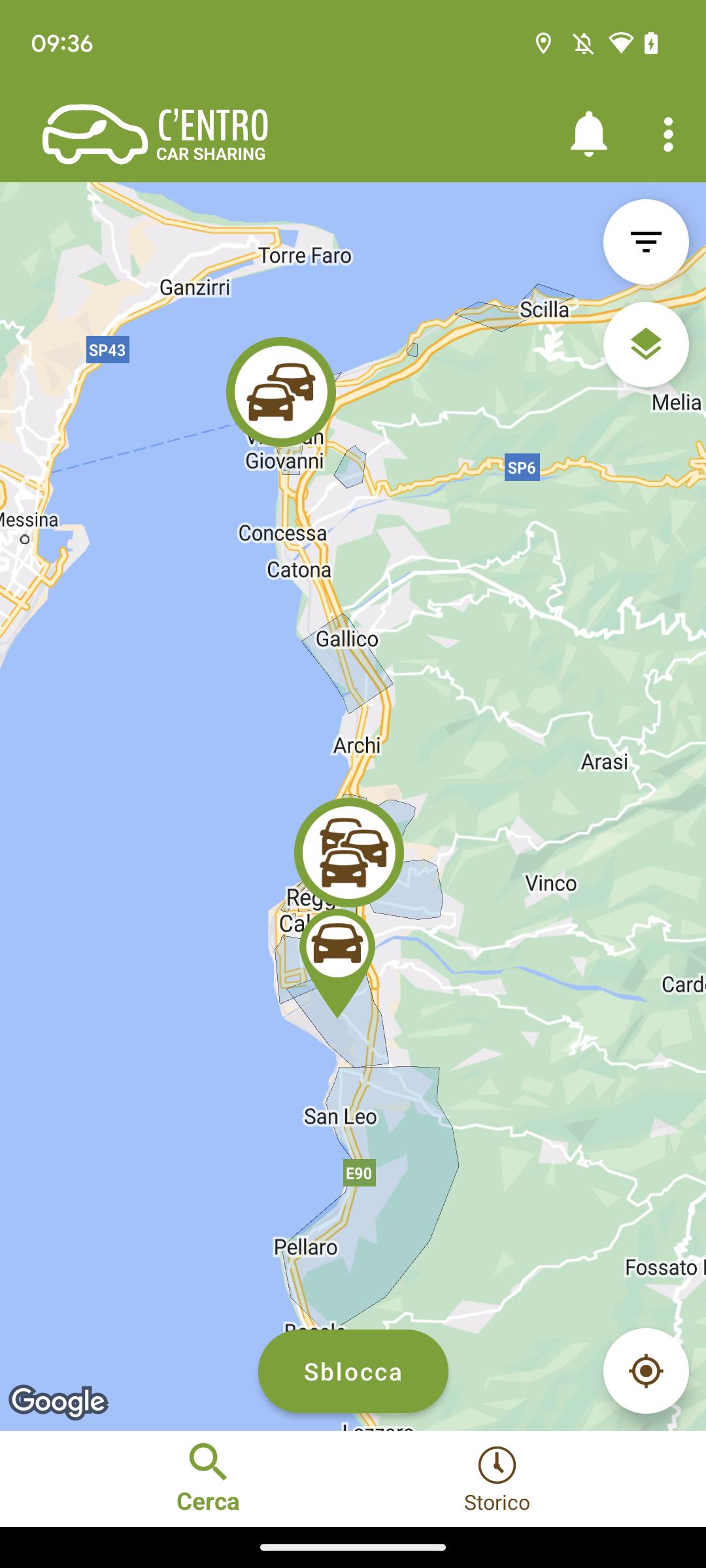
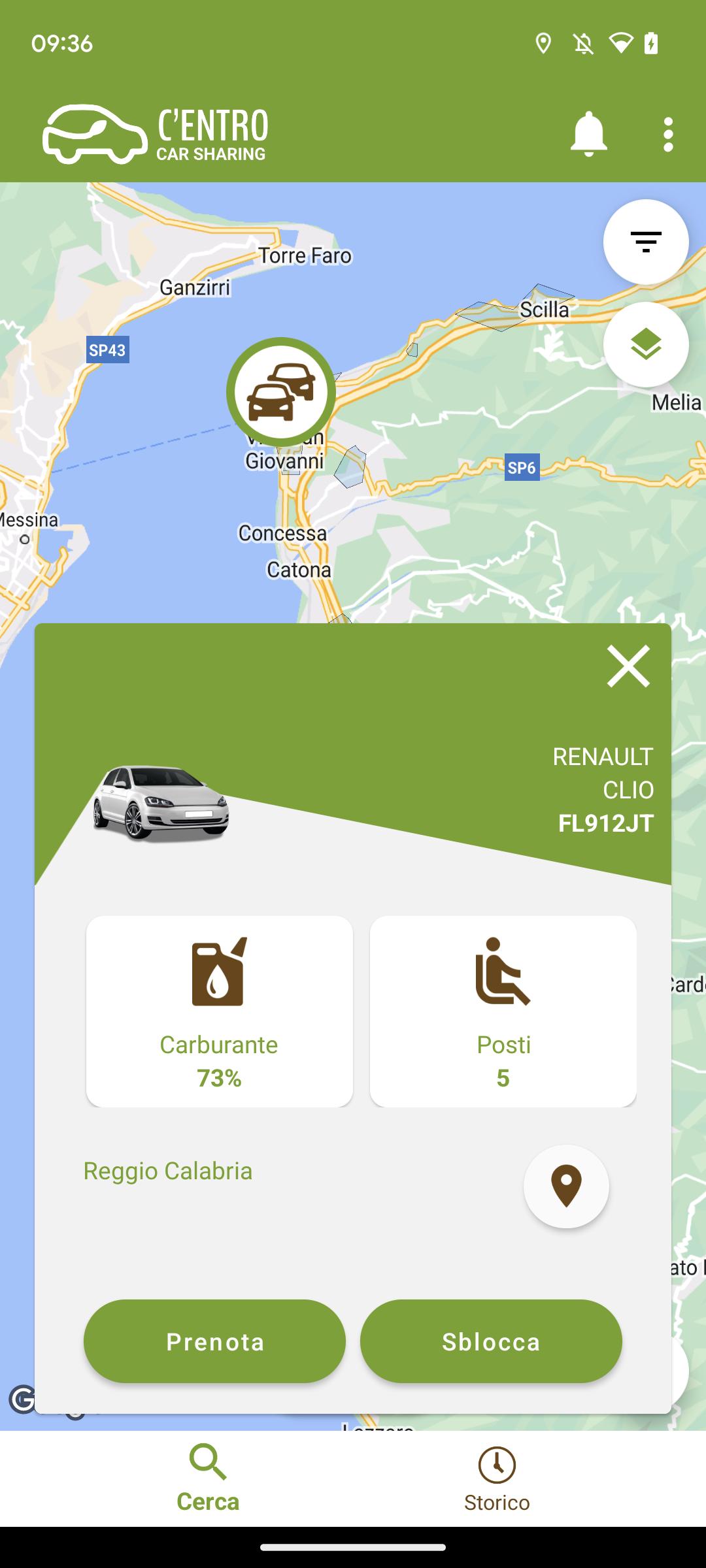
the Car Sharing service of the Metropolitan City of Reggio Calabria. How does it work? First of all REGISTER on the website or directly from the C'ENTRO CAR SHARING APP, entering the requested information: personal data, driving license information and payment method. Done! And then? 1 BOOK
Log in to the app via web or mobile with your credentials and
book your vehicle. 2 COLLECT THE VEHICLE
Approach the car and open it with your app
3 LEAVE
Now that the car is open you can take the keys from the dashboard, check the condition of the car and if everything is in order start your rental. 4 COMPLETE THE RENTAL
To end the rental park the vehicle, insert the keys in the compartment where you found them and get out of the car. Check that you have closed the windows and that the vehicle is in the same condition as when you picked it up. Start the closing procedure with your app to close the vehicle and end your rental.
Based on the provisions of Legislative Decree 76/2020, we have published the accessibility statement of this app on the following web page: https://centro.targatelematics.com/?t=pages&p=a11y-android
پیش نظارہ
ٹیگز
Auto-&معلومات
ڈویلپر
Targa Telematics
تازہ ترین ورژن
7.8.23
آخری تازہ کاری
2025-10-22
قسم
Auto-vehicles
پر دستیاب ہے۔
Google Play
مزید دکھائیں
پی سی پر گیم لوپ کے ساتھ C'ENTRO CAR SHARING کیسے کھیلا جائے۔
1. آفیشل ویب سائٹ سے گیم لوپ ڈاؤن لوڈ کریں، پھر گیم لوپ انسٹال کرنے کے لیے exe فائل چلائیں۔
2. گیم لوپ کھولیں اور "C'ENTRO CAR SHARING" تلاش کریں، تلاش کے نتائج میں C'ENTRO CAR SHARING تلاش کریں اور "انسٹال کریں" پر کلک کریں۔
3. گیم لوپ پر C'ENTRO CAR SHARING کھیلنے کا لطف اٹھائیں۔
Minimum requirements
OS
Windows 8.1 64-bit or Windows 10 64-bit
GPU
GTX 1050
CPU
i3-8300
Memory
8GB RAM
Storage
1GB available space
Recommended requirements
OS
Windows 8.1 64-bit or Windows 10 64-bit
GPU
GTX 1050
CPU
i3-9320
Memory
16GB RAM
Storage
1GB available space