
Photo Lab Picture Editor PC
Galaxy Launcher
گیم لوپ ایمولیٹر کے ساتھ PC پر Photo Lab Picture Editor ڈاؤن لوڈ کریں۔
پی سی پر Photo Lab Picture Editor
Photo Lab Picture Editor، جو ڈویلپر Galaxy Launcher سے آرہا ہے، ماضی میں اینڈرائیڈ سسٹم پر چل رہا ہے۔
اب، آپ پی سی پر Photo Lab Picture Editor آسانی سے GameLoop کے ساتھ چلا سکتے ہیں۔
اسے GameLoop لائبریری یا تلاش کے نتائج میں ڈاؤن لوڈ کریں۔ مزید غلط وقت پر بیٹری یا مایوس کن کالوں پر نظر نہیں ڈالی جائے گی۔
بس بڑی سکرین پر Photo Lab Picture Editor PC کا مفت میں لطف اٹھائیں!
Photo Lab Picture Editor تعارف
Photo Lab Picture Editor - Creative Photo Editing Made Easy
Give your photos a fresh new look with Photo Lab Picture Editor, packed with exciting tools and effects to turn your ordinary pictures into eye-catching creations.
✨ Main Features:
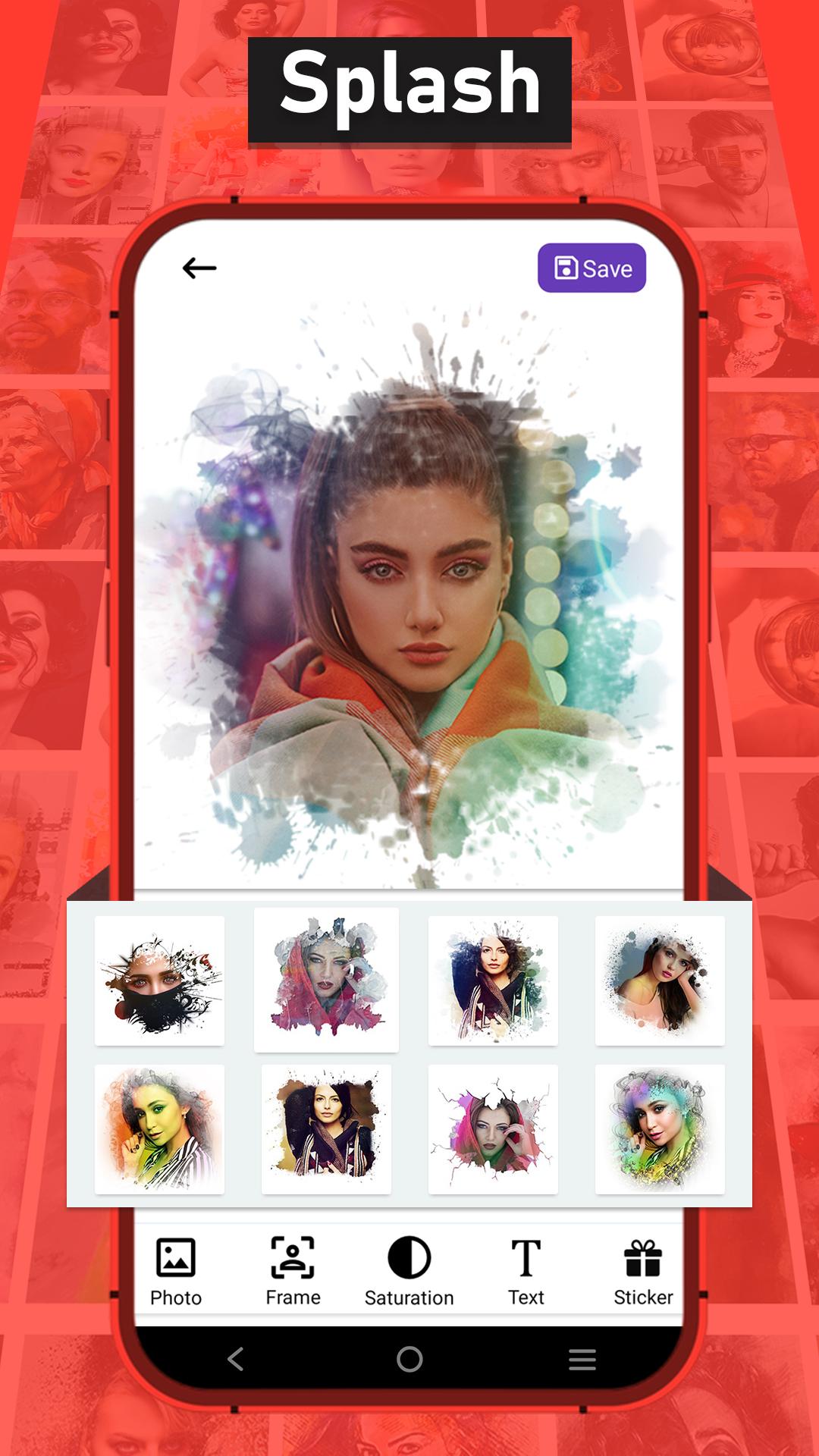
🎨 Splash Frames
Apply artistic splash effects with custom frames to highlight your photos and make them stand out.
🎞 Special Animated GIFs with Photo
Create beautiful animated GIFs using your own photos with unique animation effects.
🎭 Double Exposure
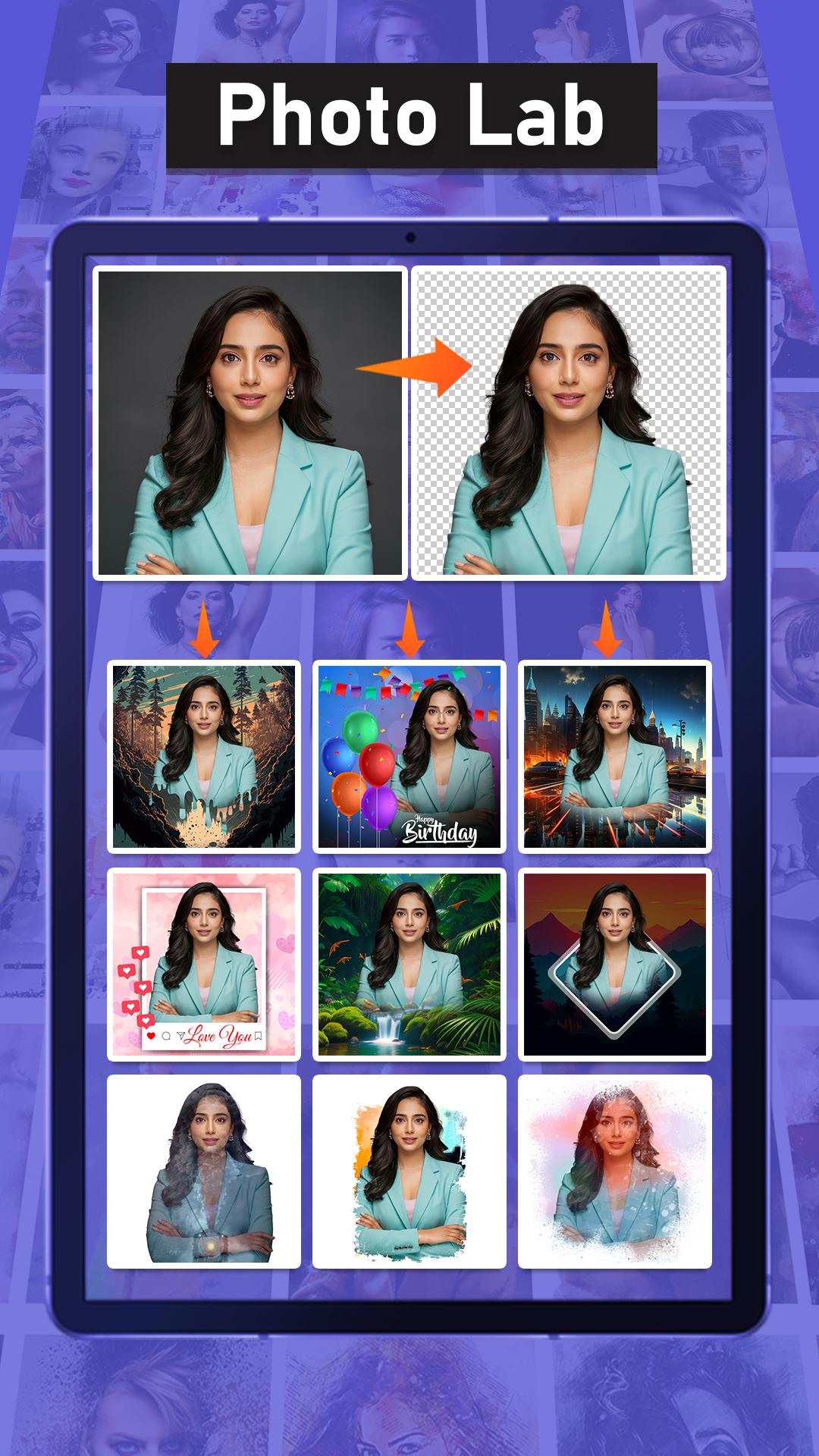
Merge two images creatively to produce stunning double exposure effects with smooth blending.
🖼 Ready-to-Use Templates
Choose from a wide variety of professionally designed templates to enhance your photos instantly.
🖌 Complete Editing Tools
Crop, rotate, adjust brightness, contrast, saturation, and sharpen your photos for perfect results.
💬 Text & Stickers
Add text, stickers, and fun elements to personalize your creations.
📷 Simple & User-Friendly
Easy-to-use interface designed for fast, professional-quality editing — no experience needed.
Whether you want to create stunning profile pictures, eye-catching social media posts, or fun animated GIFs, Photo Lab Picture Editor has everything you need in one app.
📥 Download Photo Lab Picture Editor now and start creating amazing photos today!
پیش نظارہ
ٹیگز
Art-&فوٹوگرافیمعلومات
ڈویلپر
Galaxy Launcher
تازہ ترین ورژن
1.6
آخری تازہ کاری
2025-07-04
قسم
Art-design
پر دستیاب ہے۔
Google Play
مزید دکھائیں
پی سی پر گیم لوپ کے ساتھ Photo Lab Picture Editor کیسے کھیلا جائے۔
1. آفیشل ویب سائٹ سے گیم لوپ ڈاؤن لوڈ کریں، پھر گیم لوپ انسٹال کرنے کے لیے exe فائل چلائیں۔
2. گیم لوپ کھولیں اور "Photo Lab Picture Editor" تلاش کریں، تلاش کے نتائج میں Photo Lab Picture Editor تلاش کریں اور "انسٹال کریں" پر کلک کریں۔
3. گیم لوپ پر Photo Lab Picture Editor کھیلنے کا لطف اٹھائیں۔
Minimum requirements
OS
Windows 8.1 64-bit or Windows 10 64-bit
GPU
GTX 1050
CPU
i3-8300
Memory
8GB RAM
Storage
1GB available space
Recommended requirements
OS
Windows 8.1 64-bit or Windows 10 64-bit
GPU
GTX 1050
CPU
i3-9320
Memory
16GB RAM
Storage
1GB available space