
YearCam: AI Video Generator PC
Fillog Studio
گیم لوپ ایمولیٹر کے ساتھ PC پر YearCam: AI Video Generator ڈاؤن لوڈ کریں۔
پی سی پر YearCam: AI Video Generator
YearCam: AI Video Generator، جو ڈویلپر Fillog Studio سے آرہا ہے، ماضی میں اینڈرائیڈ سسٹم پر چل رہا ہے۔
اب، آپ پی سی پر YearCam: AI Video Generator آسانی سے GameLoop کے ساتھ چلا سکتے ہیں۔
اسے GameLoop لائبریری یا تلاش کے نتائج میں ڈاؤن لوڈ کریں۔ مزید غلط وقت پر بیٹری یا مایوس کن کالوں پر نظر نہیں ڈالی جائے گی۔
بس بڑی سکرین پر YearCam: AI Video Generator PC کا مفت میں لطف اٹھائیں!
YearCam: AI Video Generator تعارف
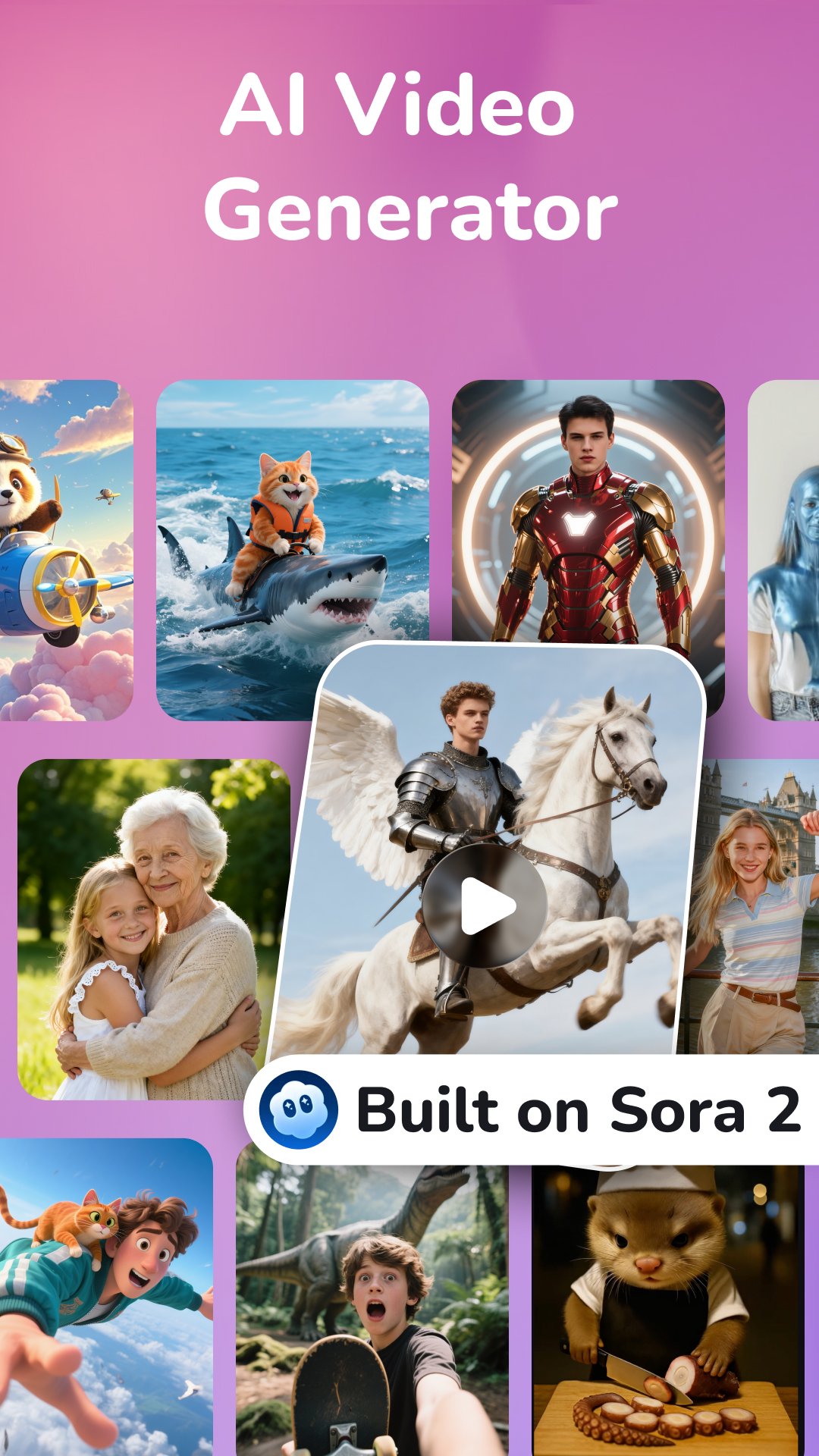
YearCam is a powerful AI video generator designed to text to video and image to video. Feel free to write your own prompt or use our templates for quick results.
Features of YearCam:
✅AI Video Generator:
Bring your imagination to life through powerful multi-engine AI video generation. For example, see your cat turned into a playful sponge, reacting to a gentle squeeze.
💠Text to Video (Supported by Sora 2)💠
Just describe your idea, and YearCam brings it to life. From dreamy love scenes to sci fi worlds, Sora 2 converts text into coherent, film grade AI videos that move, emote, and inspire.
💠Image to Video💠
AI brings emotion and motion to life through your photos.
...
More trending AI interaction templates waiting for you to explore!
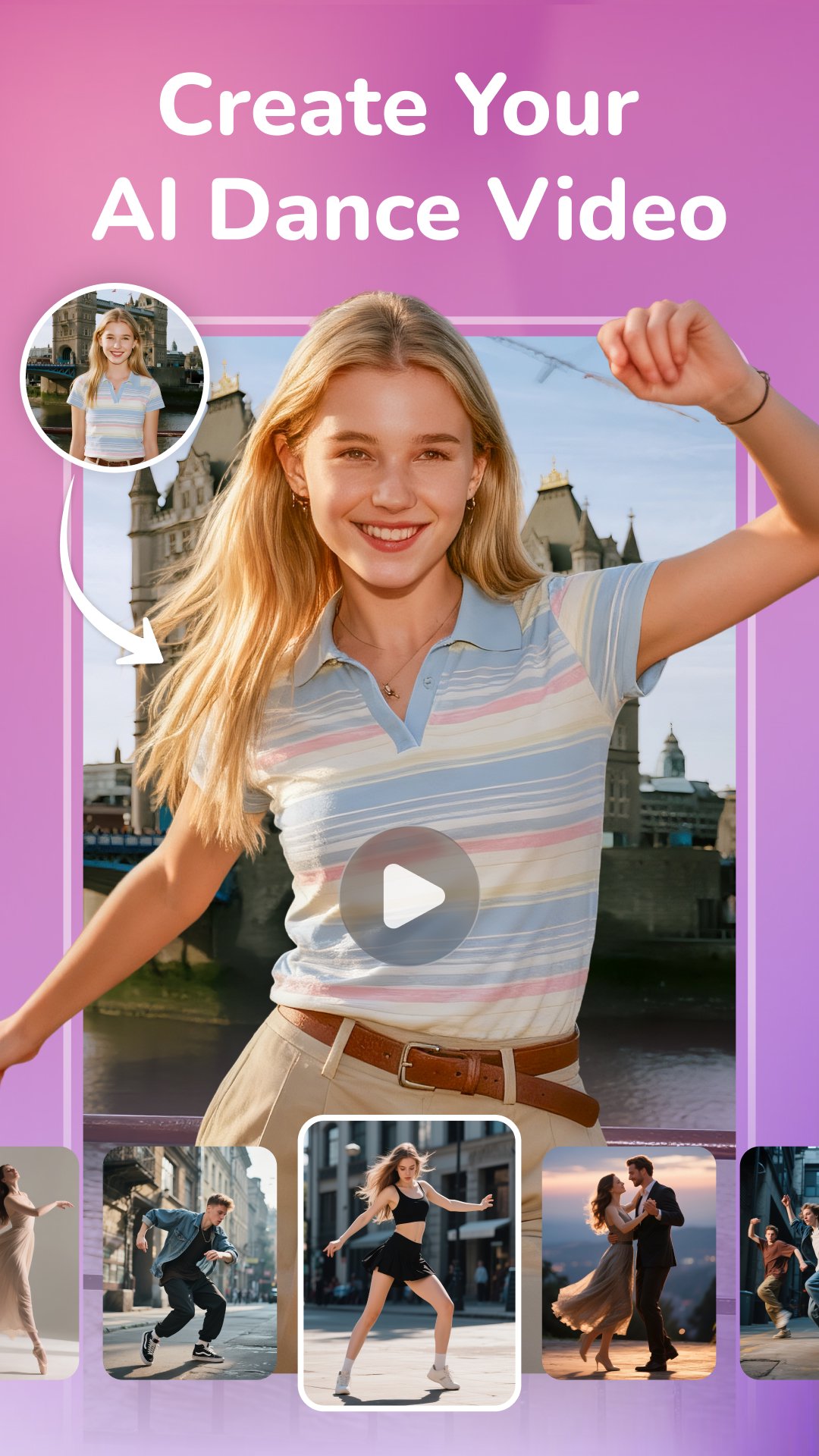
b) AI Dance: Choose from trendy or cinematic dance templates, and YearCam automatically generates synchronized realistic dance motions.
c) AI Hug: White walls, quiet halls, and a soft embrace that says more than words ever could. YearCam's AI Hug brings emotional moments to life with natural, heartfelt hugs that express comfort and connection.
d) AI Handshake: Two hands meet in a moment of trust and respect. YearCam recreates this gesture with lifelike motion, capturing confidence, connection, and the start of something new.
Unleash your imagination, create, transform, and shine with YearCam now.
پیش نظارہ
ٹیگز
Art-&معلومات
ڈویلپر
Fillog Studio
تازہ ترین ورژن
1.6.6
آخری تازہ کاری
2026-02-09
قسم
Art-design
پر دستیاب ہے۔
Google Play
مزید دکھائیں
پی سی پر گیم لوپ کے ساتھ YearCam: AI Video Generator کیسے کھیلا جائے۔
1. آفیشل ویب سائٹ سے گیم لوپ ڈاؤن لوڈ کریں، پھر گیم لوپ انسٹال کرنے کے لیے exe فائل چلائیں۔
2. گیم لوپ کھولیں اور "YearCam: AI Video Generator" تلاش کریں، تلاش کے نتائج میں YearCam: AI Video Generator تلاش کریں اور "انسٹال کریں" پر کلک کریں۔
3. گیم لوپ پر YearCam: AI Video Generator کھیلنے کا لطف اٹھائیں۔
Minimum requirements
OS
Windows 8.1 64-bit or Windows 10 64-bit
GPU
GTX 1050
CPU
i3-8300
Memory
8GB RAM
Storage
1GB available space
Recommended requirements
OS
Windows 8.1 64-bit or Windows 10 64-bit
GPU
GTX 1050
CPU
i3-9320
Memory
16GB RAM
Storage
1GB available space